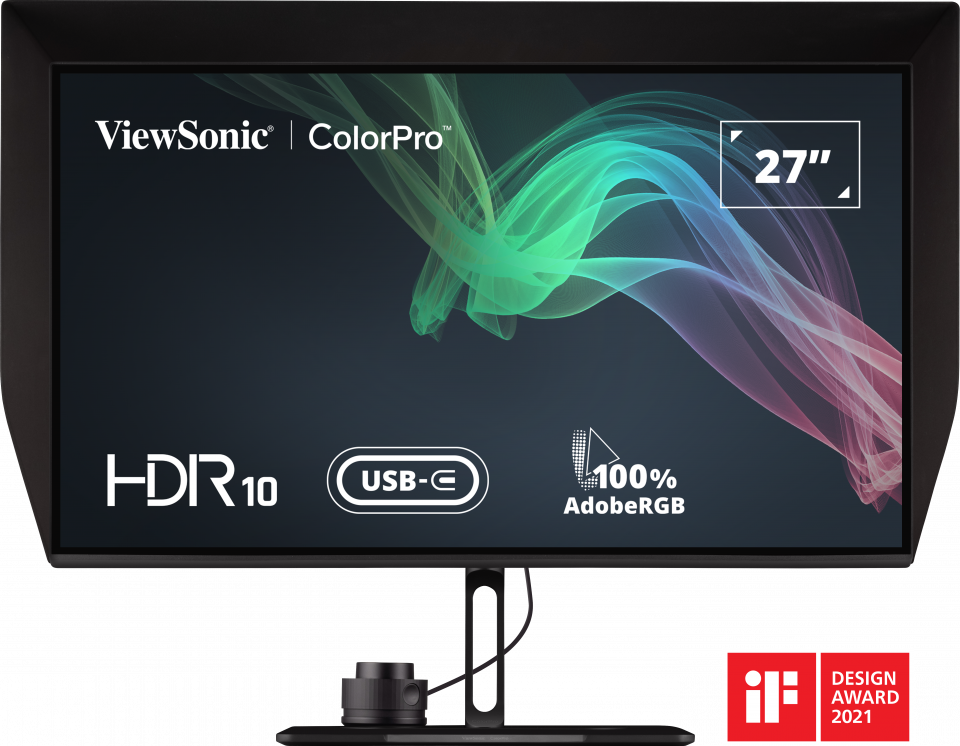
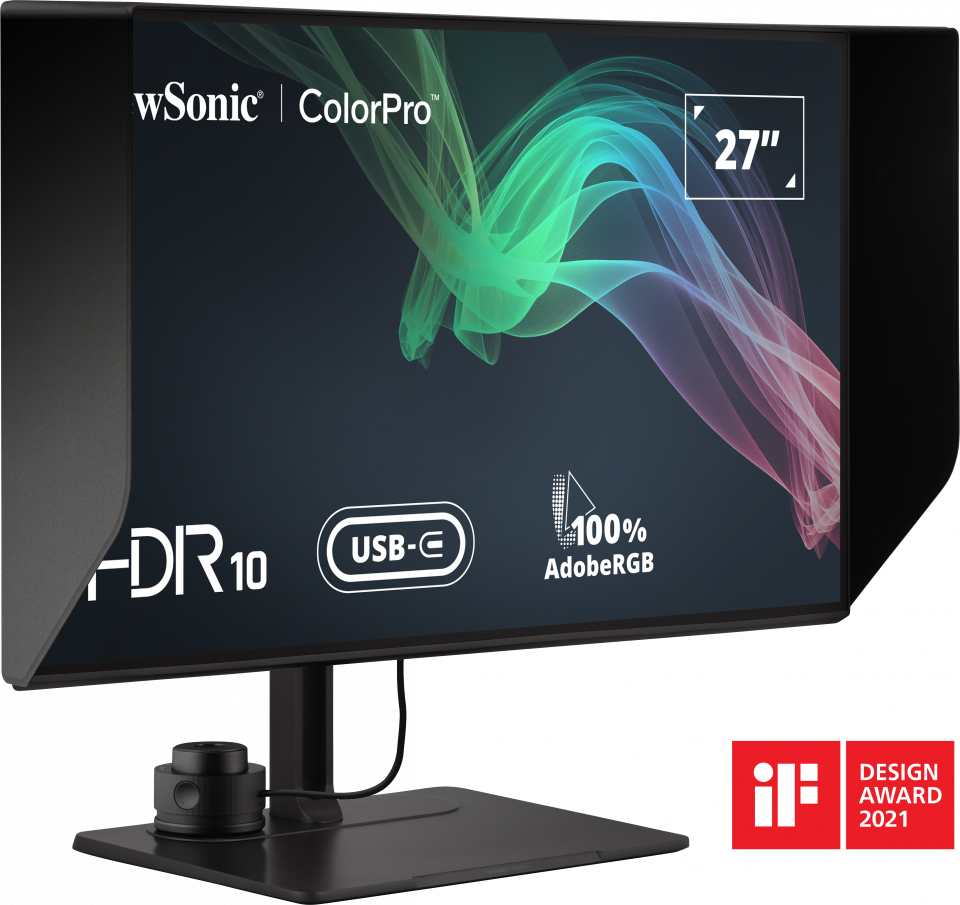
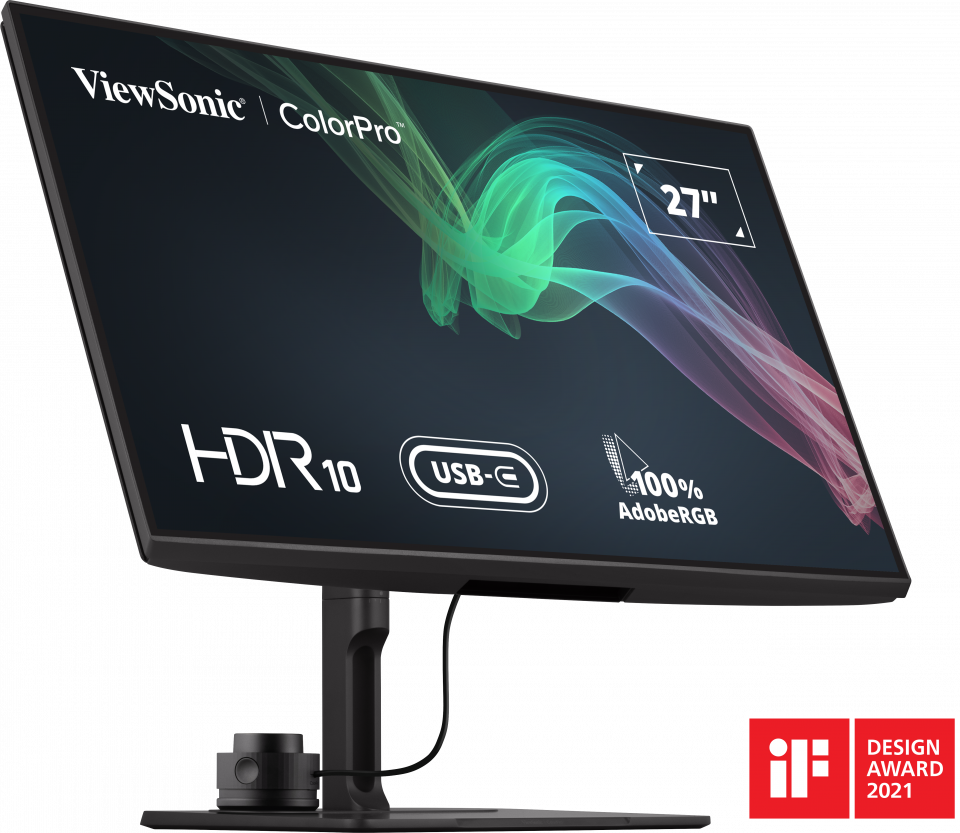
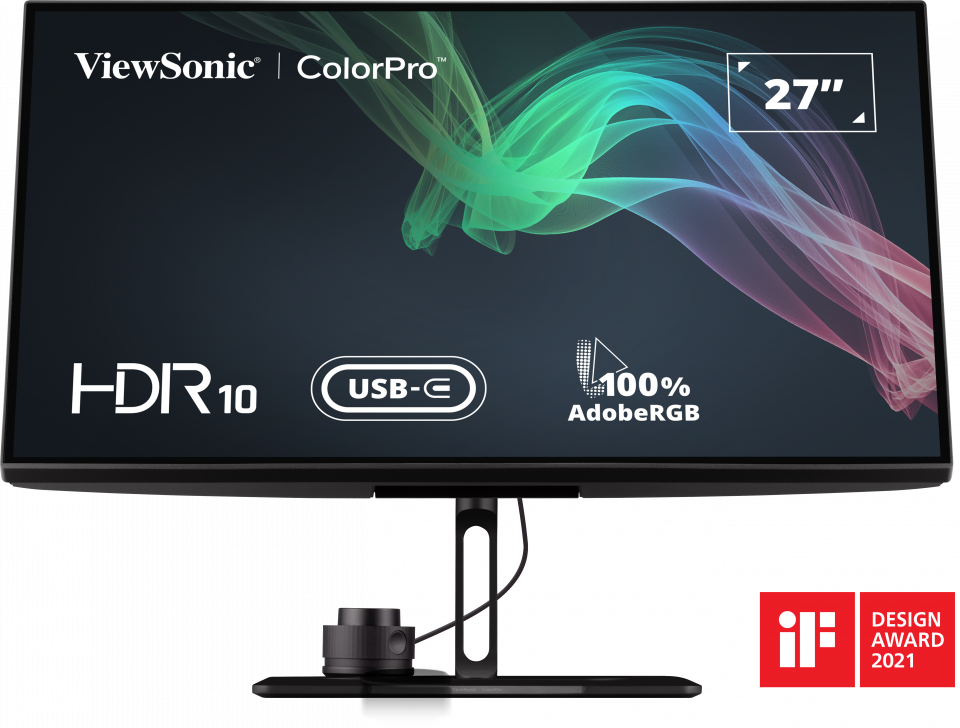
VP2786-4K
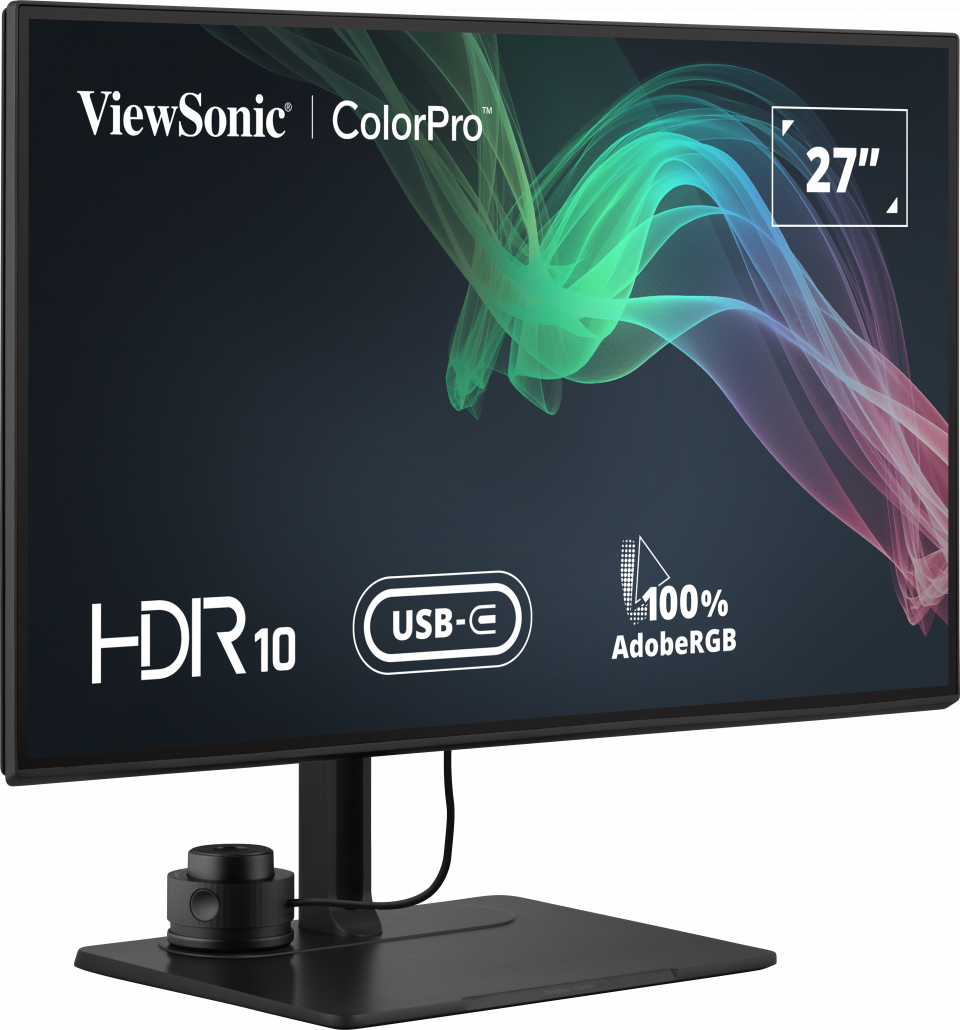
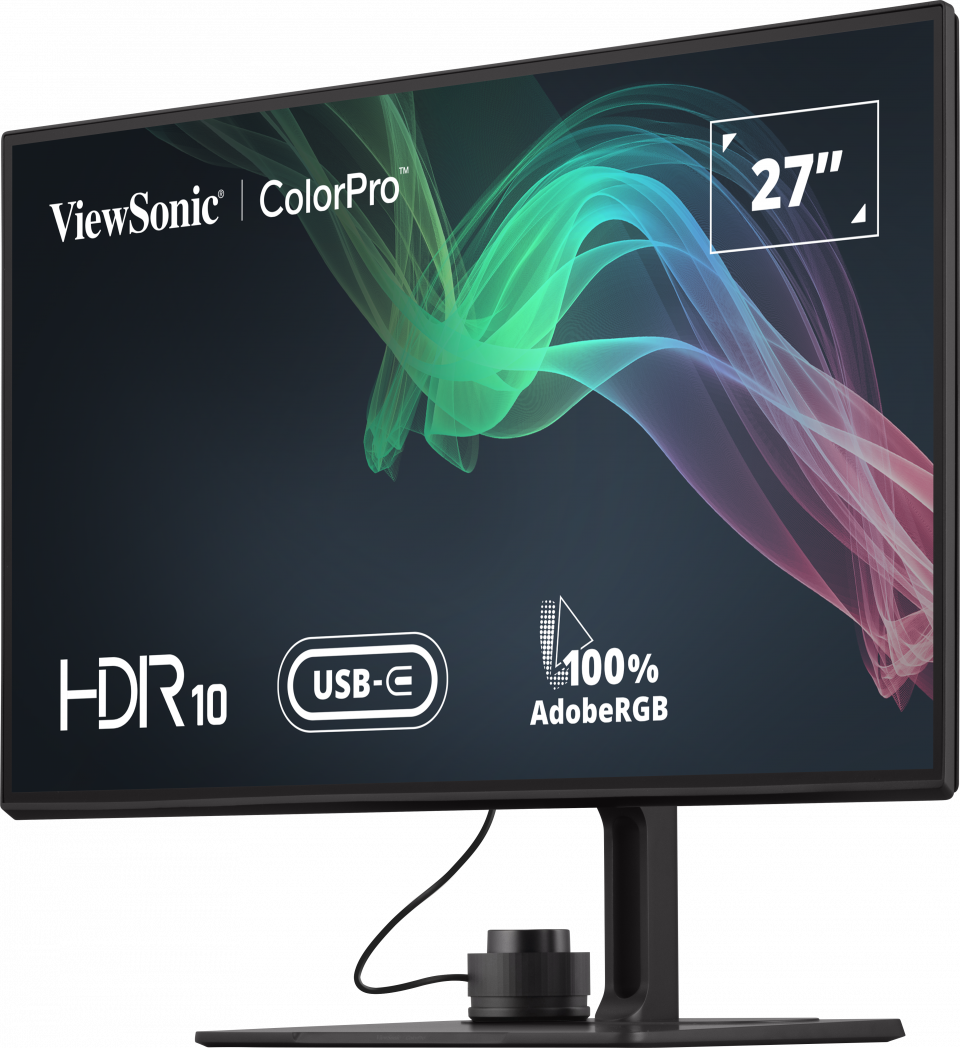
27" UHD Fogra & Idealliance Validated Photo Editing & Printout Monitor
- Ultimate Precision : 100% Adobe RGB & 98% DCI-P3 with True 10-bit Color
- Perfect From Screen to Print: Fogra and Idealliance Certification as print-out quality guarantee for flawless soft proofing.
- Maximum Palette Power : Our exclusive ColorPro Sense leverages the Pantone system and empowers you to detect and choose hues to find a perfect match, even offering multiple suggestions.
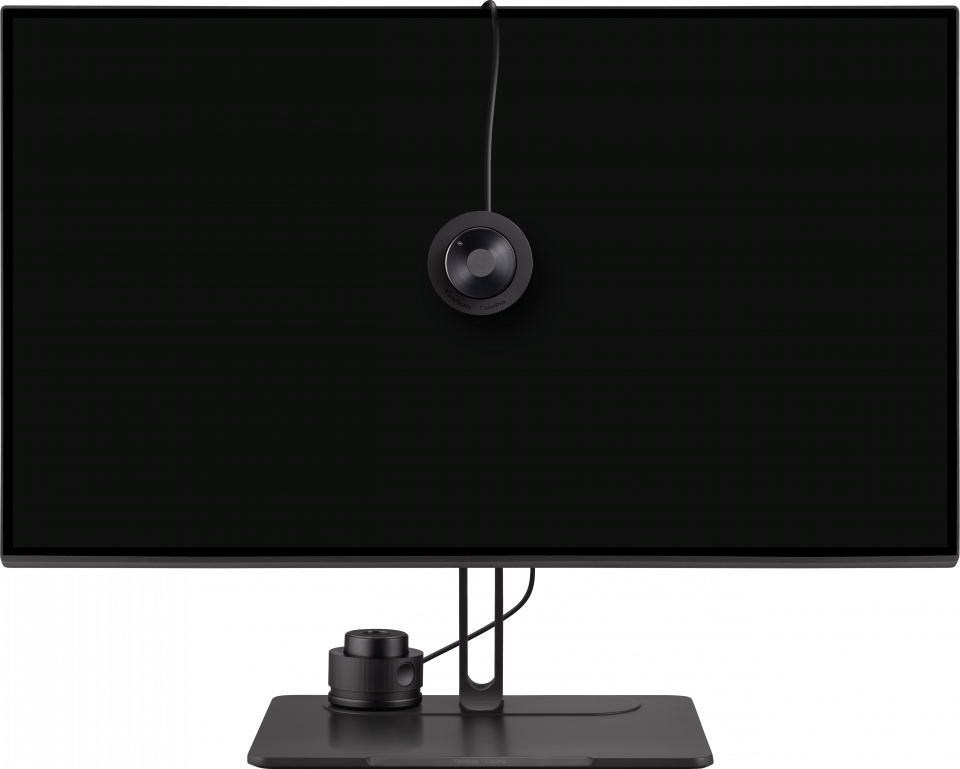
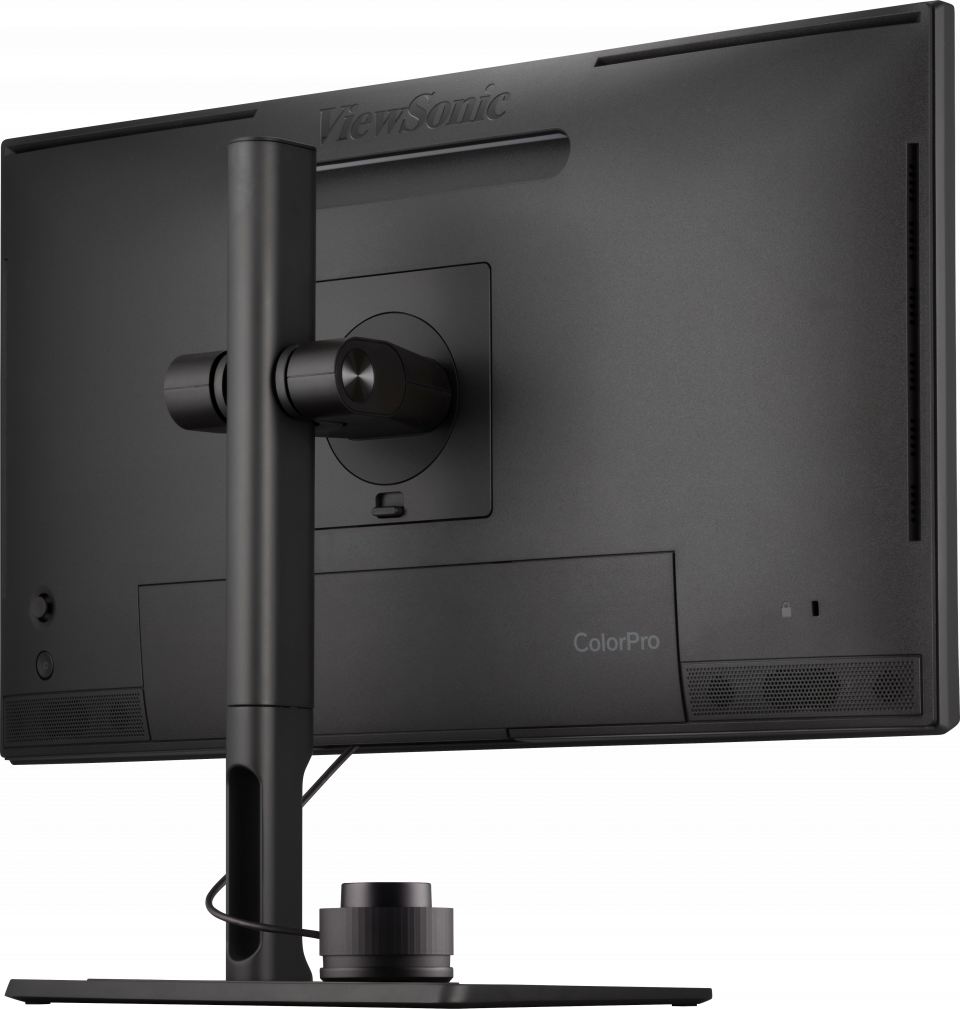
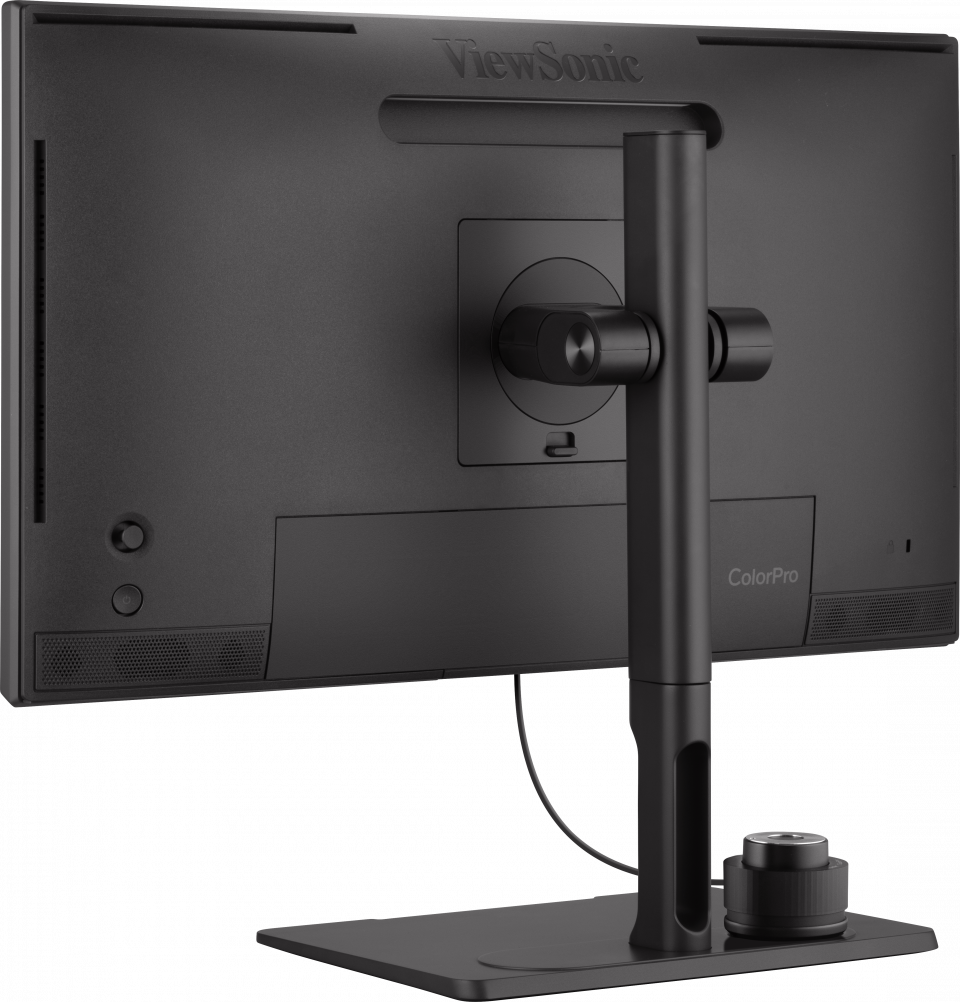
- Instant Color Adjustment : Our exclusive ColorPro Wheel puts color calibration and adjustments at your fingertips with Adobe Software and on-screen displays
- Portable Darkroom : Foldaway hood attaches instantly to eliminate ambient light when you need to "go dark"
- Award-Winning Design : Winner of multiple 2021 awards for minimalistic design, user experience and enhanced features
OVERVIEW
Introducing ViewSonic ColorPro VP86 Series Professional Monitor with an integrated color calibrator plus 100% Adobe RGB, 98% DCI-P3 with True 10-bit Color. Designed exclusively to meet the visual needs of world-class photographers, illustrators, and various artists, ColorPro stands apart through a marriage of the latest tech and human touch. Unmatched color capability combine with award-winning ergonomic design and fingertip controls for outstanding visual performance at all times. With integrated access to Adobe and Capture One editing software, ColorPro was created to surpass any expectations through elegant design, cutting-edge technology, and a simple, intuitive interface for easy color adjustment.
BEAUTY IN THE DETAILS
Introducing the ColorPro VP86 Series
VP2786-4K
Artists render fleeting moments of beauty with their vision.
Eyes always scanning their environment, in search for inspiration. With 100% Adobe RGB, True 10bit Color, Fogra, and Idealliance Certification, quality of colors and soft-proofing are guaranteed. Verify your colors and broaden your palette with ColorPro Sense's Pantone integration.
See it, dream it and print it. Beauty in the Details.


Award-Winning Design


More Power for Your Palette

Photographers
100% Adobe RGB, and true 10-bit color technology delivers amazing accuracy. So your unedited RAW files can be quickly and easily fine-tuned for precision and perfectly printed outputs. Not to mention how our Portable Darkroom can help you eliminate ambient light when you need dark-room focus.

Printing Professionals
With Fogra & Idealliance Soft Proof System certification, plus a Delta E < 2, the VP2786-4K delivers industry-leading printing quality and color fidelity for a soft-proofing process that delivers the truest representation of your work. Colors will be exceptional accurate and consistent on your final output, every time

Photo & Video Coloristes
Our exclusive ColorPro Wheel puts easy access to Adobe software, on-screen displays and color calibration adjustments at your fingertips. Exclusive ColorPro Sense includes instant palette expansion for you to choose from Pantone colors and easily share your vision with everyone in your workflow

The Power of Precision
Encompassing a color space approximately 35% larger than sRGB, the VP2786-4K boasts 100% Adobe RGB coverage, ensuring precise color control while fine-tuning RAW files. Whether editing for photography competitions, publishing, or soft-proofing an advertising project, you won't find a more sophisticated color management tool to meet your most exacting requirements.
Picture in Picture (PIP) and Picture by Picture (PBP) modes enhance creative workflows further, empowering the simultaneous display of multiple input sources. Capable of applying distinct color settings to each input, these modes combine the functionality of two displays into one efficient workspace for photographers and designers.


Identical From Screen to Print
Recognition by Fogra as a Class A soft-proof monitor and Idealliance Method certification mean the VP2786-4K has been verified by the most credible global organizations in the printing industry. So any photograph or design you produce on it will achieve the absolute highest quality match between what is displayed on the monitor and the final printed piece – absolutely accurate and consistent with your vision.


Flawless Color Reproduction
Upgrading to an Adobe RGB color gamut without improving color depth standard can lead to uneven color transitions that may cause color gaps. So make sure you upgrade the color depth standard to 10-bit. A 10-bit panel, like the VP2786-4k can present up to 1.07 billion colors, with far more natural, smoother color transitions.

With Delta E < 2 color accuracy, the VP2786-4k delivers stunning color reproduction that ensures colors in your videos and photos are true-to-life and nearly indistinguishable from the color seen by the naked eye.

ViewSonic’s uniformity correction balances luminance performance on the VP2786-4k with calculated Delta Lv < 5% precision, improving delta luminance variance to < 5% for more consistent brightness from edge to edge.

The Details Don’t Lie
Dive into vivid, true-to-life colors with HDR10 technology. It heightens both vibrancy and color depth, transforming your monitor into a canvas that displays every detail with realistic brilliance, introducing a fresh dimension to your creative work.
HDR 10


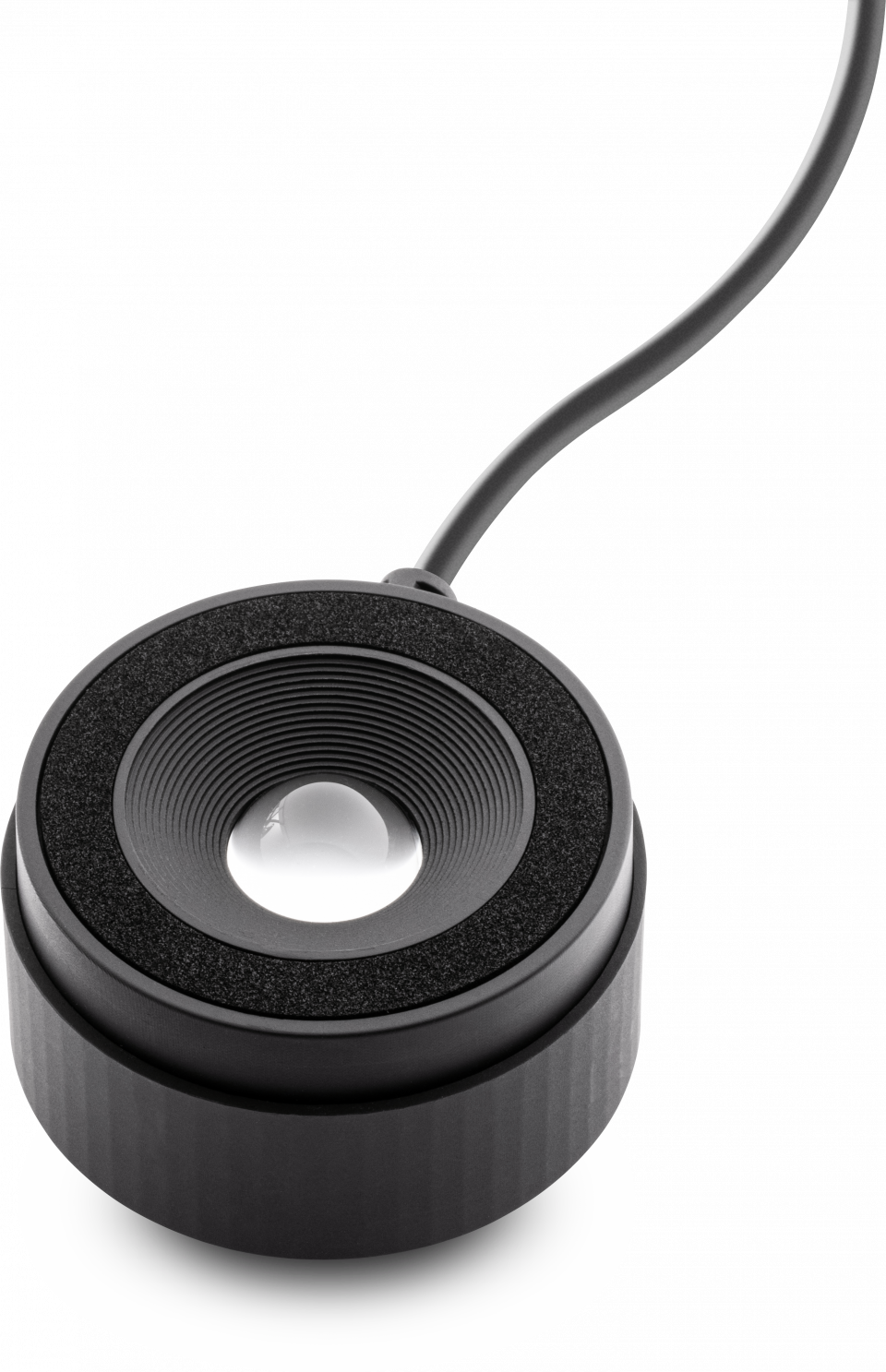
ColorPro Wheel
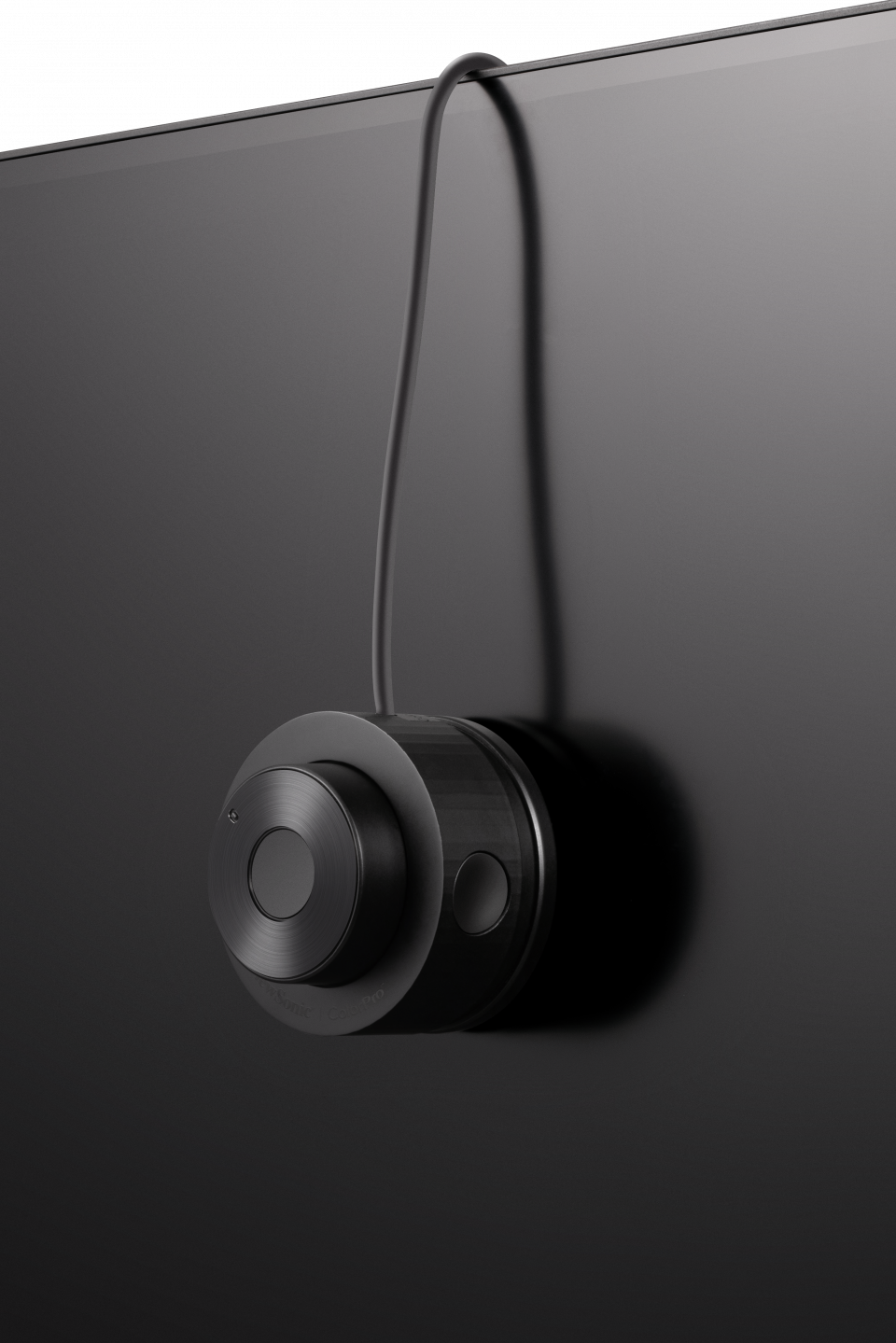
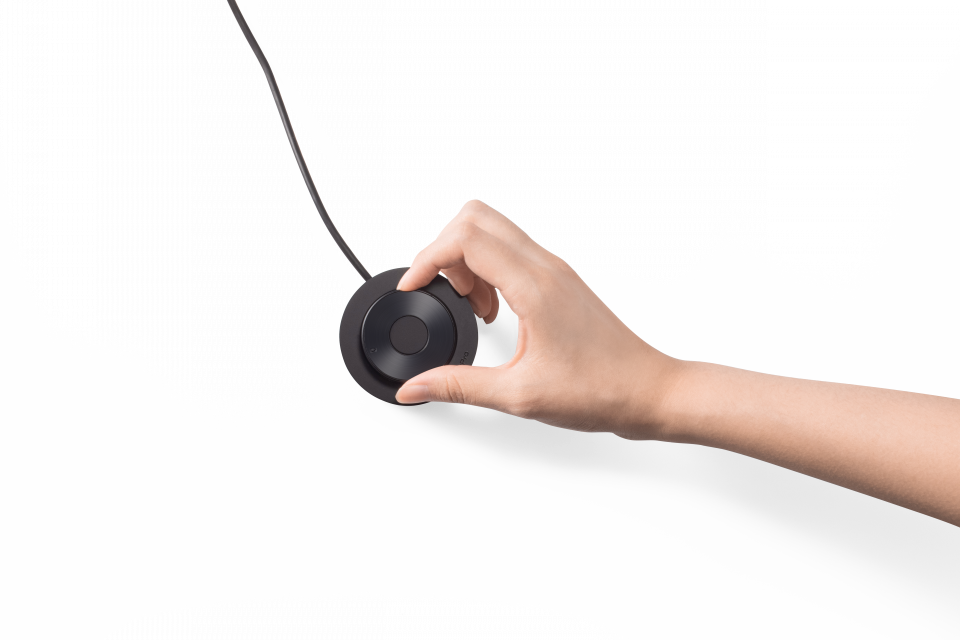
With the ColorPro Wheel, instant color adjustments are just an intuitive click and a spin away. You'll be amazed at how quickly it becomes an extension of your own hand.


Perfect Your Palette
Foster a simple and collaborative workflow with ColorPro Sense integration. Swiftly identify Pantone color codes using the ColorPro Wheel, generate matching palettes, and seamlessly share them among your creative team to bring artistic visions to life.
Discover the ColorPro Sense software
X
Pantone
Streamline Your Creative Workflow
Accelerate your editing process with ColorPro Integrate, offering intuitive control over compatible Adobe Creative Suite and Capture One software. Easily fine-tune brush parameters, image sliders, timelines, and other tools using the ColorPro Wheel for a precise and efficient workflow.
Discover the ColorPro Integrate

- The software currently supports compatible Adobe PhotoShop & Capture One.
- Although we endeavor to present the most accurate and comprehensive information at the time of publication, we reserve the right to make changes for support to any Adobe Software and any info herein without prior notice.
- Unless otherwise stated, all performance claims are based on theoretical performance. Actual figures may vary in real-world situations and may depend on many factors including the processing speed of the host device, file attributes and other factors related to system configuration and your operating environment.
- Product Specifications/Support functions may differ from country to country and Software. We recommend that you check with your local dealers for the specifications of the products available in your country. Colors of products may not be perfectly accurate due to variations caused by photography and monitor settings.
- Adobe, Adobe Premiere, After Effects, Lightroom, Photoshop, and the Photoshop logo are either registered trademarks or trademarks of Adobe in the United States and/or other countries.

Quick, Easy Display Adjustments
Say goodbye to the hassle of fiddling with bezel buttons; the ColorPro Wheel introduces an intuitive way to fine-tune screen brightness, contrast, and other on-screen display settings.


Quick & Crystal Clear
Let There Be Light!
It's vital to see your workspace and the built-in Backstage Light™ light provides illumination during darkroom conditions. With white, warm white and yellow lights to choose from, you can change the lighting at will.


Instant Darkroom
Easy-to-attach magnetic hood helps to quickly eliminate ambient light and glare anytime you need a darkroom mode.
Exquisite Quality out of the Box
Each and every one of our ColorPro Monitors come pre-calibrated with a detailed report for DCI-P3, sRGB, Rec. 709, and Uniformity.
Please download your customized report HERE
Designed for a
Smoother Workflow
After 50 years of monitor evolution, we strove to reimagine the human/technology interface. Our purpose was to revolutionize your creative workflow, to make it smoother, faster and more intuitive.Fueled by this single-minded passion, we reached a juncture where form equals function yielding the beauty of an exquisite minimalist design.
First, We
Studied Your Process
We launched our product development journey with zero assumptions about where it would lead us. Our starting point was to interview color-conscious creative professionals to analyze their process and workflow.
Armed with that knowledge, we set out to demonstrate that no other brand understands your needs better than ColorPro. And created a professional color calibration monitor to surpass all expectations.


Form Meets Function in a Design
Inspired by Nature
In nature’s beauty, everything exists for a reason, serves its purpose, and functions exactly as it should - thanks to thousands of years of evolution. With this ‘form equals function’ concept as the basis for our design, we observed nature to spark our inspiration which led to many innovations. The end result is a monitor that performs as beautifully as it looks.

Some Finer Points of our Fine DESIGN
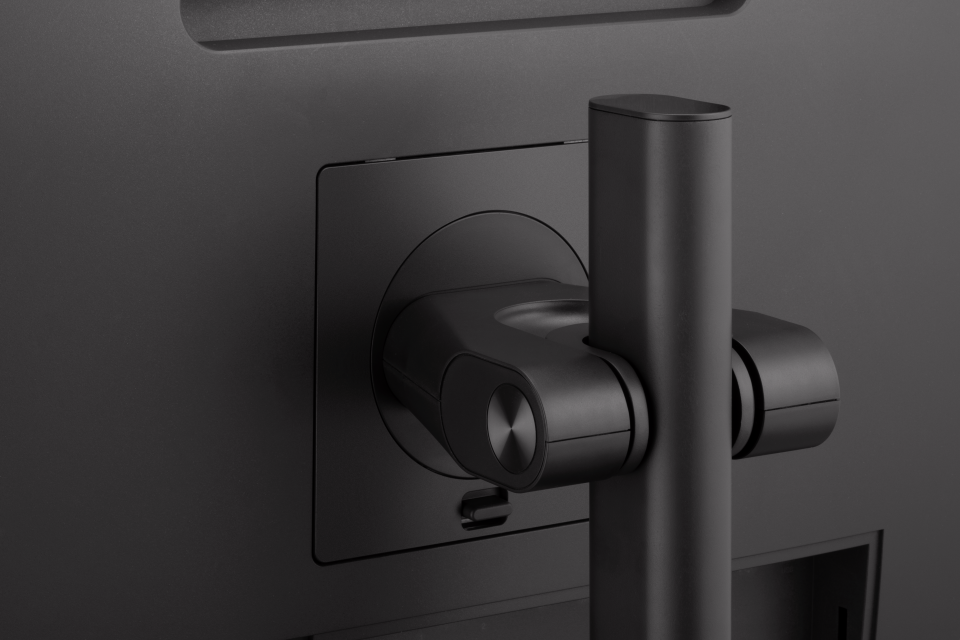
No single aspect of the ColorPro Monitor is the one key its winning awards. Rather the merging of aesthetic beauty, ideal functions and usability is the result of details that combine to merit the recognition.
SPECIFICATIONS
- DisplayDisplay Size (in.): 27
Viewable Area (in.): 27
Panel Type: IPS Technology
Resolution: 3840 x 2160
Resolution Type: UHD (Ultra HD)
Static Contrast Ratio: 1,300:1 (typ)
Dynamic Contrast Ratio: 20M:1
High Dynamic Range: HDR10
Light Source: LED
Brightness: 350 cd/m² (typ)
Colors: 1.07B
Color Space Support: 10 bit true
Aspect Ratio: 16:9
Response Time (Typical GTG): 5ms
Response Time (GTG w/OD): 5ms
Viewing Angles: 178º horizontal, 178º vertical
Backlight Life (Hours): 30000 Hrs (Min)
Curvature: Flat
Refresh Rate (Hz): 60
Low Blue Light: Software solution
Flicker-Free: Yes
Color Gamut: Adobe RGB: 113% size / 100% coverage (Typ)
DCI-P3: 112% size / 98% coverage (Typ)
EBU: 151% size / 100% coverage (Typ)
REC709: 152% size / 100% coverage (Typ)
SMPTE-C: 165% size / 100% coverage (Typ)
NTSC: 108% size (Typ)
sRGB: 152% size / 100% coverage (Typ)
Pixel Size: 0.155 mm (H) x 0.155 mm (V)
Surface Treatment: Anti-Glare, Hard Coating (3H) - CompatibilityPC Resolution (max): 3840x2160
Mac® Resolution (max): 3840x2160
PC Operating System: Windows 10/11 certified; macOS tested
Mac® Resolution (min): 3840x2160 - Connector
- AudioInternal Speakers: 3Watts x2
- PowerEco Mode (Conserve): 45W
Eco Mode (optimized): 55W
Consumption (typical): 67W
Consumption (max): 70W
Voltage: AC 100-240V
Stand-by: 0.5W
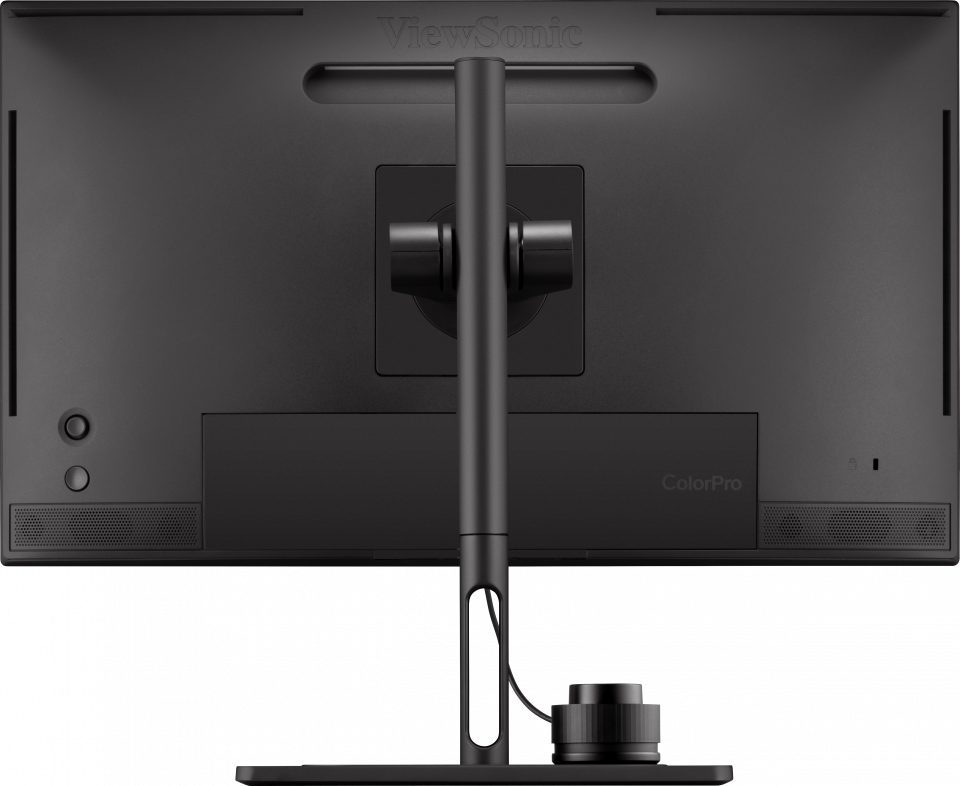
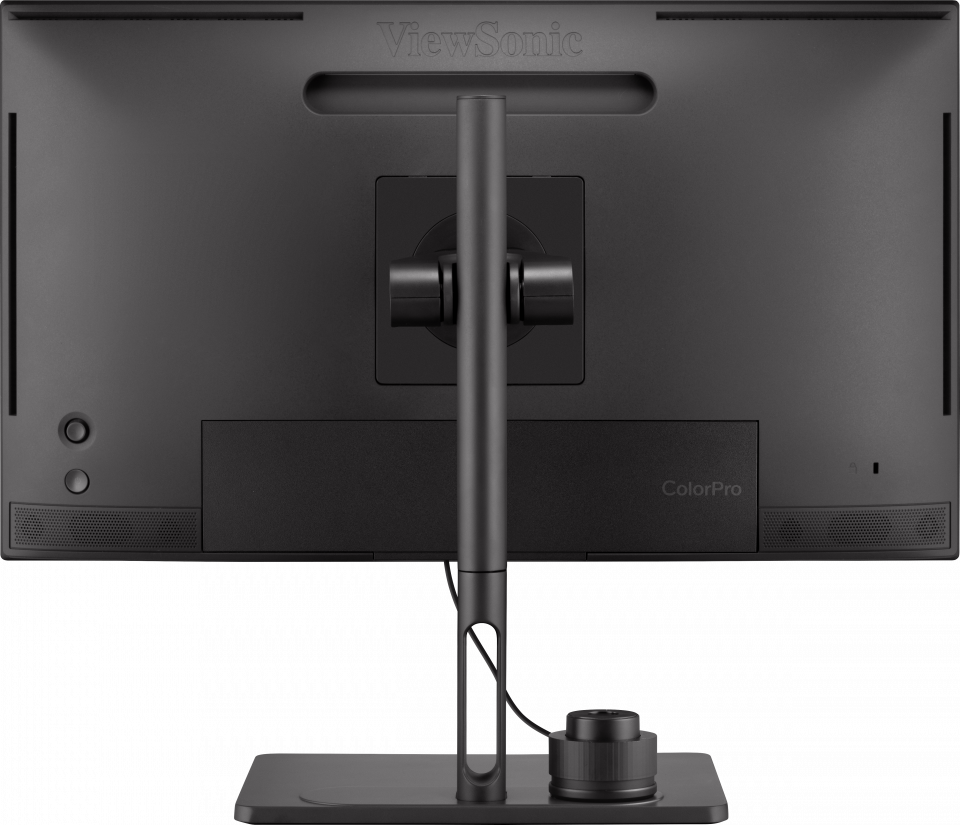
Power Supply: Internal Power Supply - Additional HardwareKensington Lock Slot: 1
Cable Organization: Yes - ControlsPhysical Controls: Joystick key: Up, Right, Down, Left, Center; Power
On Screen Display: Input Select, Color Mode, ViewMode, Audio Adjust, Setup Menu - Operating ConditionsTemperature: 32°F to 104°F (0°C to 40°C)
Humidity (non-condensing): 20% to 90% - Wall Mount VESA Compatible: 100 x 100 mm
- Input SignalFrequency Horizontal: 15 ~ 204KHz
Frequency Vertical: 24 ~ 120Hz - Video InputDigital Sync: TMDS - HDMI (v2.0), PCI-E - DisplayPort (v1.4), Micro-Packet - Type C
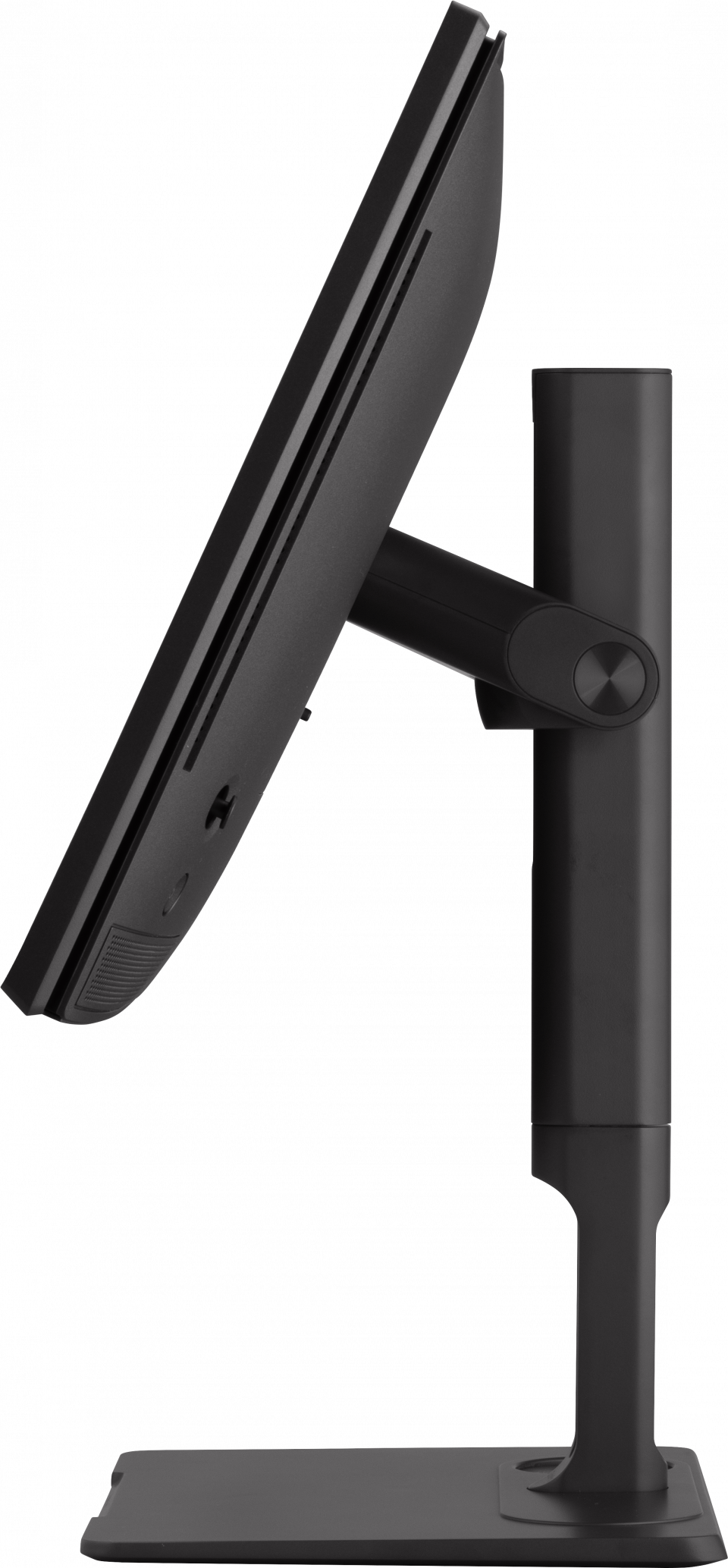
- ErgonomicsHeight Adjust (mm): 120
Swivel: 120º
Tilt (Forward/Back): -3º / 21º
Pivot (Right/Left): 90º / 90º - Weight (imperial)Net (lbs): 18.4
Net Without Stand (lbs): 10.8
Gross (lbs): 29 - Weight (metric) Net (kg): 8.3
Net Without Stand (kg): 4.9
Gross (kg): 13.2 - Dimensions (imperial) (wxhxd)Packaging (in.): 27.2 x 19.9 x 8.9
Physical (in.): 24.1 x 17.68~22.41 x 9.1
Physical Without Stand (in.): 24.1 x 14.1 x 2.2 - Dimensions (metric) (wxhxd)Packaging (mm): 692 x 505 x 225
Physical (mm): 613 x 449.11~569.11 x 232
Physical Without Stand (mm): 613 x 358 x 55 - GeneralRegulations: cTUVus, FCC-B, ICES003, Energy Star, EPEAT, CEC, NOM, Mexico Energy, CE, CE EMC, CB, RoHS, ErP, REACH, WEEE, EAC, UkrSEPRO, BSMI, RCM, VCCI, PSE, CCC, China RoHS, China Energy Label
PACKAGE CONTENTS: VP2786-4K x1, 3-pin Plug (IEC C13 / CEE22) x1, HDMI Cable (v2.0; Male-Male) x1, USB A/B Cable (v3.2; Male-Male) x1, USB Type-C Cable (Male-Male) x1, Quick Start Guide x1, Hood x1, ColorPro Wheel x1
Recycle/Disposal: Please dispose of in accordance with local, state or federal laws.
Warranty: *Warranty offered may differ from market to market
Power Management: Energy Star standards, EPEAT