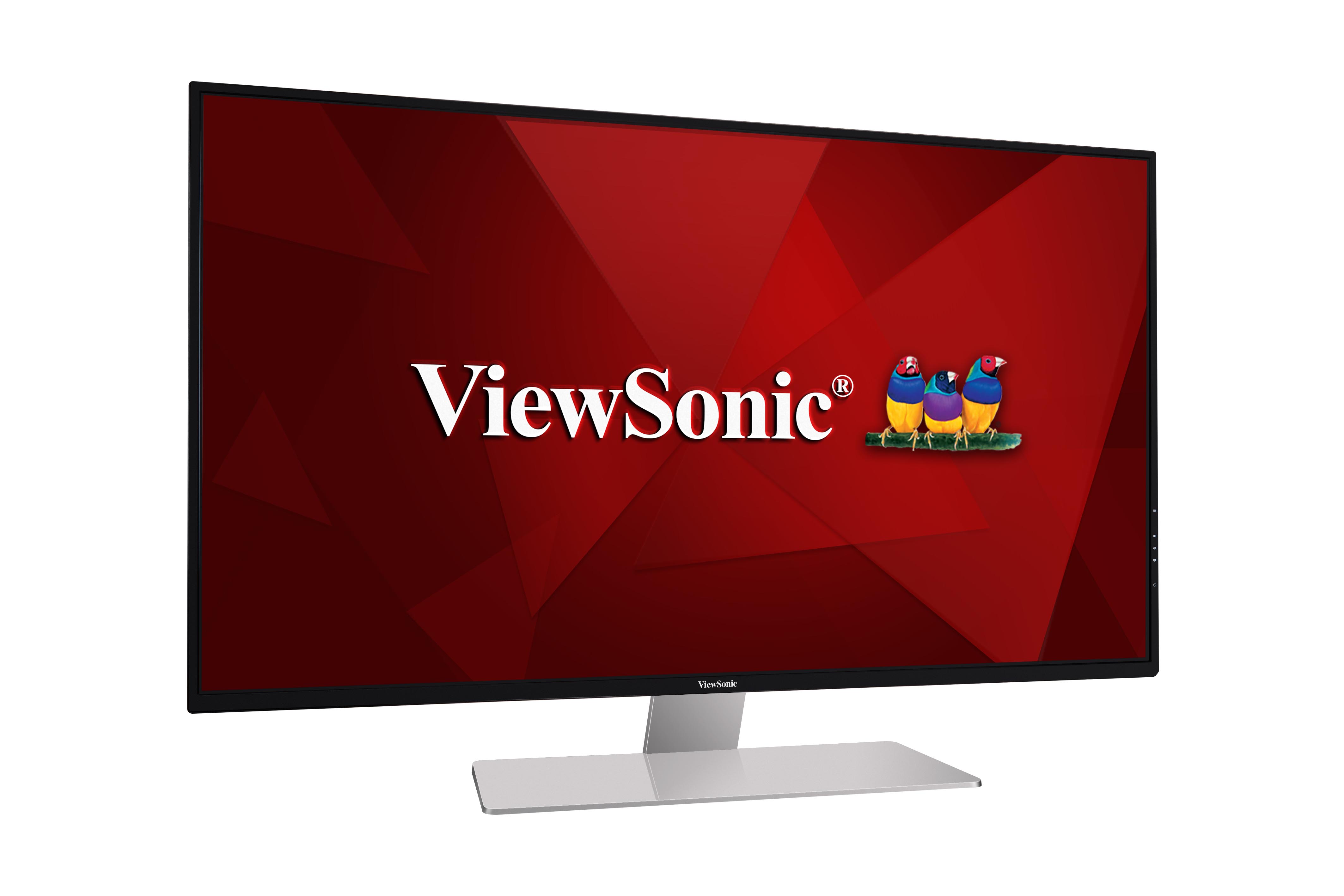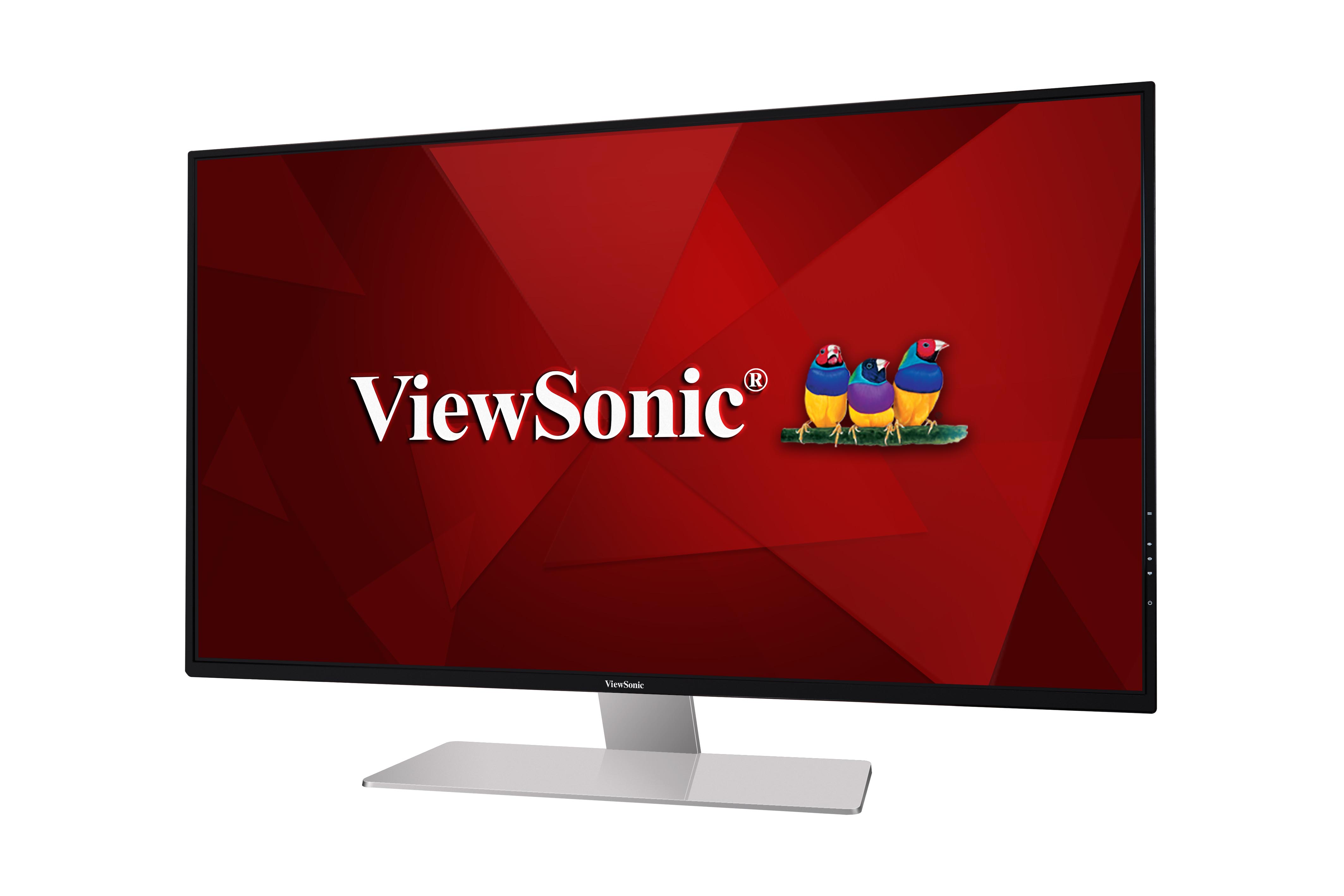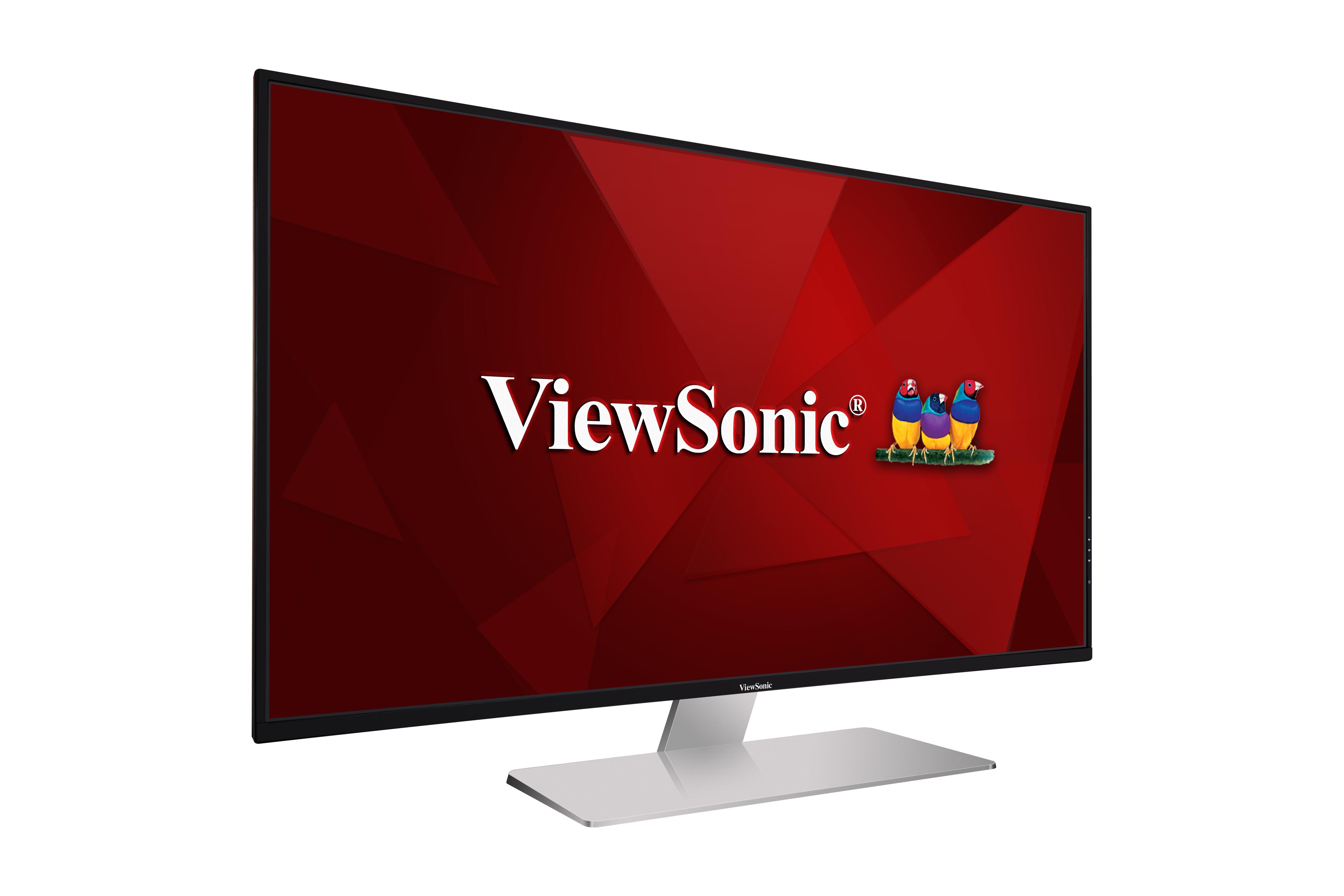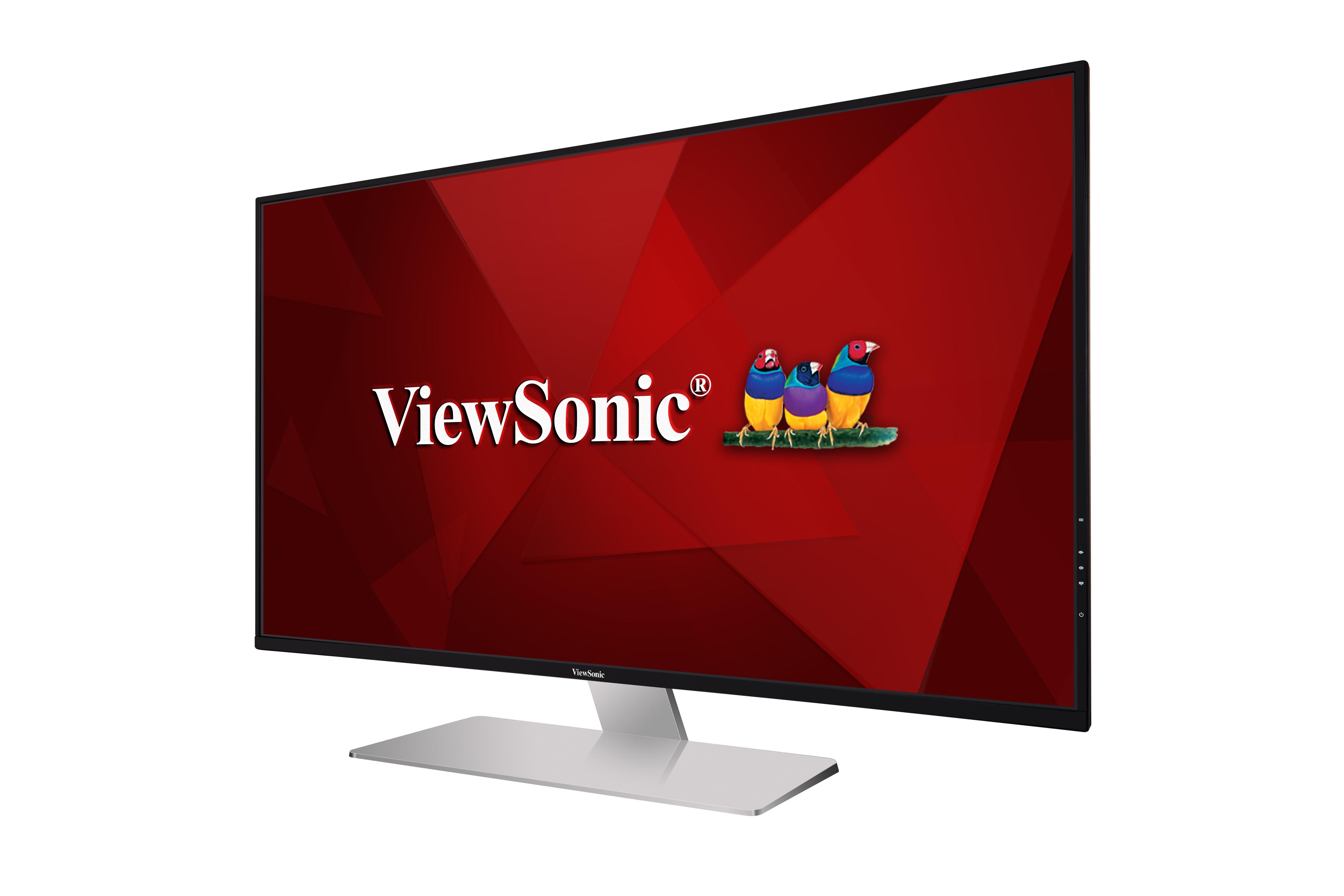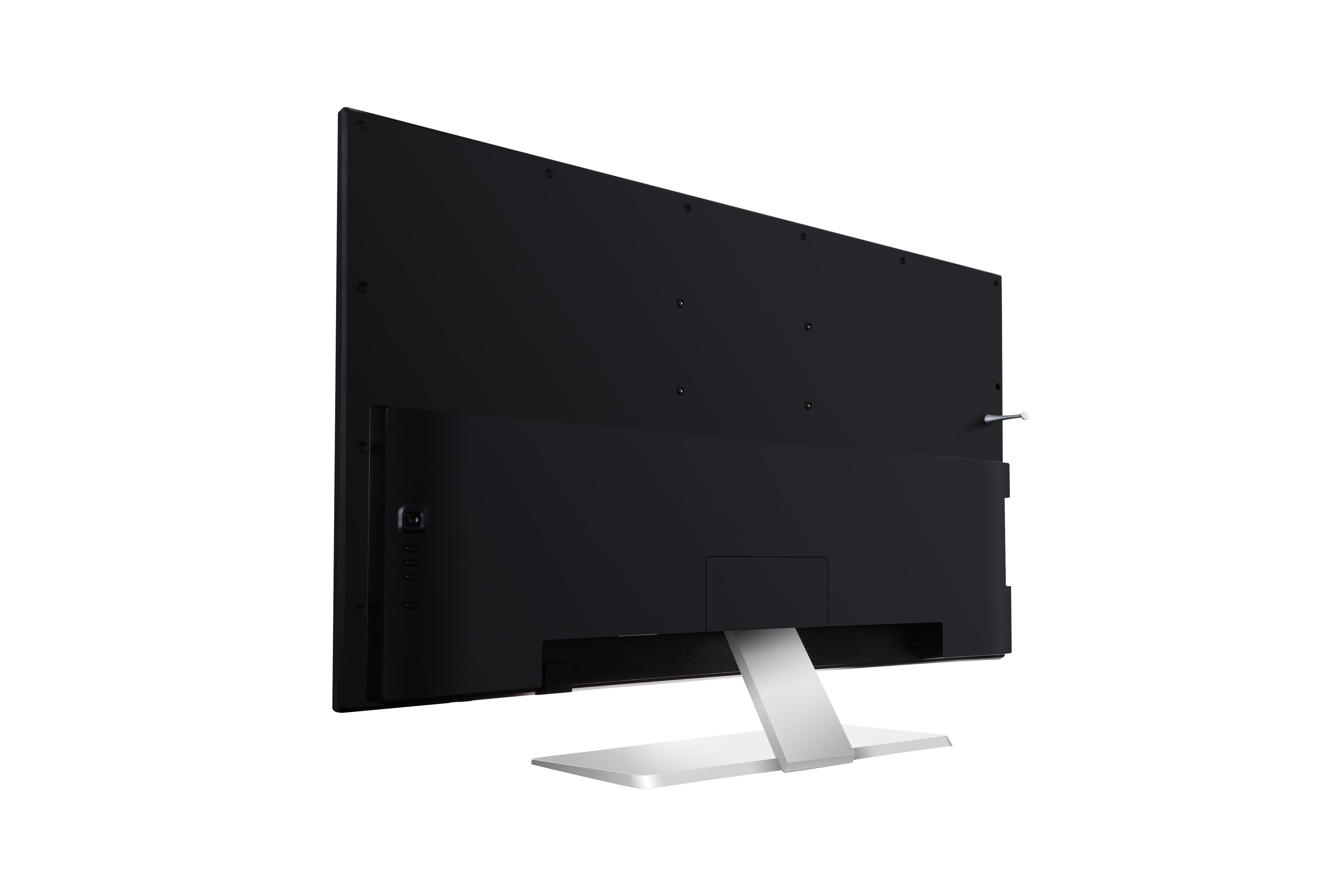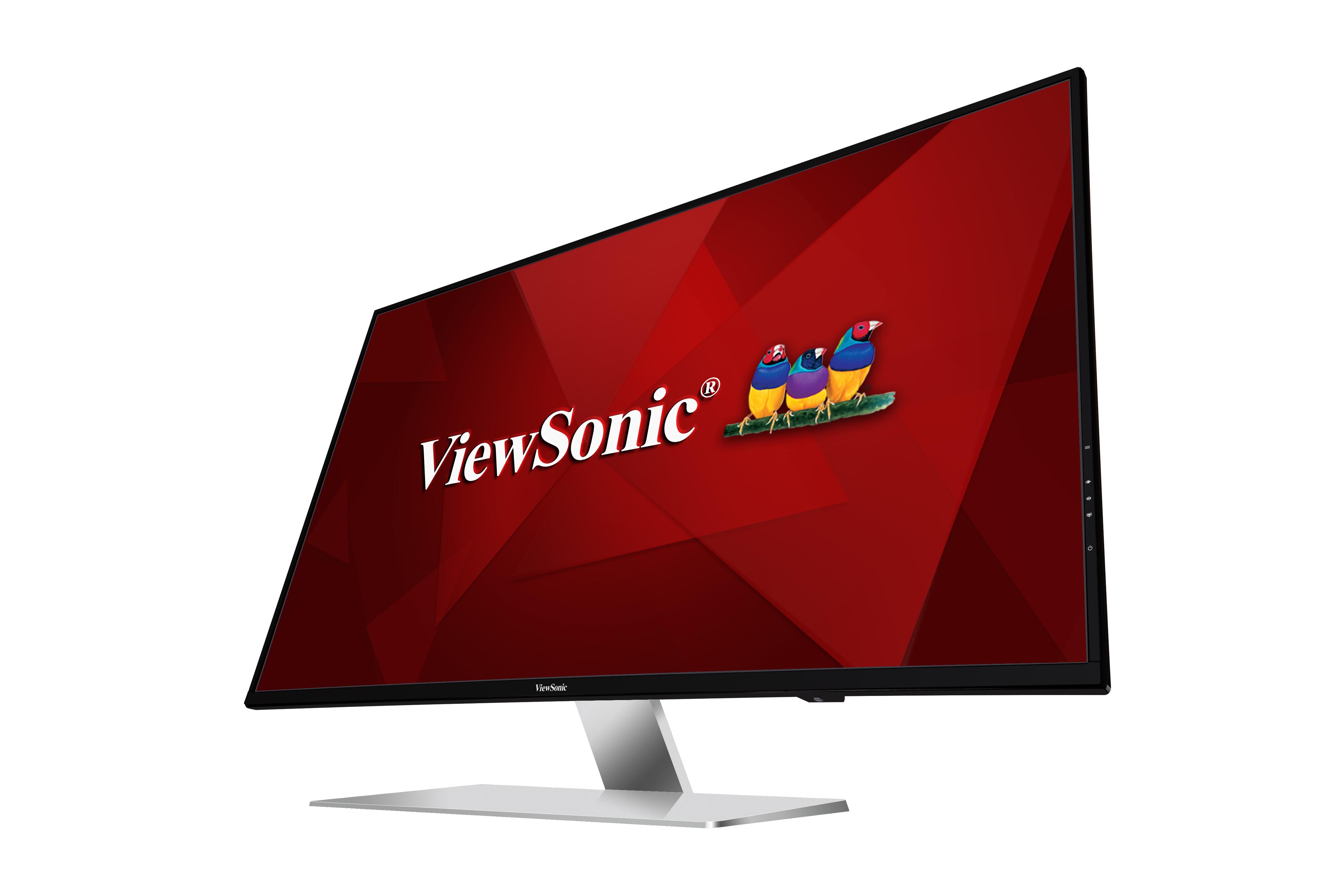
“Der ViewSonic VX4380-4K vereint 108 Zentimeter sichtbarer Diagonale mit atemberaubender Bildqualität. Satte 3840 x 2160 Pixel verteilen sich auf dem 43-Zoll-Display und machen selbst kleinste Details sichtbar.”
Archived
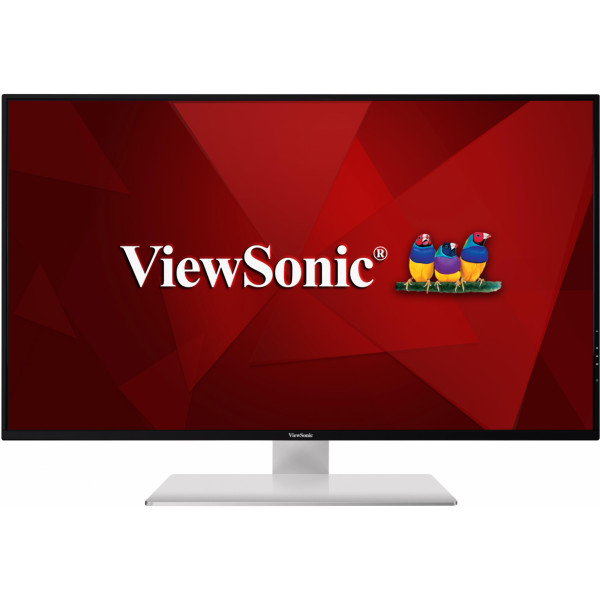
VX4380-4K
43" 4K Entertainment Monitor
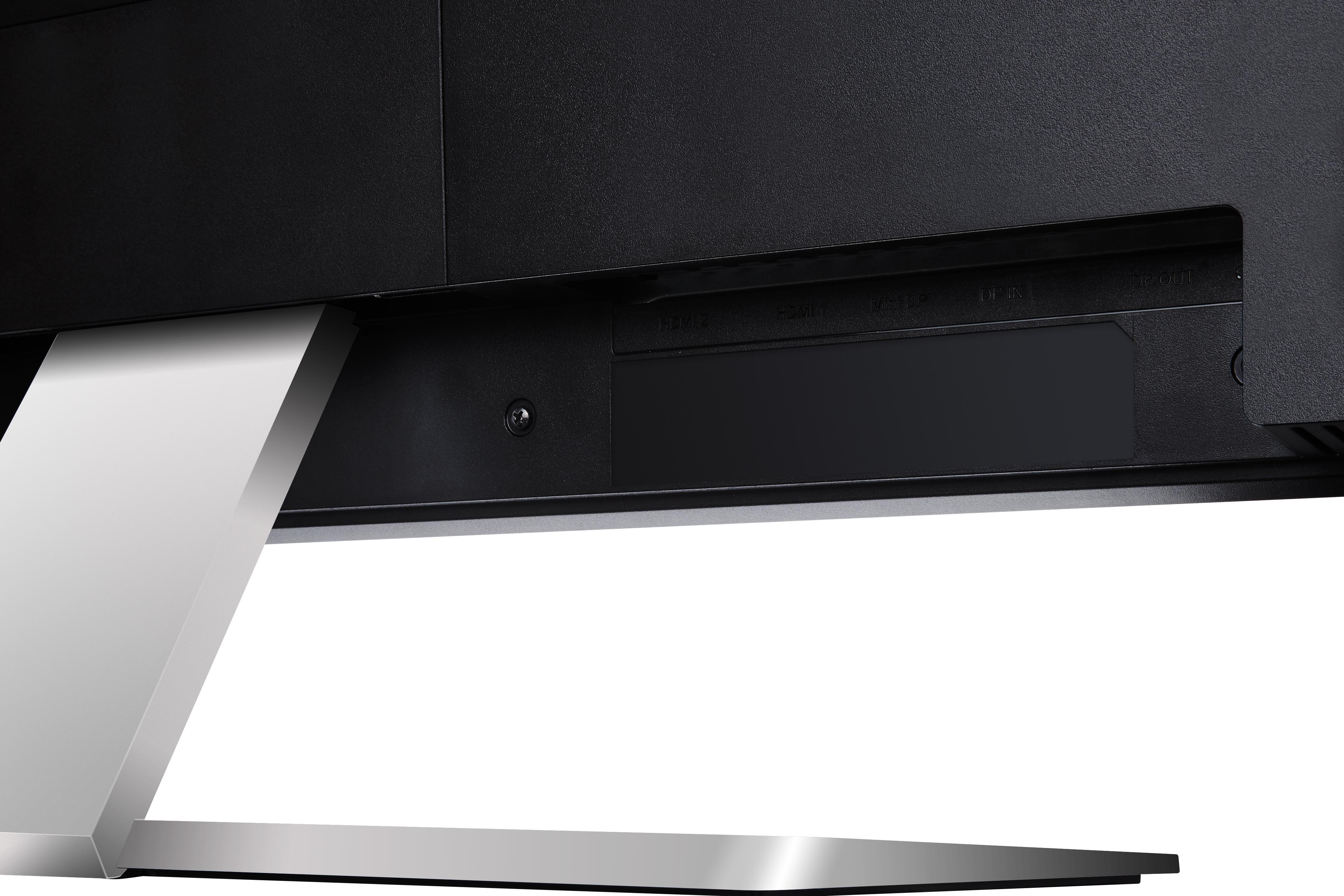
- HDMI, DisplayPort, mini DP inputs
- Picture-in / by -Picture
- 10-bit colour
- Dual integrated speakers
- Matte black finish and metallic silver stand
REVIEWS

“The ViewSonic VX4380-4K is a very useful, huge office monitor, which makes good use of the high 4K resolution. The price is favorable for this picture size, equipment and quality. Of course, the ViewSonic VX4380-4K is not really an image processing monitor, but without professional standards you can certainly edit photos, provided you choose a neutral color setting or calibrate the monitor with a colorimeter and software. The monitor is already well calibrated at the factory, an individual test print is included.”
SPECIFICATIONS
- DisplayDisplay Size (in.): 43
Viewable Area (in.): 42.5
Panel Type: IPS Technology
Resolution: 3840 x 2160
Resolution Type: UHD (Ultra HD)
Static Contrast Ratio: 1,300:1 (typ)
Dynamic Contrast Ratio: 120M:1
Light Source: LED
Brightness: 350 cd/m² (typ)
Colors: 1.07B
Color Space Support: 10 bit (8 bit + FRC)
Aspect Ratio: 16:9
Response Time (Typical GTG): 5ms
Viewing Angles: 178º horizontal, 178º vertical
Backlight Life (Hours): 30000 Hrs (Min)
Curvature: Flat
Refresh Rate (Hz): 60
Low Blue Light: Software solution
Flicker-Free: Yes
Color Gamut: NTSC: 85% size (Typ)
sRGB: 120% size (Typ)
Pixel Size: 0.245 mm (H) x 0.245 mm (V)
Surface Treatment: Anti-Glare (Semi-Glossy), Hard Coating (2H) - CompatibilityPC Resolution (max): 3840x2160
Mac® Resolution (max): 3840x2160
PC Operating System: Windows 10 certified; macOS tested
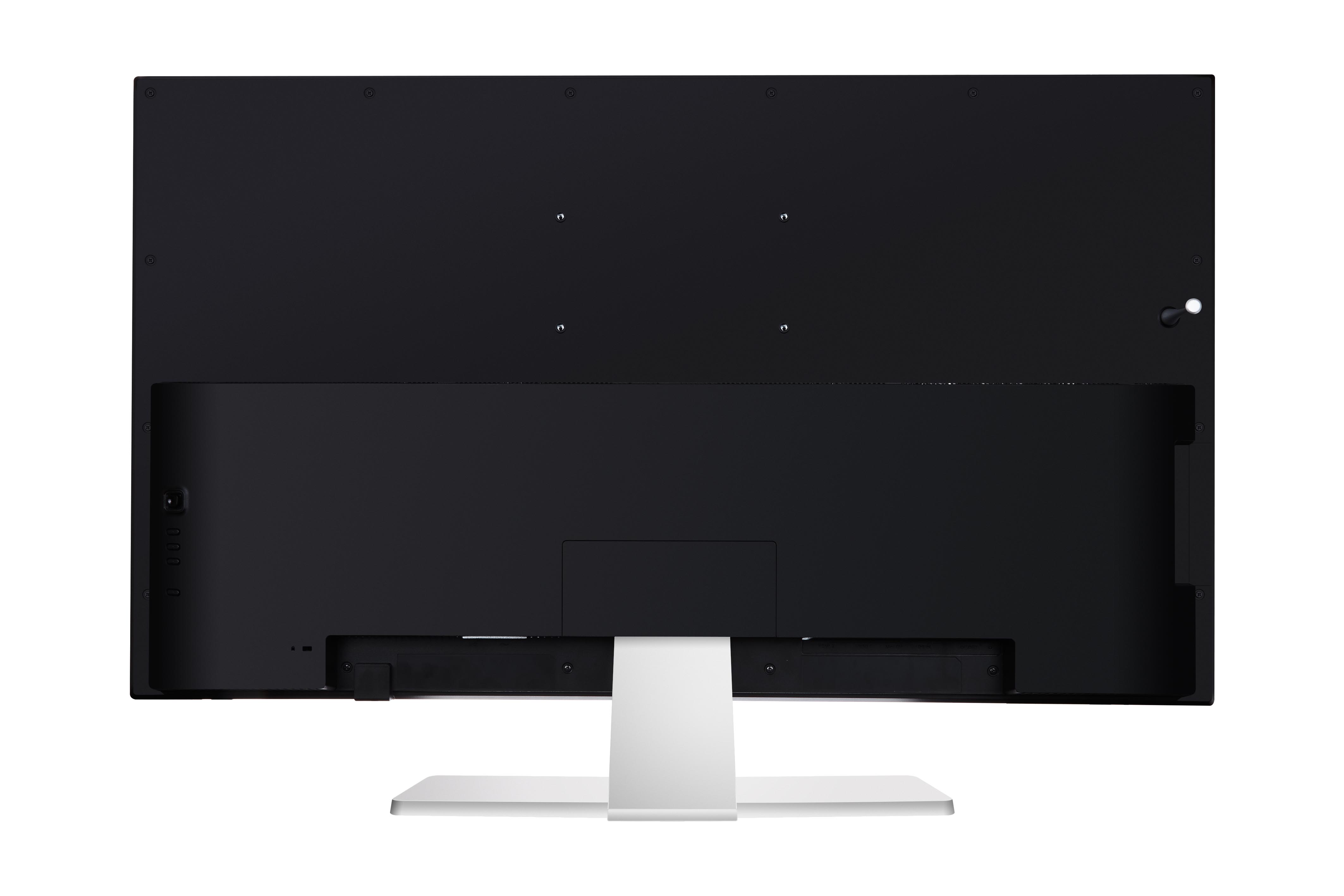
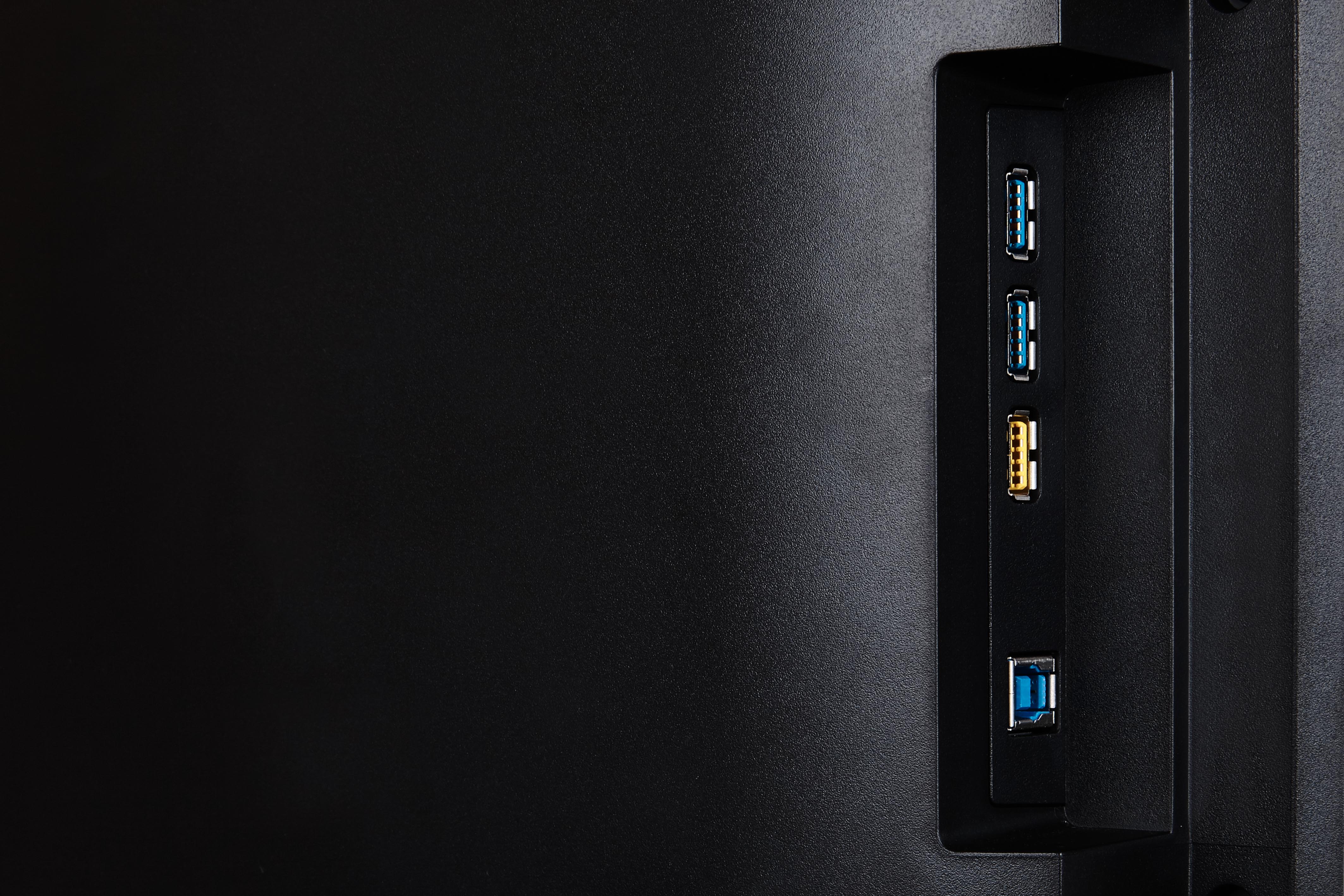
Mac® Resolution (min): 3840x2160 - ConnectorUSB 3.2 Type A Down Stream: 3
USB 3.2 Type B Up Stream: 1
3.5mm Audio Out: 1
HDMI 2.0 (with HDCP 2.2): 2
DisplayPort: 1
DisplayPort Out: 1
Mini DisplayPort: 1
Power in: 3-pin Socket (IEC C14 / CEE22)
- AudioInternal Speakers: 7Watts x2
- PowerEco Mode (Conserve): 52W
Eco Mode (optimized): 66W
Consumption (typical): 84W
Voltage: AC 100-240V
Stand-by: 0.5W
Power Supply: Internal Power Supply - Additional HardwareKensington Lock Slot: 1
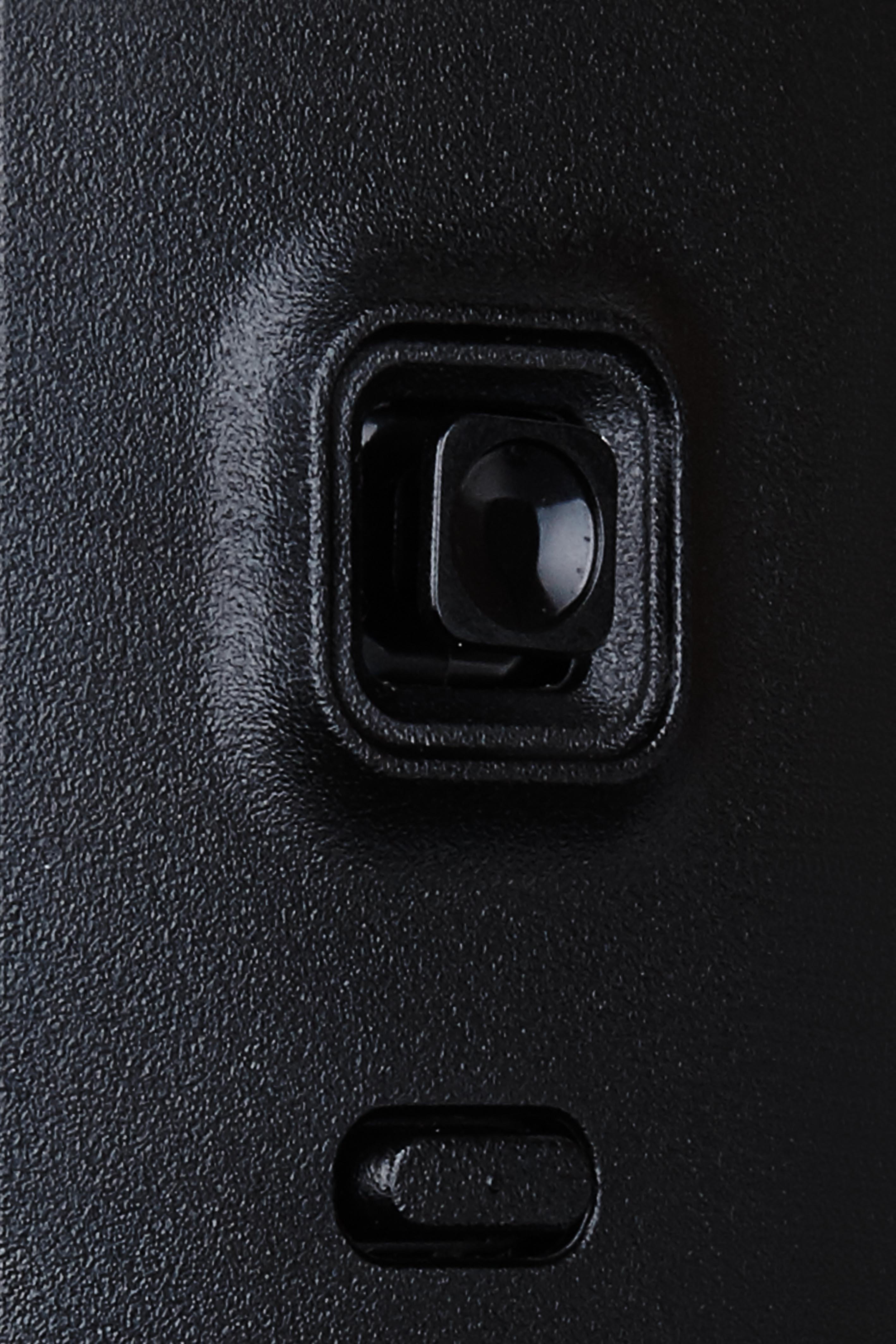
- ControlsPhysical Controls: Joystick key: Up, Right, Down, Left, Center; Shortcut: Input Selet, ViewMode, Multi-Picture, Power
On Screen Display: Input Select, Audio Adjust, ViewMode, Color Adjust, Manual Image Adjust, Setup Menu - Operating ConditionsTemperature: 32°F to 104°F (0°C to 40°C)
Humidity (non-condensing): 20% to 90% - Wall Mount VESA Compatible: 200 x 100 mm
- Input SignalFrequency Horizontal: 24 ~ 160KHz
Frequency Vertical: 50 ~ 75Hz - Video InputDigital Sync: TMDS - HDMI (v2.0), PCI-E - DisplayPort (v1.2), PCI-E - mini DisplayPort (v1.2)
- ErgonomicsTilt (Forward/Back): -5º / 12º
- Weight (imperial)Net (lbs): 31.8
Net Without Stand (lbs): 24.9
Gross (lbs): 42.7 - Weight (metric) Net (kg): 14.4
Net Without Stand (kg): 11.3
Gross (kg): 19.4 - Dimensions (imperial) (wxhxd)Packaging (in.): 43.4 x 31.1 x 12.8
Physical (in.): 38 x 25.7 x 9.5
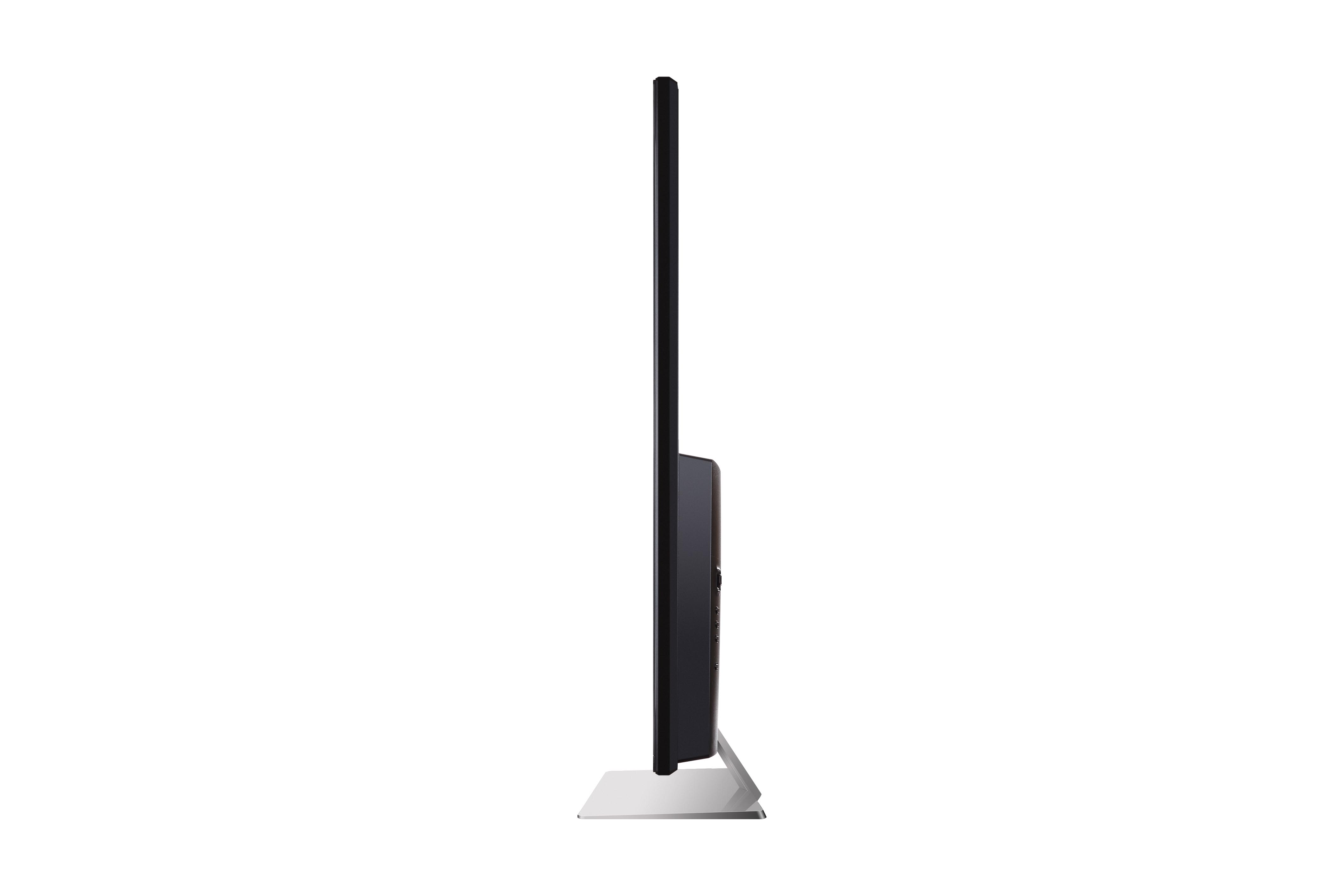
Physical Without Stand (in.): 38 x 22.1 x 2.6 - Dimensions (metric) (wxhxd)Packaging (mm): 1102 x 790 x 324
Physical (mm): 966 x 653 x 242
Physical Without Stand (mm): 966 x 562 x 65 - GeneralPACKAGE CONTENTS: VX4380-4K x1, 3-pin Plug (IEC C13 / CEE22) x1, HDMI Cable (v2.0; Male-Male) x1, mini DisplayPort to DisplayPort Cable (v1.2; Male-Male) x1, USB A/B Cable (v3.2; Male-Male) x1, Quick Start Guide x1
Recycle/Disposal: Please dispose of in accordance with local, state or federal laws.
Warranty: *Warranty offered may differ from market to market
Power Management: Energy Star standards, EPEAT