Archived

EP5540
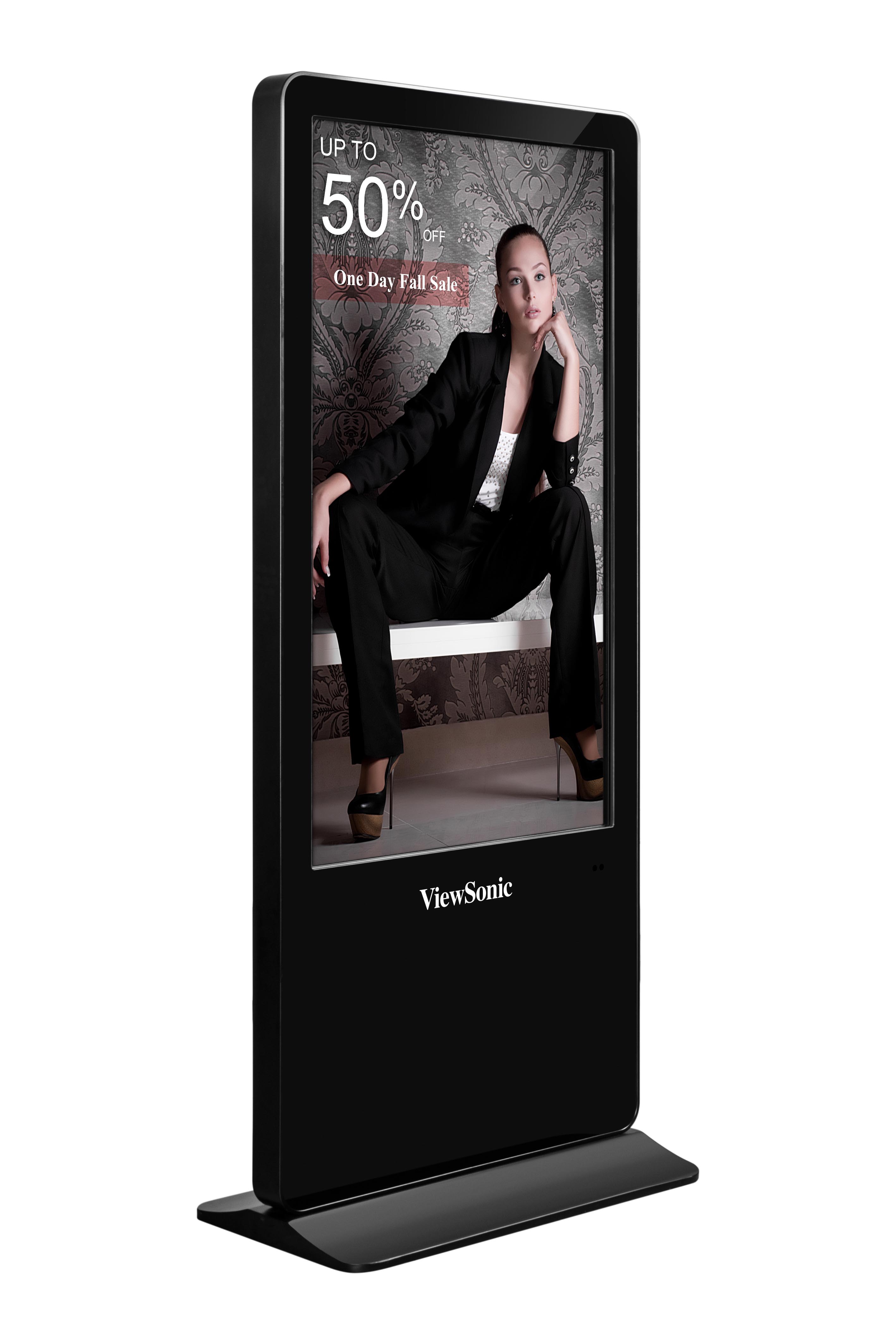
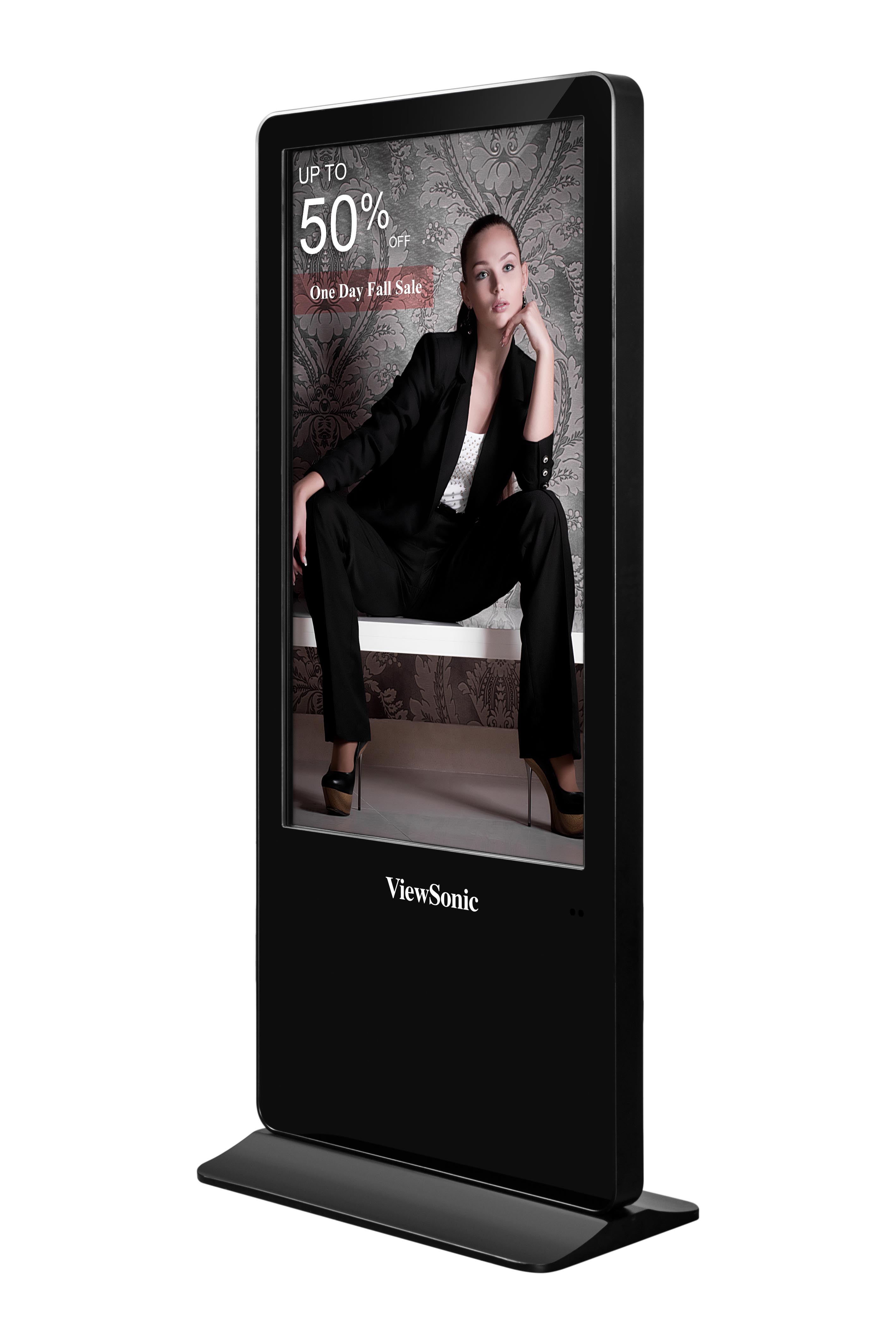
55 inch All-in-One Digital ePoster
- 3840 x 2160 4K resolution
- Embedded media player and 16GB storage
- USB multimedia playback
- Expandable external media player holder
- LAN function to access to web
SPECIFICATIONS
- DisplayPanel Size: 55"
Type/Tech: TFT LCD (IPS type,DLED Backlight)
Display Area (mm): 1209.6 (H) * 680.4 (V)
Aspect Ratio: 9:16
Native Resolution: 3840 x 2160
Colors: 1.07B
Brightness: 350 nits (typ.)
Contrast Ratio: 1200:1 (typ.)
Response Time: 9 ms (typ. G to G)
Viewing Angles: H = 178, V = 178 typ.
Backlight Life: 30,000 Hours Typ.
Surface Treatment: Anti-glare
Orientation: Portrait - StorageeMMC 16GB
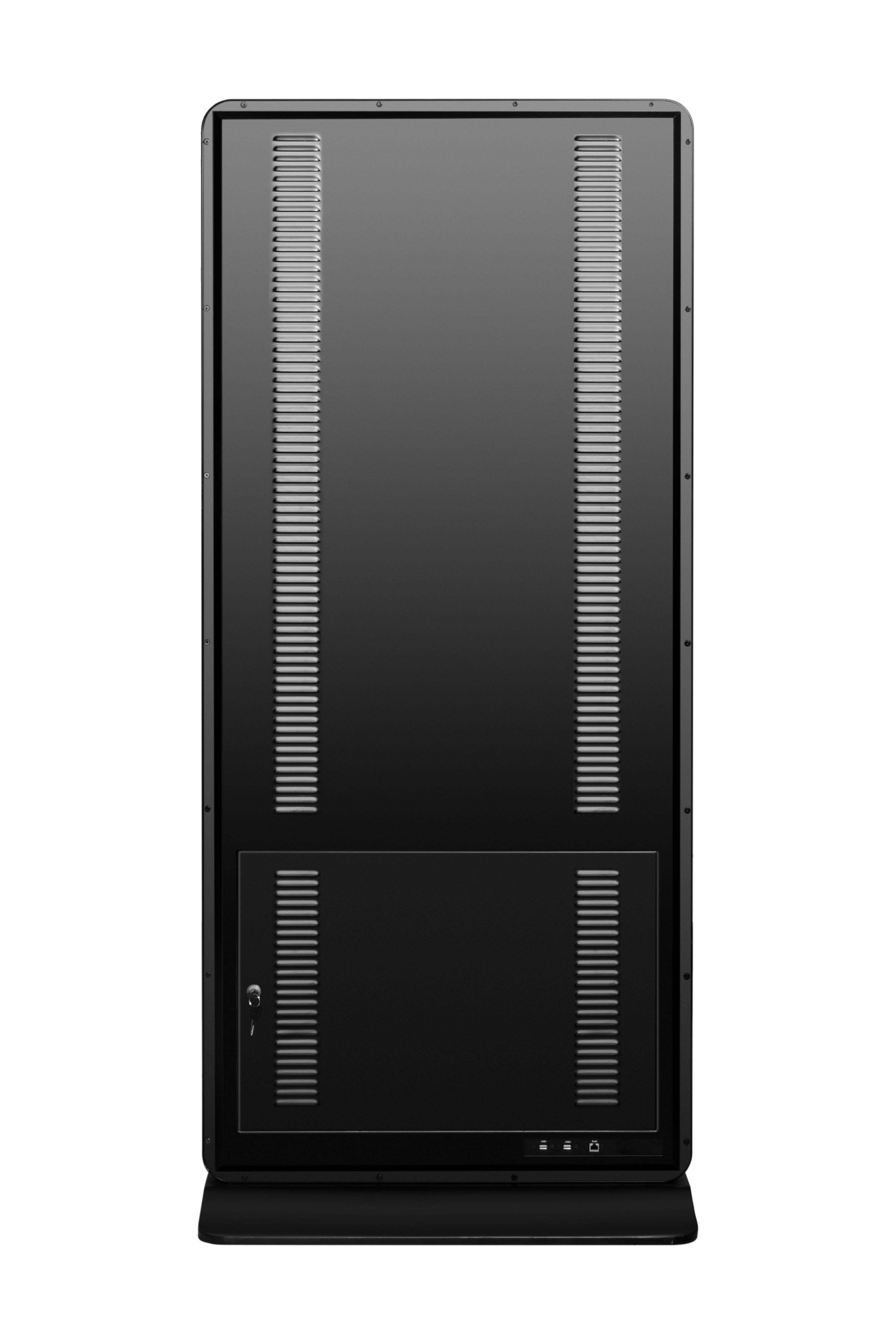
- INPUTHDMI: (1.4) x2
RGB / VGA: x1
Audio: x1 PC audio(3.5 mm)
RS232: x1
- OUTPUTAudio: x1 (Earphone out)
- LANRJ45: x1
- USBType A: x3 (2.0 x 1, 3.0 x 2 )
- SPEAKERS10W x 2
- COMPATIBILITYRGB PC/HDMI PC: 1920x1080 @60Hz
HDMI: 2160 x 3840 @60Hz - Android Version5.0.1
- MultimediaImage: JPG, BMP, PNG
Video: AVI, MPG, MPEG, DAT, MP4, TS, RM, RMVB, MKV, MOV
Audio: MP3, AAC - Bundle SoftwarevSignage
- PowerVoltage: 100-240VAC +/- 10% Wide Range
Consumption: Normal 117 W, Max 150 W (max.)
< 0.5W (Off) - OPERATING CONDITIONSTemperature (º C): 0°C to 40°C
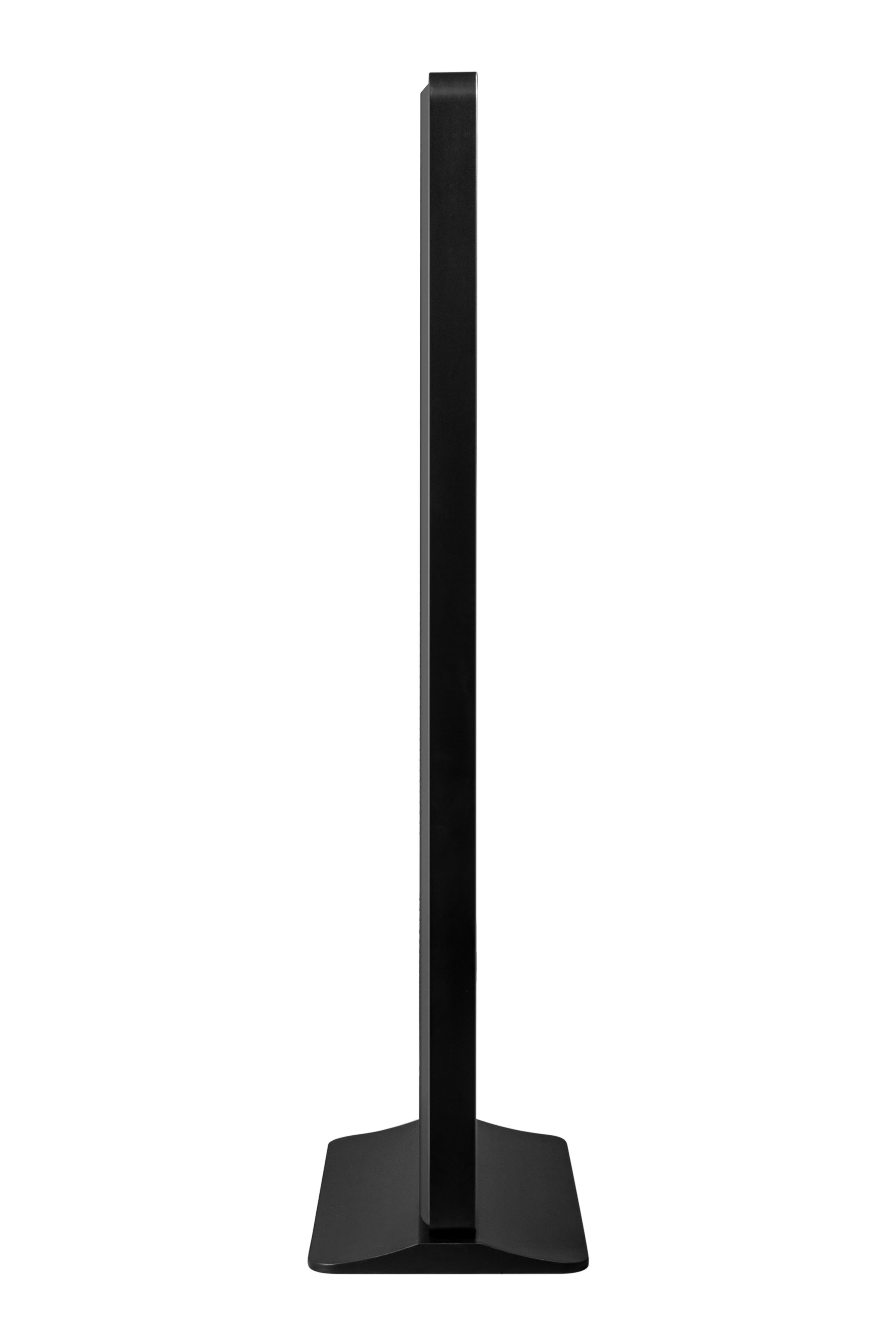
Humidity: 20% ~ 80% non-condensing - DIMENSIONS (W x H x D)Physical (inch / mm): 31.97 x 74.8 x 17.71 in/812 x 1900 x 450 mm
Packaging (inch / mm): 38.7 x 79.37 x 24.33 in/983 x 2016 x 618 mm - WEIGHTNet (lb / kg): 153.66 lbs/69.7 kg
Gross (lb / kg): 186.73 lbs/84.7 kg - PACKAGE CONTENTS1. Power Core
2. Remote control with battery
3. Quick Start Guide
4. User Guide CD
5. Key
*Actual content may differ from market to market