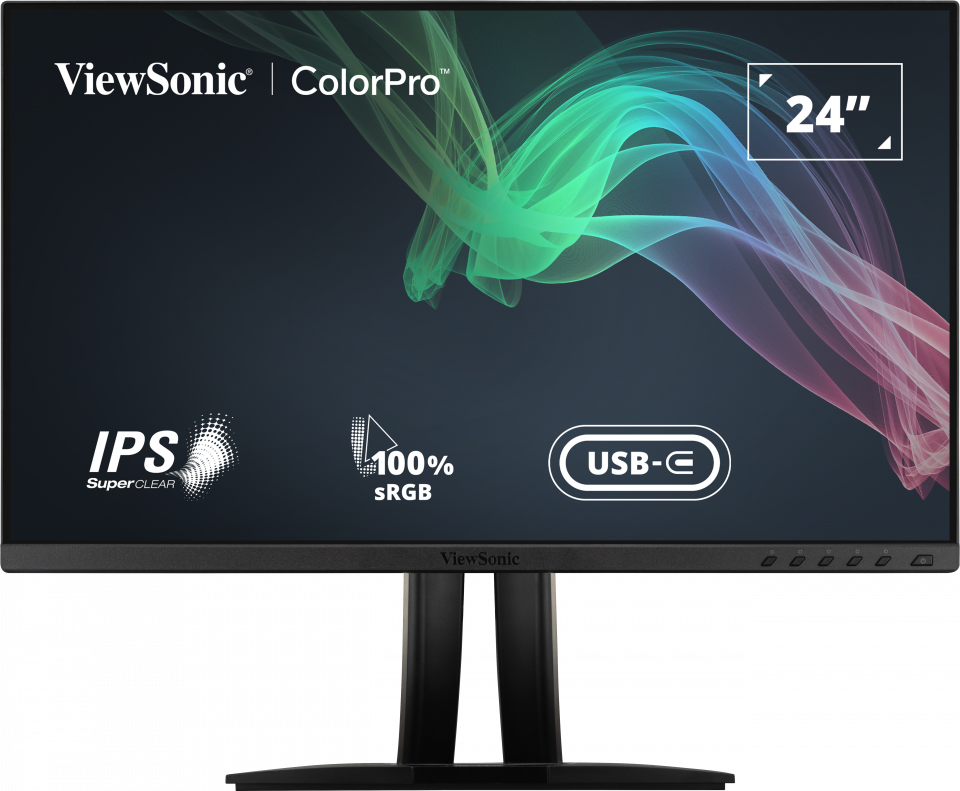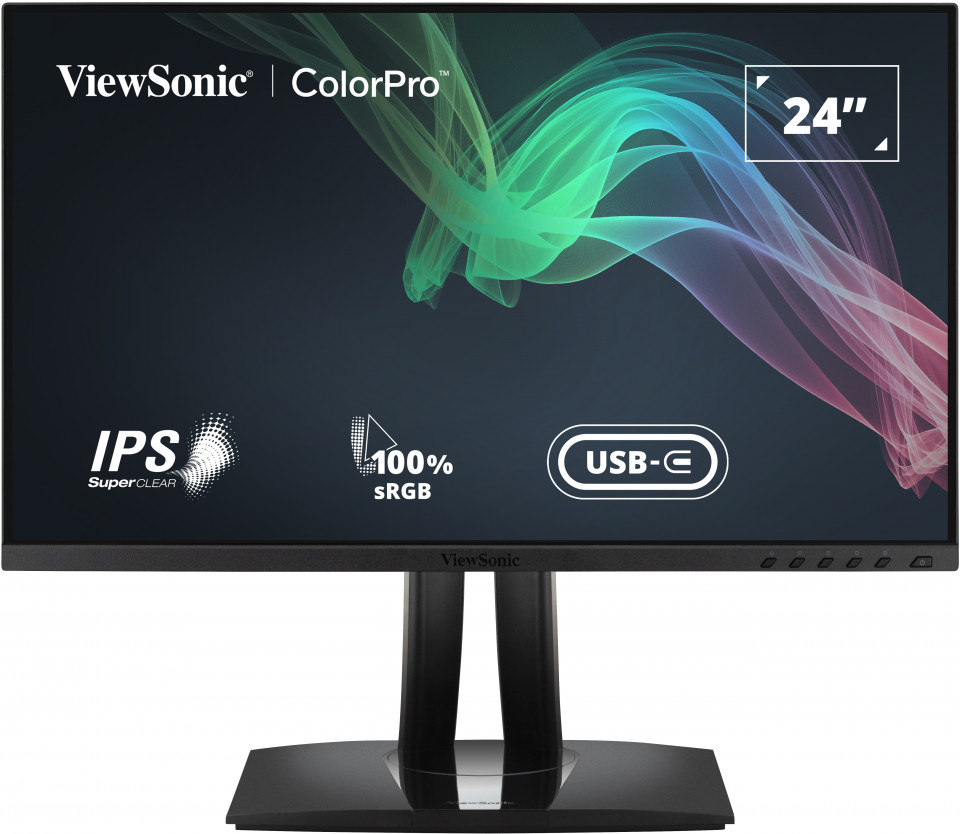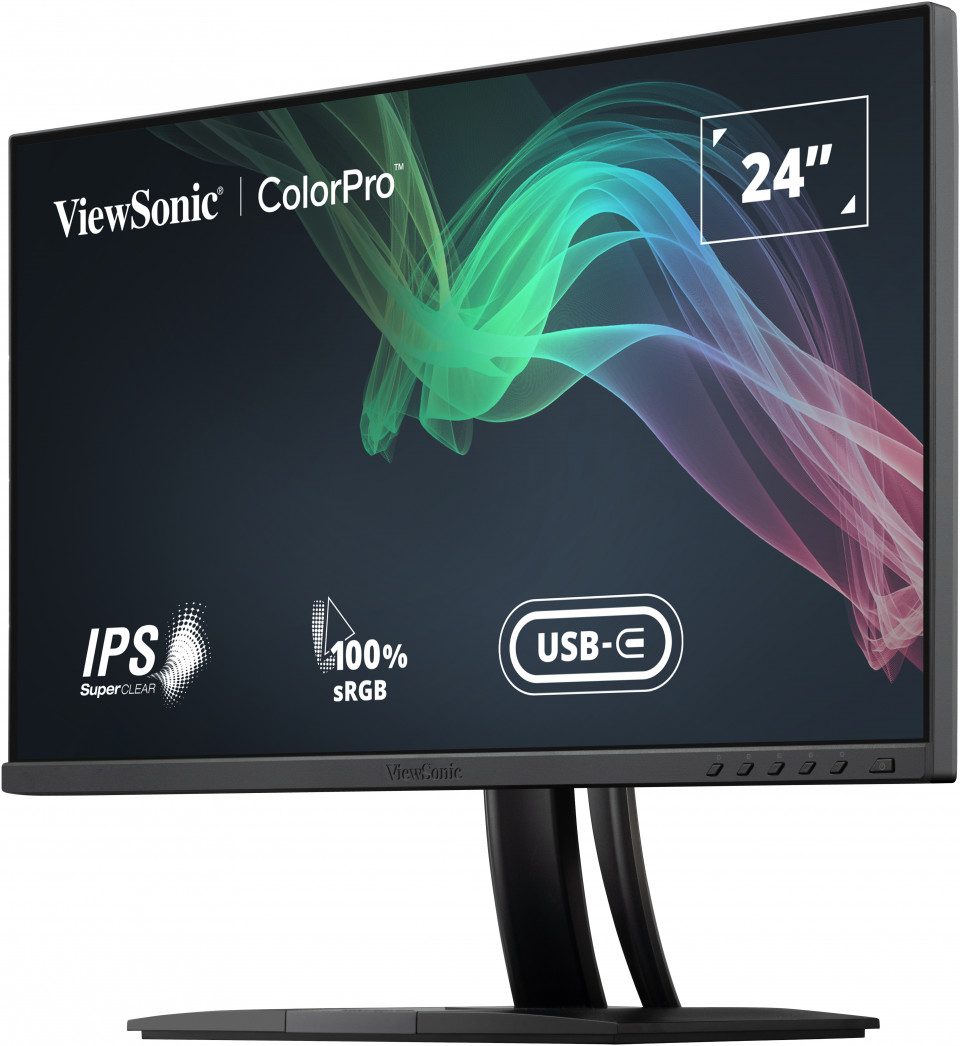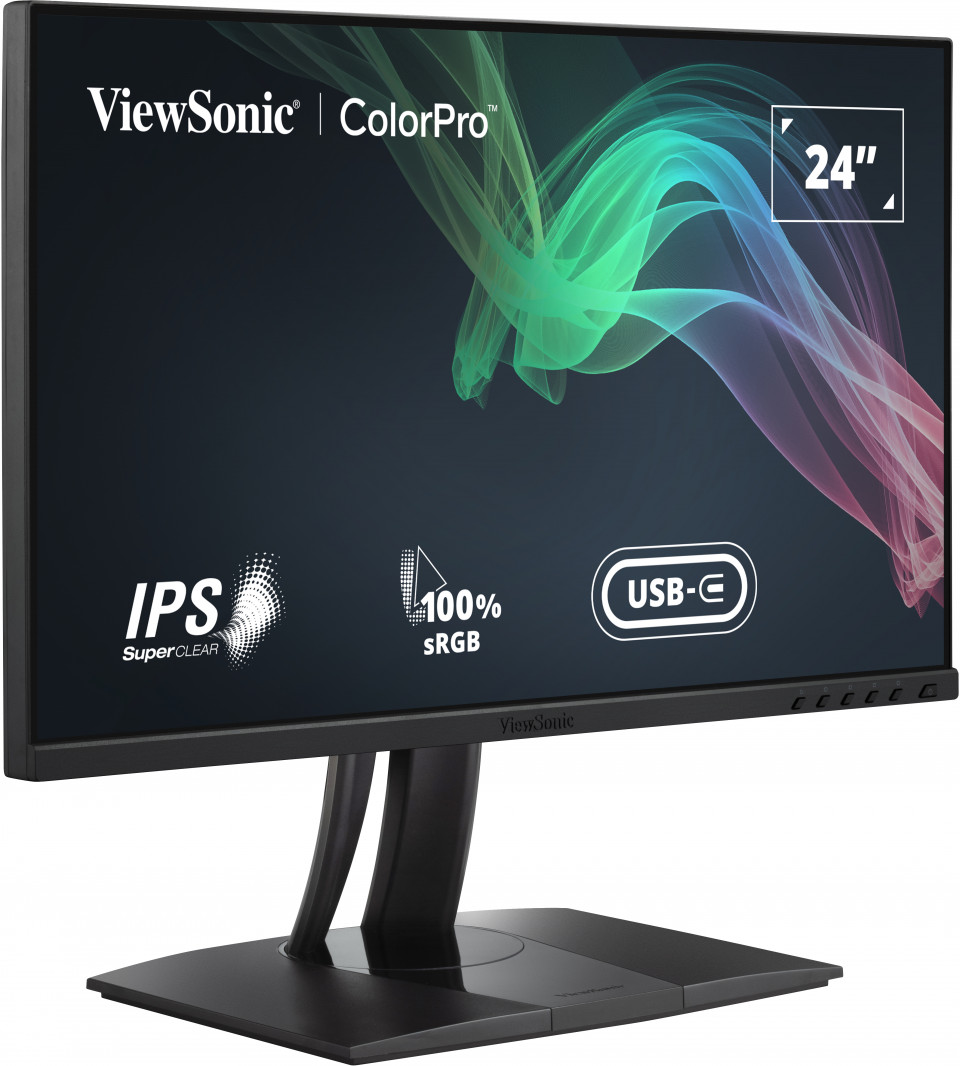


“液晶ディスプレーを購入する際、当然のことながら、どのスペックを重視するかは人によって異なる。広い画面を使いたければ画面サイズや解像度を気にかけるだろうし、ゲーミング用途で選ぶならリフレッシュレートや応答速度でふるいにかけるのではないだろうか。また、純粋にコストを重視する人も多いだろう。 そんな中、特に画質にこだわりたい人にオススメしたいのが、ViewSonicの23.8型モデル「VP2456」だ。今回は、この「VP2456」がどのようなモデルなのか、なぜ”画質にこだわる人向け”なのか、その詳細を紹介していこう。”

VP2456
24" FHD Pantone Validated 100% sRGB & Factory Pre-Calibrated Monitor with 60W USB-C
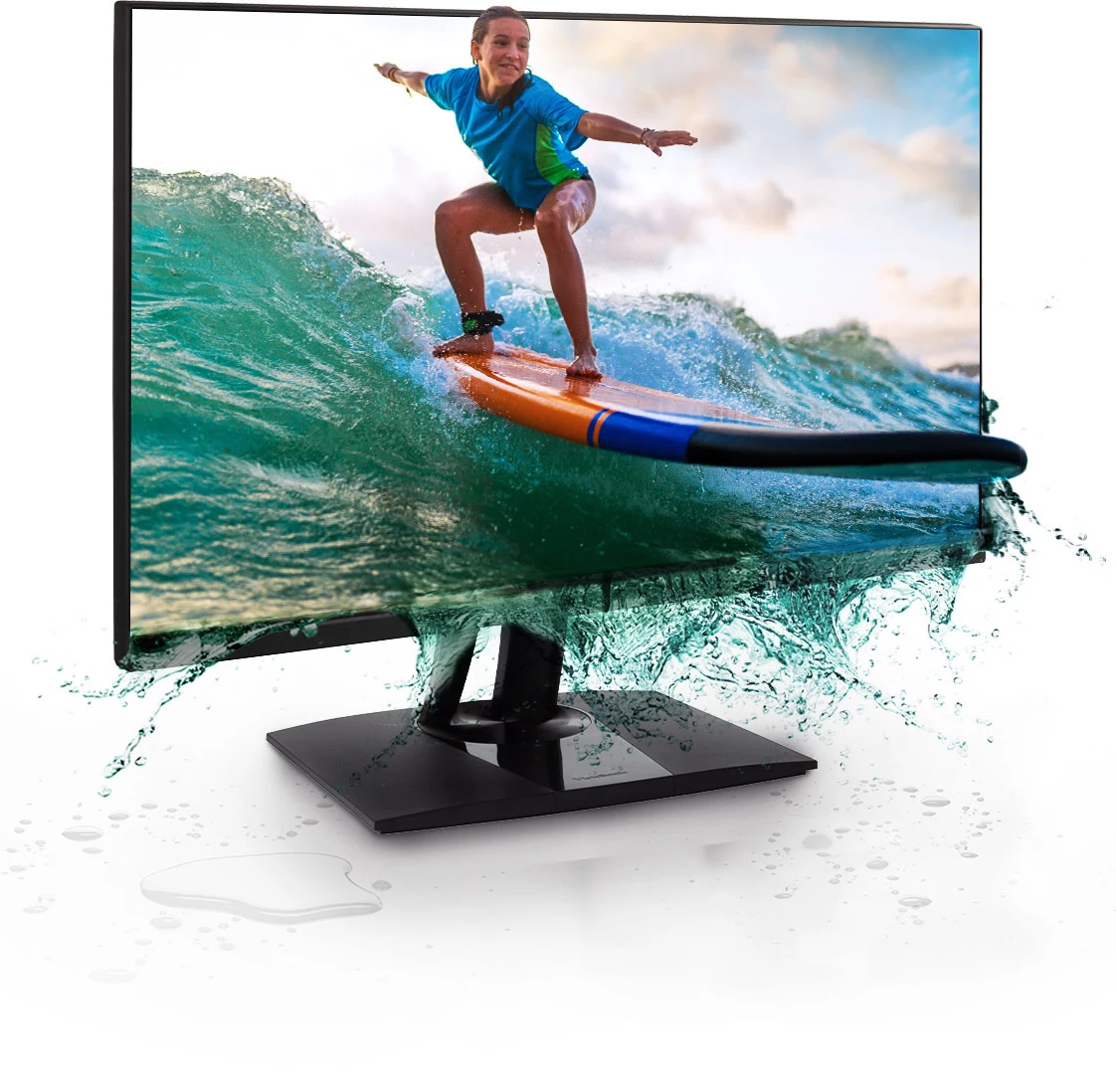
- Lifelike True Beauty: International color standard Pantone validated and 100% sRGB wide color gamut
- Precise Color: ColorPro Verified with factory pre-calibration for overwhelmed Delta E<2 color
- Multimedia Devices: Support USB-C with 60W high-speed charging, plus HDMI 1.4, DisplayPort 1.2, USB 3.2
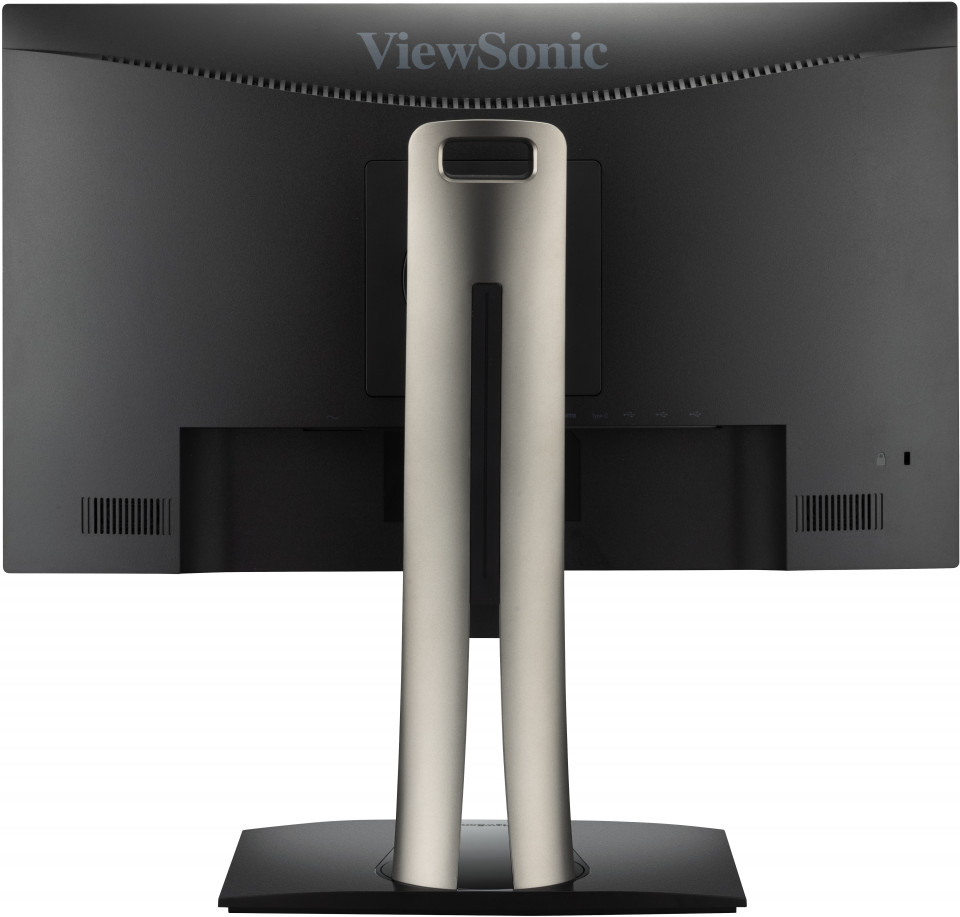
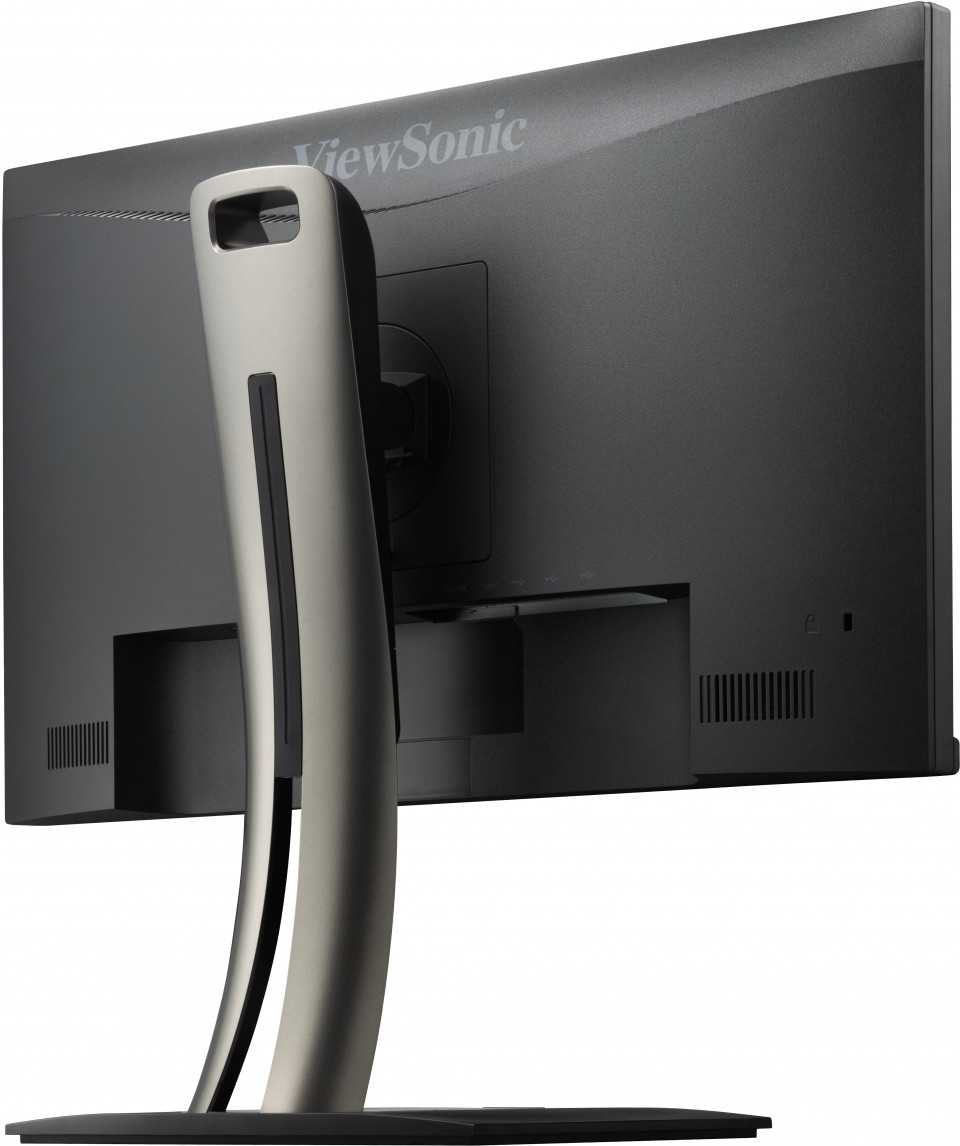
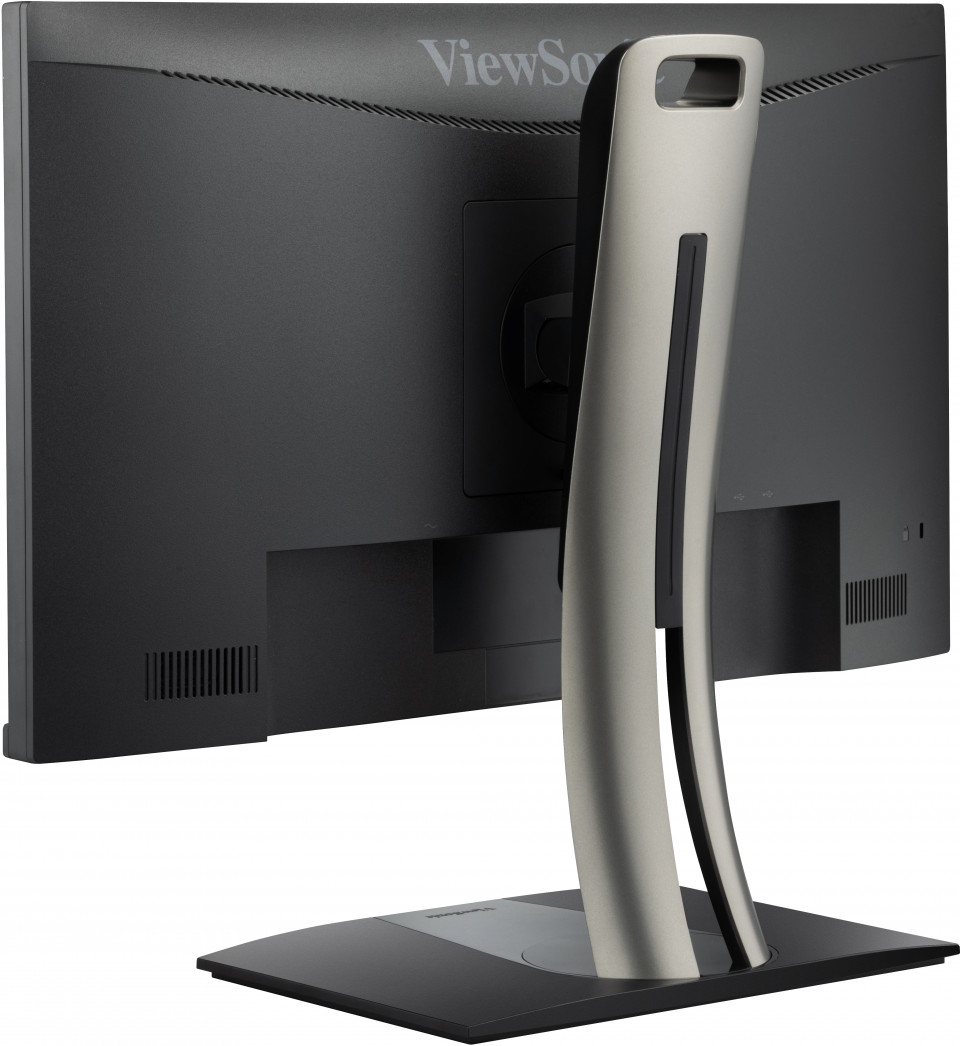
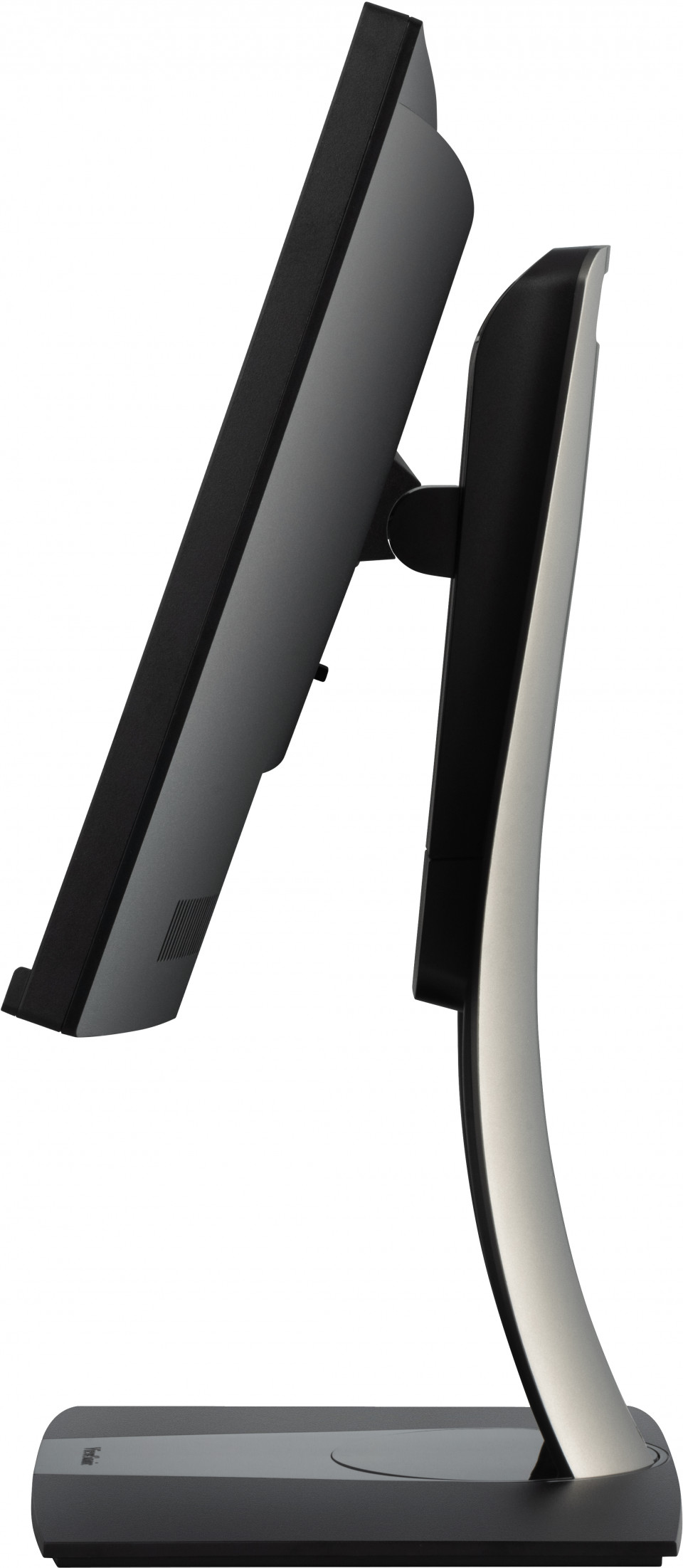
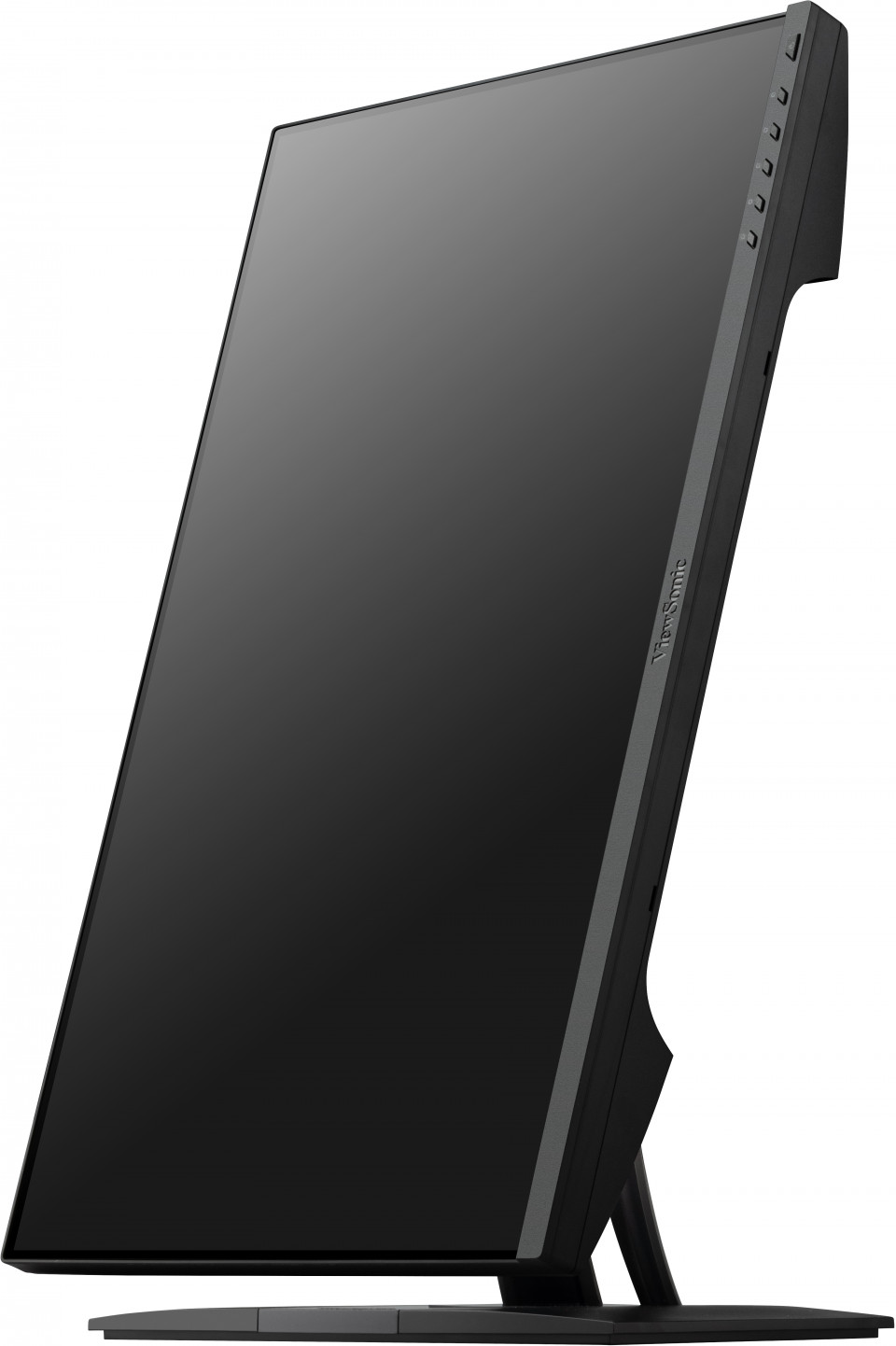
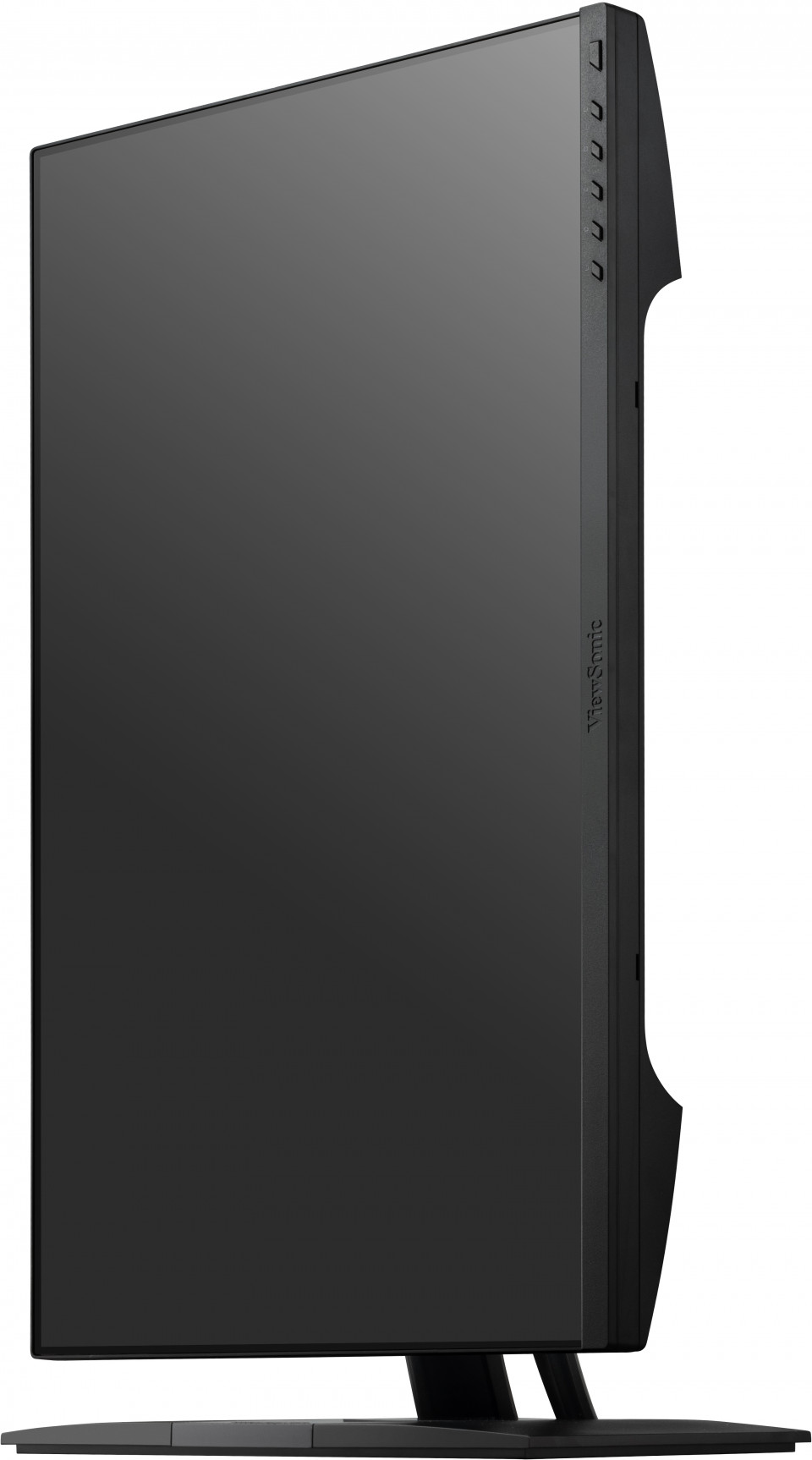
- Unlimited Flexibility: Auto Pivot & Ergonomic Stand with tilt, swivel, pivot and height adjustments
- The Visible Difference: FHD (1920*1080) resolution IPS panel with 24’’ frameless design
- Versatile Working Modes: Including CAM/CAD mode for design, portrait mode for photography, TÜV certified for blue light filter
OVERVIEW
Designed with creative professionals in mind, the ViewSonic VP2456 delivers stunning true-to-life colors on screen. Pantone validated 100% sRGB coverage provides precise color reproduction, ensuring your work looks how it should, every time. A USB-C port that easily connects with your devices for easy charging and data transfer. Ergonomic engineering gives you the flexibility to do more without injury, while Auto Pivot lets shift between horizontal and vertical orientations effortlessly, letting your work be viewed how it’s supposed to be.REVIEWS

“VP2456の価格は実売で6万円ほどと、プロ向けのこだわった仕様ながらも比較的安価な価格帯だ。画面サイズが比較的コンパクトで、解像度も1920×1080ドットまでだが、業務の関係上、表示品質は重視する必要がある一方で、机上のスペースをディスプレーであまり取りたくないと考える人は多い。そういう人にとって、このVP2456はかなり魅力的ではないだろうか。”

“- Về thiết kế chiếc màn hình dành cho dân đồ họa này cũng có nhiều cải tiến như về chân đế được làm bắt mắt hơn. Hãng cũng có hỗ trợ bên trong hộp đó chính là chiếc usb-c, giấy chứng nhận pantone, .... - Còn điều gì thú vị hơn thì mời mọi người cũng xem video chi tiết hơn nhé!”
SPECIFICATIONS
- DisplayDisplay Size (in.): 24
Viewable Area (in.): 23.8
Panel Type: IPS Technology
Resolution: 1920 x 1080
Resolution Type: FHD (Full HD)
Static Contrast Ratio: 1,000:1 (typ)
Dynamic Contrast Ratio: 20M:1
Light Source: LED
Brightness: 250 cd/m² (typ)
Colors: 16.7M
Color Space Support: 8 bit (6 bit + FRC)
Aspect Ratio: 16:9
Response Time (Typical GTG): 5ms
Response Time (GTG w/OD): 5ms
Viewing Angles: 178º horizontal, 178º vertical
Backlight Life (Hours): 30000 Hrs (Min)
Glass Hardness: 3H
Curvature: Flat
Refresh Rate (Hz): 60
Variable Refresh Rate Technology: Yes
Low Blue Light: Software solution
Flicker-Free: Yes
Color Gamut: Adobe RGB: 80% size / 78% coverage (Typ)
DCI-P3: 80% size / 80% coverage (Typ)
EBU: 107% size / 99% coverage (Typ)
REC709: 108% size / 100% coverage (Typ)
SMPTE-C: 117% size / 100% coverage (Typ)
NTSC: 77% size (Typ)
sRGB: 108% size / 100% (Supported) coverage (Typ)
Pixel Size: 0.275 mm (H) x 0.275 mm (V)
Surface Treatment: Anti-Glare, Hard Coating (3H) - CompatibilityPC Resolution (max): 1920x1080
Mac® Resolution (max): 1920x1080
PC Operating System: Windows 10/11 certified; macOS tested
Mac® Resolution (min): 1920x1080 - Connector
- AudioInternal Speakers: 2Watts x2
- PowerEco Mode (Conserve): 11.6W
Eco Mode (optimized): 13.6W
Consumption (typical): 16W
Consumption (max): 27.5W
Voltage: AC 100-240V
Stand-by: 0.3W
Power Supply: Internal Power Supply - Additional HardwareKensington Lock Slot: 1
Cable Organization: Yes - ControlsPhysical Controls: Key 1, Key 2, Key 3, Key 4, Key 5, Key 6 (power)
On Screen Display: Input Select, Audio Adjust, ViewMode, Color Adjust, Manual Image Adjust, Setup Menu - Operating ConditionsTemperature: 32°F to 104°F (0°C to 40°C)
Humidity (non-condensing): 20% to 90% - Wall Mount VESA Compatible: 100 x 100 mm
- Input SignalFrequency Horizontal: 30 ~ 83KHz
Frequency Vertical: 48 ~ 75Hz - Video InputDigital Sync: TMDS - HDMI (v1.4), PCI-E - DisplayPort (v1.2), Micro-Packet - Type C
- ErgonomicsHeight Adjust (mm): 130
Swivel: 120º
Tilt (Forward/Back): -5º / 21º
Pivot (Right/Left): 90º / 90º - Weight (imperial)Net (lbs): 14.4
Net Without Stand (lbs): 8.9
Gross (lbs): 18.5 - Weight (metric) Net (kg): 6.5
Net Without Stand (kg): 4
Gross (kg): 8.4 - Dimensions (imperial) (wxhxd)Packaging (in.): 24.4 x 15.4 x 9
Physical (in.): 21.2 x 15.29~20.41 x 8.5
Physical Without Stand (in.): 21.2 x 12.6 x 2 - Dimensions (metric) (wxhxd)Packaging (mm): 620 x 392 x 228
Physical (mm): 539 x 388.46~518.46 x 215
Physical Without Stand (mm): 539 x 320 x 52 - GeneralRegulations: cTUVus, FCC-B, ICES003, Energy Star, EPEAT, CEC, NOM, Mexico Energy, CE, CE EMC, CB, RoHS, ErP, REACH, WEEE, EAC, UkrSEPRO, VCCI, PSE, BIS
PACKAGE CONTENTS: VP2456 x1, 3-pin Plug (IEC C13 / CEE22) x1, HDMI Cable (v1.4; Male-Male) x1, USB Type-C Cable (Male-Male) x1, USB A/B Cable (v3.2; Male-Male) x1, Quick Start Guide x1
Recycle/Disposal: Please dispose of in accordance with local, state or federal laws.
Warranty: *Warranty offered may differ from market to market
Power Management: Energy Star standards, EPEAT
SUPPORT & DOWNLOADS
Datasheets
User Guides
VP2456 User Guide (English)
VP2456 User Guide (Online View)
See all languages
VP2456 User Guide (Bahasa Indonesia)VP2456 User Guide (Dansk)VP2456 User Guide (Deutsch)VP2456 User Guide (Español )VP2456 User Guide (Français)VP2456 User Guide (Hrvatski)VP2456 User Guide (Italiano)VP2456 User Guide (Magyar)VP2456 User Guide (Nederlands)VP2456 User Guide (Norsk)VP2456 User Guide (Polski)VP2456 User Guide (Português)VP2456 User Guide (Română)VP2456 User Guide (Srpski)VP2456 User Guide (Suomi)VP2456 User Guide (Svenska)VP2456 User Guide (Türkçe)VP2456 User Guide (Česky)VP2456 User Guide (Ελληνικά)VP2456 User Guide (Български)VP2456 User Guide (Русский)VP2456 User Guide (Українська)VP2456 User Guide (日本語)VP2456 User Guide (日本語)VP2456 User Guide (简体中文)VP2456 User Guide (繁體中文)VP2456 User Guide (한국어)VP2456 User Guide (ﺍﻟﻌﺭﺑﻳﺔ)
Quick Start Guide
Driver & Software
Colorbration+ (Mac) DownloadColorbration+ User Guide (English)Colorbration+(Win) downloadStandard Monitor Driver Signed Windows 10 x64Standard Monitor Driver Signed Windows 10 x86Standard Monitor Driver Signed Windows 11 x64Standard Monitor Driver Signed Windows 7Standard Monitor Driver Signed Windows 7 x64Standard Monitor Driver Signed Windows 8 x64Standard Monitor Driver Signed Windows 8 x86Standard Monitor Driver Unsigned WindowsStandard Monitor Driver Unsigned Windows x64Standard_Monitor_Driver_Signed_Win10_x64vDisplay Manager 2.0 (Mac) DownloadvDisplay Manager User Guide (English)vDisplay Manager2.0 (Win) Download