“Let’s face it, gaming has become a necessary distraction over the past year and maybe for another year or so more ahead. Games have become more and more sophisticated requiring some of the most sophisticated cutting-edge hardware that is available. From putting together your own rig to buying a branded cutting machine one is faced with a huge, unlimited choices. Ultimately all of those hardware choices outputs to a screen/monitor. Buying a gaming monitor is not quite the same as choosing one for the run of the mill work usage, where you would just need to decide on one or three of the following, Screen Size, LED or LCD and Price.”
Archived

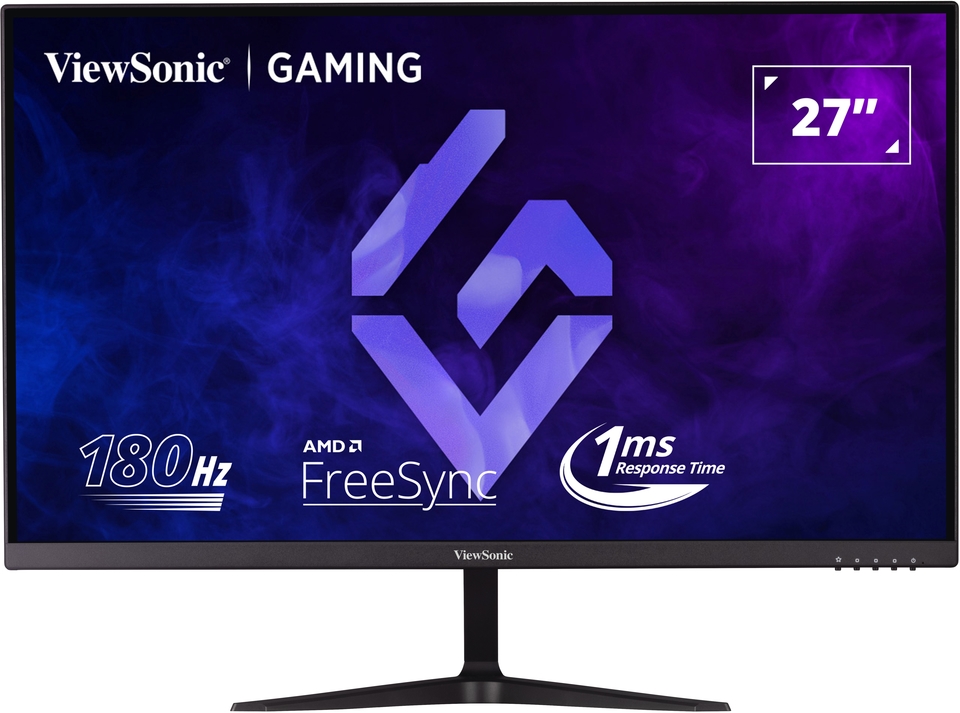
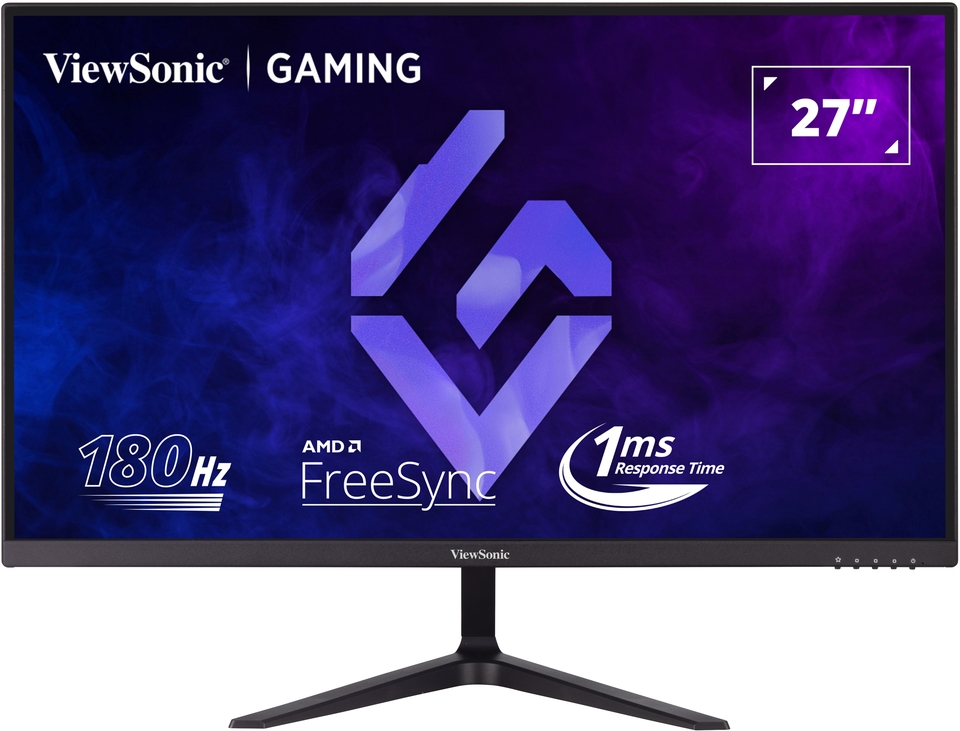
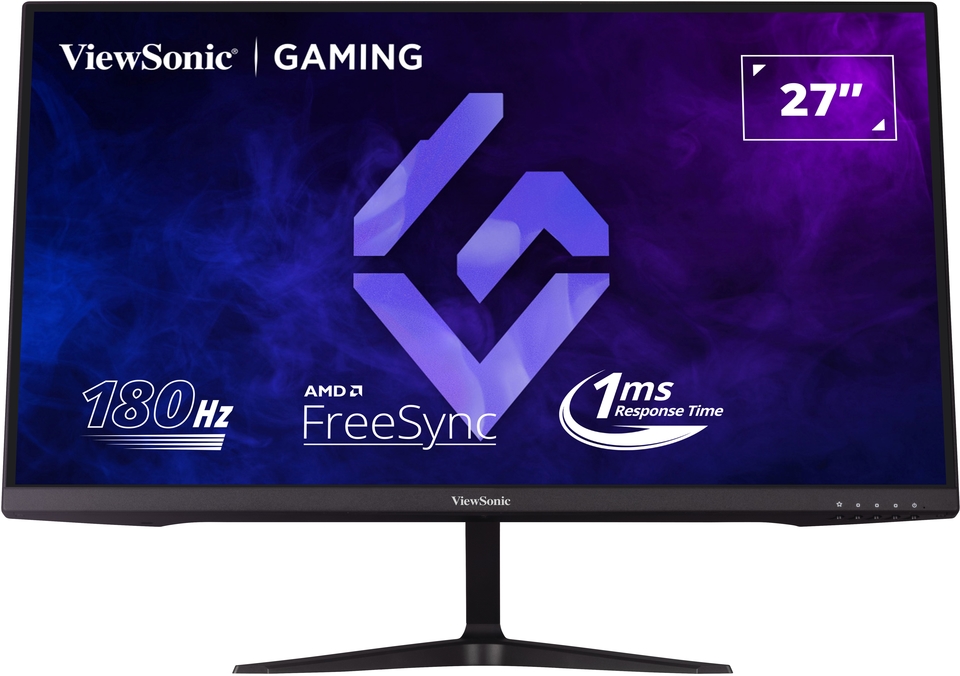
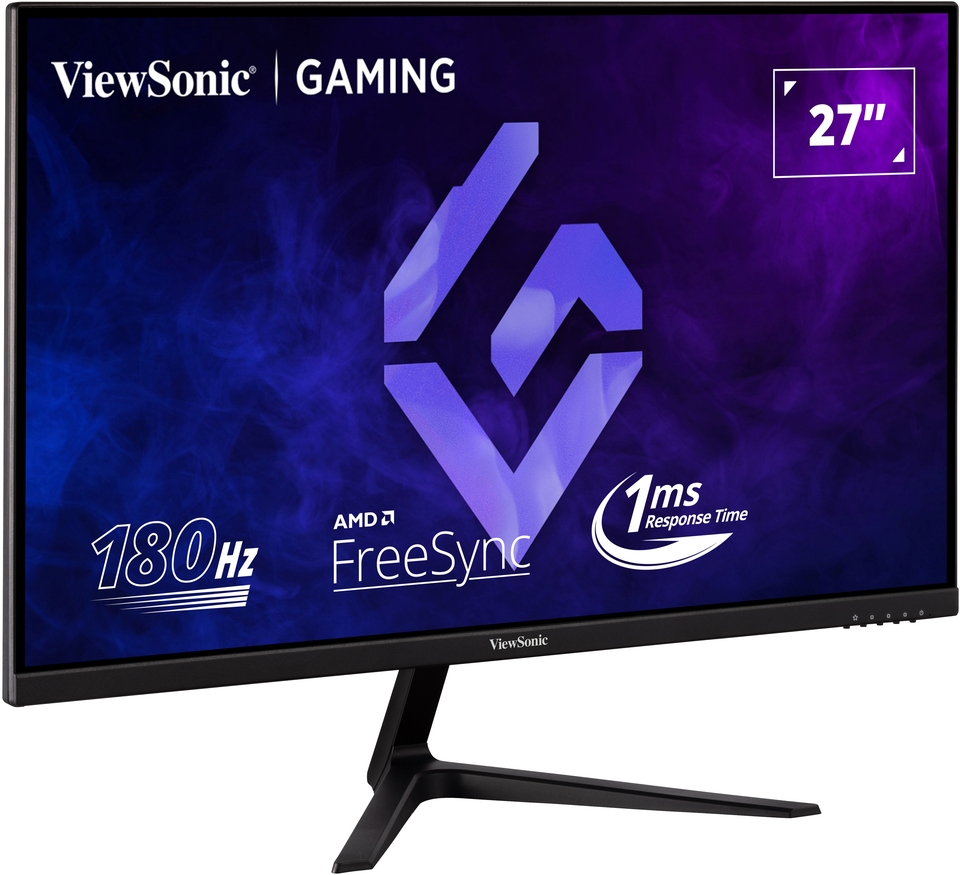
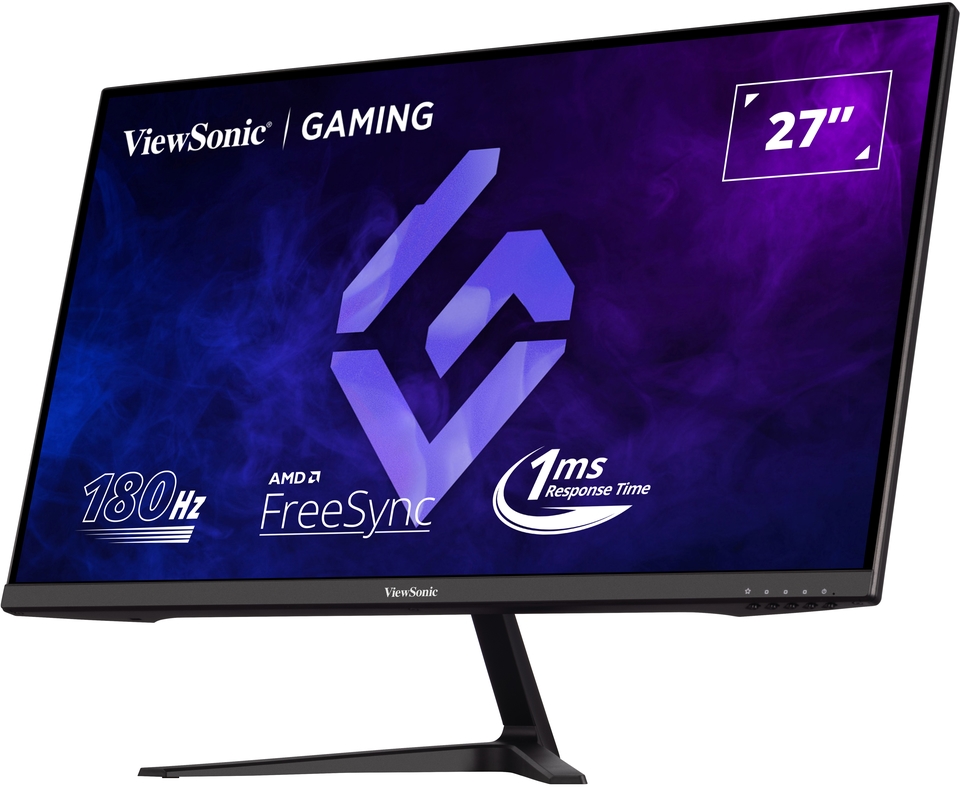
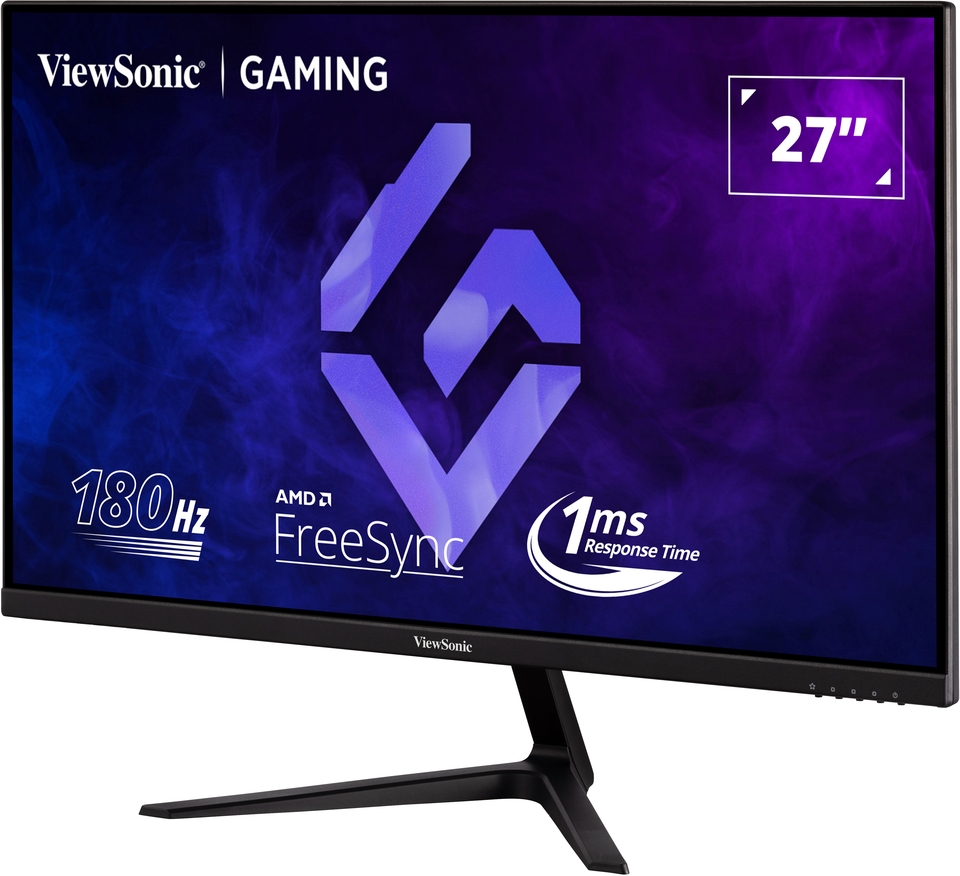
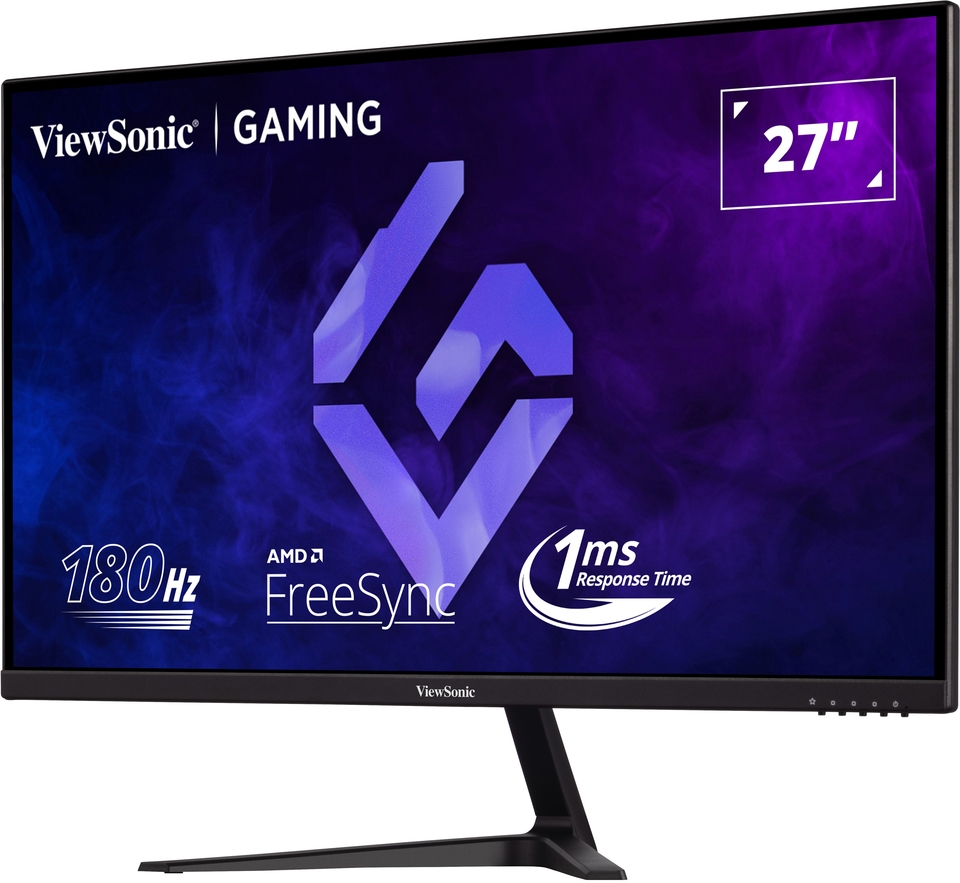
VX2718-P-MHD
27” 180Hz Full HD Gaming Monitor
- 180Hz refresh rate for smooth gameplay
- 1ms (MPRT) response time for precision
- Adaptive™ Sync prevents screen tearing
- Full HD resolution for high detail

SPECIFICATIONS
- DisplayDisplay Size (in.): 27
Viewable Area (in.): 27
Panel Type: VA Technology
Resolution: 1920 x 1080
Resolution Type: FHD (Full HD)
Static Contrast Ratio: 3,000:1 (typ)
Dynamic Contrast Ratio: 80M:1
High Dynamic Range: HDR10
Light Source: LED
Brightness: 250 cd/m² (typ)
Colors: 16.7M
Color Space Support: 8 bit (6 bit + FRC)
Aspect Ratio: 16:9
Response Time (MPRT): 1ms
Viewing Angles: 178º horizontal, 178º vertical
Backlight Life (Hours): 30000 Hrs (Min)
Curvature: Flat
Refresh Rate (Hz): 180
Variable Refresh Rate Technology: FreeSync
Low Blue Light: Software solution
Flicker-Free: Yes
Color Gamut: NTSC: 72% size (Typ)
sRGB: 103% size (Typ)
Pixel Size: 0.311 mm (H) x 0.311 mm (V)
Surface Treatment: Anti-Glare, Hard Coating (3H) - CompatibilityPC Resolution (max): 1920x1080
Mac® Resolution (max): 1920x1080
PC Operating System: Windows 11 certified; macOS tested
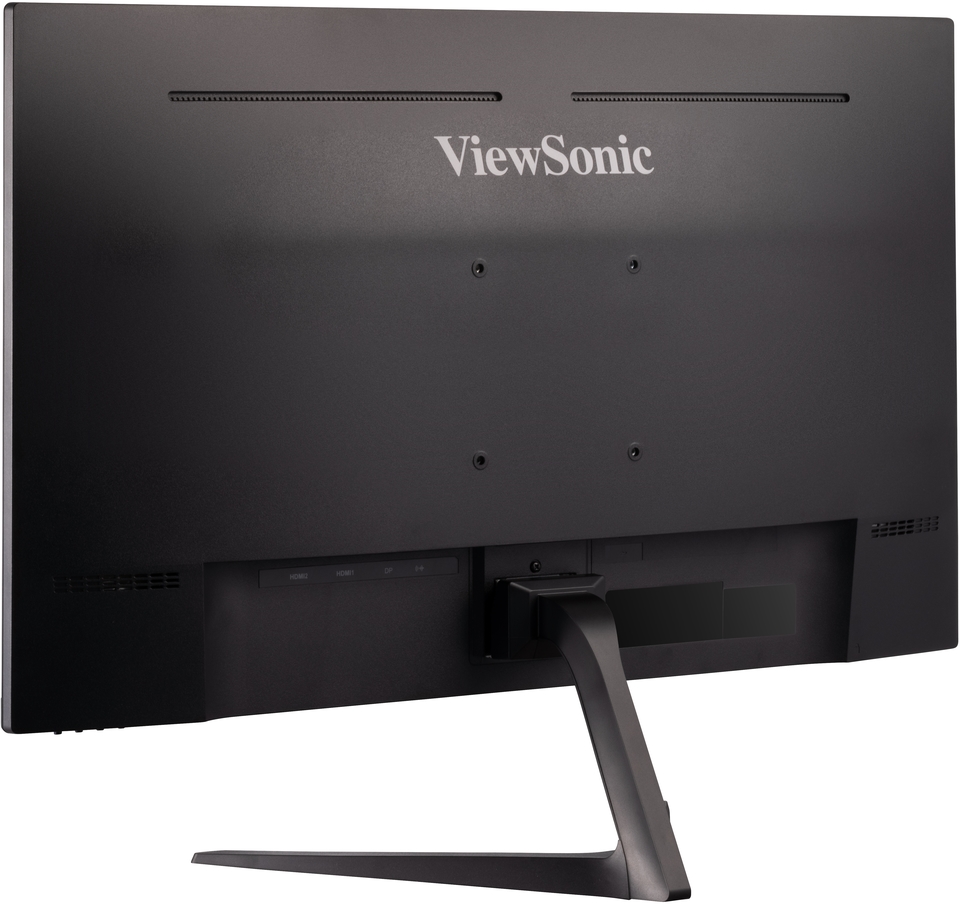
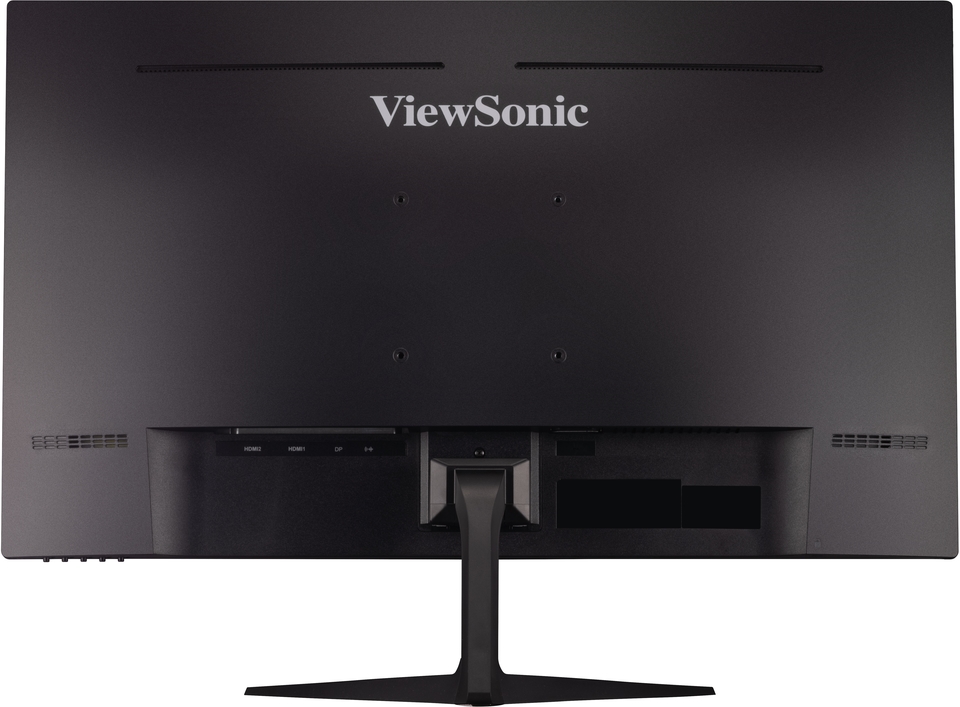
Mac® Resolution (min): 1920x1080 - Connector3.5mm Audio Out: 1
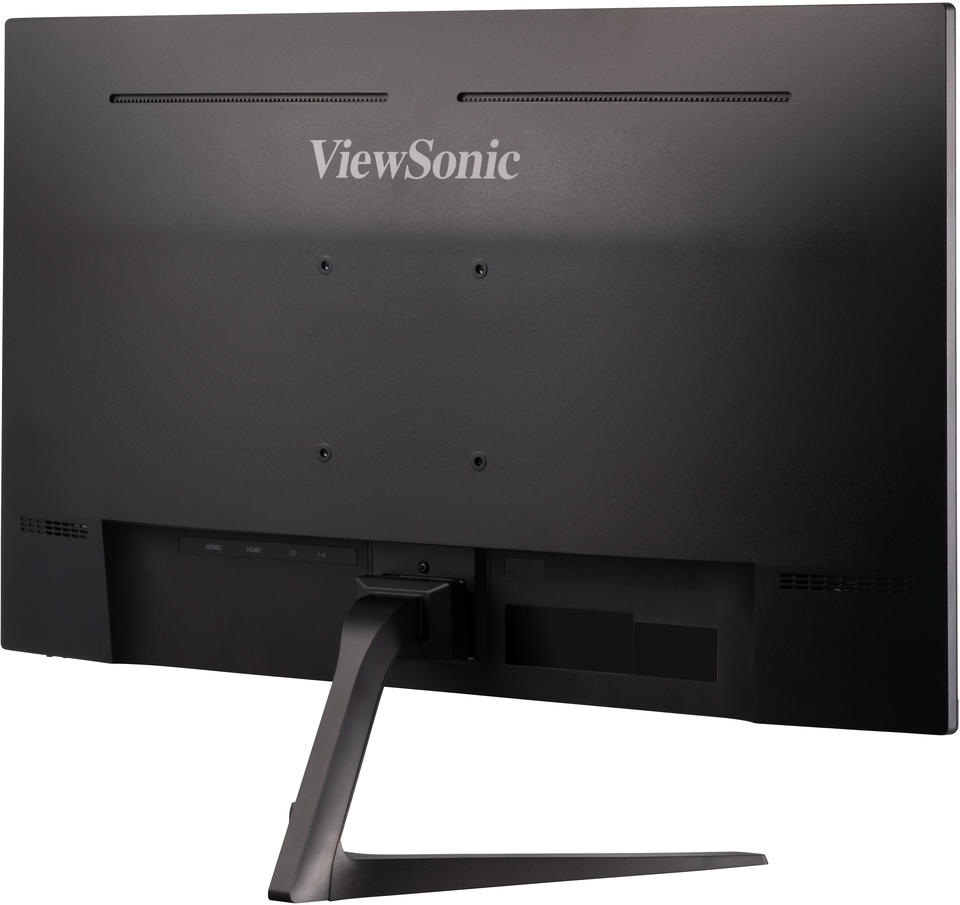
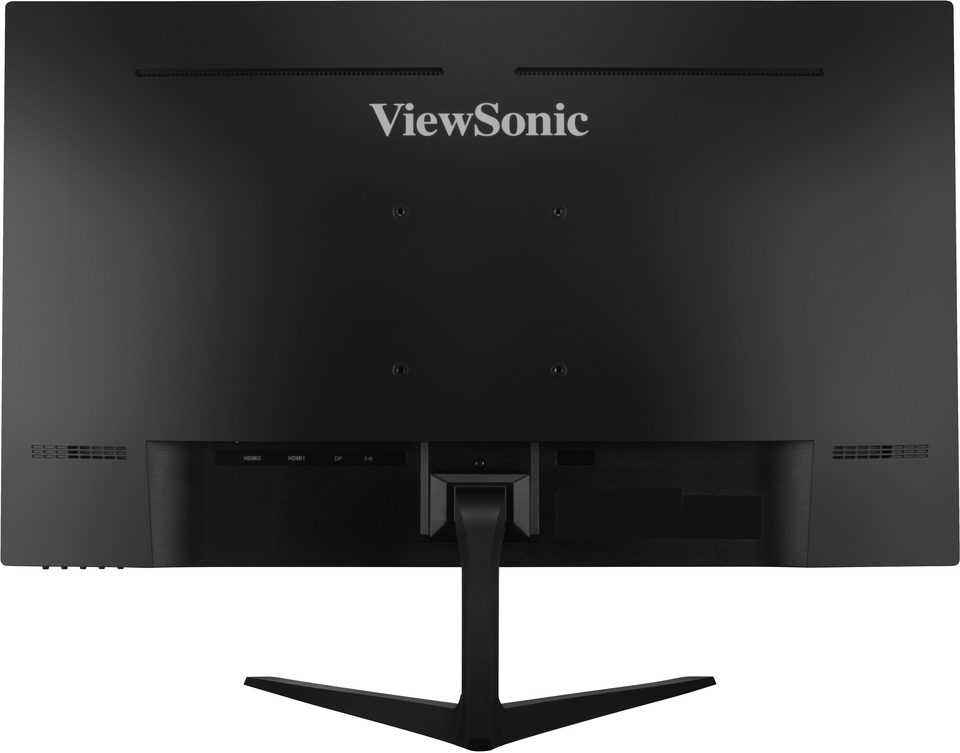
HDMI 1.4: 2
DisplayPort: 1
Power in: 3-pin Socket (IEC C14 / CEE22)
- AudioInternal Speakers: 2Watts x2
- PowerEco Mode (Conserve): 24W
Eco Mode (optimized): 26W
Consumption (typical): 30W
Consumption (max): 35W
Voltage: AC 100-240V
Stand-by: 0.5W
Power Supply: Internal Power Supply - Additional HardwareKensington Lock Slot: 1
- ControlsPhysical Controls: Key 1 (favorite), Key 2, Key 3, Key 4, Key 5 (power)
On Screen Display: Input Select, Audio Adjust, ViewMode, Color Adjust, Manual Image Adjust, Setup Menu - Operating ConditionsTemperature: 32°F to 104°F (0°C to 40°C)
Humidity (non-condensing): 20% to 90% - Wall Mount VESA Compatible: 100 x 100 mm
- Input SignalFrequency Horizontal: 30 ~ 202KHz
Frequency Vertical: 48 ~ 180Hz - Video InputDigital Sync: TMDS - HDMI (v1.4), PCI-E - DisplayPort (v1.4)
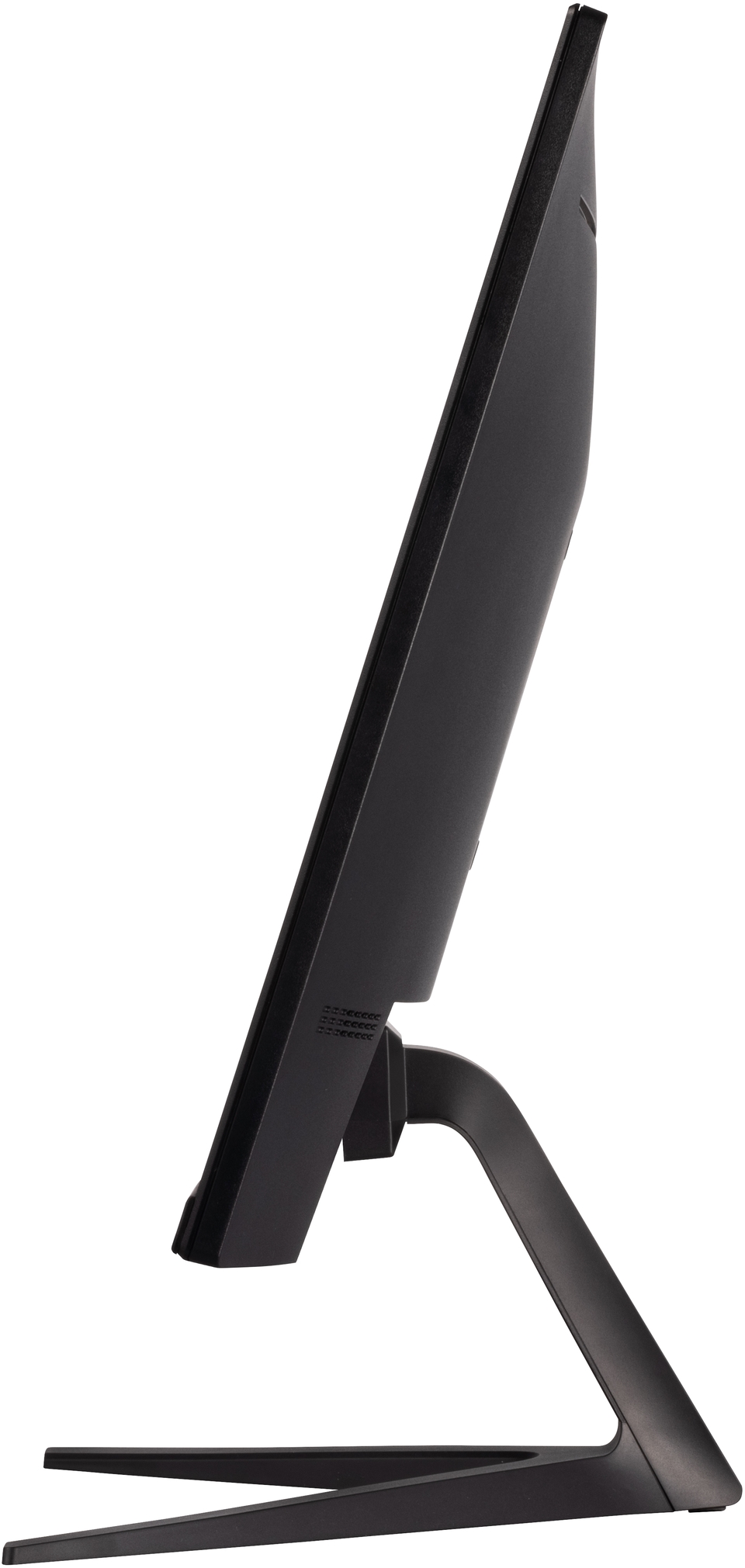
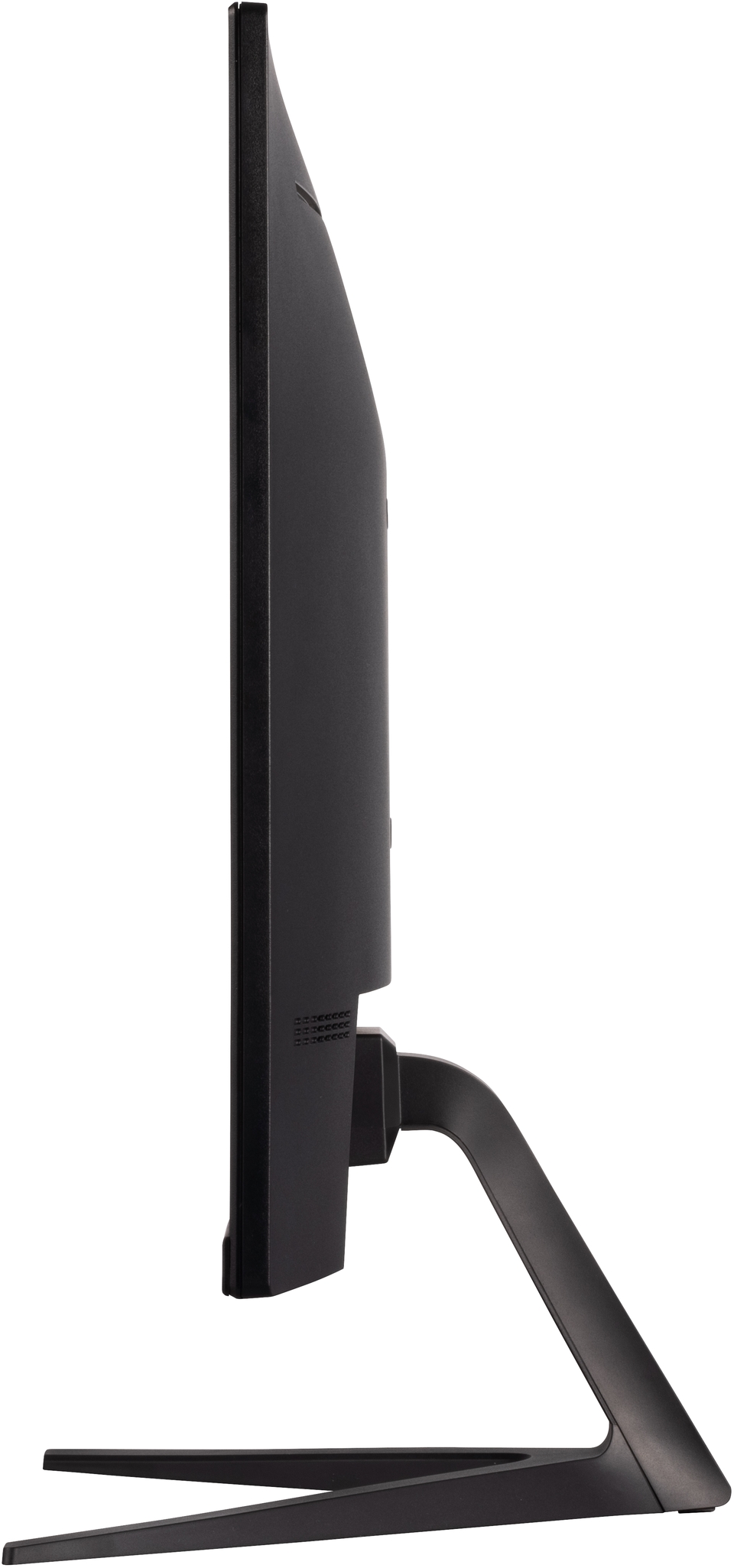
- ErgonomicsTilt (Forward/Back): -5º / 25º
- Weight (imperial)Net (lbs): 9.7
Net Without Stand (lbs): 8.8
Gross (lbs): 13.2 - Weight (metric) Net (kg): 4.4
Net Without Stand (kg): 4
Gross (kg): 6 - Dimensions (imperial) (wxhxd)Packaging (in.): 27.4 x 18.1 x 5.7
Physical (in.): 24.2 x 18 x 8.9
Physical Without Stand (in.): 24.2 x 14.3 x 1.8 - Dimensions (metric) (wxhxd)Packaging (mm): 695 x 460 x 145
Physical (mm): 615 x 458 x 226
Physical Without Stand (mm): 615 x 364 x 46 - GeneralPACKAGE CONTENTS: VX2718-P-MHD x1, 3-pin Plug (IEC C13 / CEE22) x1, DisplayPort Cable (v1.2; Male-Male) x1, Quick Start Guide x1
Recycle/Disposal: Please dispose of in accordance with local, state or federal laws.
Warranty: *Warranty offered may differ from market to market
SUPPORT & DOWNLOADS
Datasheets
User Guides
VX2718-P-MHD User Guide (English)
VX2718-P-MHD User Guide (Online View)
See all languages
VX2718-P-MHD User Guide (Bahasa Indonesia)VX2718-P-MHD User Guide (Dansk)VX2718-P-MHD User Guide (Deutsch)VX2718-P-MHD User Guide (Español )VX2718-P-MHD User Guide (Français)VX2718-P-MHD User Guide (Hrvatski)VX2718-P-MHD User Guide (Italiano)VX2718-P-MHD User Guide (Magyar)VX2718-P-MHD User Guide (Nederlands)VX2718-P-MHD User Guide (Norsk)VX2718-P-MHD User Guide (Polski)VX2718-P-MHD User Guide (Português)VX2718-P-MHD User Guide (Română)VX2718-P-MHD User Guide (Srpski)VX2718-P-MHD User Guide (Suomi)VX2718-P-MHD User Guide (Svenska)VX2718-P-MHD User Guide (Türkçe)VX2718-P-MHD User Guide (Česky)VX2718-P-MHD User Guide (Ελληνικά)VX2718-P-MHD User Guide (Български)VX2718-P-MHD User Guide (Русский)VX2718-P-MHD User Guide (Українська)VX2718-P-MHD User Guide (日本語)VX2718-P-MHD User Guide (简体中文)VX2718-P-MHD User Guide (繁體中文)VX2718-P-MHD User Guide (한국어)VX2718-P-MHD User Guide (ﺍﻟﻌﺭﺑﻳﺔ)
Quick Start Guide
Driver & Software
Standard Monitor Driver Signed Windows 10 x64Standard Monitor Driver Signed Windows 10 x86Standard Monitor Driver Signed Windows 11 x64Standard Monitor Driver Signed Windows 7Standard Monitor Driver Signed Windows 7 x64Standard Monitor Driver Signed Windows 8 x64Standard Monitor Driver Signed Windows 8 x86Standard Monitor Driver Unsigned WindowsStandard Monitor Driver Unsigned Windows x64