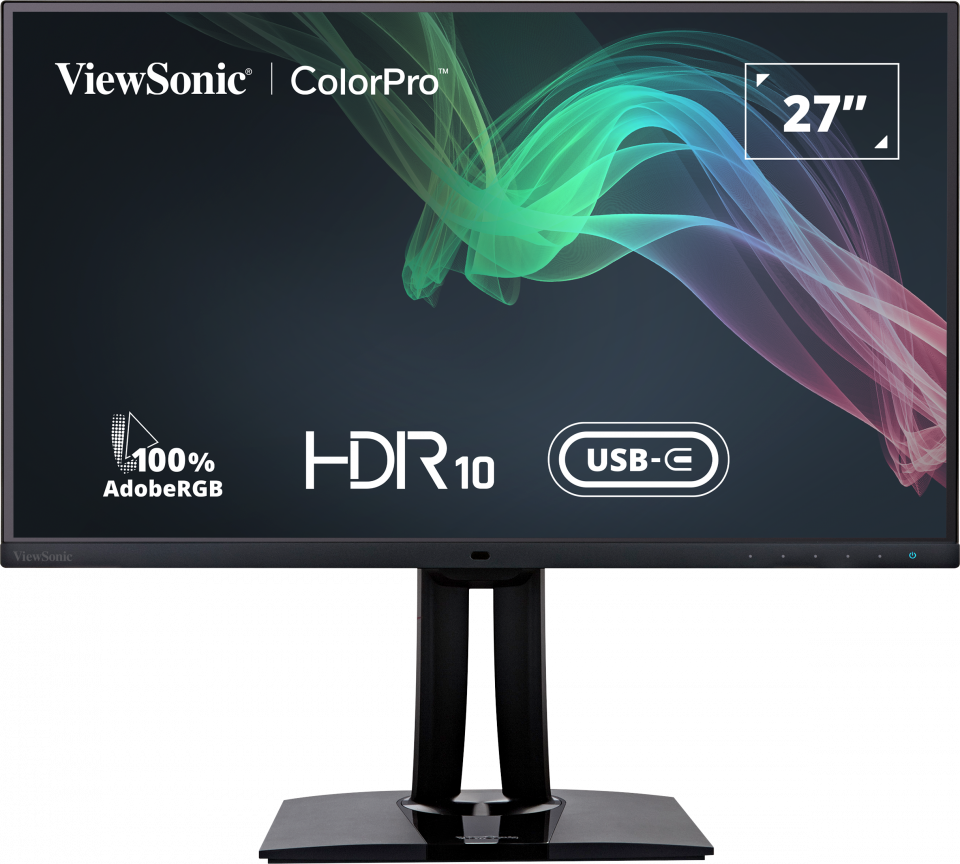
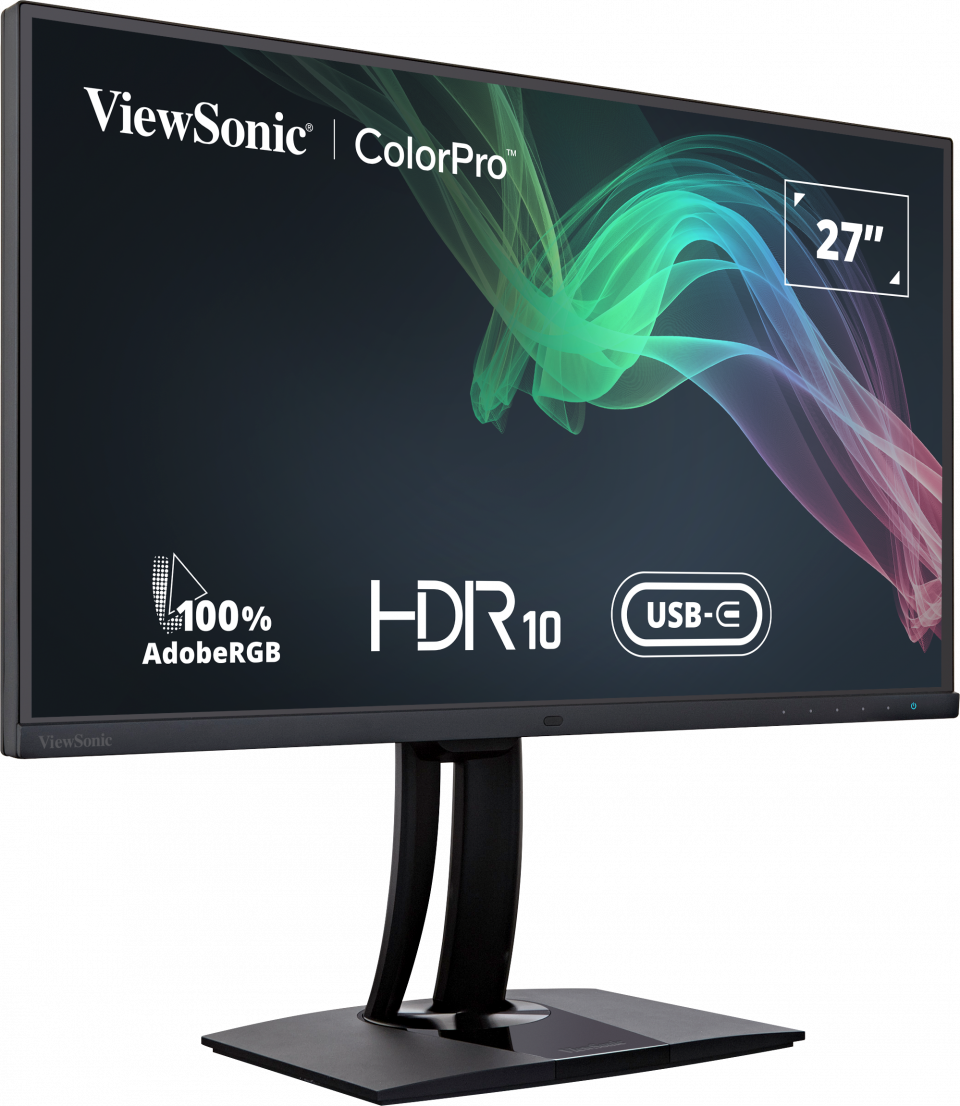
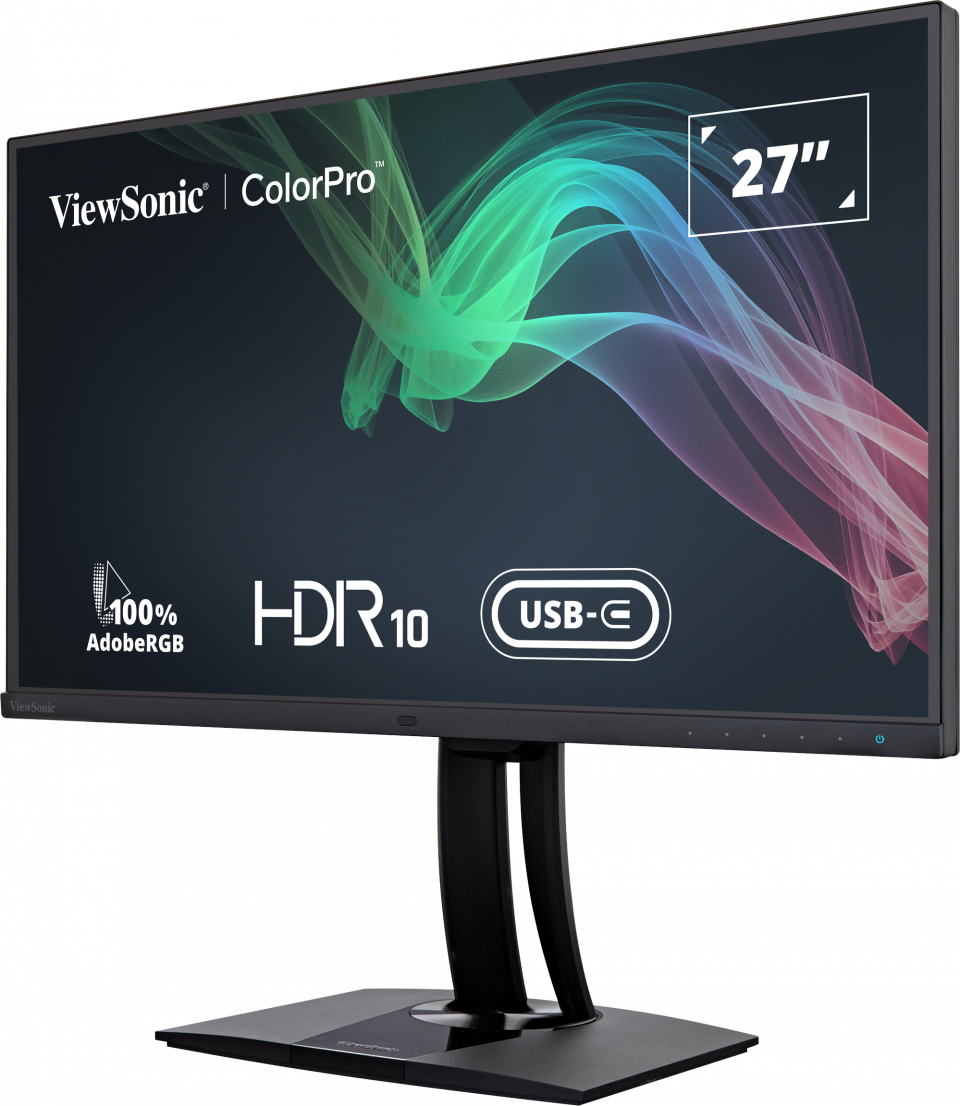
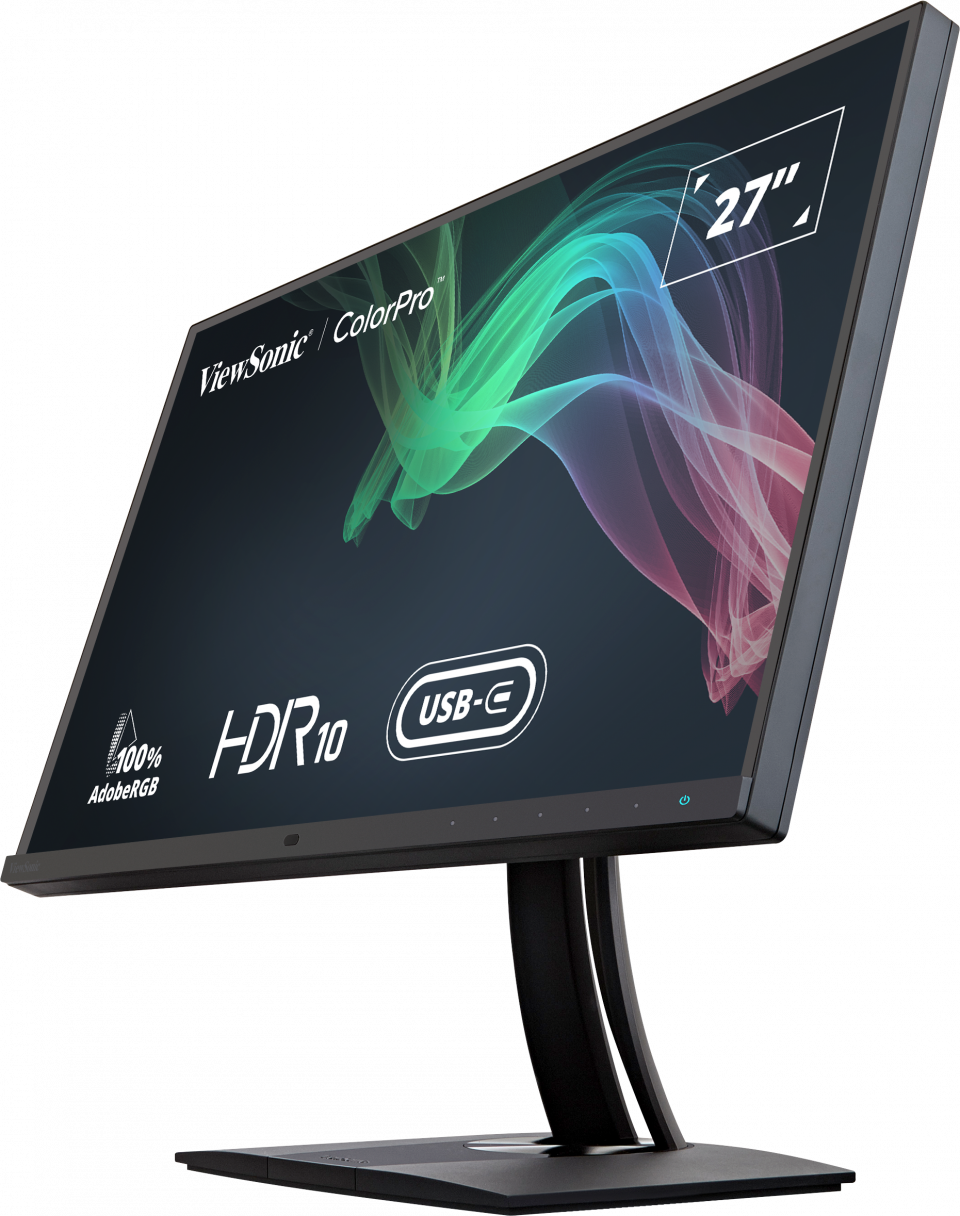
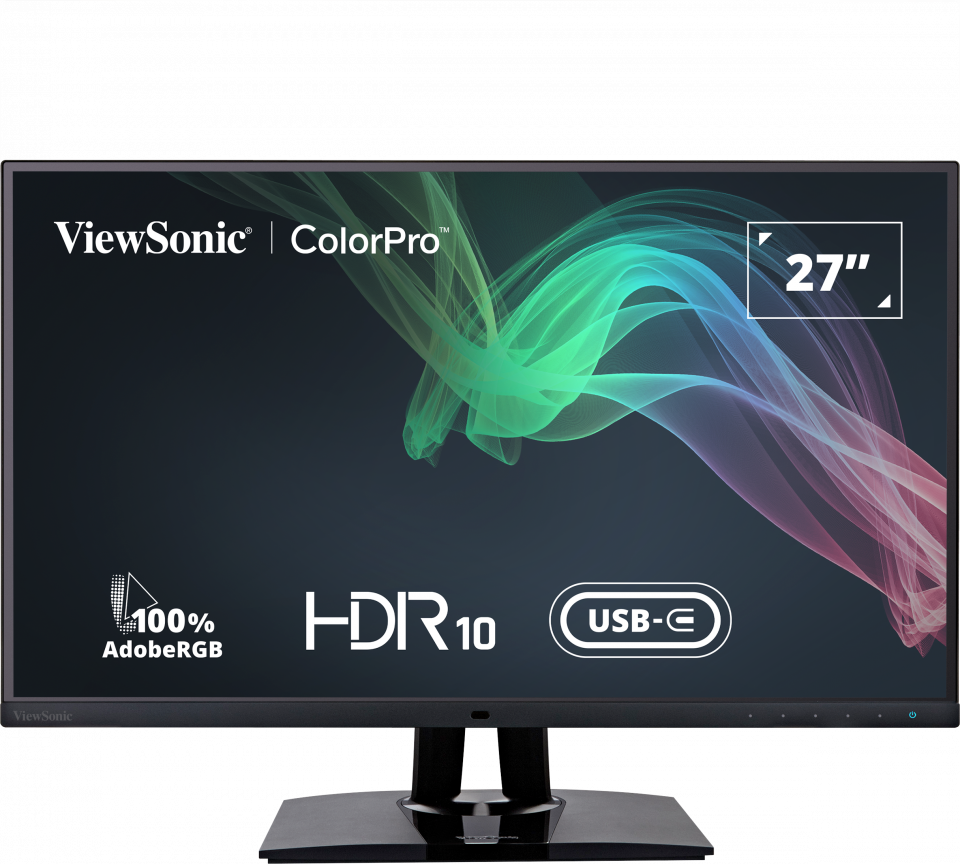
“While it is very similar to the ViewSonic VP2780-4K, which earned our Editors' Choice way back in 2015, the VP2785-4K offers some distinct improvements. It adds a USB Type-C port, which can charge a laptop that's connected to it, as well as letting you take advantage of an unusual KVM-switch feature.”
Archived
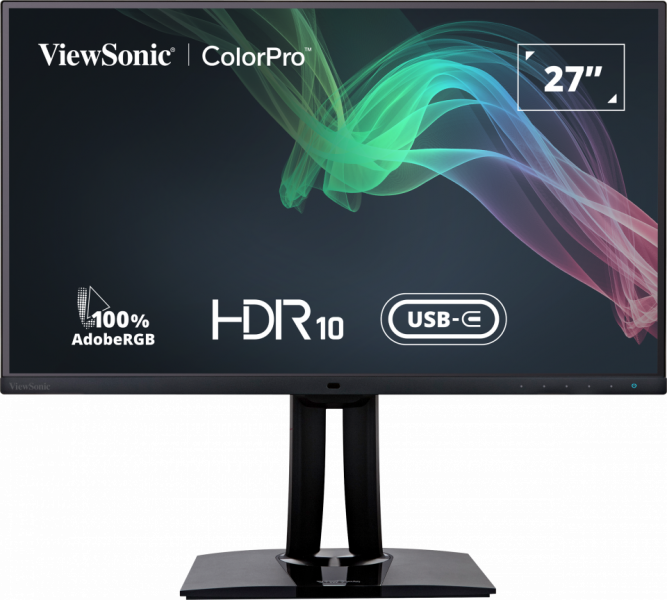
VP2785-4K
27" 100% Adobe RGB Professional Monitor
- 4K Ultra HD resolution
- Backlight sensor
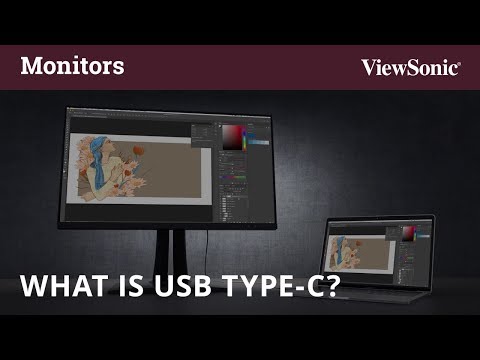
- KVM Switch technology with USB Type-C 60W Charging
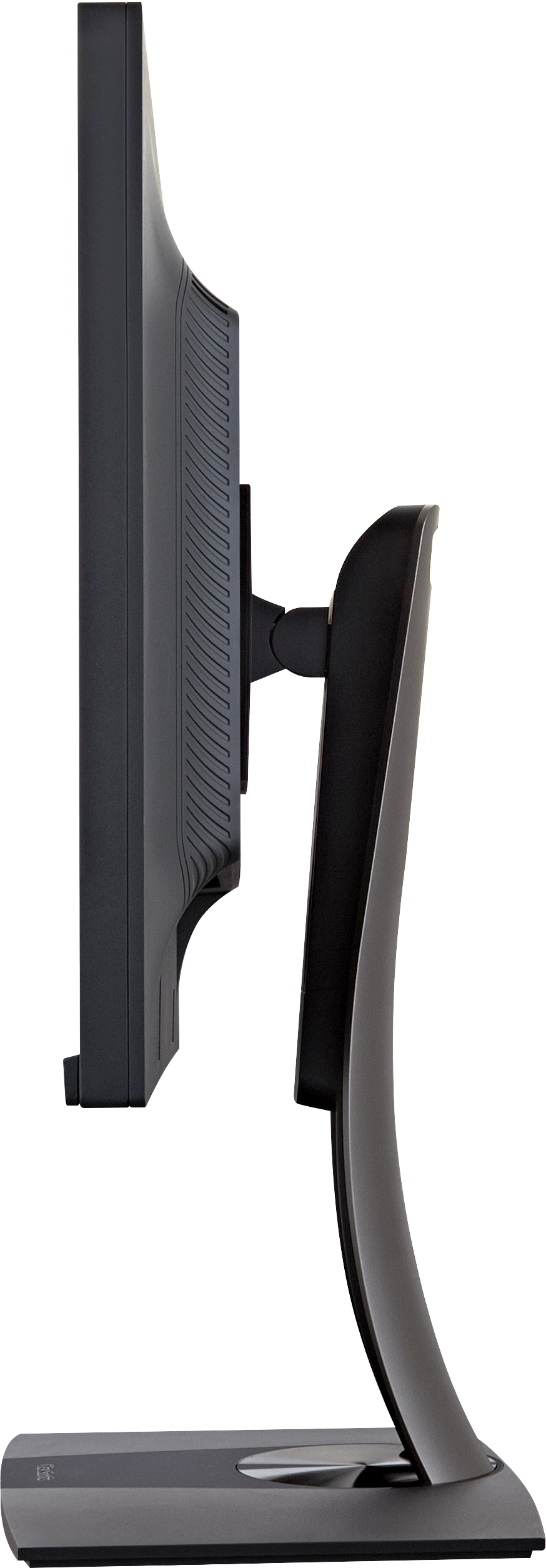
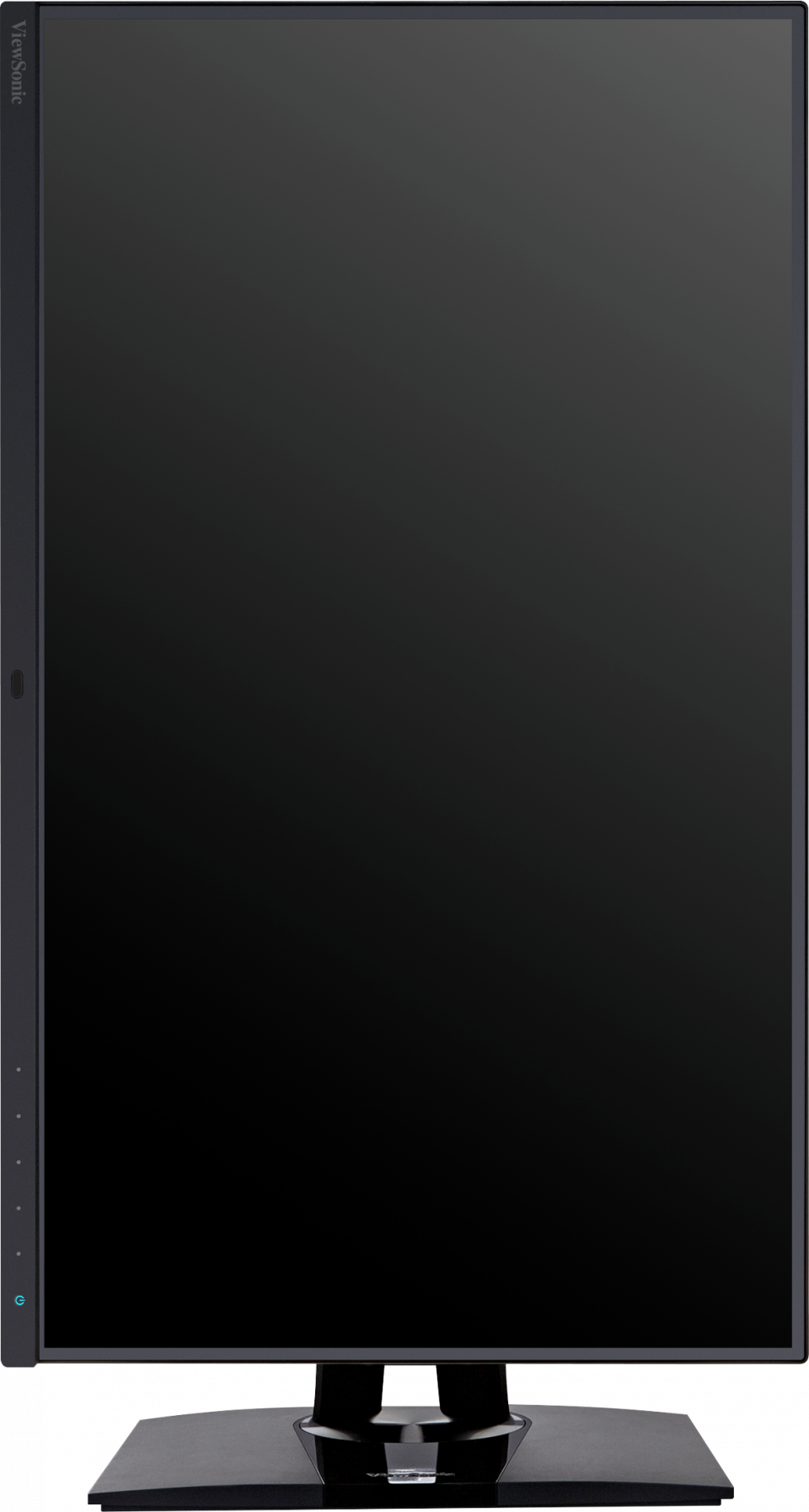
- Ergonomic stand with auto pivot
- Hardware colour calibration
REVIEWS

“Viewsonic has been a known and respected name in the monitor domain and I had the pleasure to use their wide-gamut VP2785-4K monitor for a month so I noted a few things after rigorous use.”


“The VP2785-4K combines ergonomic and meaningful design with modern techniques. He has all the usual color profiles, so that photographers, graphic artists, videographers and editors can pursue their work without restrictions.”

SPECIFICATIONS
- DisplayDisplay Size (in.): 27
Viewable Area (in.): 27
Panel Type: IPS Technology
Resolution: 3840 x 2160
Resolution Type: UHD (Ultra HD)
Static Contrast Ratio: 1,000:1 (typ)
Dynamic Contrast Ratio: 20M:1
High Dynamic Range: HDR10
Light Source: LED
Brightness: 350 cd/m² (typ)
Colors: 1.07B
Color Space Support: 10 bit (8 bit + A-FRC)
Aspect Ratio: 16:9
Response Time (Typical GTG): 5ms
Response Time (GTG w/OD): 5ms
Viewing Angles: 178º horizontal, 178º vertical
Backlight Life (Hours): 30000 Hrs (Min)
Glass Hardness: 3H
Curvature: Flat
Refresh Rate (Hz): 60
Low Blue Light: Software solution
Flicker-Free: Yes
Color Gamut: Adobe RGB: 109% size / 99% coverage (Typ)
DCI-P3: 108% size / 95% coverage (Typ)
EBU: 145% size / 100% coverage (Typ)
REC709: 147% size / 100% coverage (Typ)
SMPTE-C: 166% size / 100% coverage (Typ)
NTSC: 104% size (Typ)
sRGB: 147% size / 100% coverage (Typ)
Pixel Size: 0.155 mm (H) x 0.155 mm (V)
Surface Treatment: Anti-Glare, Hard Coating (3H) - CompatibilityPC Resolution (max): 3840x2160
Mac® Resolution (max): 3840x2160
PC Operating System: Windows 7/8/8.1/10/11 certified; macOS tested
Mac® Resolution (min): 3840x2160 - Connector
- PowerEco Mode (Conserve): 45W
Eco Mode (optimized): 55W
Consumption (typical): 67W
Consumption (max): 70W
Voltage: AC 100-240V
Stand-by: 0.5W
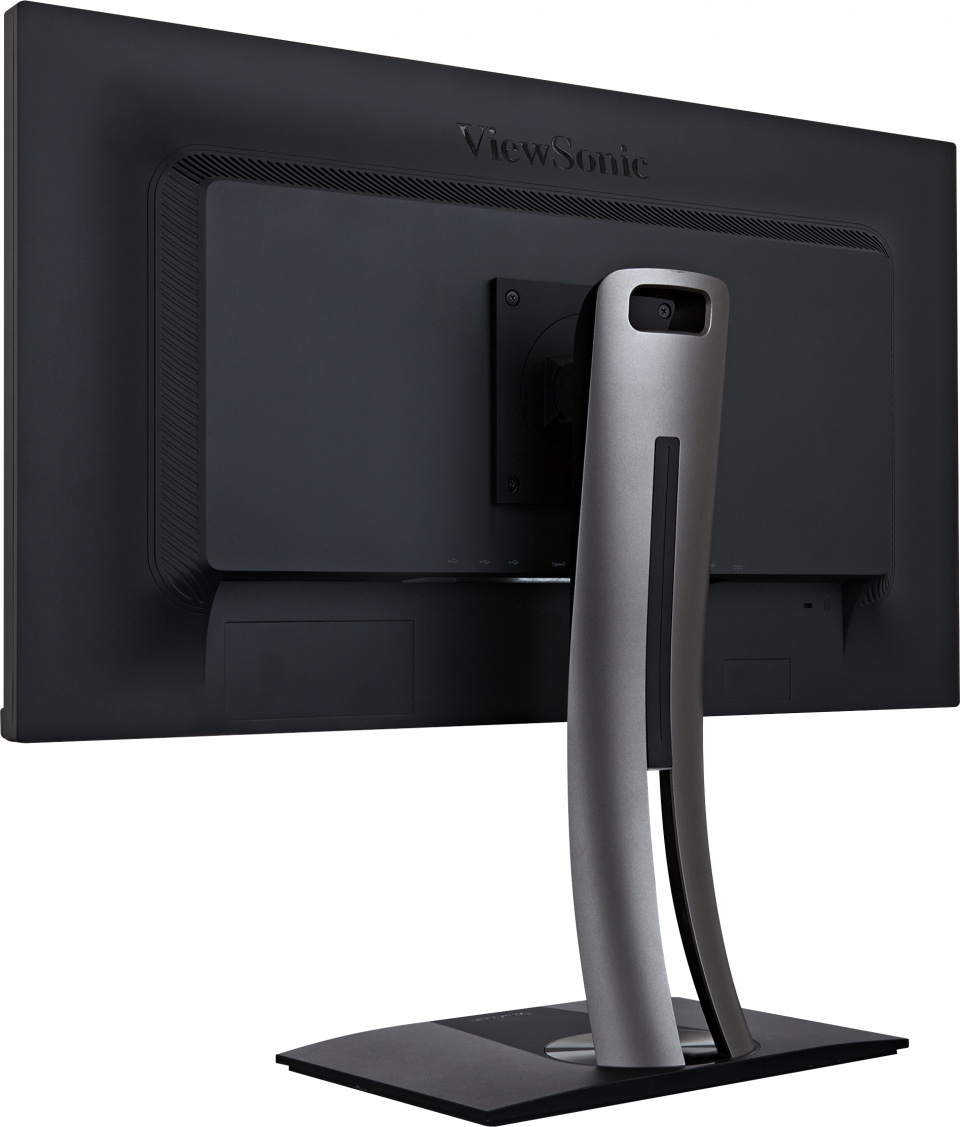
Power Supply: External Power Adaptor - Additional HardwareKensington Lock Slot: 1
Cable Organization: Yes - ControlsPhysical Controls: Key 1, Key 2, Key 3, Key 4, Key 5, Key 6 (power)
On Screen Display: Input Select, Audio Adjust, ViewMode, Color Adjust, Manual Image Adjust, Setup Menu - Operating ConditionsTemperature: 32°F to 104°F (0°C to 40°C)
Humidity (non-condensing): 20% to 90% - Wall Mount VESA Compatible: 100 x 100 mm
- Input SignalFrequency Horizontal: 15 ~ 204KHz
Frequency Vertical: 24 ~ 120Hz - Video InputDigital Sync: TMDS - HDMI (v2.1), PCI-E - DisplayPort (v1.4), PCI-E - mini DisplayPort (v1.4), Micro-Packet - Type C
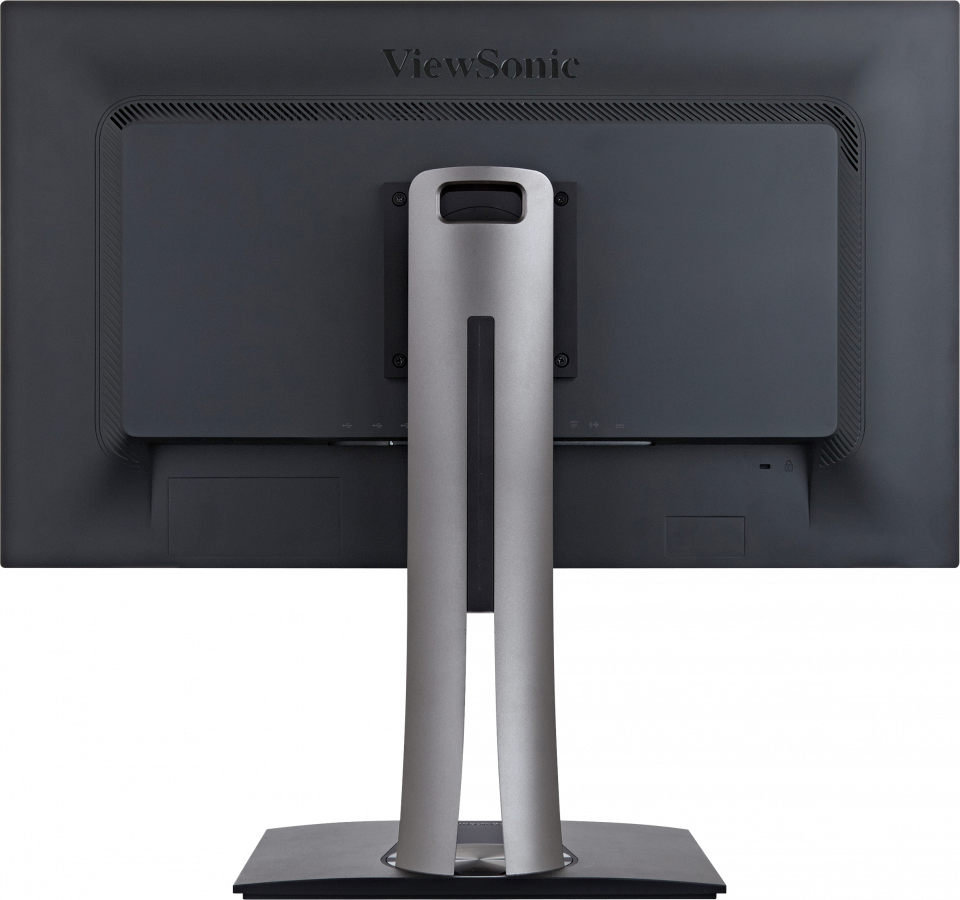
- ErgonomicsHeight Adjust (mm): 130
Swivel: 120º
Tilt (Forward/Back): -5º / 21º
Pivot (Right/Left): 90º / 90º - Weight (imperial)Net (lbs): 13.8
Net Without Stand (lbs): 8.5
Gross (lbs): 21.1 - Weight (metric) Net (kg): 6.3
Net Without Stand (kg): 3.8
Gross (kg): 9.6 - Dimensions (imperial) (wxhxd)Packaging (in.): 28.3 x 18.1 x 10.6
Physical (in.): 24.1 x 16.35~21.47 x 8.5
Physical Without Stand (in.): 24.1 x 14.3 x 2.2 - Dimensions (metric) (wxhxd)Packaging (mm): 720 x 460 x 268
Physical (mm): 612 x 415.51~545.51 x 215
Physical Without Stand (mm): 612 x 363 x 57 - GeneralPACKAGE CONTENTS: VP2785-4K x1, 3-pin Mickey Mouse Plug (IEC C5) x1, mini DisplayPort to DisplayPort Cable (v1.2; Male-Male) x1, USB A/B Cable (v3.2; Male-Male) x1, USB Type-C Cable (Male-Male) x1, AC/DC Adapter x1, Quick Start Guide x1
Recycle/Disposal: Please dispose of in accordance with local, state or federal laws.
Warranty: *Warranty offered may differ from market to market