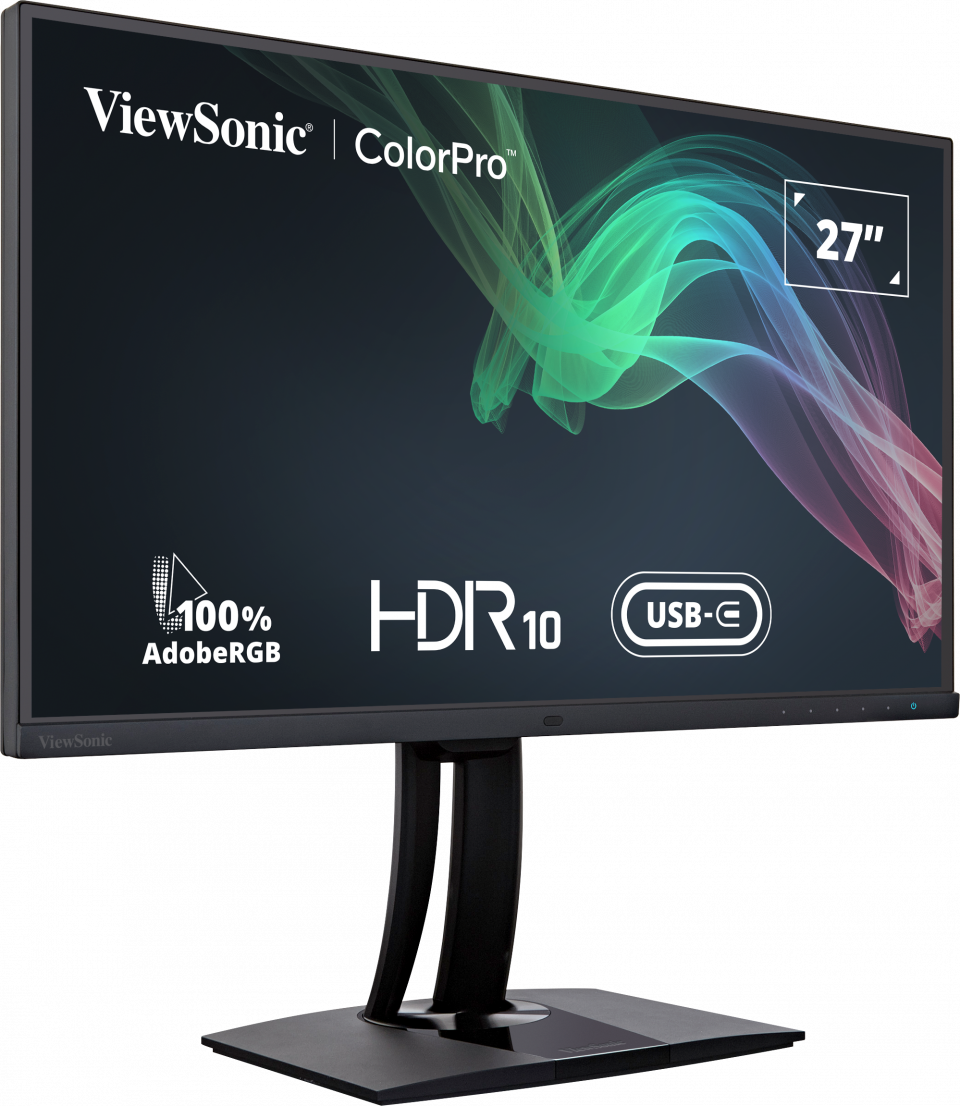
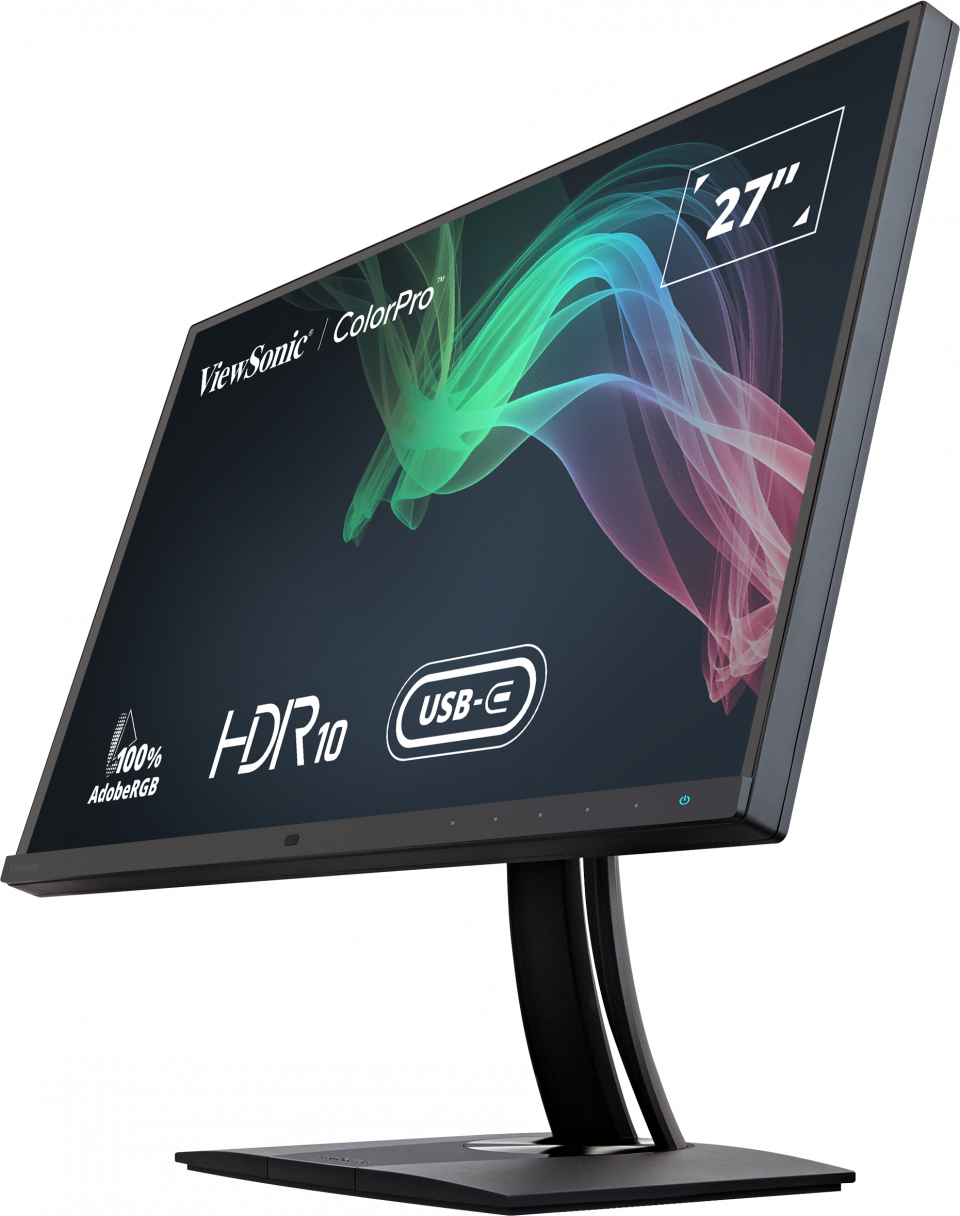
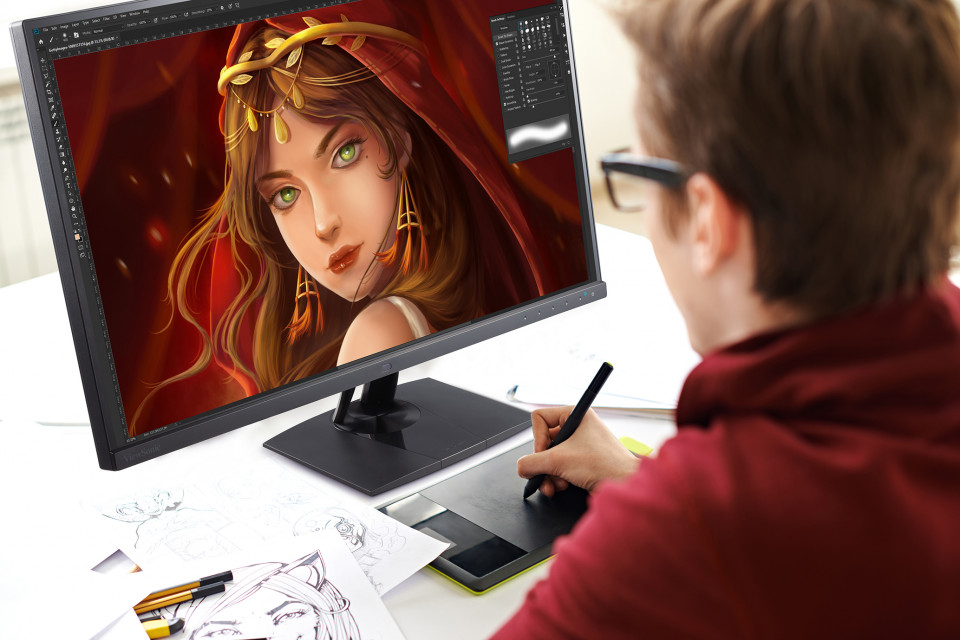
“The most important is the design, with a SuperClear IPS panel that offers excellent image quality and viewing angles. Calibration tests have produced exceptional results in terms of color coverage. It has also been shown to have excellent calibration with an average Delta E>2, displaying its Fogra Softproof certification.”
Archived

VP2785-2K
27" 100% Adobe RGB Fogra-Certified Professional Monitor
- Fogra Certified
- Delta E<2 colour accuracy
- Hardware colour calibration
- KVM Switch technology with USB Type-C
- Versatile Connectivity supports Daisy Chain
SPECIFICATIONS
- DisplayDisplay Size (in.): 27
Viewable Area (in.): 27
Panel Type: IPS Technology
Resolution: 2560 x 1440
Resolution Type: QHD (Quad HD)
Static Contrast Ratio: 1,000:1 (typ)
Dynamic Contrast Ratio: 20M:1
Light Source: LED
Brightness: 130 cd/m² (typ)
Colors: 1.07B
Color Space Support: 10 bit (8 bit + A-FRC)
Aspect Ratio: 16:9
Response Time (Typical GTG): 5ms
Response Time (GTG w/OD): 5ms
Viewing Angles: 178º horizontal, 178º vertical
Backlight Life (Hours): 30000 Hrs (Min)
Glass Hardness: 3H
Curvature: Flat
Refresh Rate (Hz): 60
Low Blue Light: Software solution
Flicker-Free: Yes
Color Gamut: Adobe RGB: 114% size / 100% coverage (Typ)
DCI-P3: 96% coverage (Typ)
EBU: 152% size / 100% coverage (Typ)
REC709: 154% size / 100% coverage (Typ)
SMPTE-C: 166% size / 100% coverage (Typ)
NTSC: 109% size (Typ)
sRGB: 154% size / 100% coverage (Typ)
Pixel Size: 0.233 mm (H) x 0.233 mm (V)
Surface Treatment: Anti-Glare, Hard Coating (3H) - CompatibilityPC Resolution (max): 2560x1440
Mac® Resolution (max): 2560x1440
PC Operating System: Windows 7/8/8.1/10 certified; macOS tested
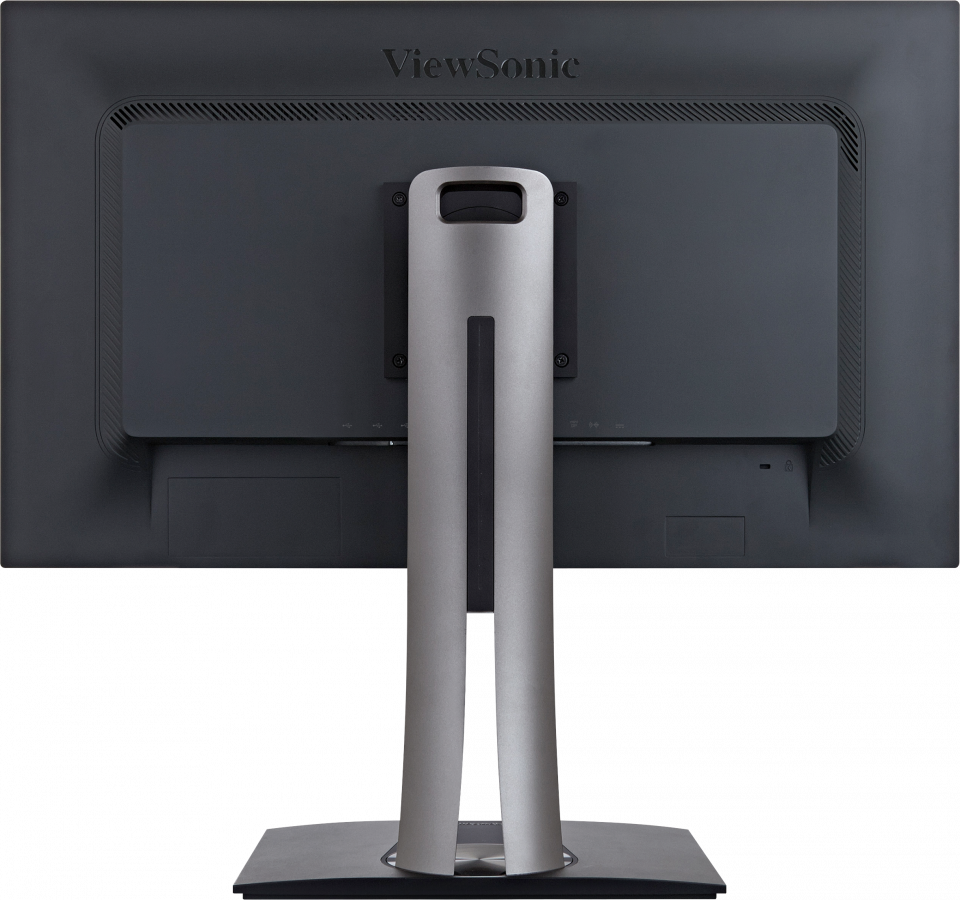
Mac® Resolution (min): 2560x1440 - ConnectorUSB 3.2 Type A Down Stream: 2
USB 3.2 Type B Up Stream: 1
USB 3.2 Type C Down stream: 1 (15W power charger & Data transfer only & Data transfer only)
USB 3.2 Type C Up Stream; DisplayPort Alt mode : 1 (60W power charger)
3.5mm Audio Out: 1
HDMI 1.4: 1
DisplayPort: 1
DisplayPort Out: 1
Power in: DC Socket (Center Positive)
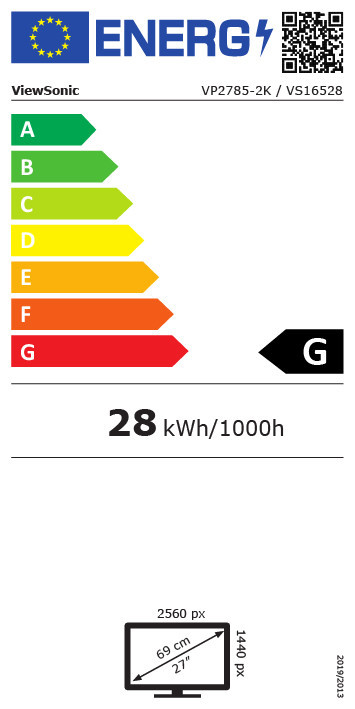
- PowerEco Mode (Conserve): 29.85W
Eco Mode (optimized): 34.71W
Consumption (typical): 40.46W
Consumption (max): 52.98W
Voltage: AC 100-240V
Stand-by: 0.5W
Power Supply: External Power Adaptor - Additional HardwareKensington Lock Slot: 1
Cable Organization: Yes - ControlsPhysical Controls: Key 1, Key 2, Key 3, Key 4, Key 5, Key 6 (power)
On Screen Display: Input Select, Audio Adjust, ViewMode, Color Adjust, Manual Image Adjust, Setup Menu - Operating ConditionsTemperature: 32°F to 104°F (0°C to 40°C)
Humidity (non-condensing): 20% to 90% - Wall Mount VESA Compatible: 100 x 100 mm
- Input SignalFrequency Horizontal: HDMI (v1.4): 15 ~ 90KHz, DisplayPort (v1.2): 15 ~ 130KHz, Type C: 15 ~ 130KHz
Frequency Vertical: HDMI (v1.4): 24 ~ 120Hz, DisplayPort (v1.2): 24 ~ 120Hz, Type C: 24 ~ 120Hz - Video InputDigital Sync: TMDS - HDMI (v1.4), PCI-E - DisplayPort (v1.2), Micro-Packet - Type C
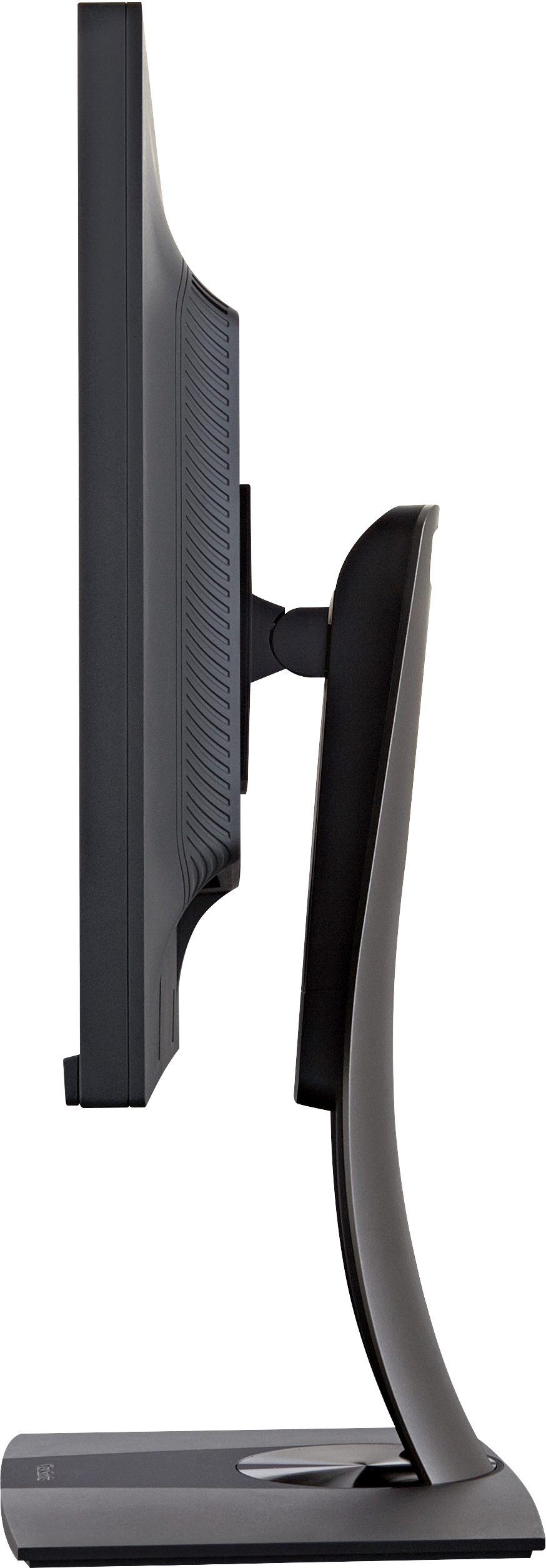
- ErgonomicsHeight Adjust (mm): 130
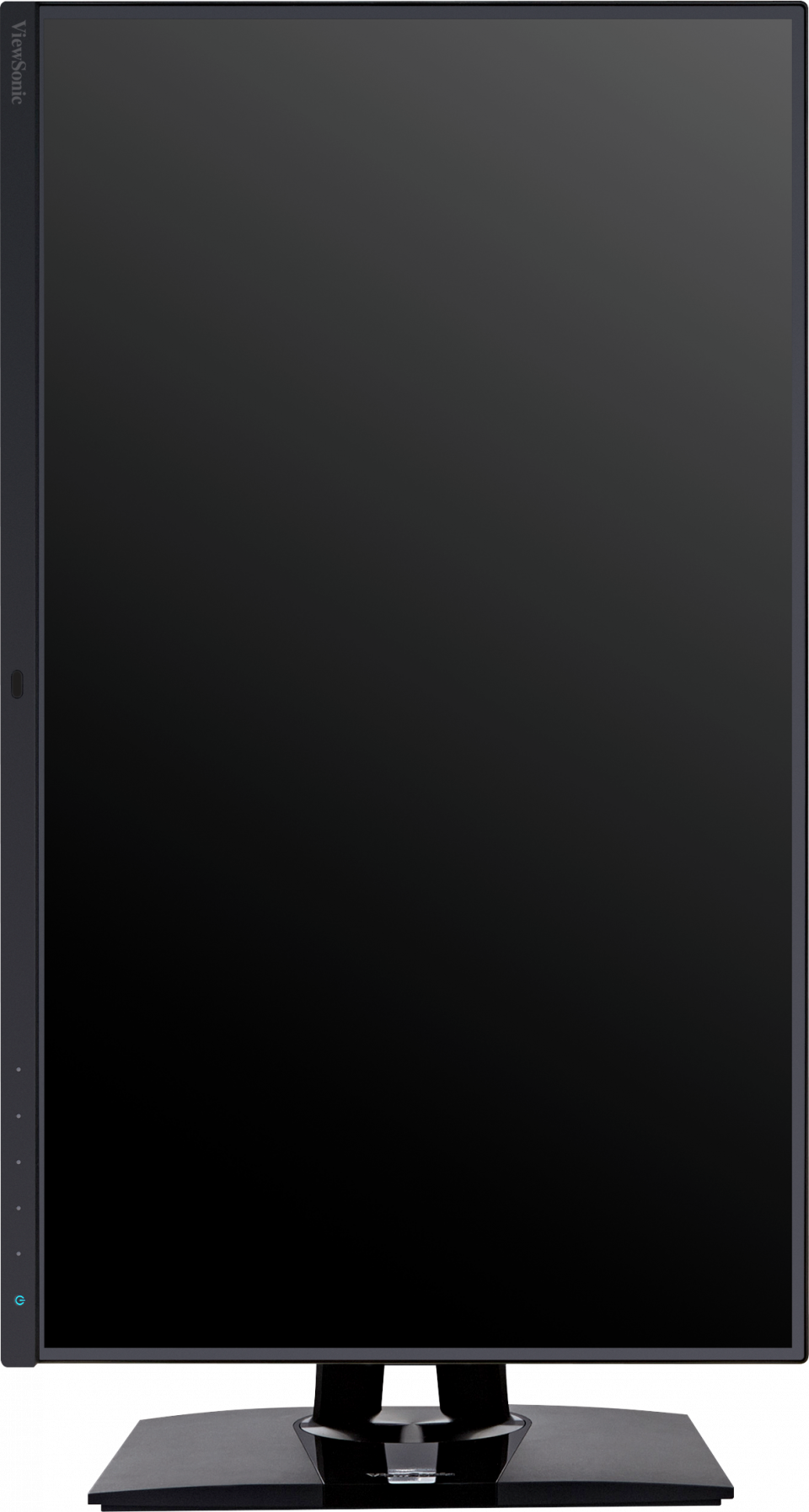
Swivel: 120º
Tilt (Forward/Back): -5º / 21º
Pivot (Right/Left): 90º / 90º - Weight (imperial)Net (lbs): 14.7
Net Without Stand (lbs): 9
Gross (lbs): 22.4 - Weight (metric) Net (kg): 6.7
Net Without Stand (kg): 4.1
Gross (kg): 10.2 - Dimensions (imperial) (wxhxd)Packaging (in.): 28.3 x 18.1 x 10.6
Physical (in.): 24.1 x 16.35~21.47 x 8.5
Physical Without Stand (in.): 24.1 x 14.3 x 2.2 - Dimensions (metric) (wxhxd)Packaging (mm): 720 x 460 x 268
Physical (mm): 612 x 415.31~545.31 x 215
Physical Without Stand (mm): 612 x 363 x 57 - GeneralPACKAGE CONTENTS: VP2785-2K x1, 3-pin Mickey Mouse Plug (IEC C5) x1, DisplayPort Cable (v1.2; Male-Male) x1, USB A/B Cable (v3.2; Male-Male) x1, USB Type-C Cable (Male-Male) x1, AC/DC Adapter x1, Quick Start Guide x1
Recycle/Disposal: Please dispose of in accordance with local, state or federal laws.
Warranty: *Warranty offered may differ from market to market