“The 144Hz refresh rate is one of the best in the bunch. It really smooths out the gaming experience.”
Archived
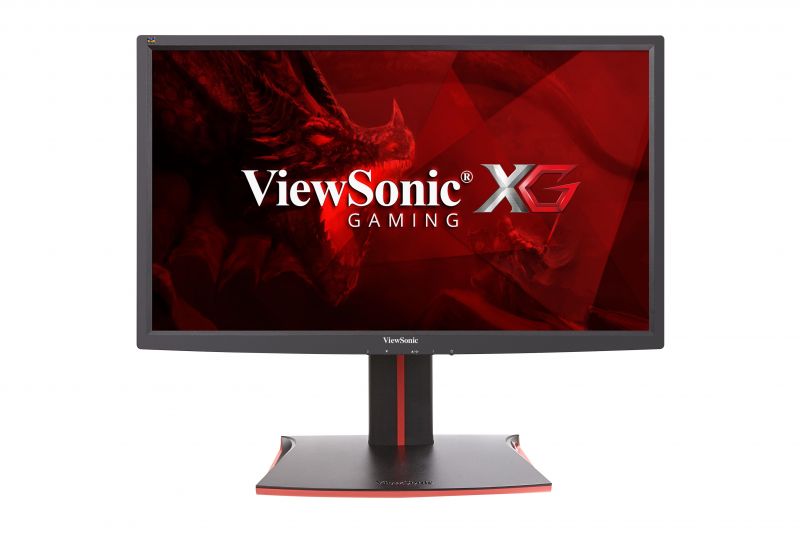
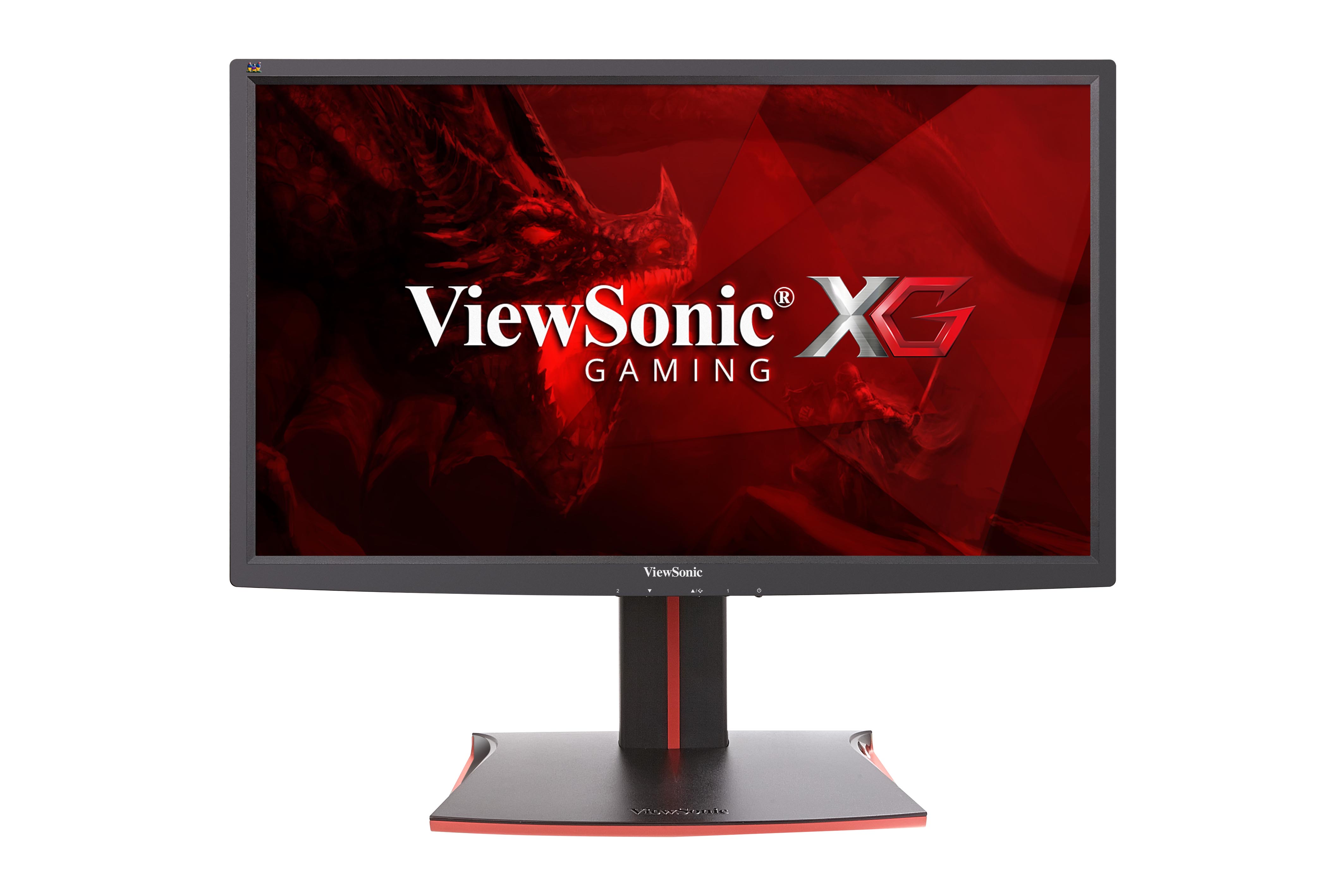
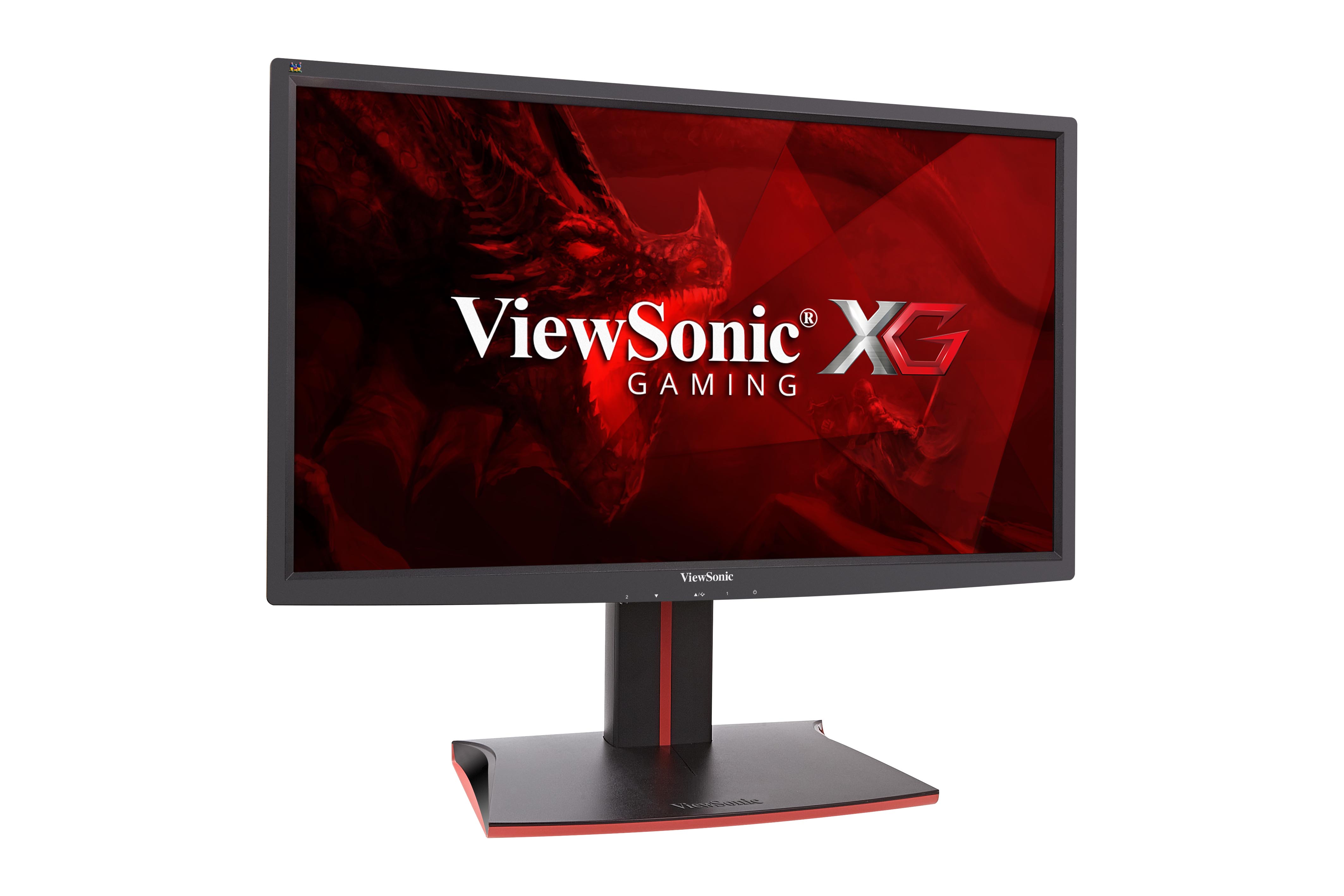
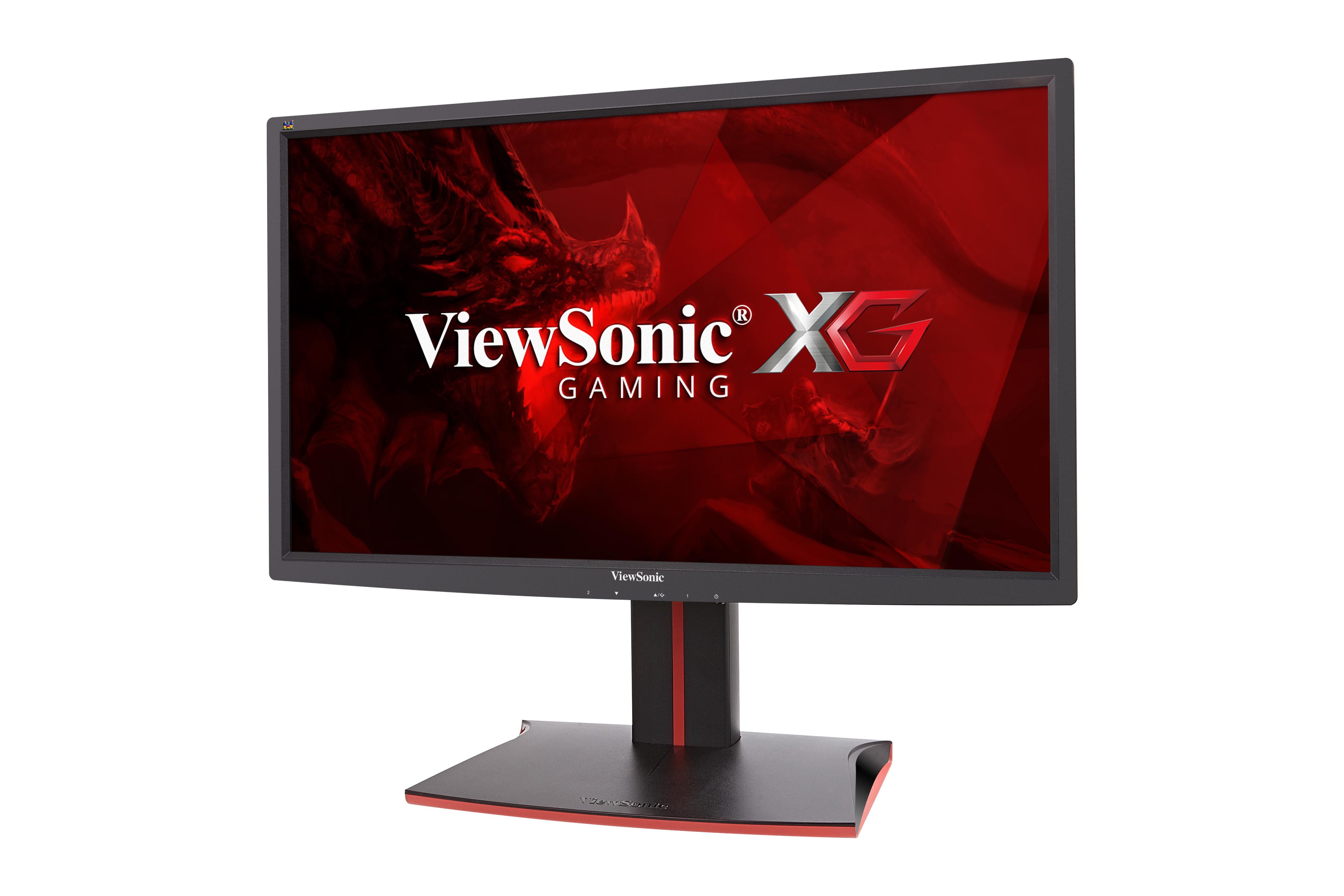
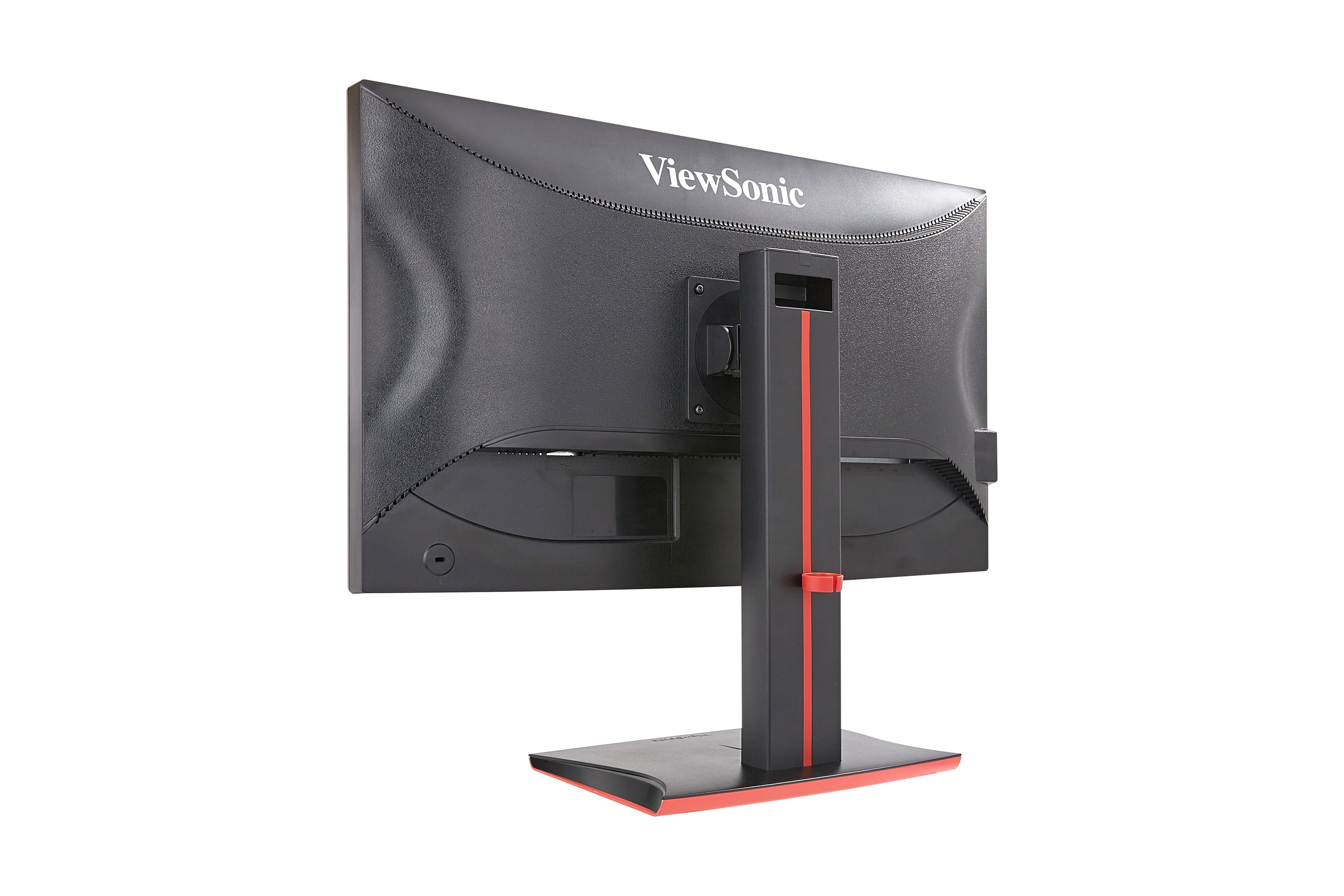
XG2701
27" 144Hz Gaming Monitor
- 1ms response time
- AMD FreeSync™ technology
- SmartSync technology
- Black stabilisation
- Low input lag
REVIEWS
SPECIFICATIONS
- LCDSize: 27" (16:9)
Panel Technology: TN
Display Area: 27"(597.60x336.15)
Optimum Resolution: 1920x1080 (Full HD)
Brightness: 300 cd/m²
Contrast Ratio: 1000 :1 (Typ.)
Dynamic Contrast Ratio: 120,000,000 :1
Viewing Angle: 170° (H) / 160° (V)
Response Time (GTG w/OD): 1ms
Refresh Rate (Hz): 144 (Max)[1]
Panel Surface: Anti-Glare type, Hard-coating (3H)
Light Source: 30000 Hrs (Min.)
Color Support: 16.7 M(6 bits +2 bits scalar FRC)
Colour Gamut: 75% of NTSC (Typ) - INPUTDigital: HDMI / DisplayPort
Sync: TMDS, PCI-E
Frequency: Fh = 15 ~ 180KHz / Fv = 24 ~ 144Hz - COMPATIBILITYPC: 1920x1080
Mac: 1920x1080
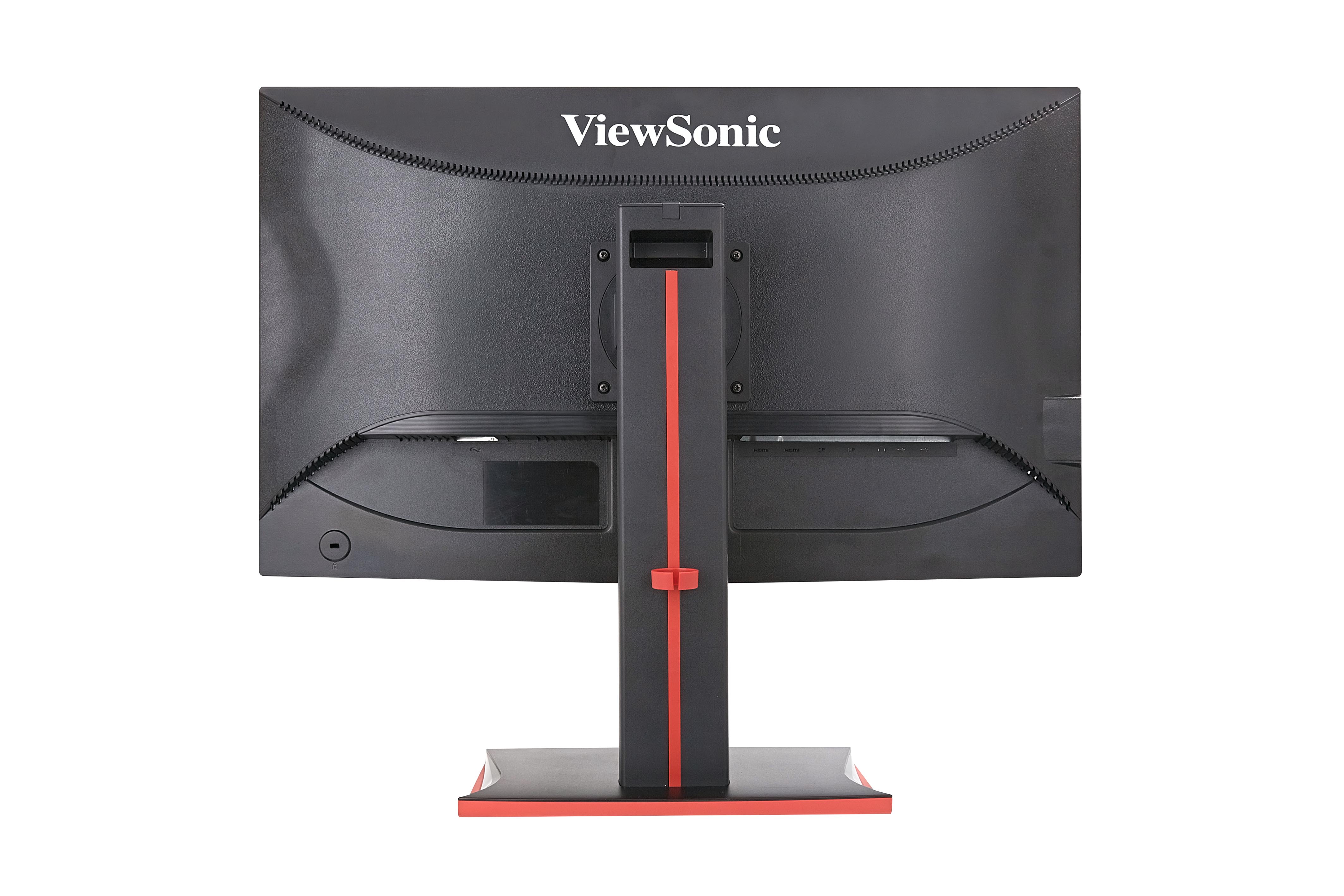
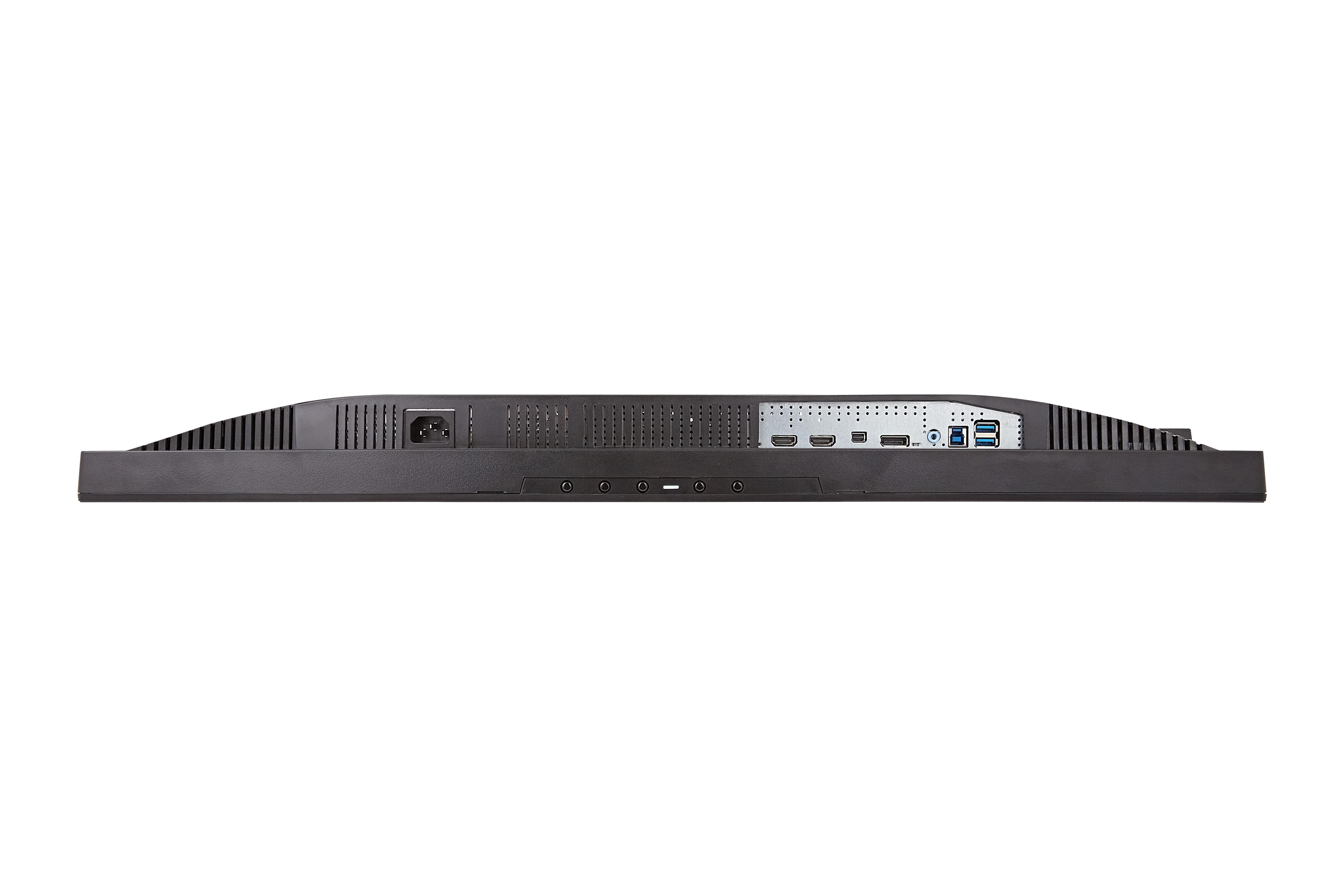
- CONNECTORDigital: HDMI x2 / DisplayPort 1.2 x1 / Mini DisplayPort 1.2 x1
Audio Out: 3.5mm jack x1
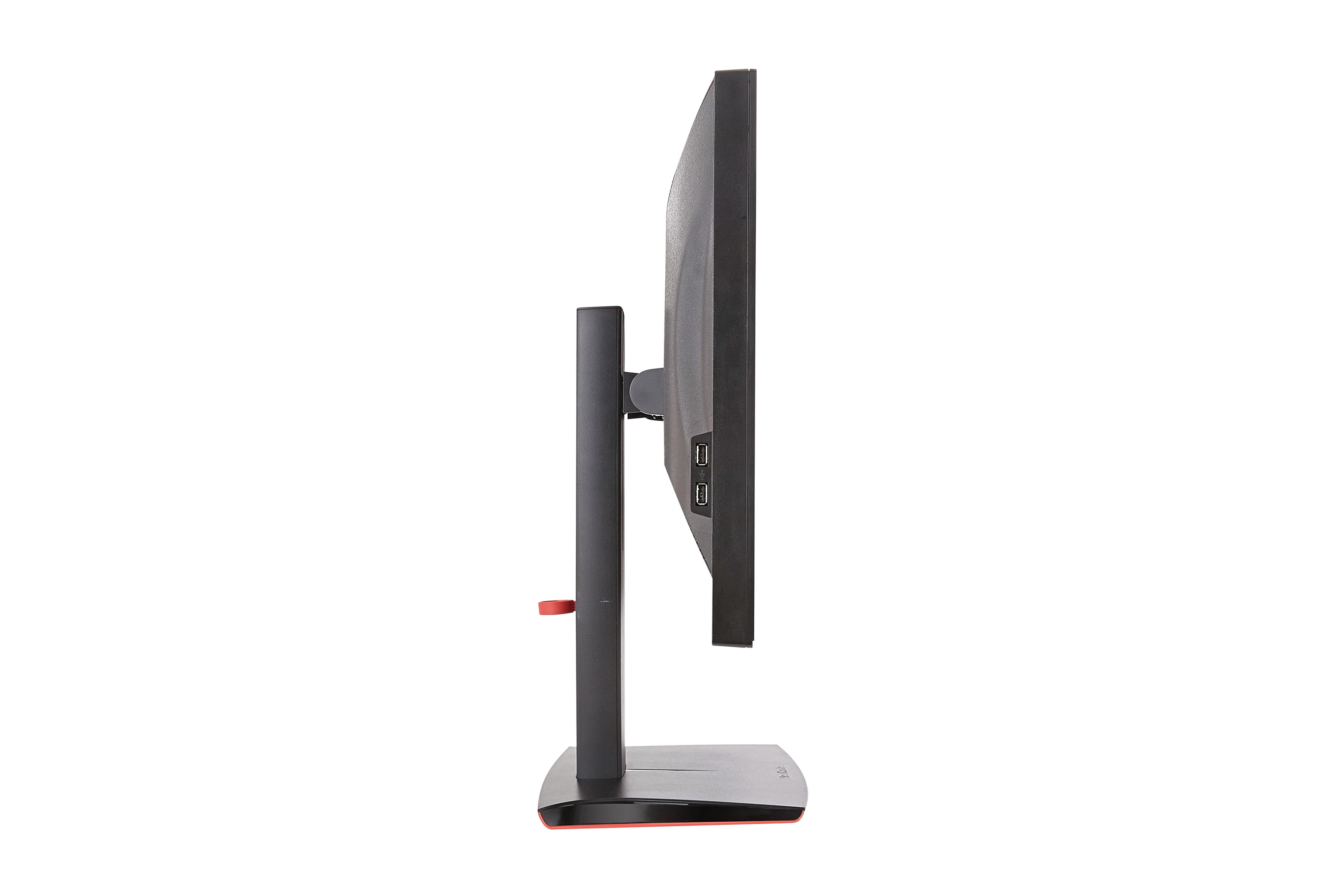
USB: 4Port (up stream x1, downstream x 4 (USB 3.0 x2 / USB2.0 x2))
Power: Internal Power Board - AUDIOSpeaker: 3W x2
- POWERVoltage: AC 100-240V (Universal); 50/60 Hz
Consumption (W): 35W (Typ.)
ECO mode (W): Optimize: 29W (Typ.) ; Conserve: 23W (Typ.)
Save mode (W): ≦0.5 W - ERGONOMICSTilt: 22° ~ -5°
Swivel: 175° / 175°
Rotation: 90°
Height Adjust: 0~120 mm - OPERATING CONDITIONSTemperature: 32°F to 104°F (0°C to 40°C)
Humidity: 20% to 90% (no condensation) - DIMENSIONSPhysical (w/ stand): 642.0 (W) x 433.6 (H) x 231.0 (D) mm
- WEIGHTNet (w/ stand): 8.6kg
- WALL MOUNTVESA: 100x100mm
- PACKAGE CONTENTSLCD Display/Power Cable (1.5m)/DisplayPort Cable (1.5m)/USB3.0 Cable (1.5m)/Quick Start Guide
- The Max. refresh rate may vary by I/O port, resolution, user environment and settings. For additional information please check the the “Specifications” section in the user guide.