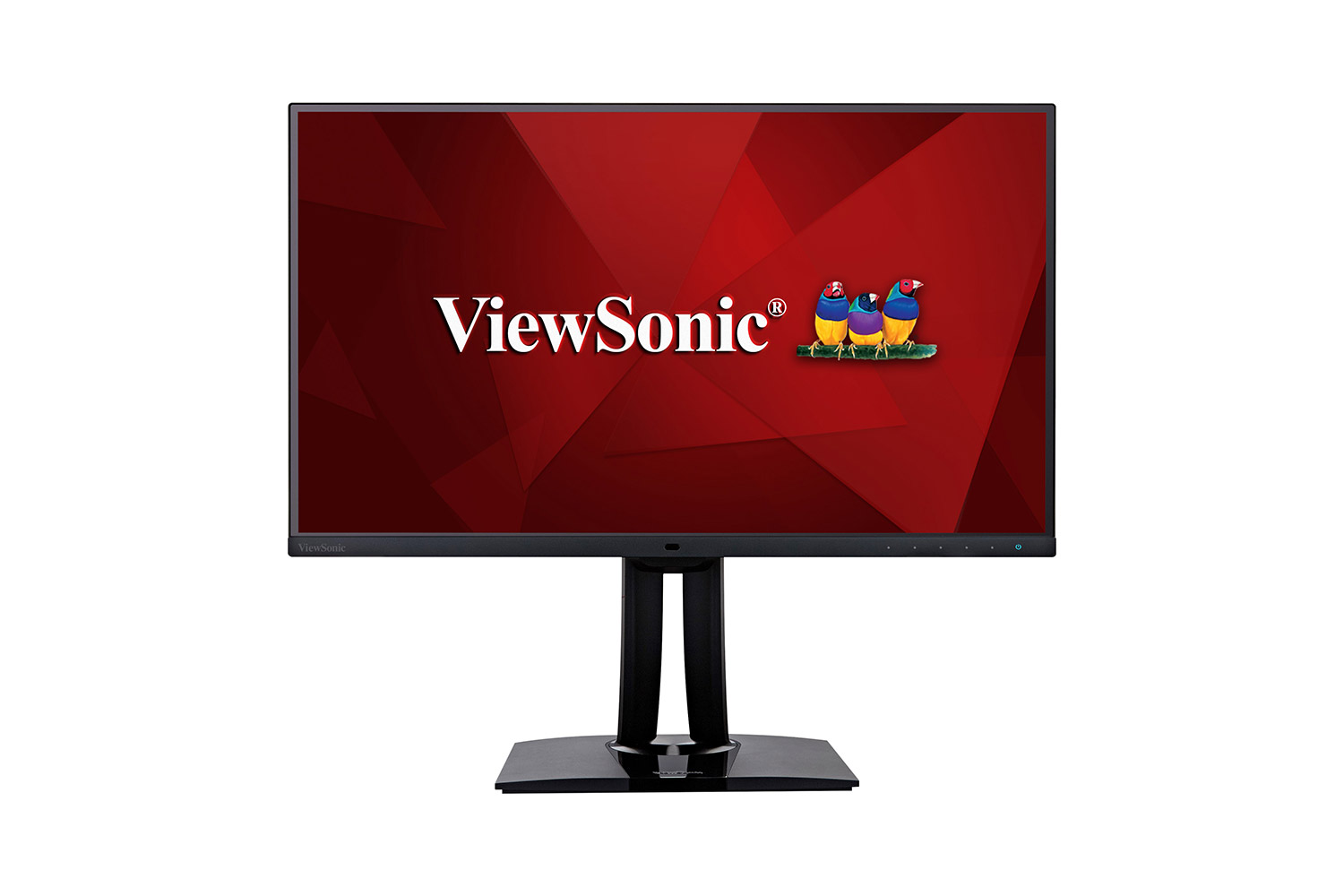
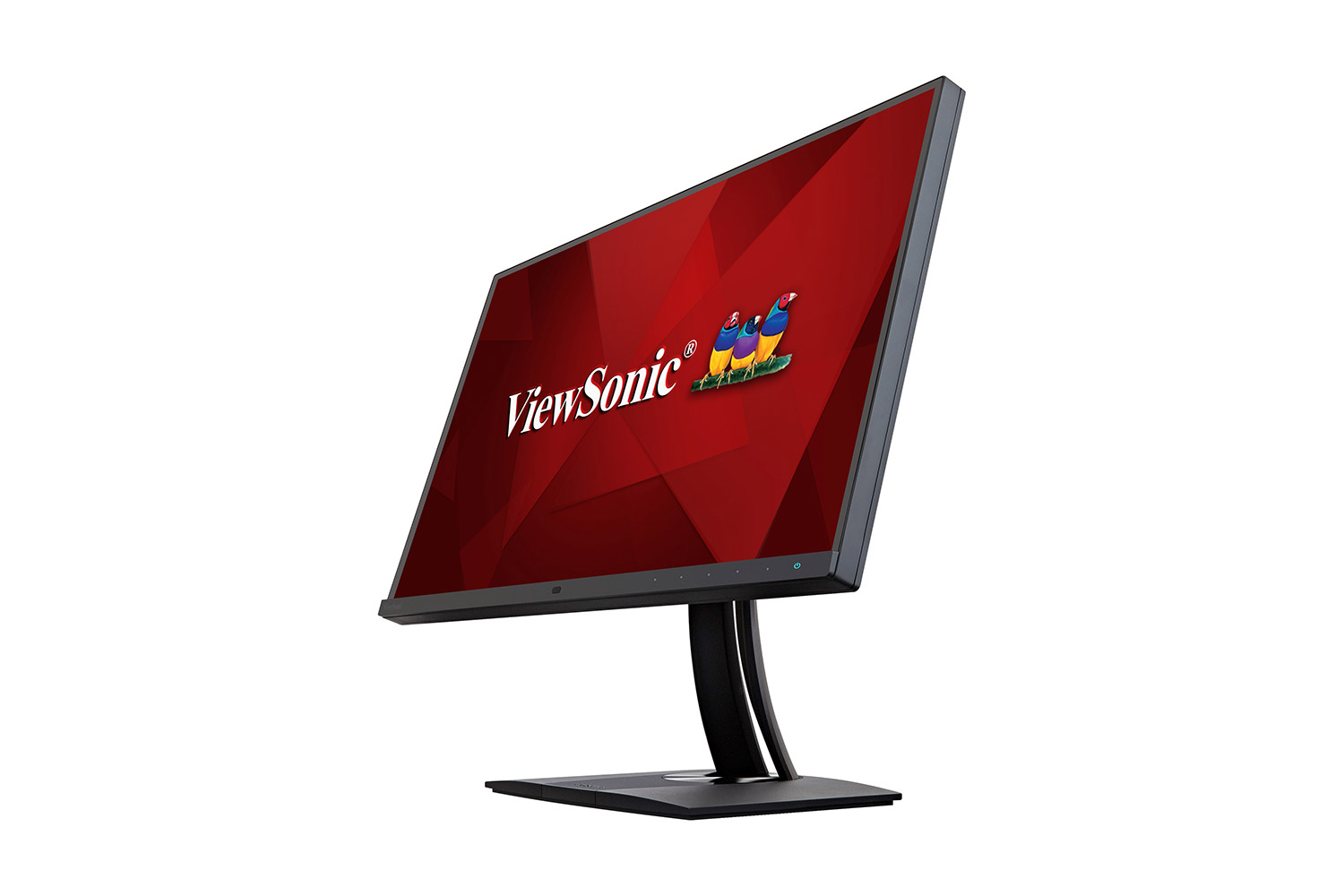
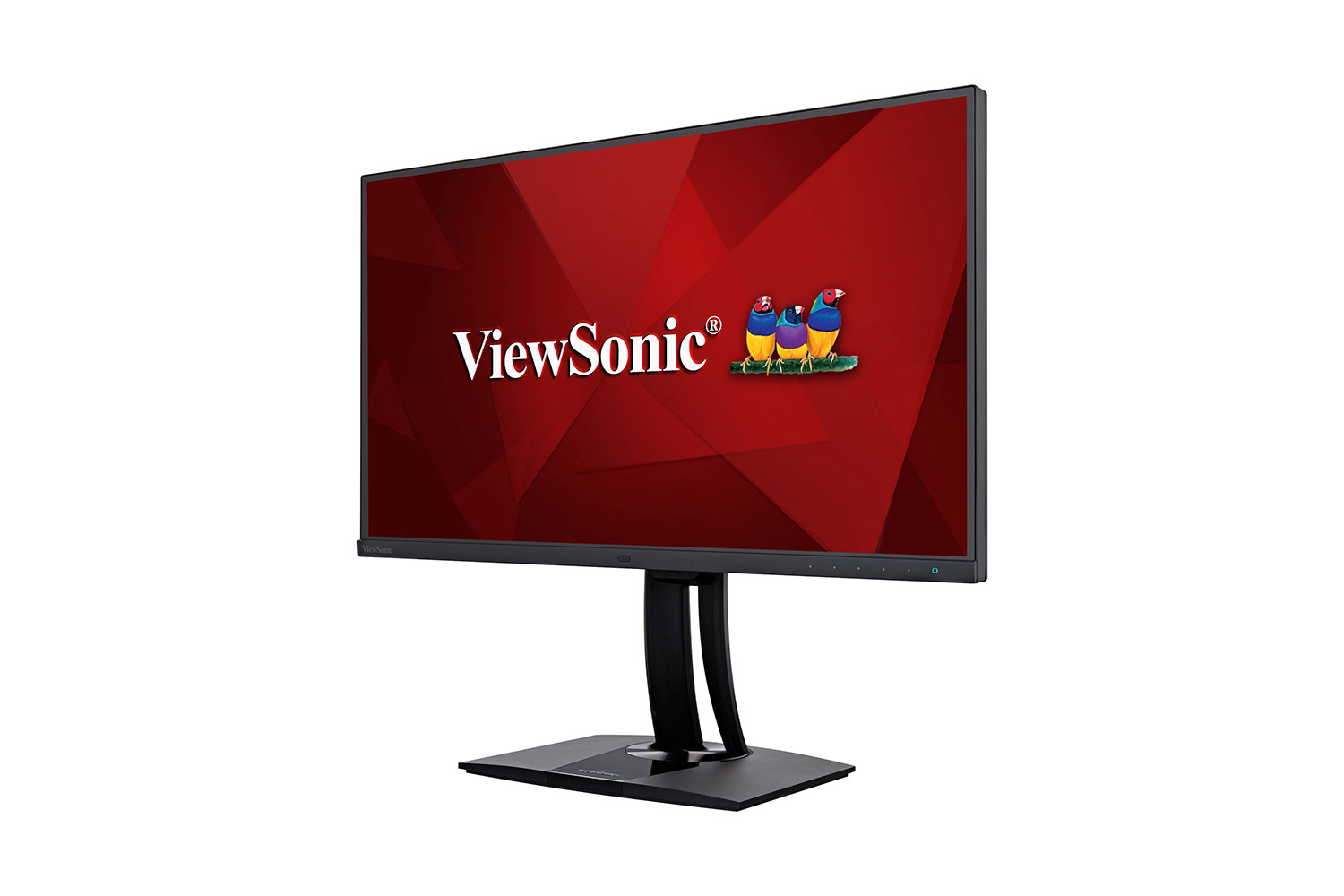
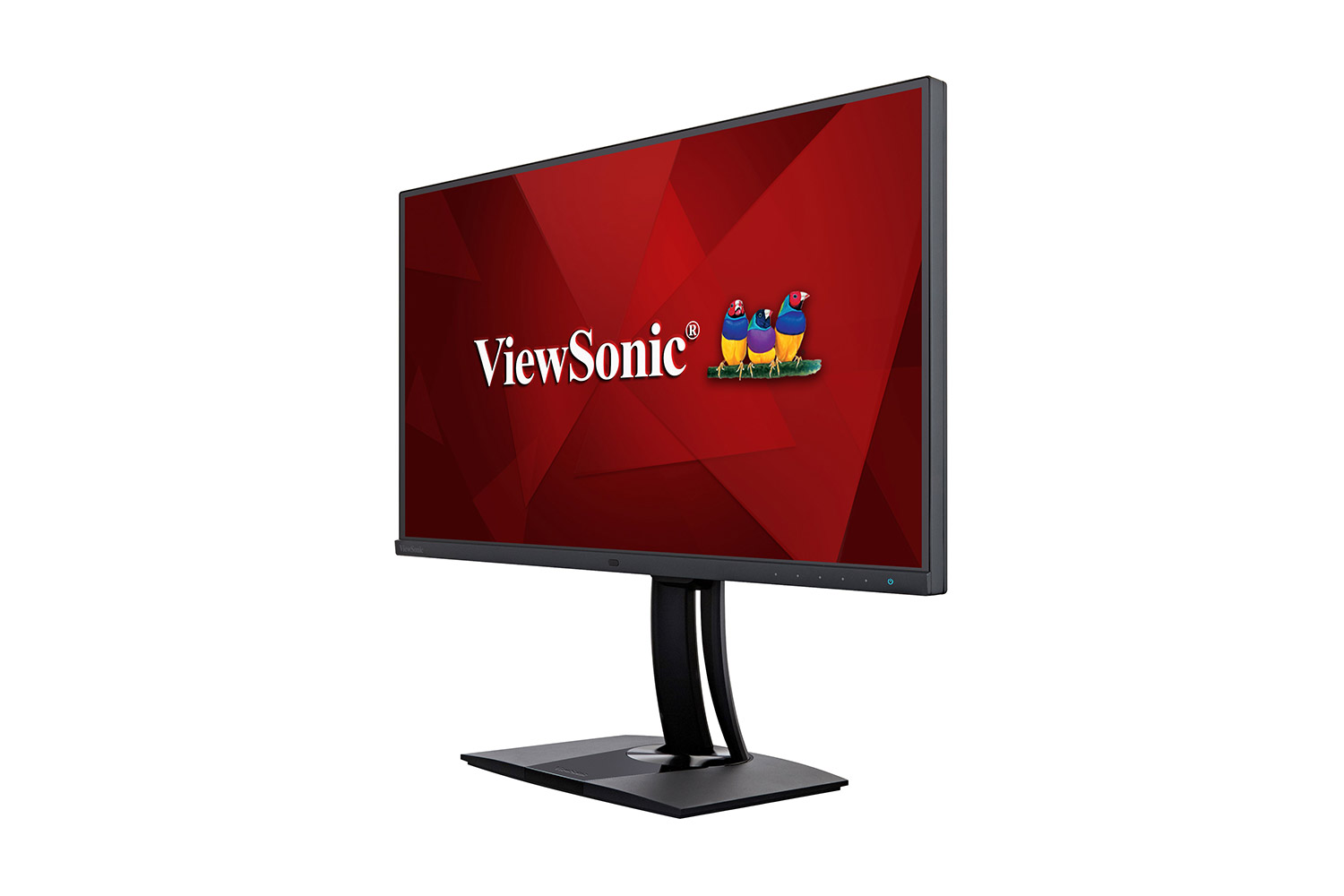
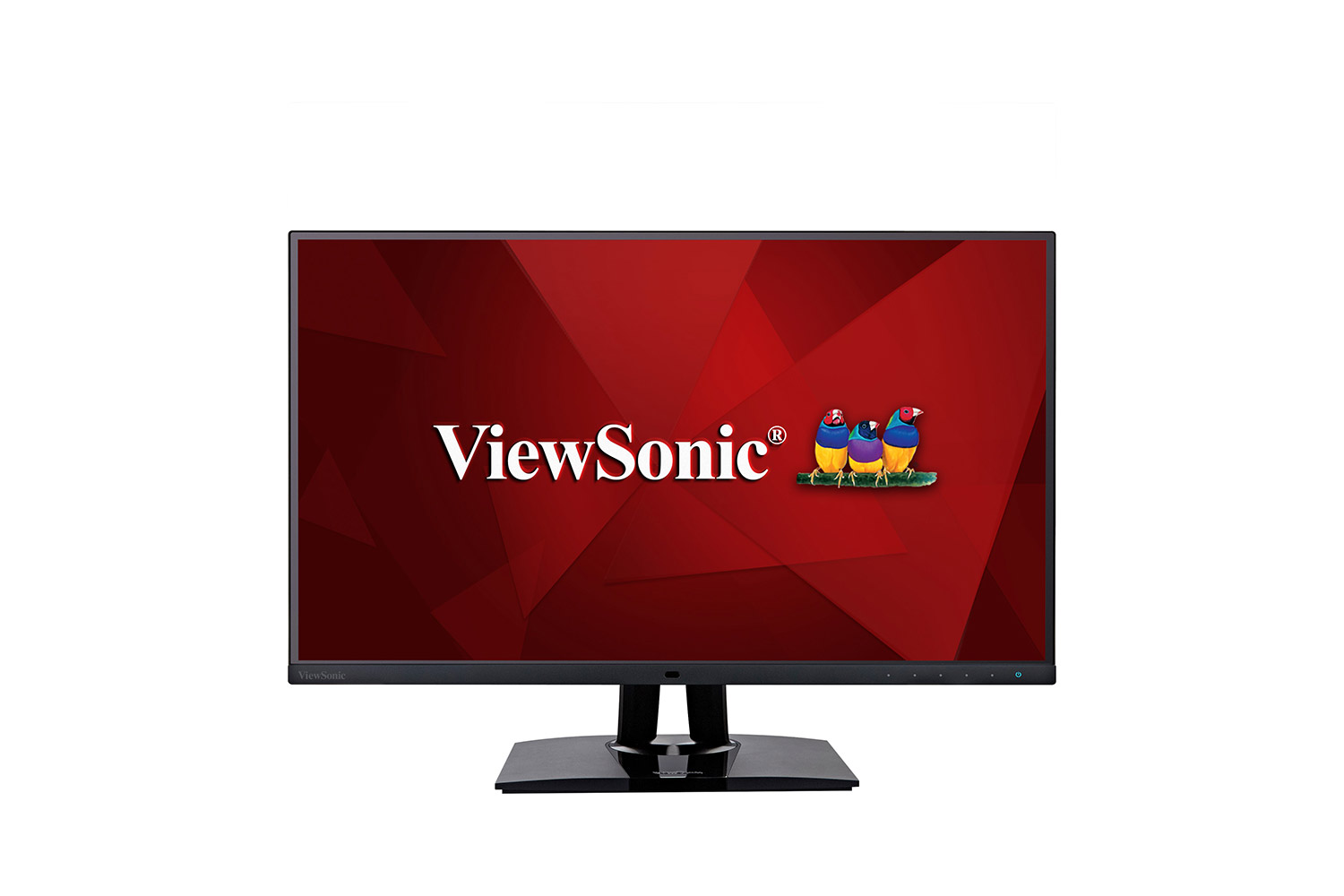
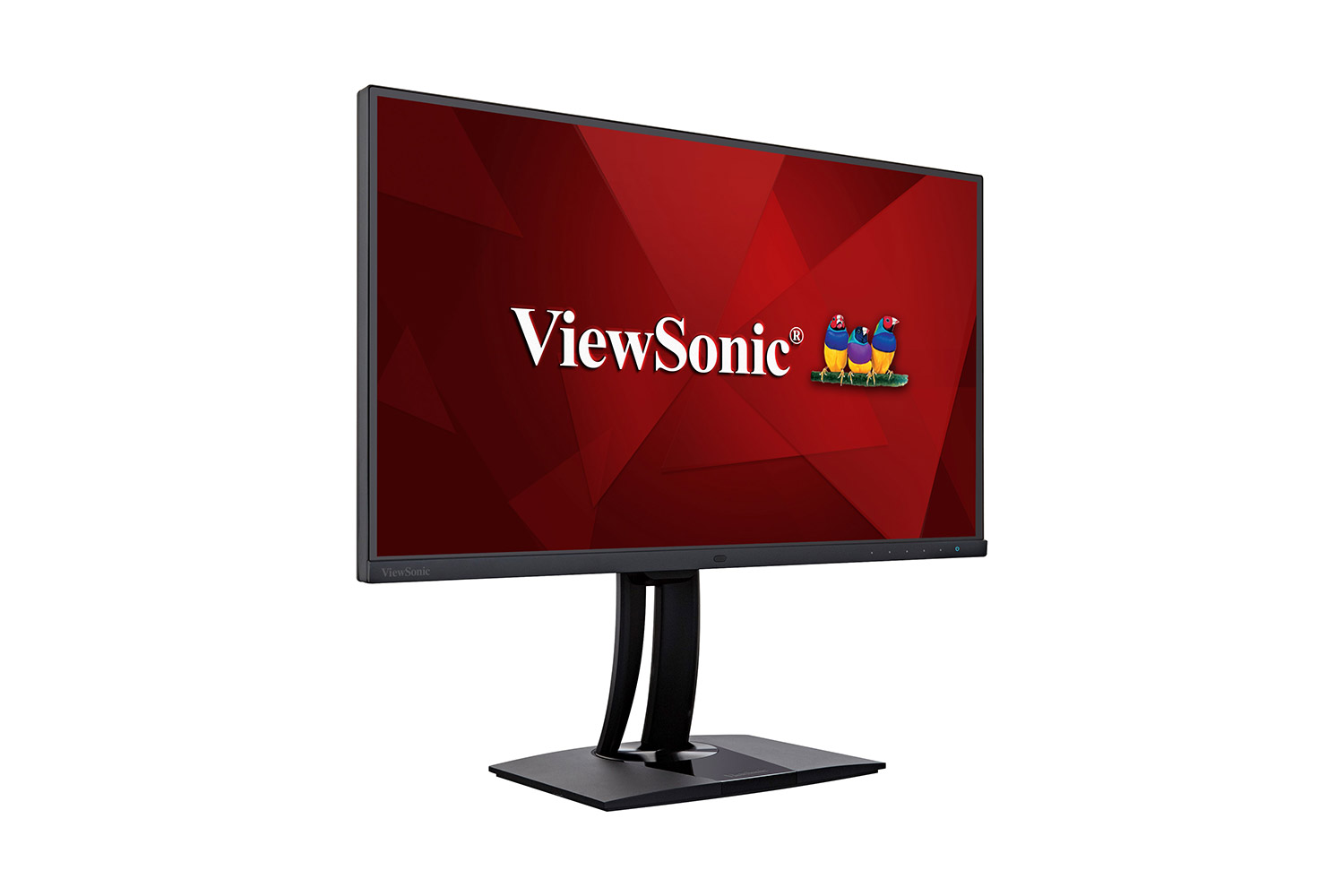
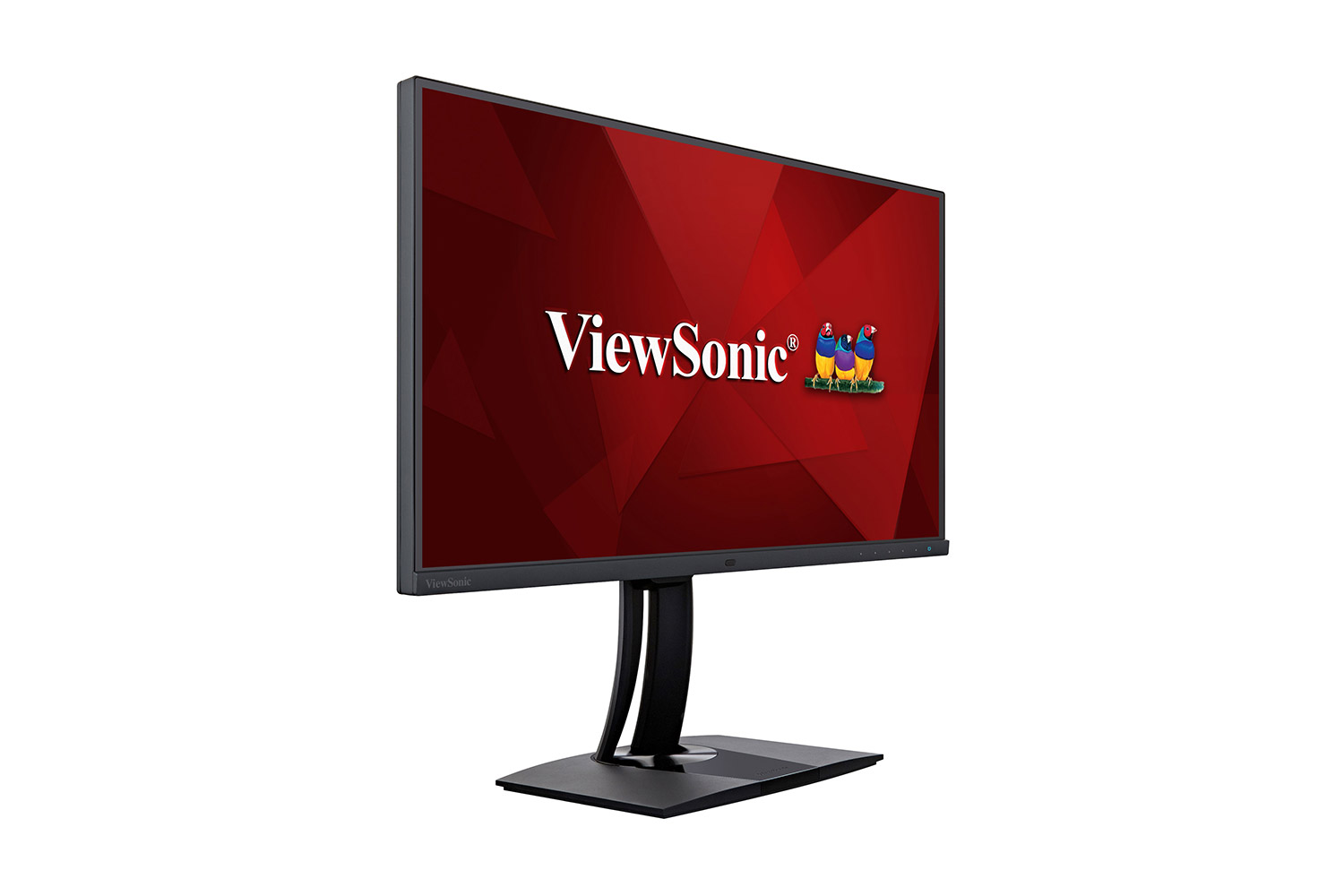
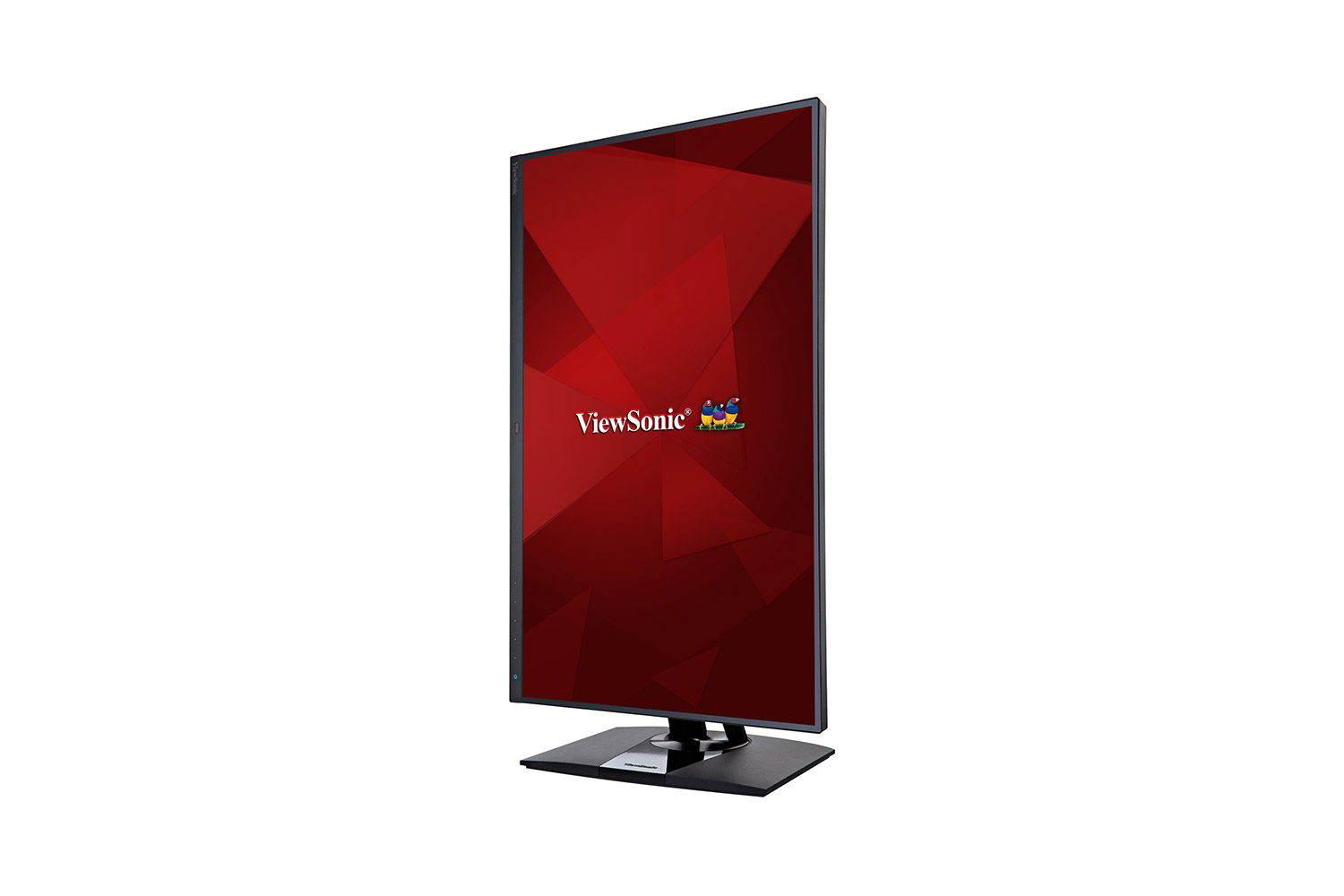
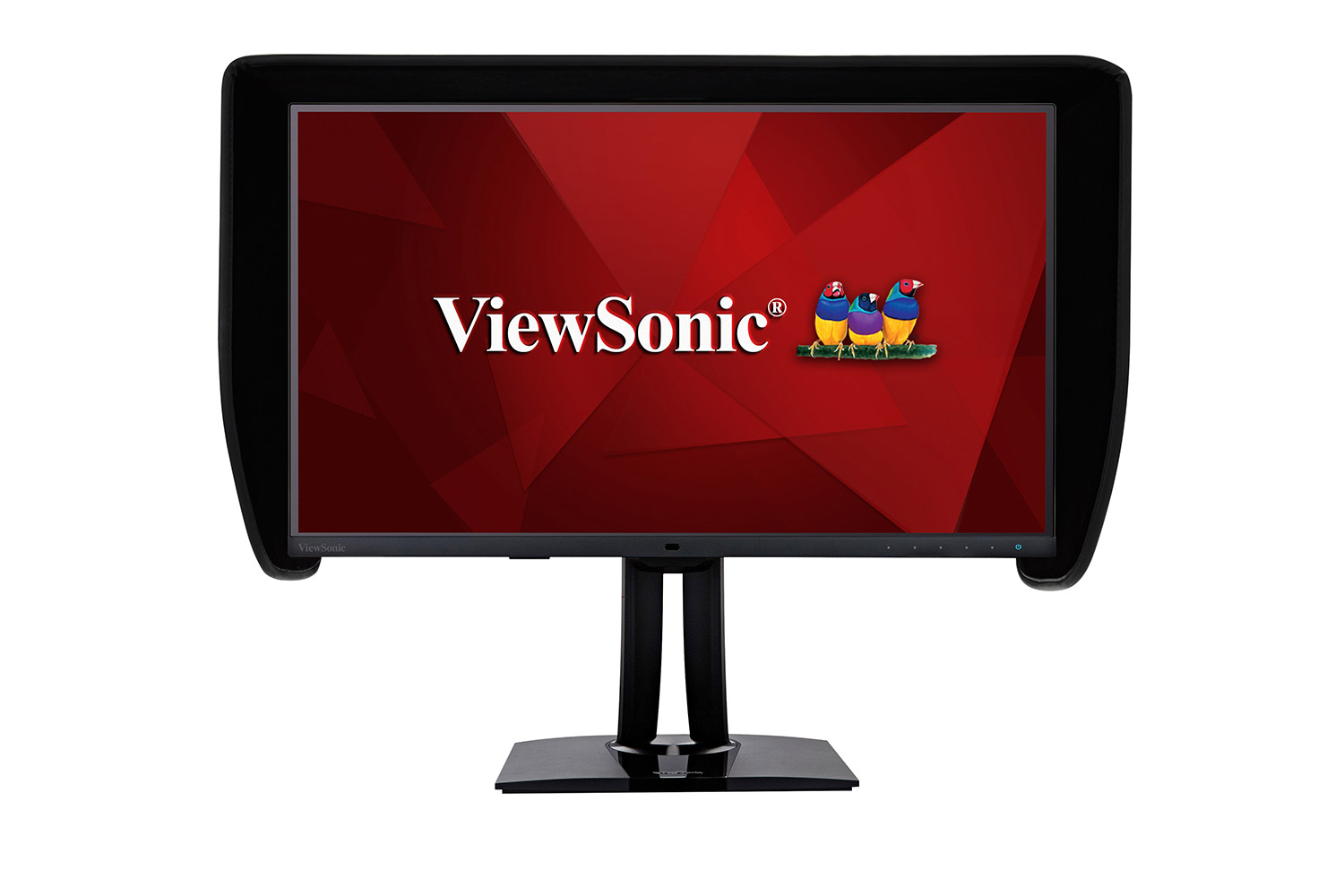
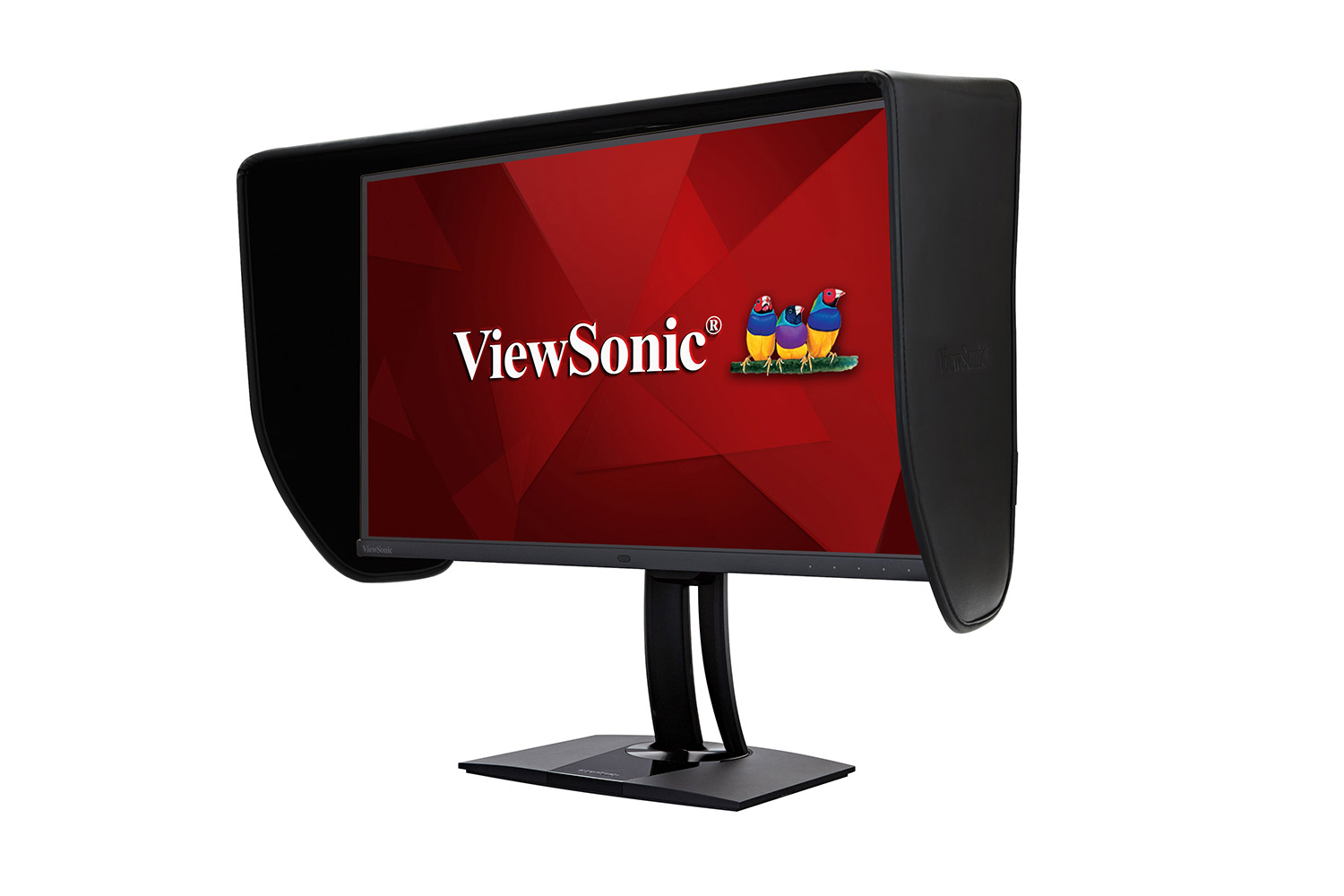
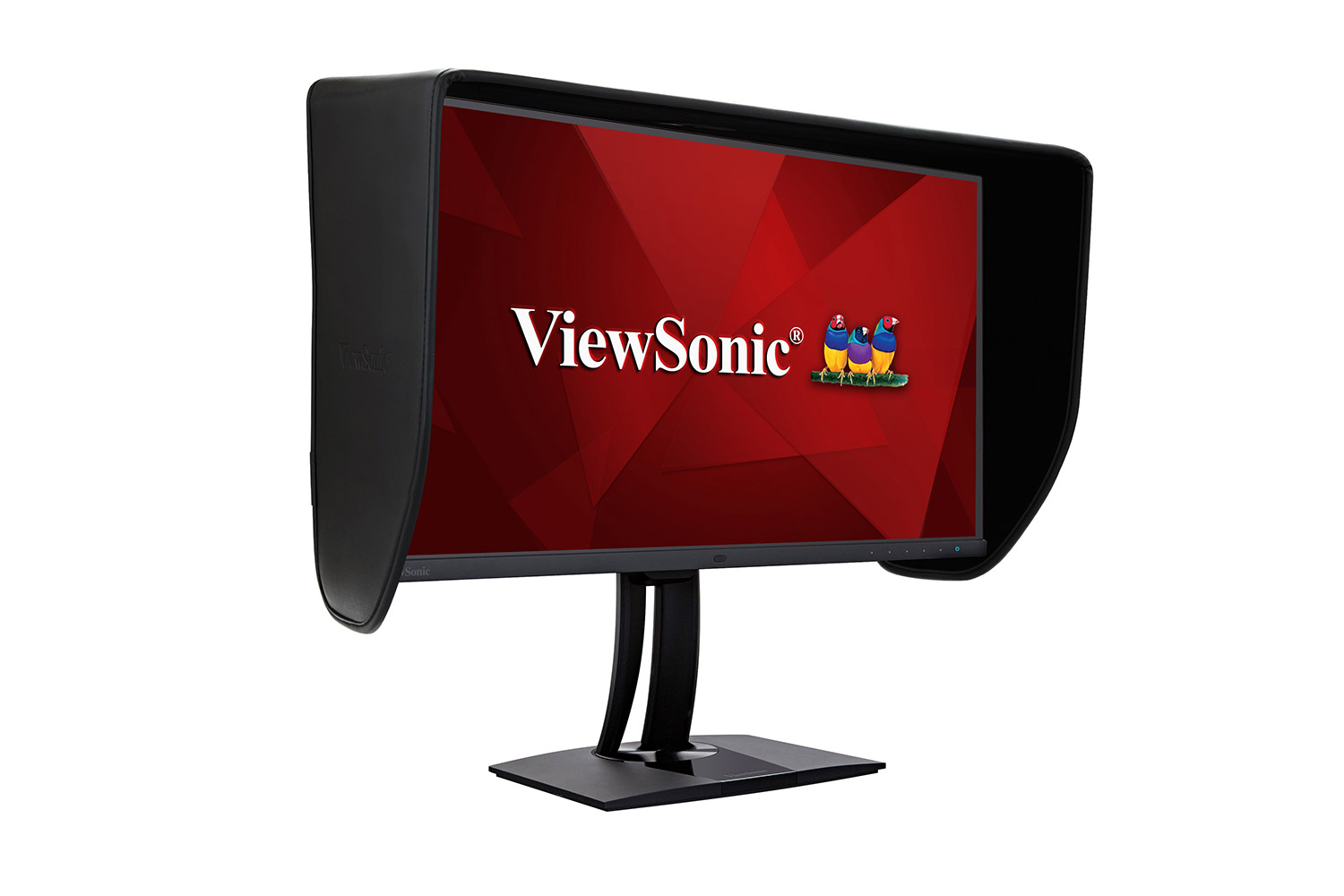
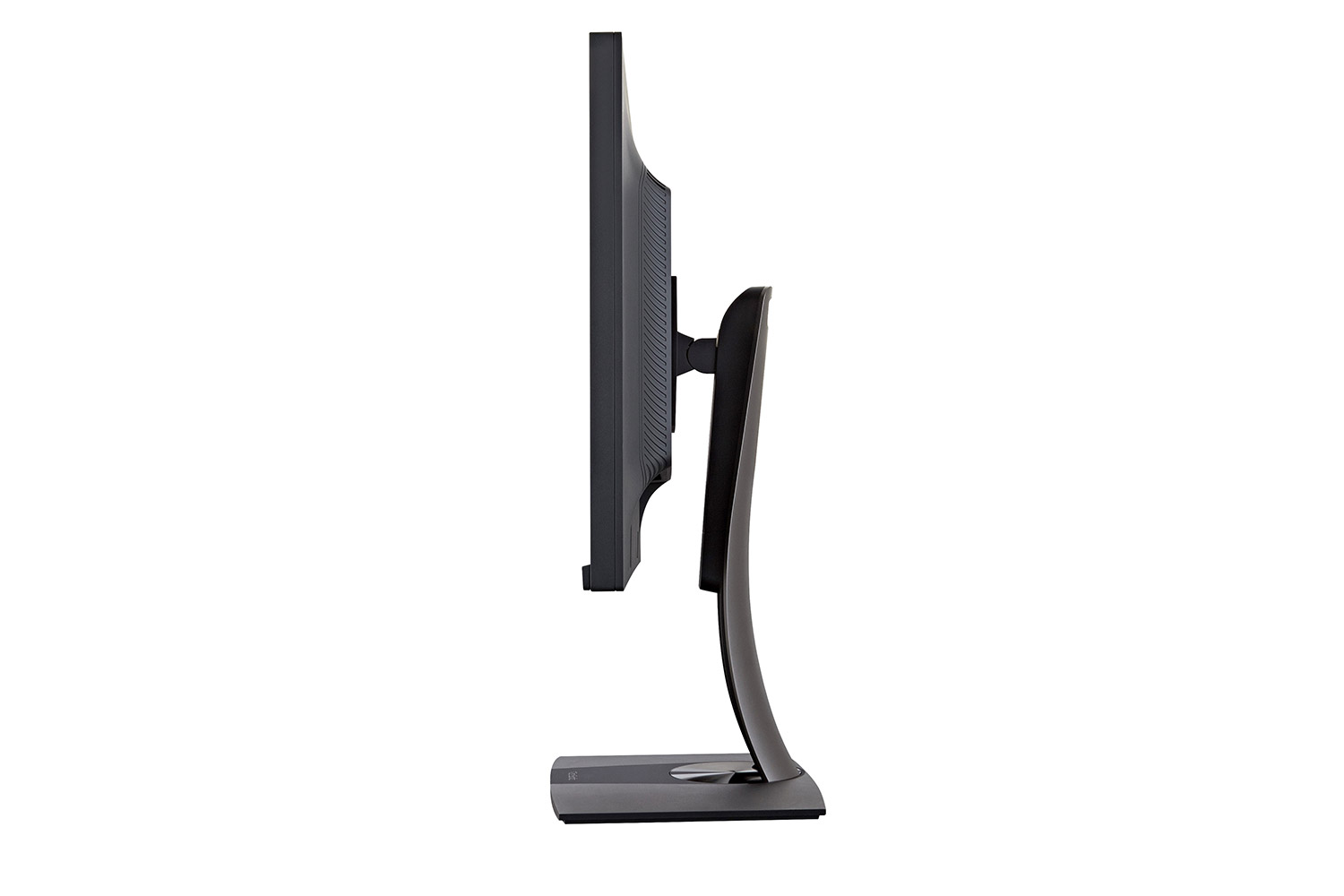
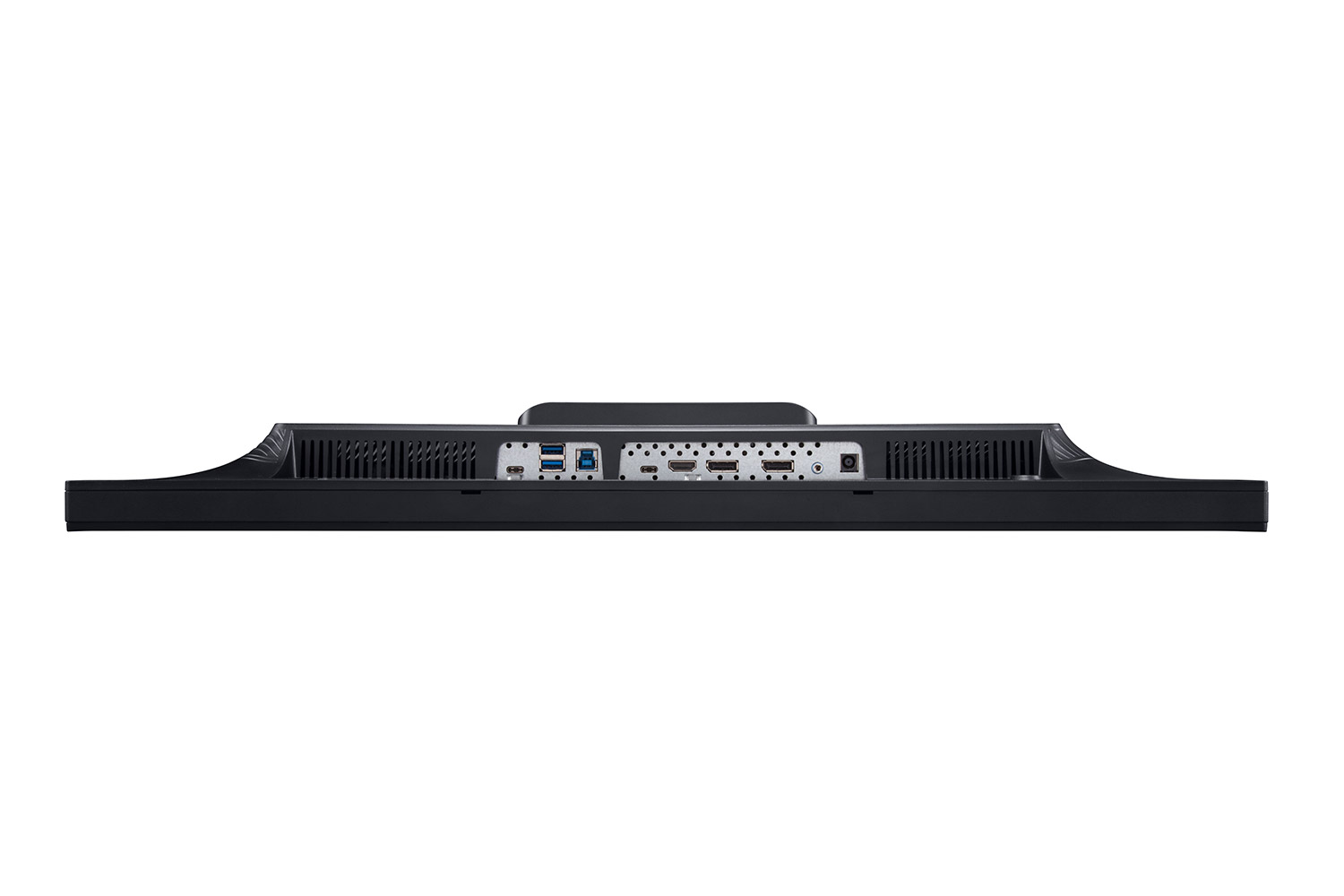
“While it is very similar to the ViewSonic VP2780-4K, which earned our Editors' Choice way back in 2015, the VP2785-4K offers some distinct improvements. It adds a USB Type-C port, which can charge a laptop that's connected to it, as well as letting you take advantage of an unusual KVM-switch feature.”
보관됨
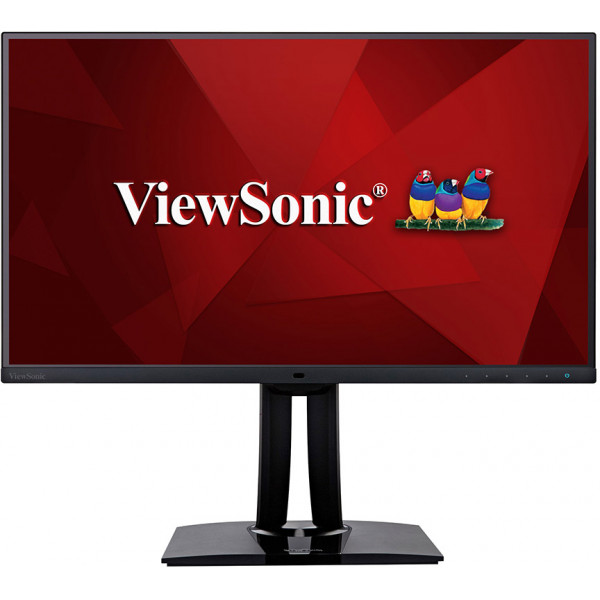
VP2785-2K
27’’ 2K Fogra Certified Monitor with 100% Adobe RGB Coverage
- WQHD 1440p resolution
- Delta E < 2 colour accuracy
- KVM Switch technology with USB Type-C
- Versatile Connectivity supports Daisy Chain
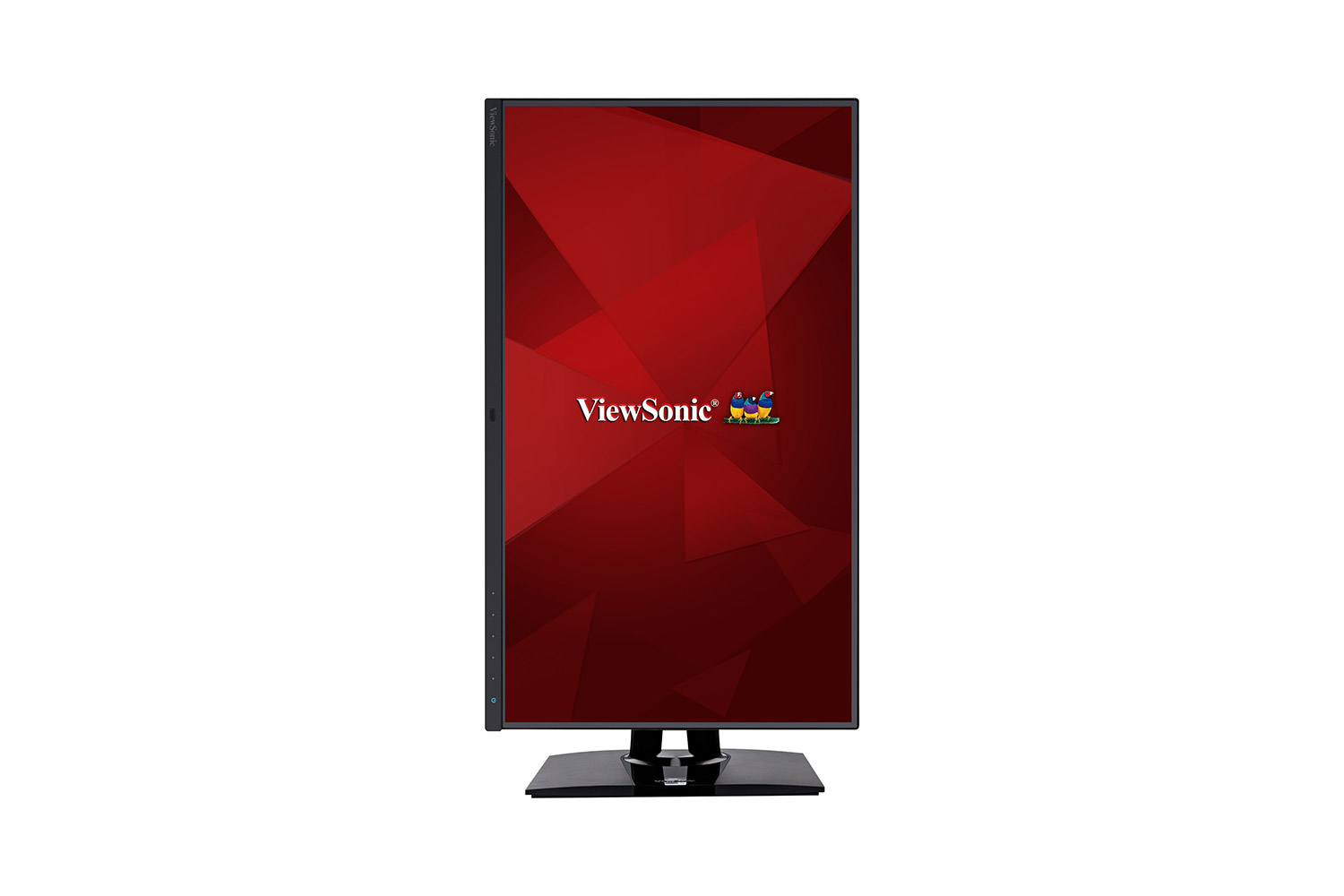
- Ergonomic stand with Auto Pivot
스펙
- 표시디스플레이 크기(인치): 27
표시 가능한 영역(인치): 27
패널 유형: IPS Technology
결의안: 2560 x 1440
해상도 유형: QHD (Quad HD)
정적 대비 비율: 1,000:1 (typ)
동적 대비 비율: 20M:1
광원: LED
밝기: 350 cd/m² (typ)
Colors: 1.07B
Color Space Support: 10 bit (8 bit + A-FRC)
가로 세로 비율: 16:9
응답 시간(일반 GTG): 5ms
응답 시간(GTG 및 OD): 5ms
보기 각도: 178º horizontal, 178º vertical
백라이트 수명(시간): 30000 Hrs (Min)
Glass Hardness: 3H
곡률: Flat
새로 고침 빈도(Hz): 60
블루라이트 필터: Yes
Low Blue Light: Software solution
깜박임 없음: Yes
Color Gamut: Adobe RGB: 114% size / 100% coverage (Typ)
DCI-P3: 96% coverage (Typ)
EBU: 152% size / 100% coverage (Typ)
REC709: 154% size / 100% coverage (Typ)
SMPTE-C: 166% size / 100% coverage (Typ)
NTSC: 109% size (Typ)
sRGB: 154% size / 100% coverage (Typ)
픽셀 크기: 0.233 mm (H) x 0.233 mm (V)
표면 처리: Anti-Glare, Hard Coating (3H) - 호환성PC 해상도(최대): 2560x1440
Mac® 해상도(최대): 2560x1440
PC 운영 체제: Windows 7/8/8.1/10 certified; macOS tested
Mac® 해상도(분): 2560x1440 - 커넥터USB 3.2 Type A Down Stream: 2
USB 3.2 Type B Up Stream: 1
USB 3.2 Type C Down stream: 1 (15W power charger & Data transfer only & Data transfer only)
USB 3.2 Type C Up Stream; DisplayPort Alt mode : 1 (60W power charger)
3.5mm 오디오 출력: 1
HDMI 1.4: 1
디스플레이 포트: 1
DisplayPort Out: 1
전원 투입: DC Socket (Center Positive)
- 힘에코 모드(보존): 29.85W
Eco Mode (optimized): 34.71W
소비(일반): 40.46W
소비량(최대): 52.98W
전압: AC 100-240V
대기: 0.5W
전원 공급 장치: External Power Adaptor - 추가 하드웨어켄징턴 잠금 슬롯: 1
Cable Organization: Yes - 컨트롤물리적 제어: Key 1, Key 2, Key 3, Key 4, Key 5, Key 6 (power)
화면 디스플레이: Input Select, Audio Adjust, ViewMode, Color Adjust, Manual Image Adjust, Setup Menu - 작동 조건온도: 32°F to 104°F (0°C to 40°C)
습도(결로하지 말 것): 20% to 90% - Wall Mount VESA 호환: 100 x 100 mm
- 입력 신호주파수 수평: HDMI (v1.4): 15 ~ 90KHz, DisplayPort (v1.2): 15 ~ 130KHz, Type C: 15 ~ 130KHz
주파수 수직: HDMI (v1.4): 24 ~ 120Hz, DisplayPort (v1.2): 24 ~ 120Hz, Type C: 24 ~ 120Hz - 비디오 입력디지털 동기화: TMDS - HDMI (v1.4), PCI-E - DisplayPort (v1.2), Micro-Packet - Type C
- 인체공학높이조절(mm): 130
회전: 120º
틸트(전진/후진): -5º / 21º
피벗(오른쪽/왼쪽): 90º / 90º - 무게(제국)네트(lbs): 14.7
스탠드 없는 네트(lbs): 9
총계(lbs): 22.4 - Weight (metric) 순(kg: 6.7
스탠드없는망(kg): 4.1
그로스(kg): 10.2 - 치수(제국)(wxhxd)포장(in.): 28.3 x 18.1 x 10.6
물리적(인치): 24.1 x 16.35~21.47 x 8.5
물리적(스탠드 없음): 24.1 x 14.3 x 2.2 - 치수(메트릭)(wxhxd)포장(mm): 720 x 460 x 268
물리적(mm): 612 x 415.31~545.31 x 215
물리적 스탠드 미포함 (mm): 612 x 363 x 57 - 일반패키지 내용물: VP2785-2K x1, 3-pin Mickey Mouse Plug (IEC C5) x1, DisplayPort Cable (v1.2; Male-Male) x1, USB A/B Cable (v3.2; Male-Male) x1, USB Type-C Cable (Male-Male) x1, AC/DC Adapter x1, Quick Start Guide x1
재활용/폐기: Please dispose of in accordance with local, state or federal laws.
보증: *Warranty offered may differ from market to market