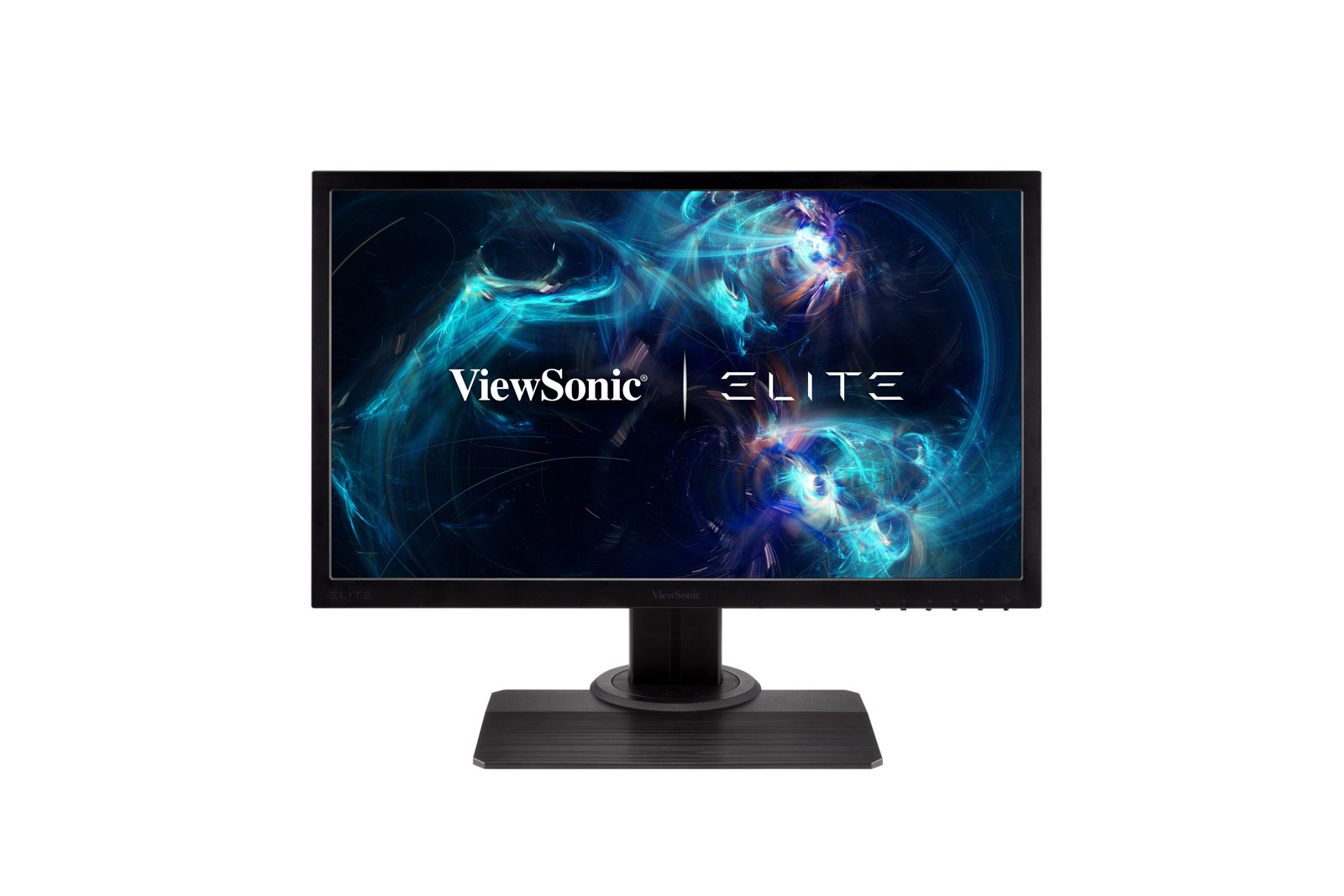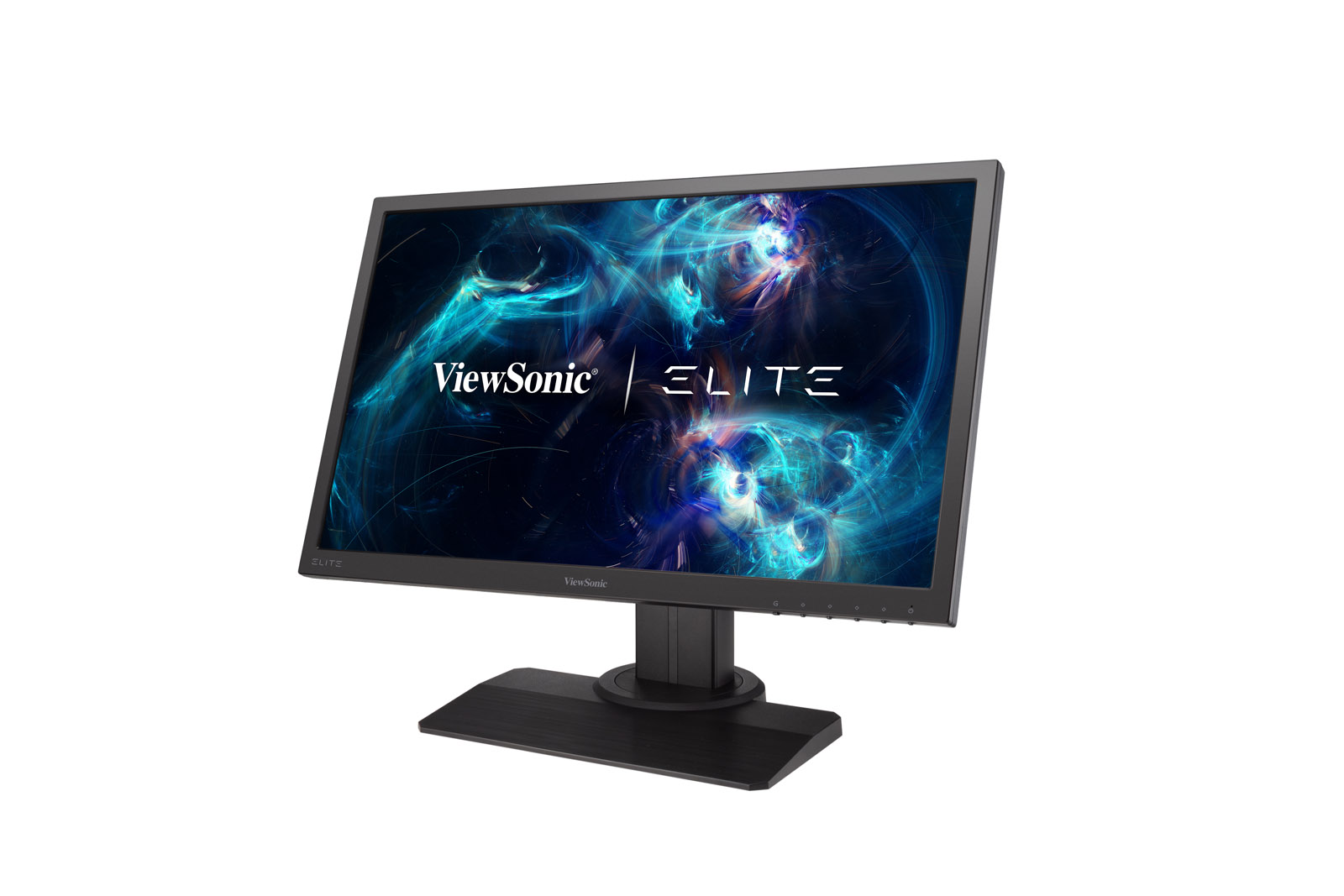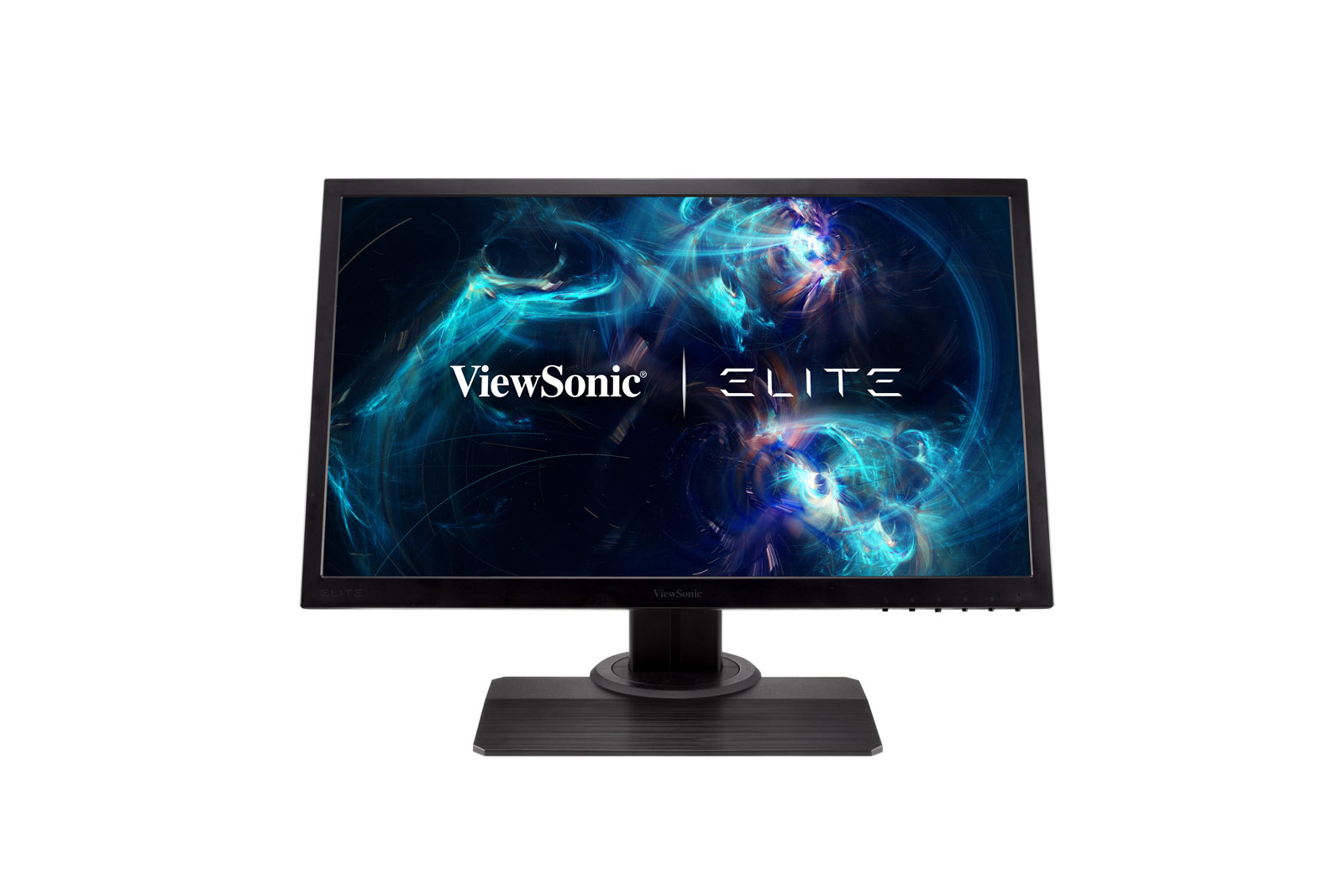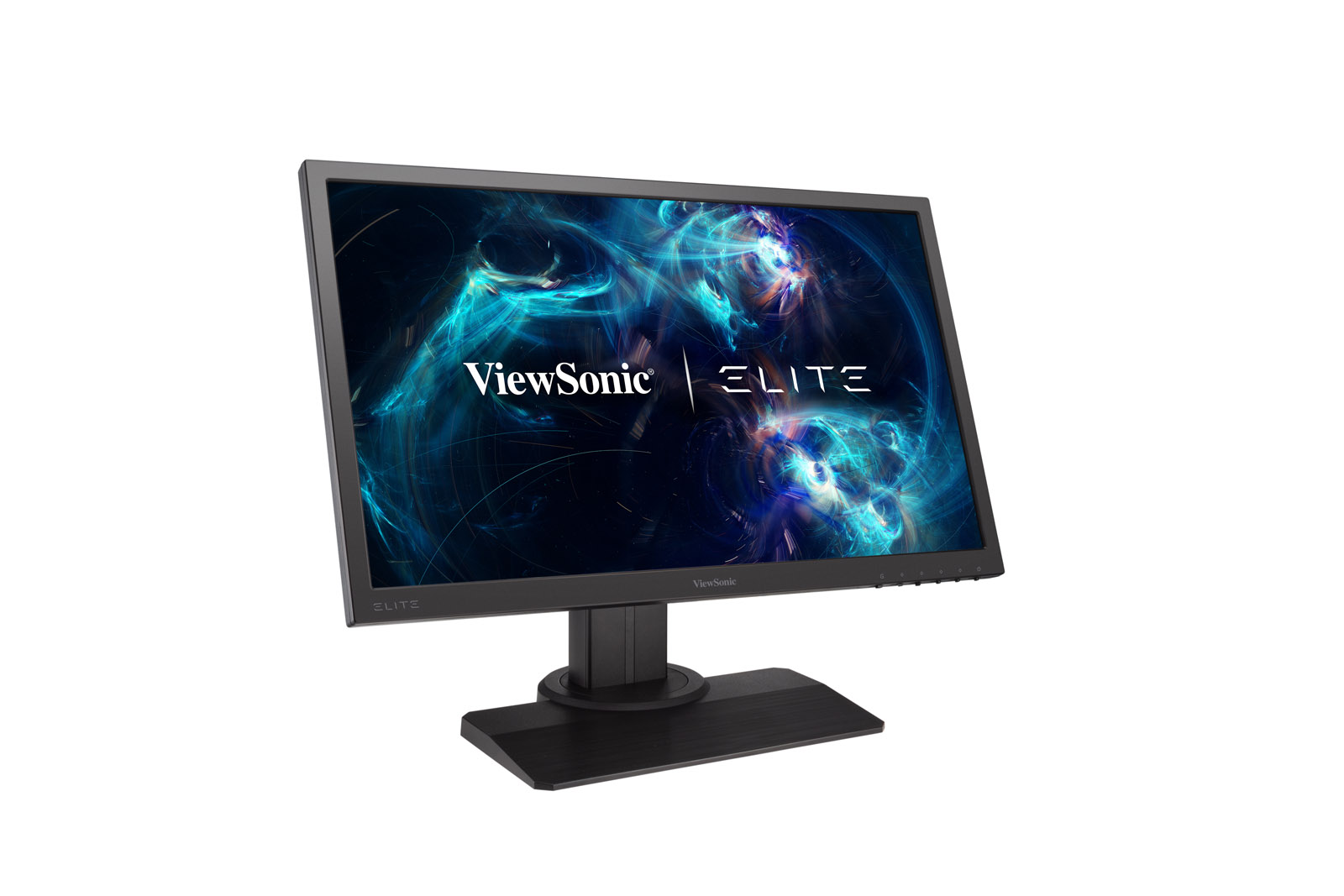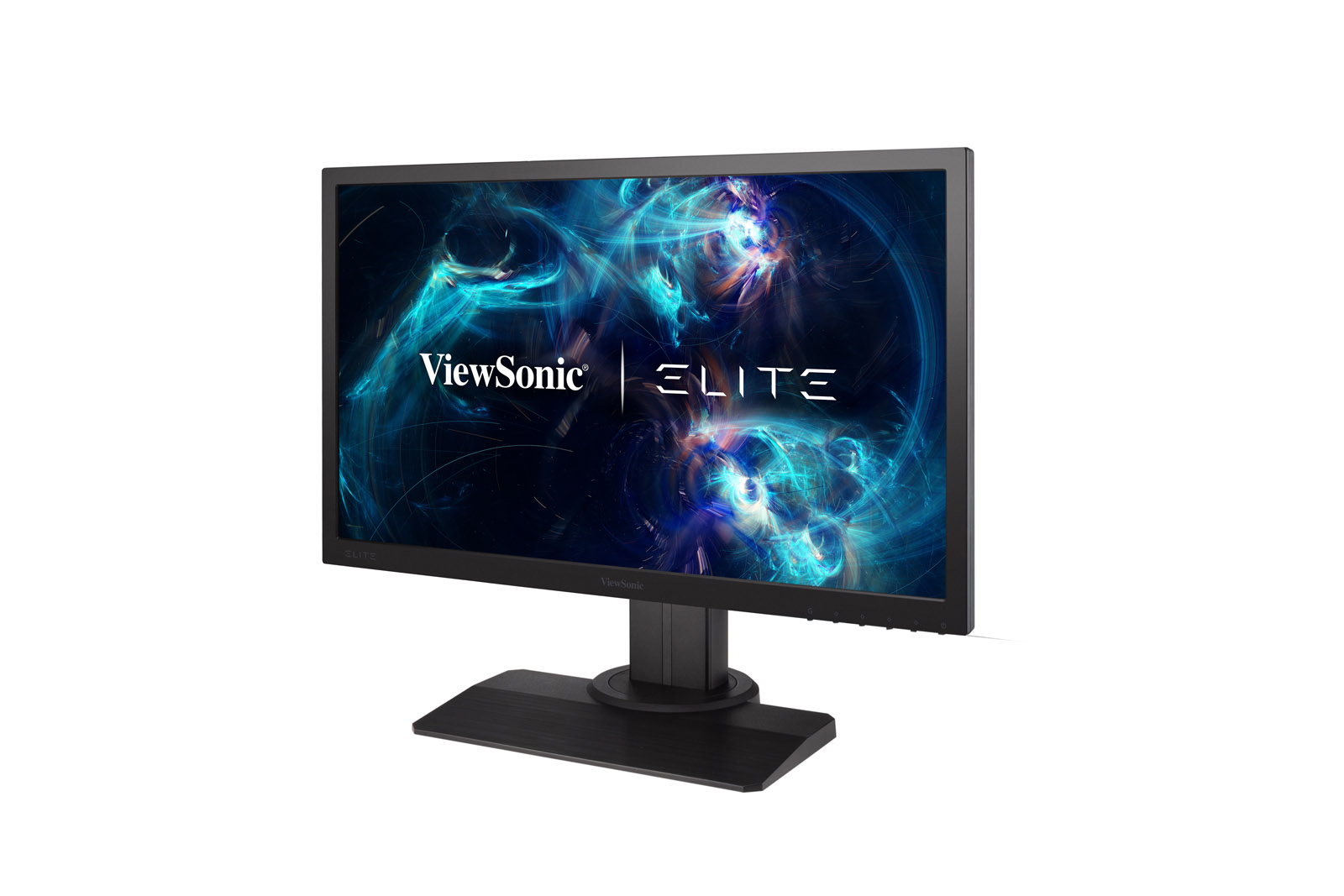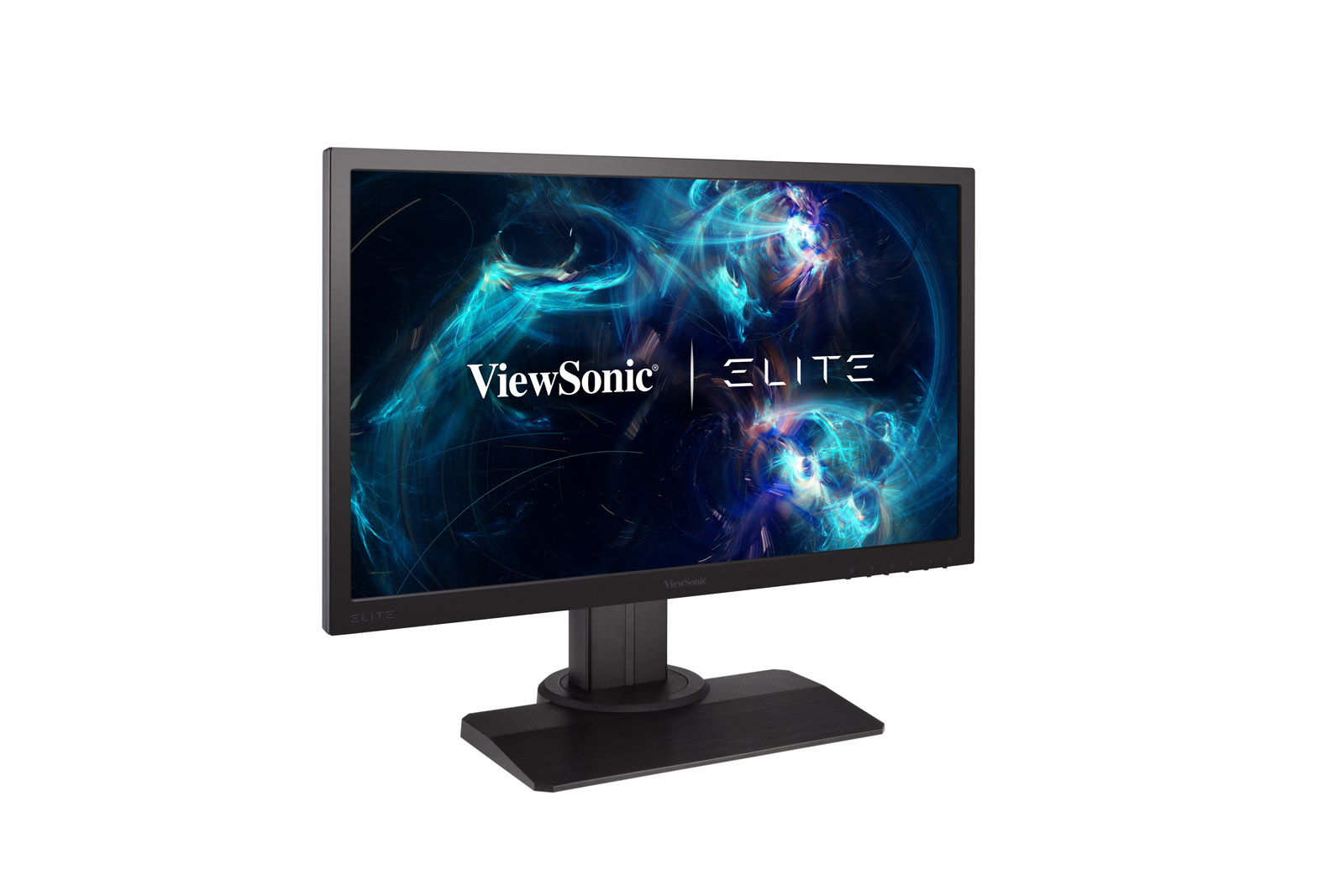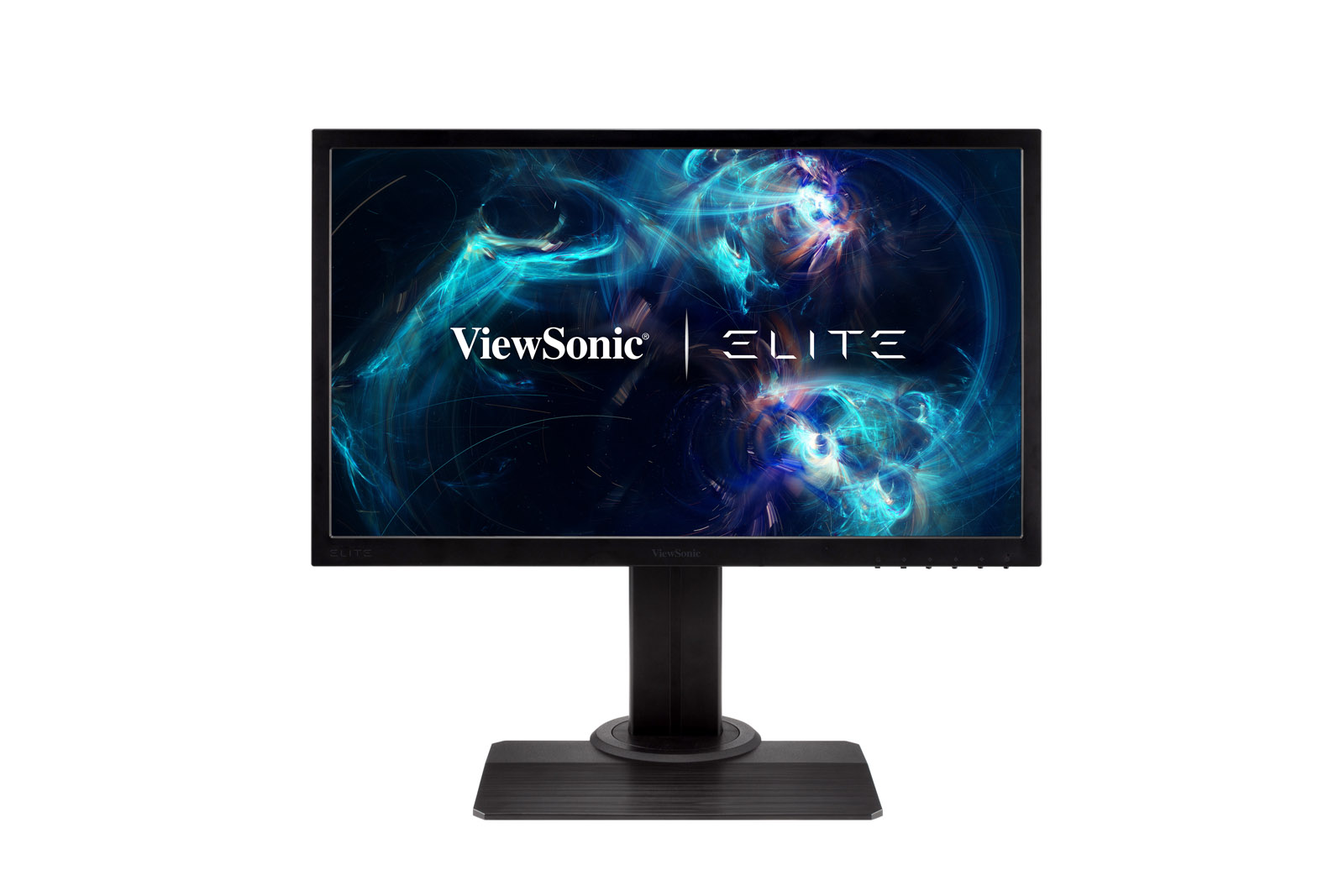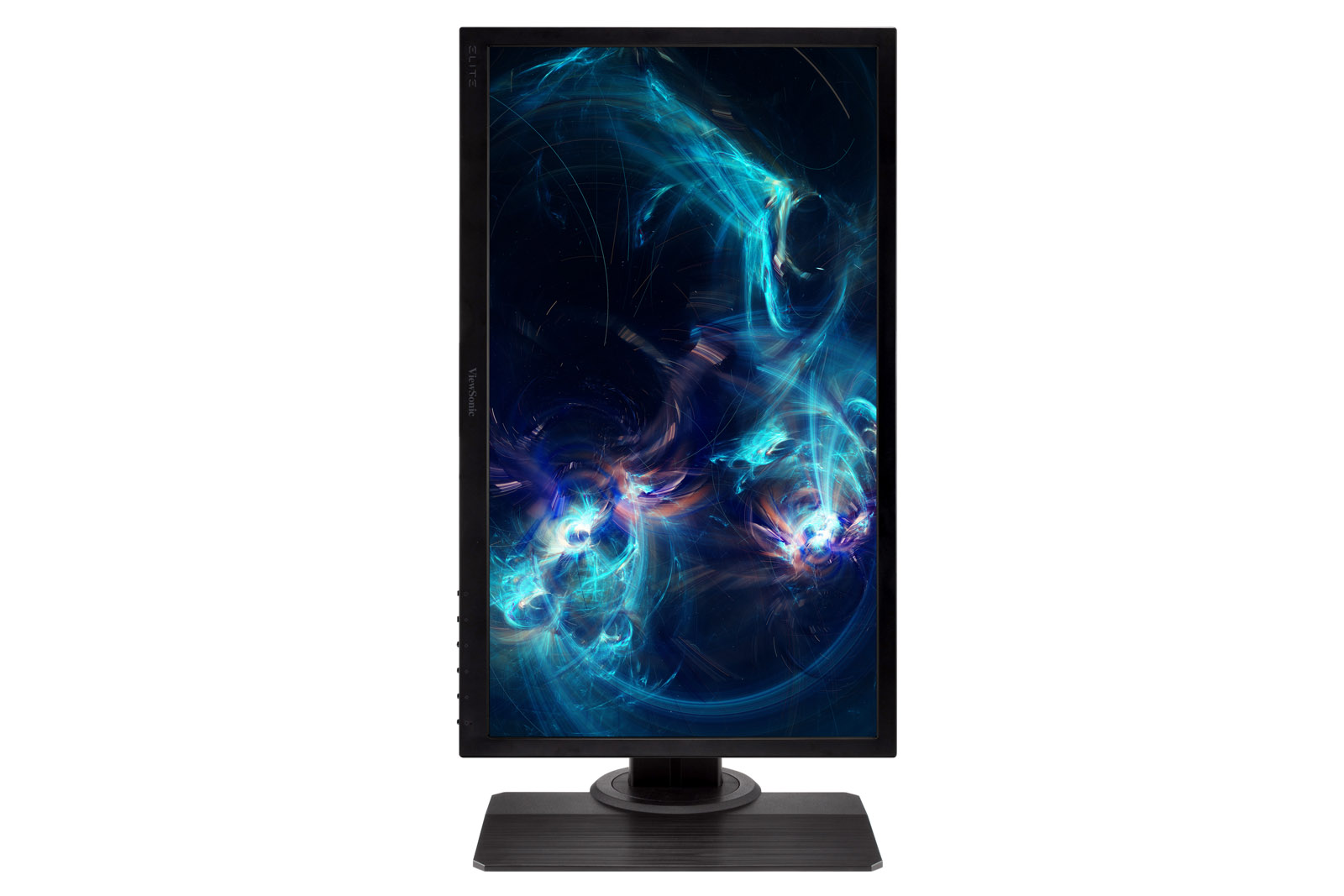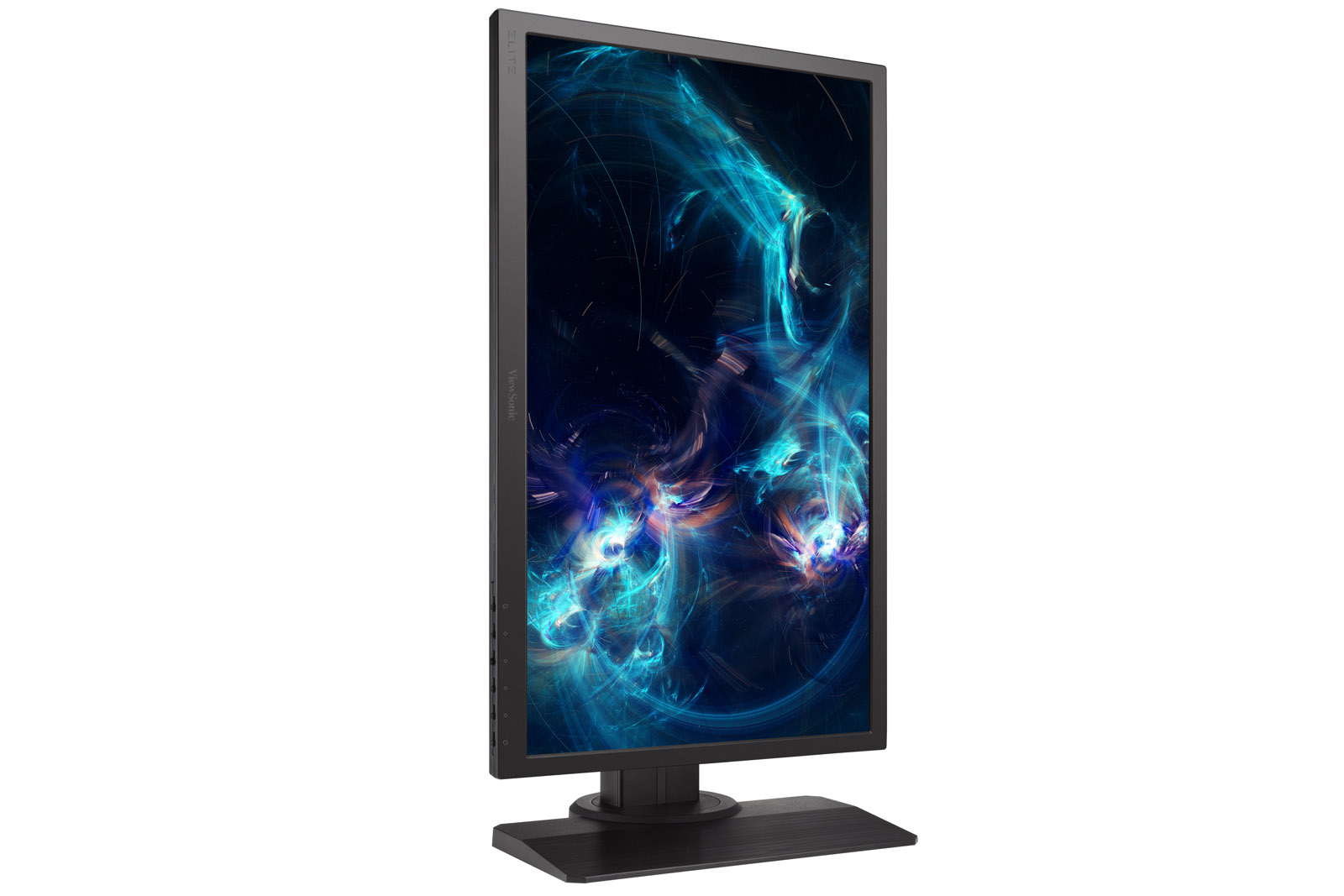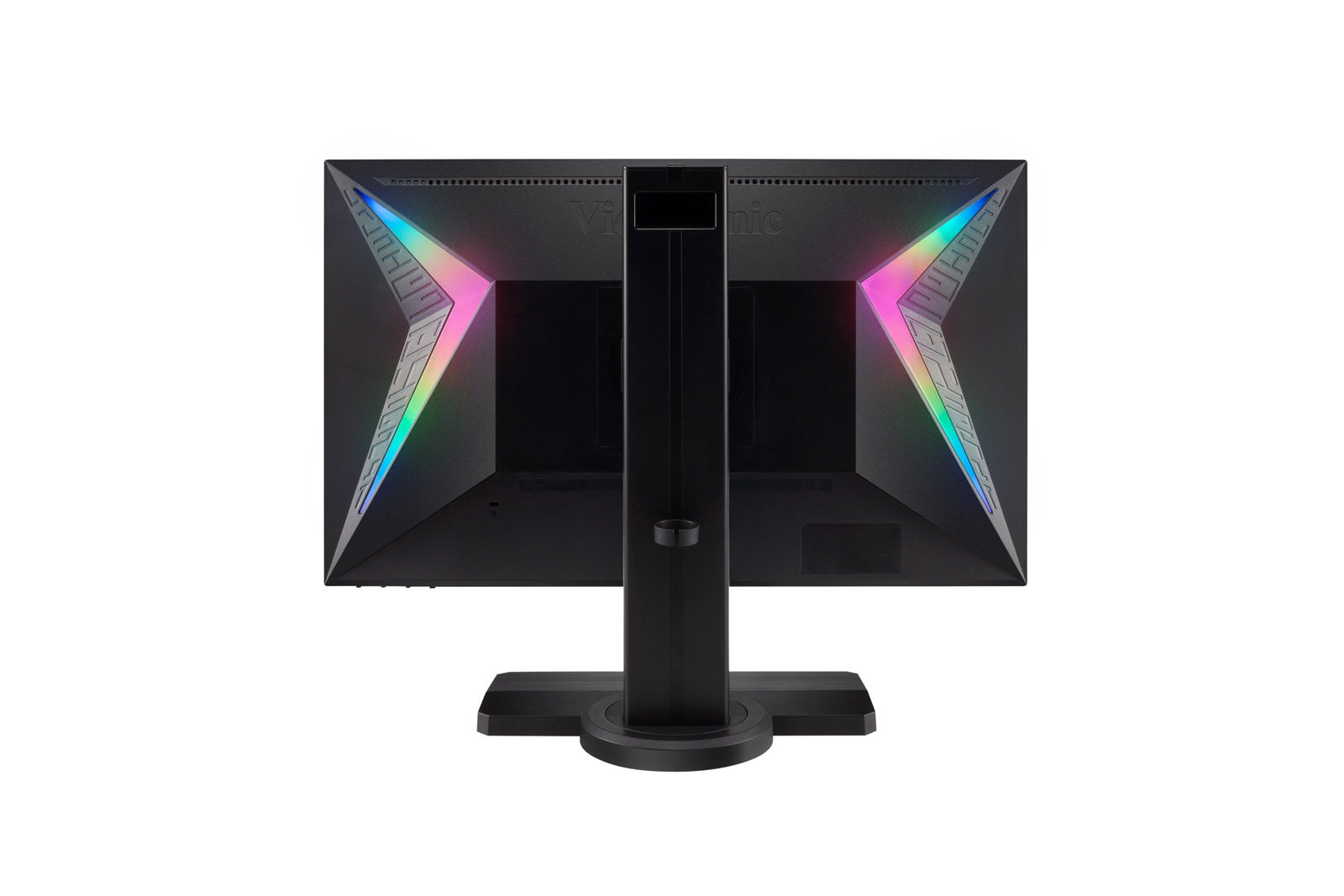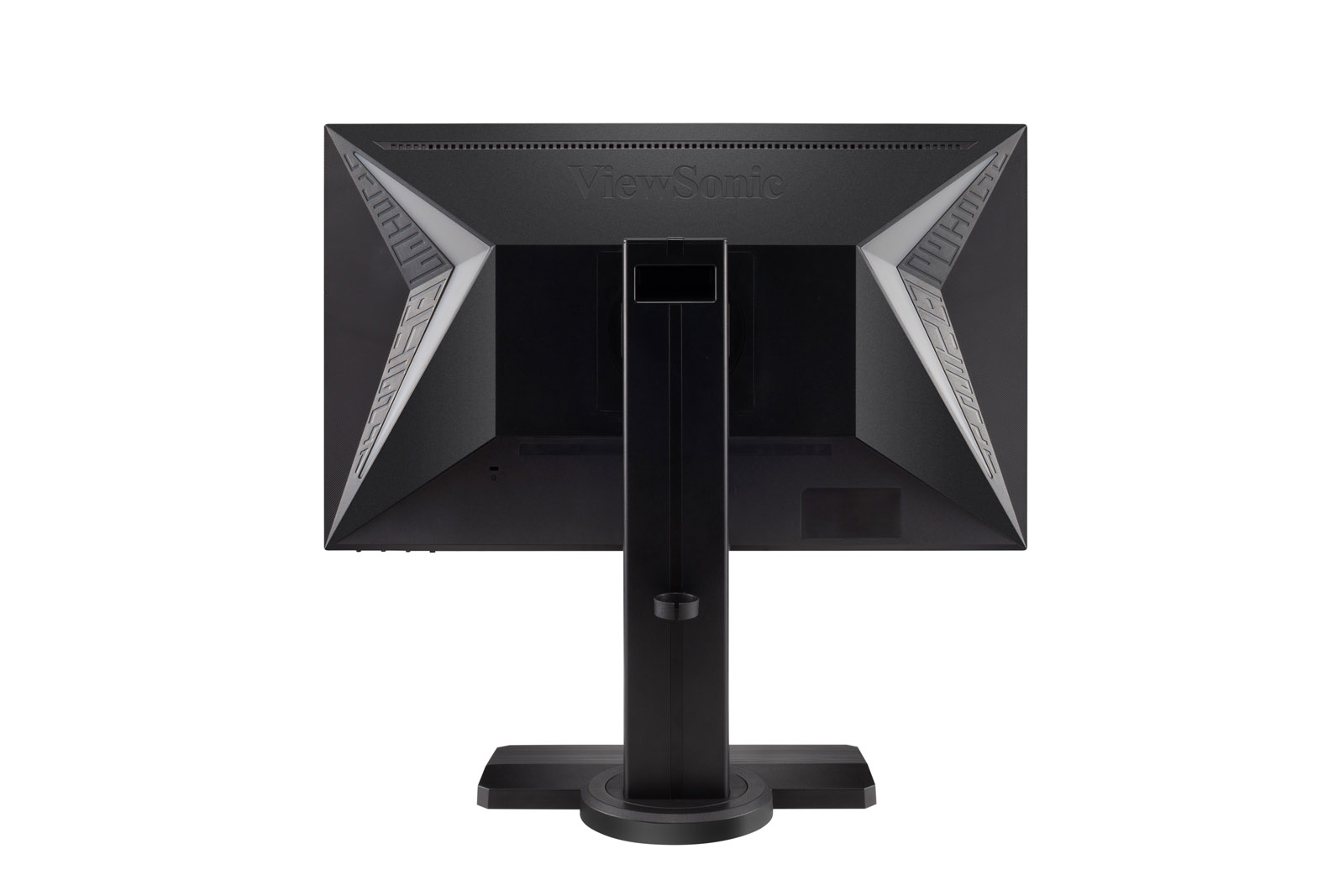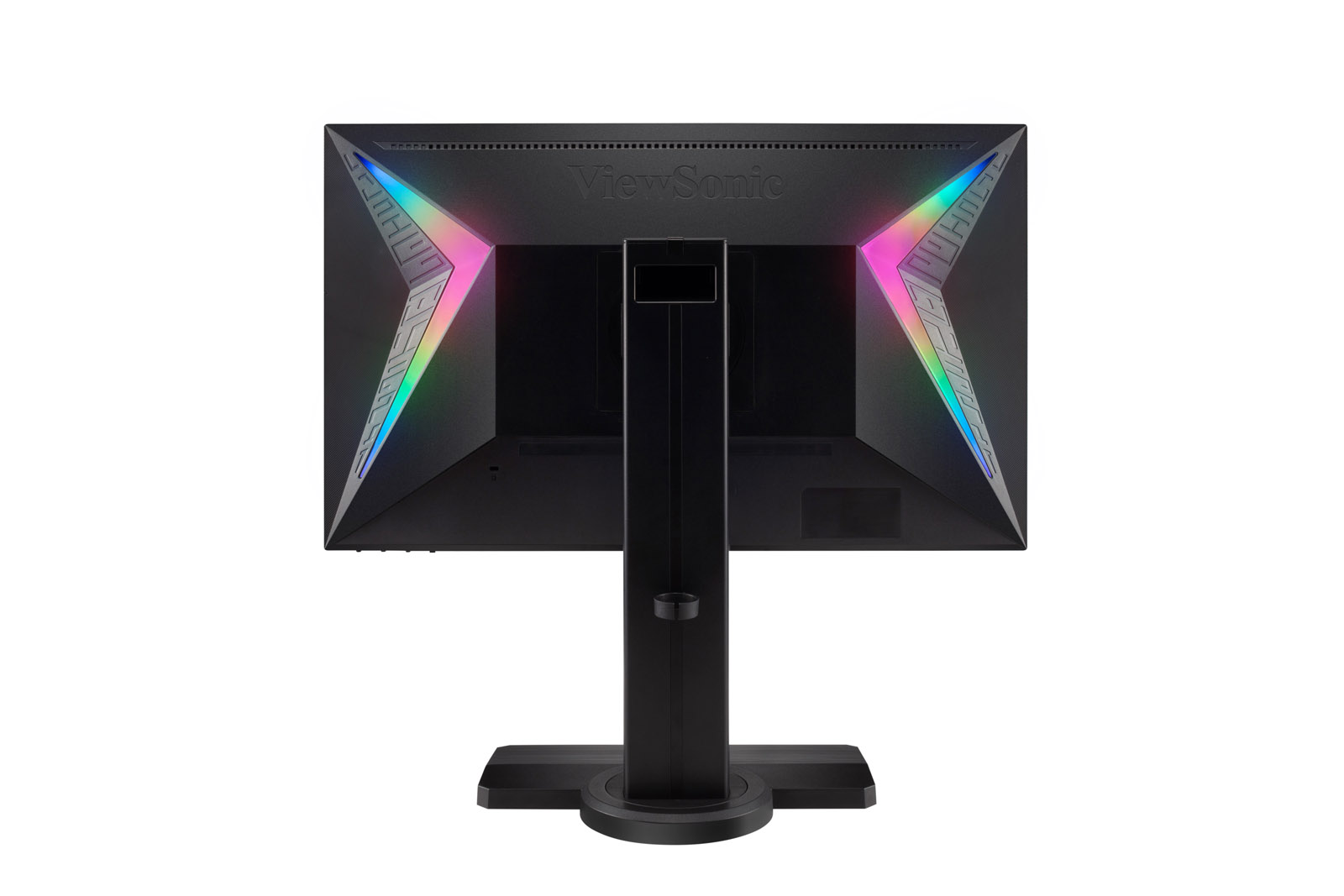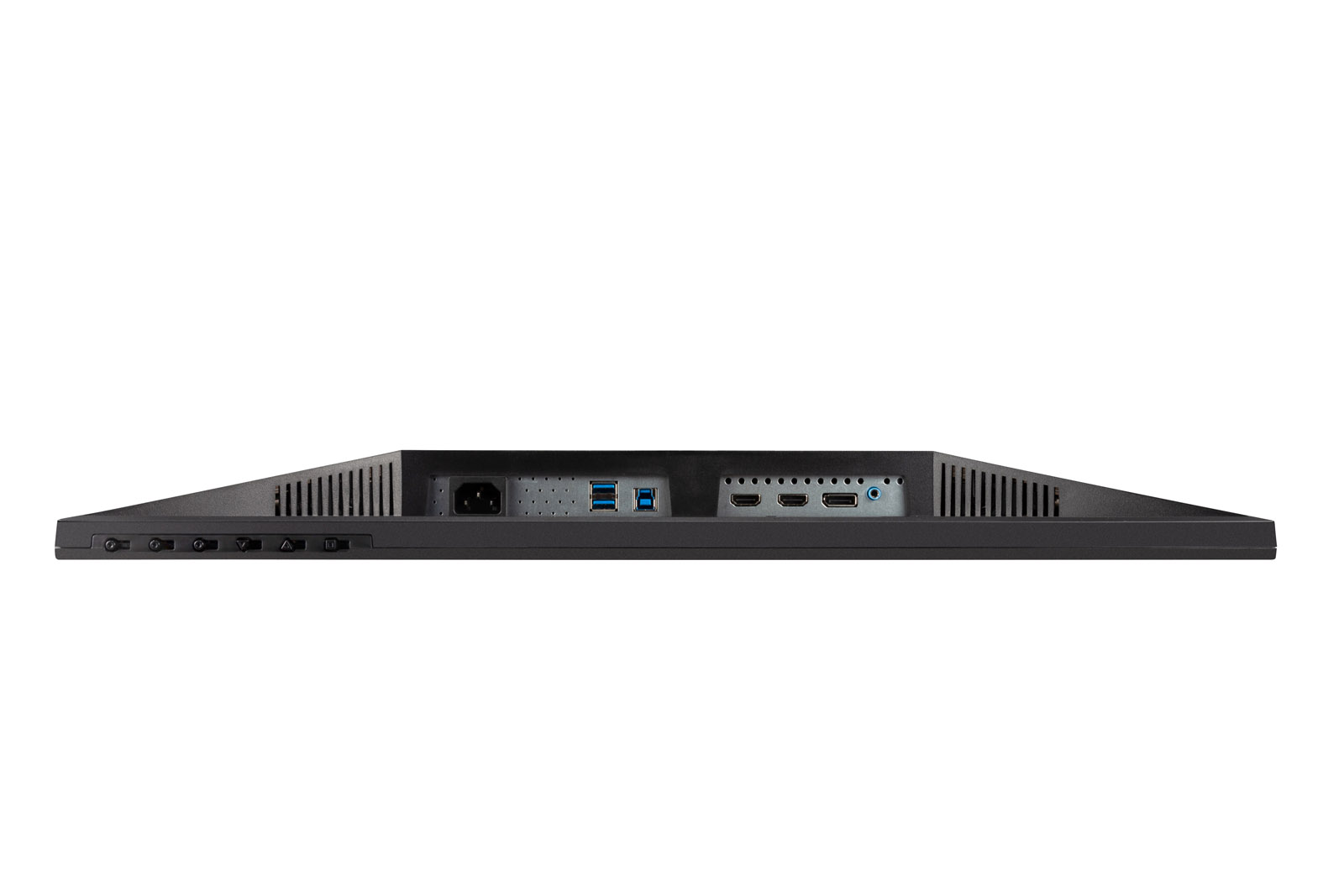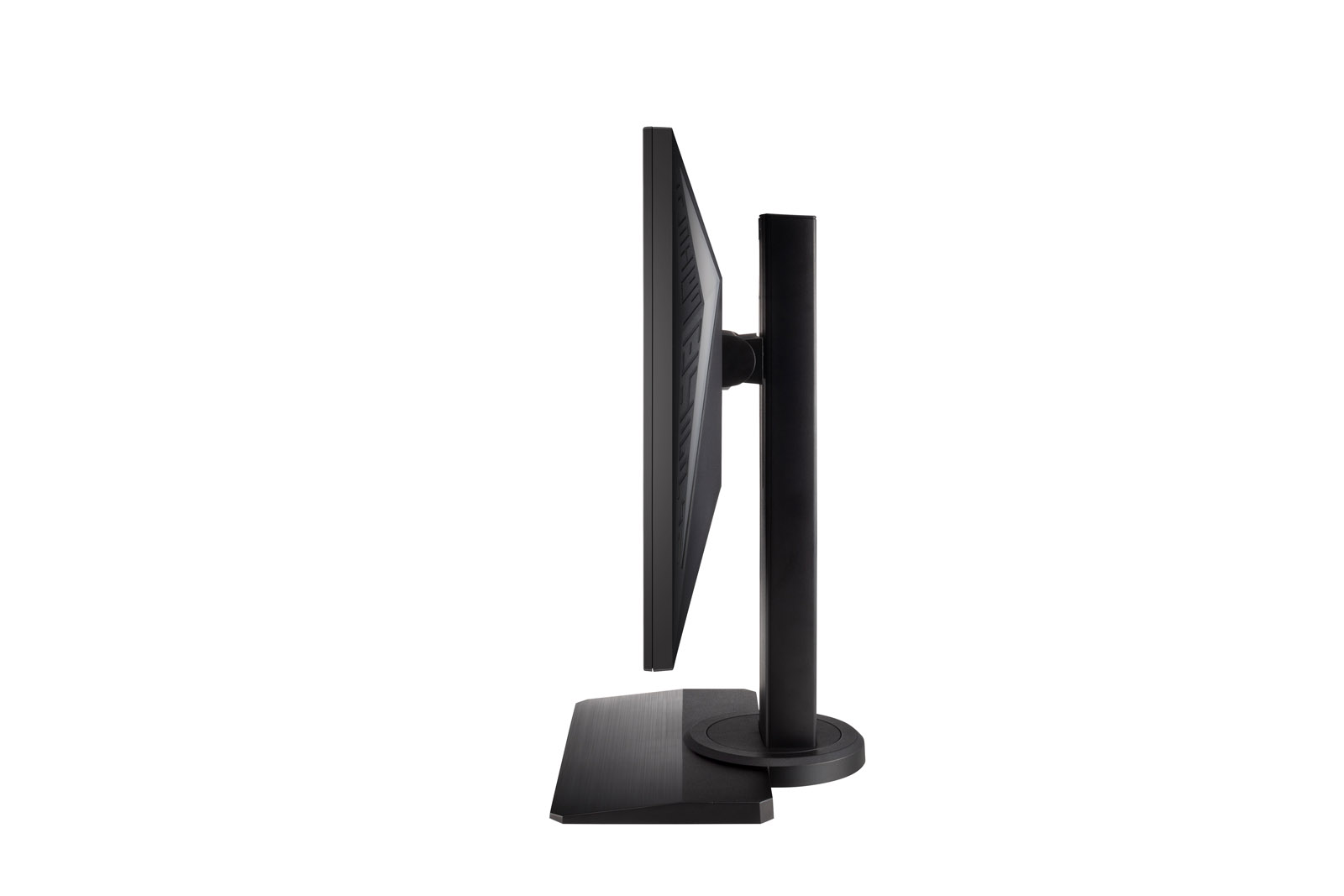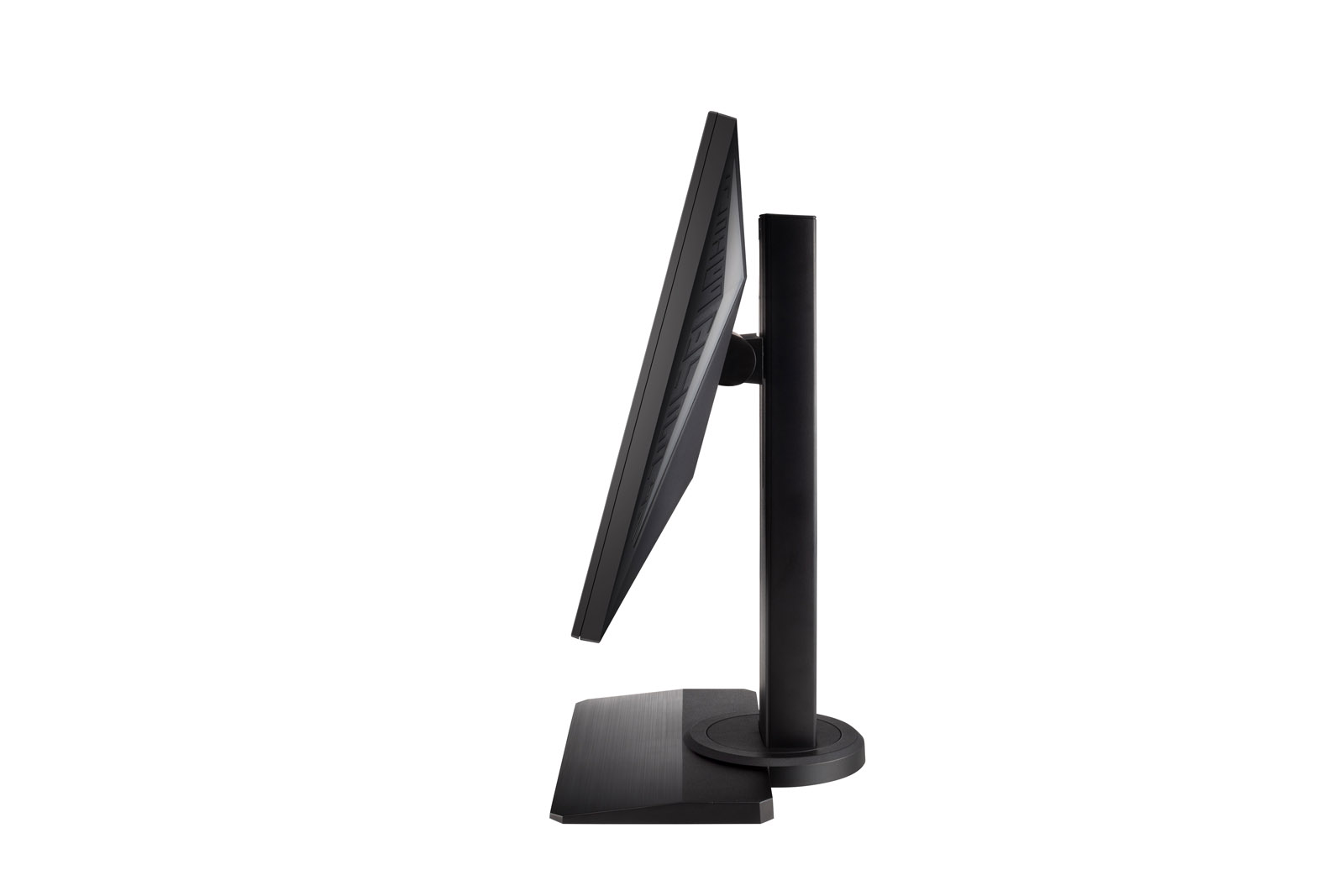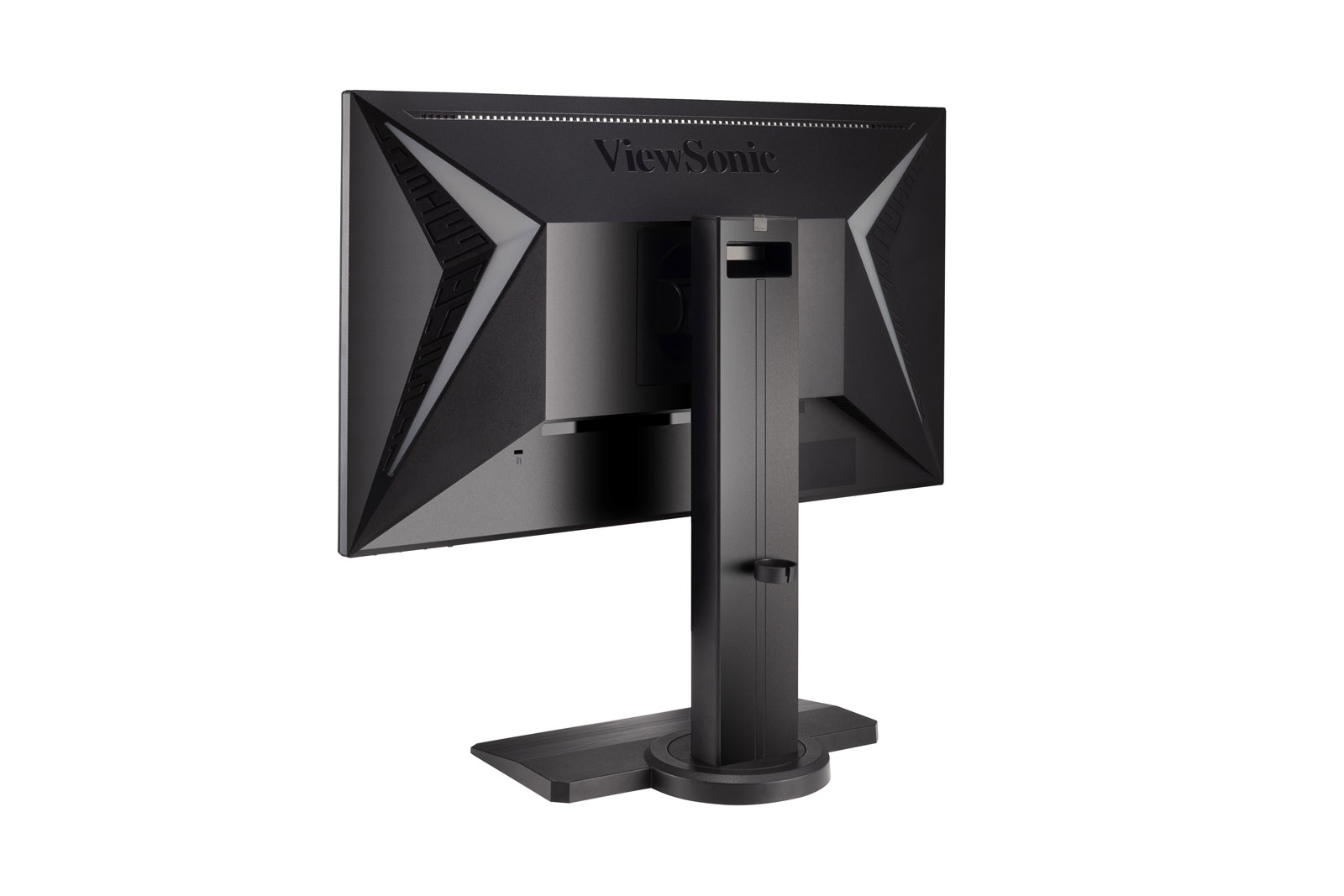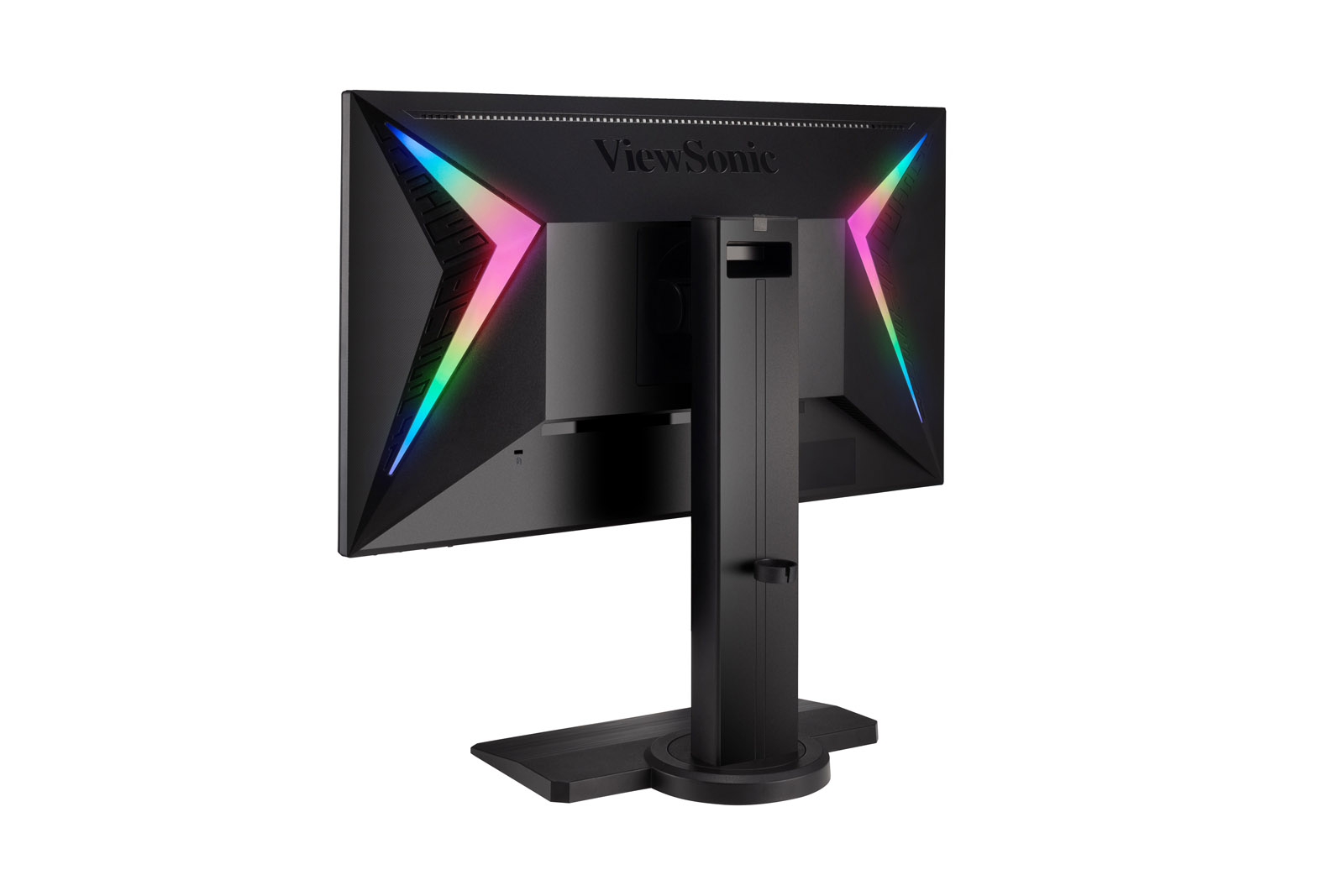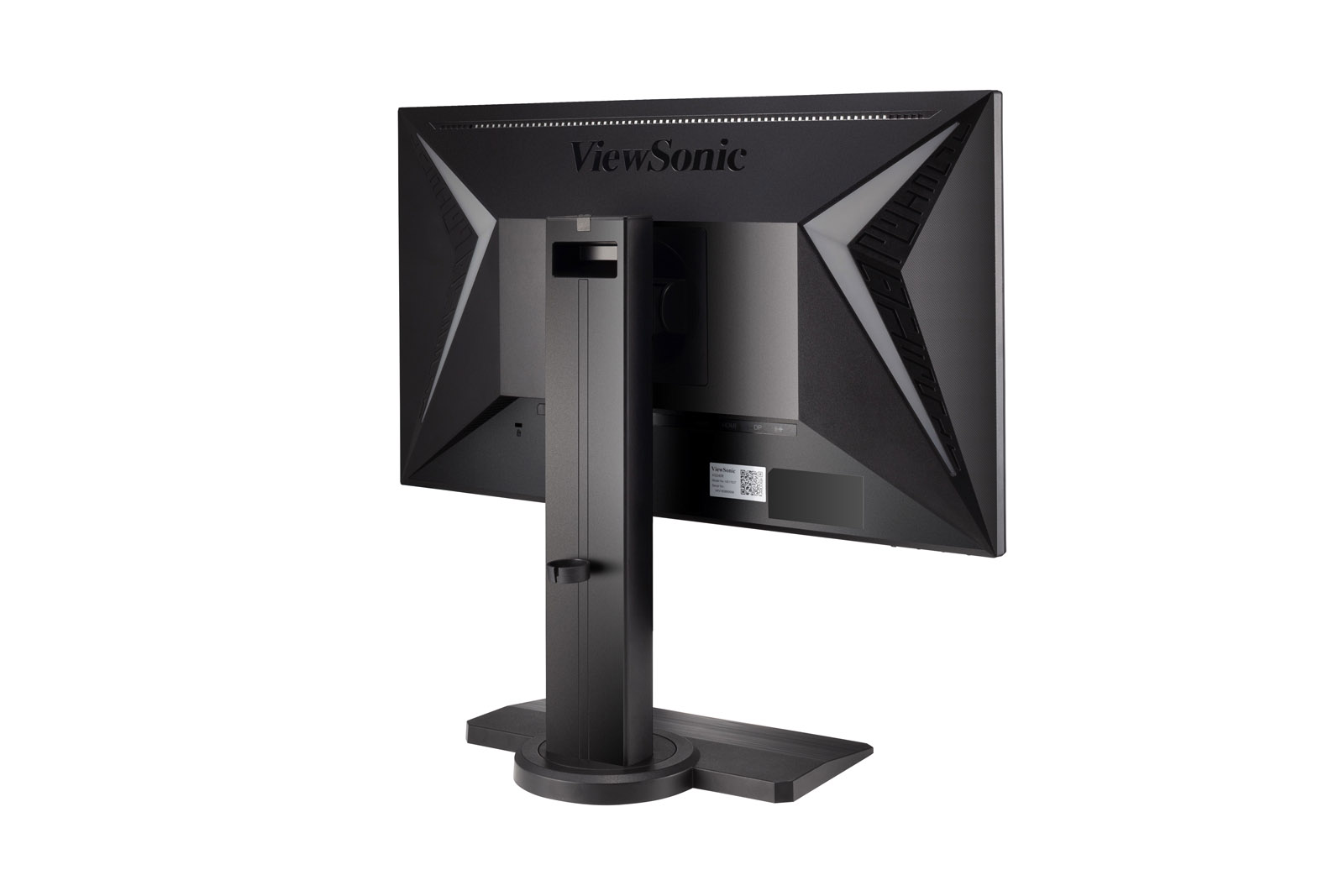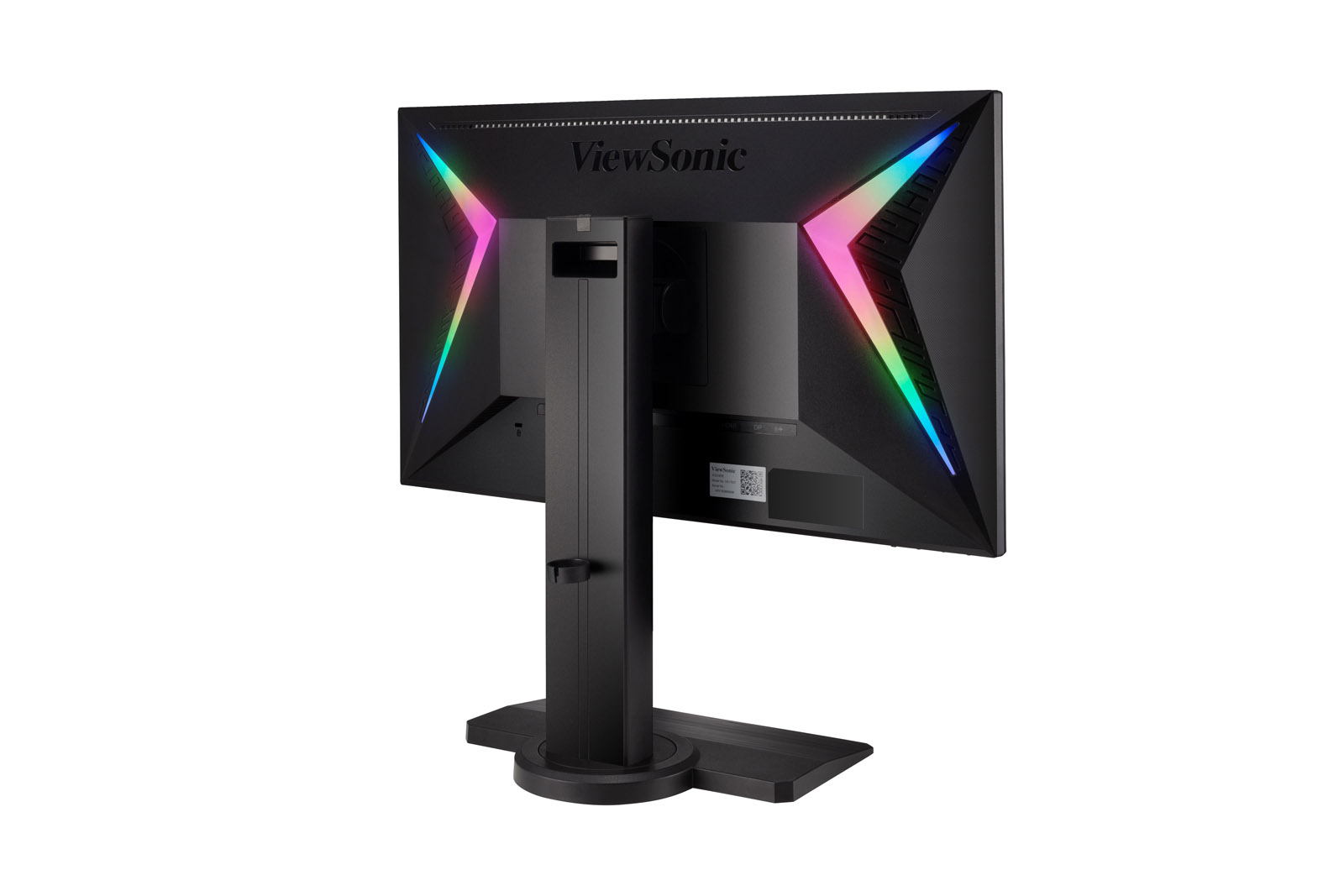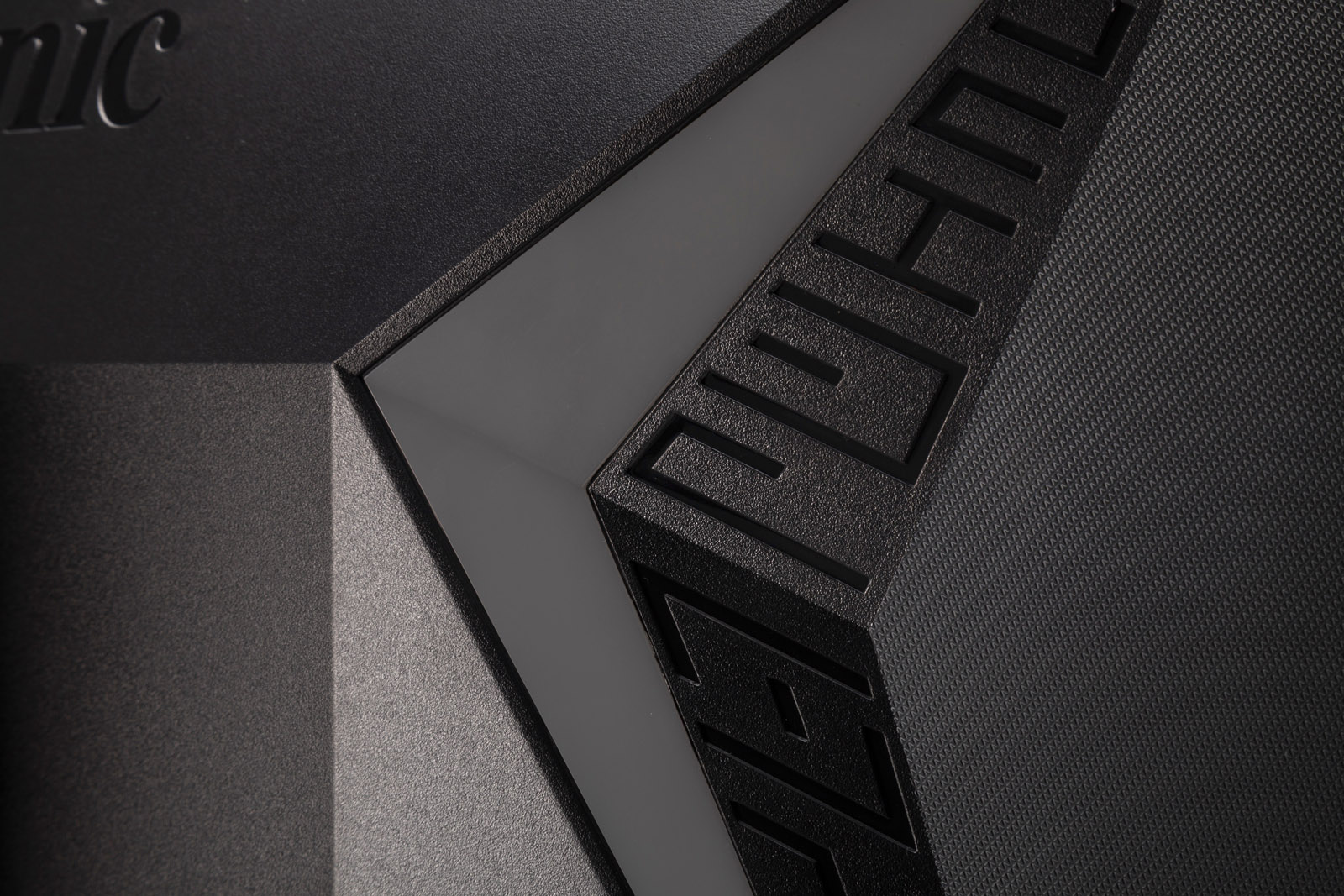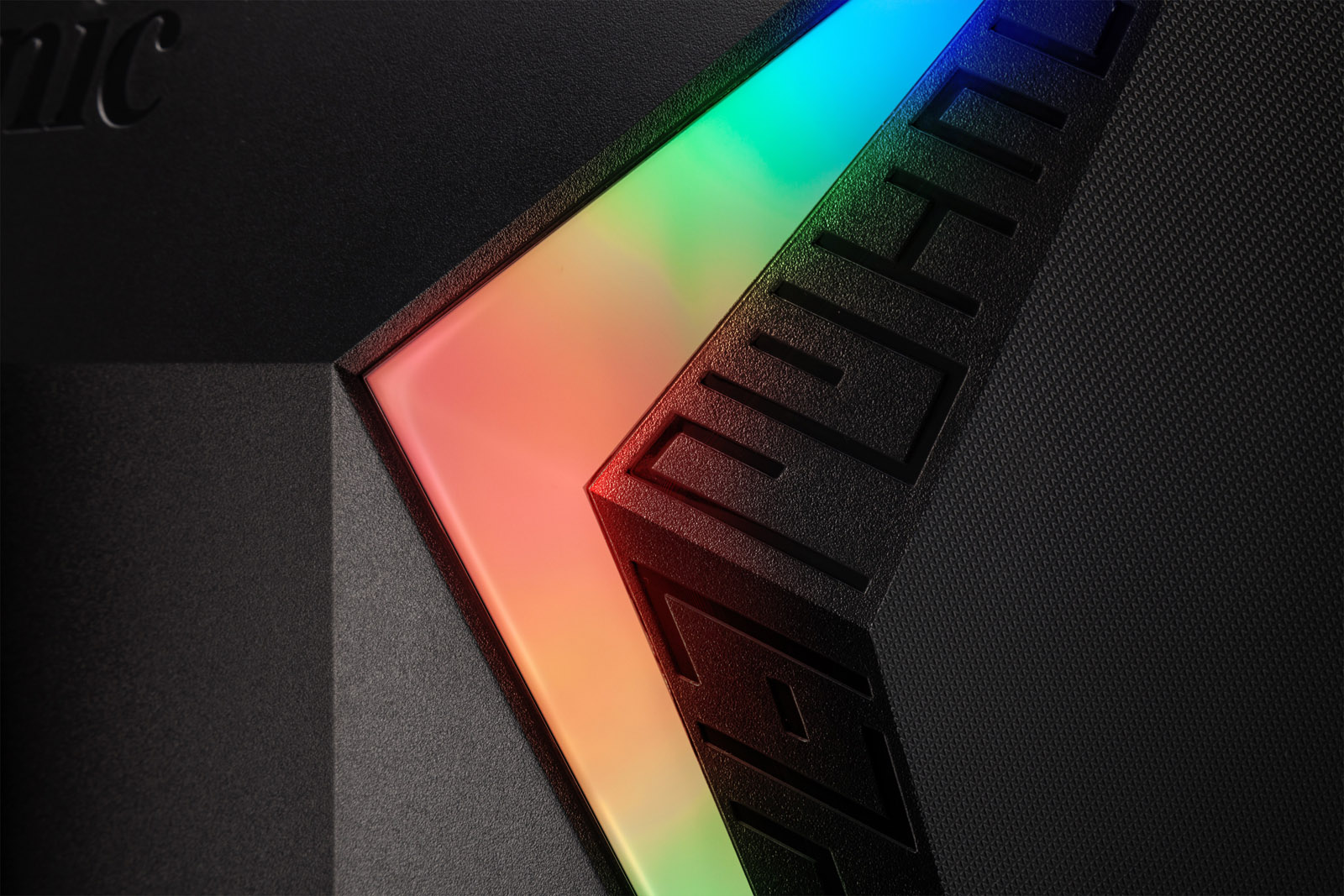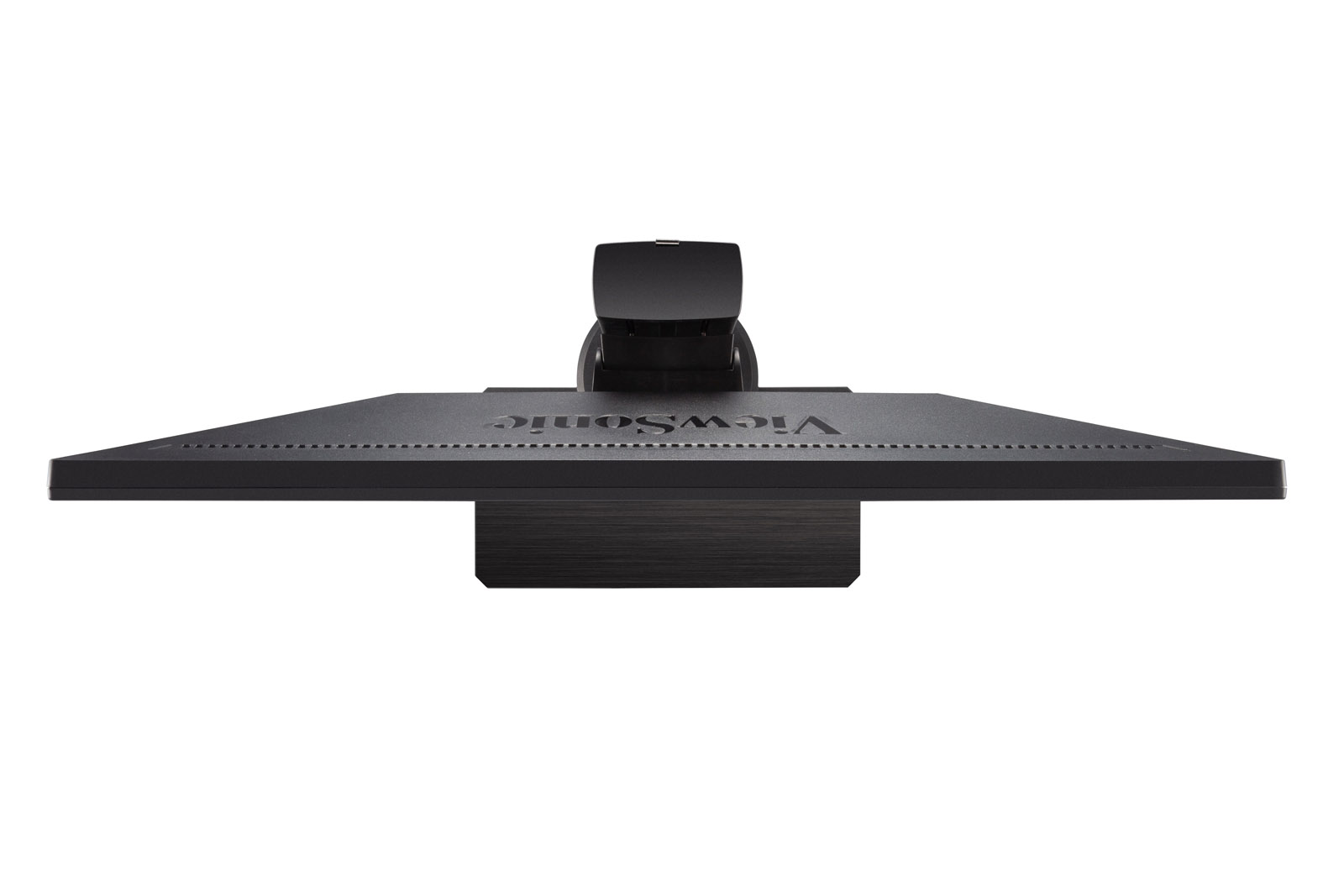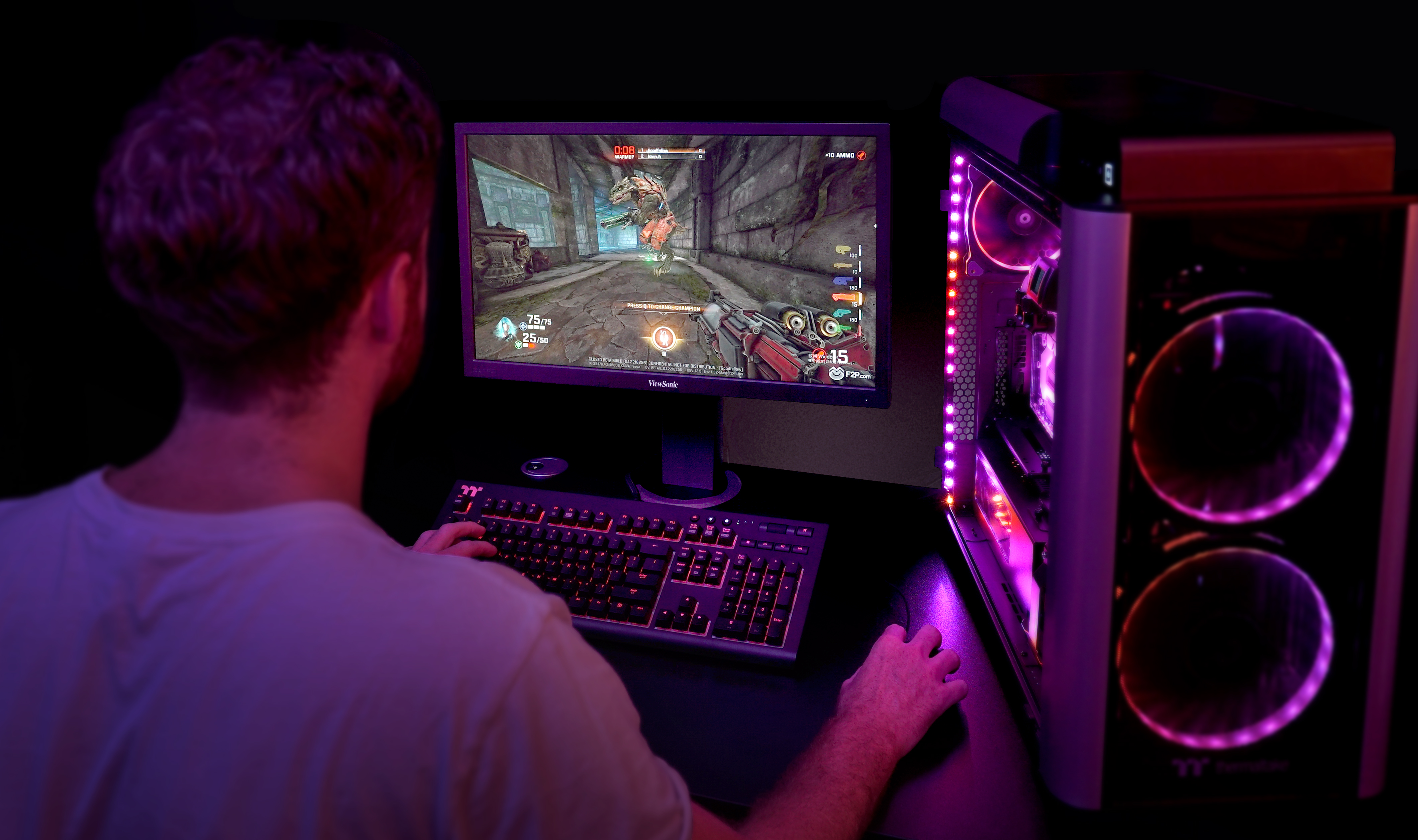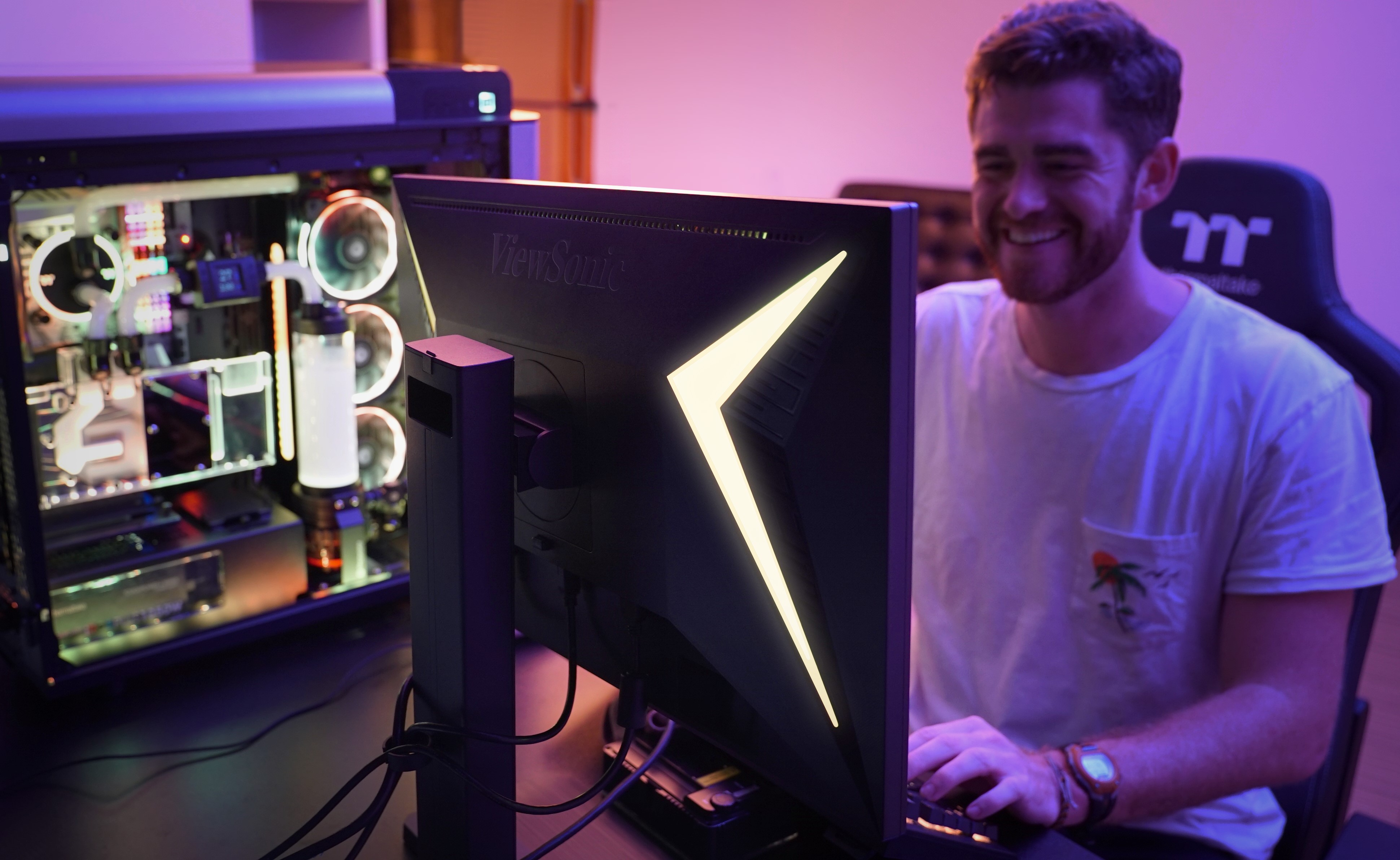
“the new ViewSonic ELITE XG240R, a 24-inch Gaming monitor and just 1ms of response to make us enjoy our favourite games at Full HD and 144Hz resolution with AMD FreeSync technology, but not only this, because ViewSonic wanted to give it a personal touch with two large bands of customizable RGB LED lighting ...”
Archived
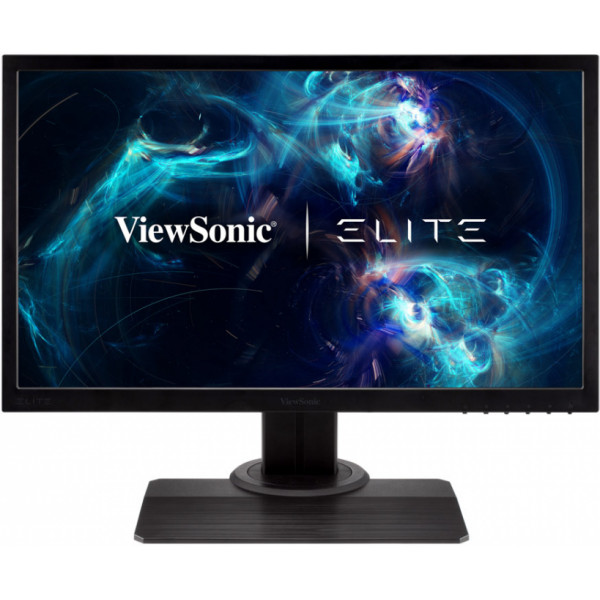
XG240R
24” RGB Gaming Monitor
- ELITE RGB Alliance
- 144Hz refresh rate
- 1ms response time
- Game Mode
- AMD FreeSync™ Premium technology
REVIEWS

“ViewSonic has designed an affordable monitor with a surprisingly complete display package ideal for gamers saving money.”

“ViewSonic’s Elite line of displays deliver gaming cred and attractive pricing.”

“The XG240R supports 8-bit color (6-bit + FRC dithering). The Viewsonic XG240R sports a 1080p panel with a refresh rate of 144 Hz and a response time of 1 ms. This makes the Viewsonic XG240R great for competitive, fast paced games such as CSGO. However, the 144 Hz refresh rate makes a huge difference in your experience in just about any game.”
SPECIFICATIONS
- DisplayDisplay Size (in.): 24
Viewable Area (in.): 24
Panel Type: TN Technology
Resolution: 1920 x 1080
Resolution Type: FHD (Full HD)
Static Contrast Ratio: 1,000:1 (typ)
Dynamic Contrast Ratio: 120M:1
Light Source: LED
Brightness: 350 cd/m² (typ)
Colors: 16.7M
Color Space Support: 8 bit (6 bit + A-FRC)
Aspect Ratio: 16:9
Response Time (Typical GTG): 1ms
Viewing Angles: 170º horizontal, 160º vertical
Backlight Life (Hours): 30000 Hrs (Min)
Curvature: Flat
Refresh Rate (Hz): 144
Variable Refresh Rate Technology: FreeSync Premium
Low Blue Light: Software solution
Flicker-Free: Yes
Color Gamut: NTSC: 72% size (Typ)
sRGB: 102% size (Typ)
Pixel Size: 0.277 mm (H) x 0.277 mm (V)
Surface Treatment: Anti-Glare, Hard Coating (3H) - CompatibilityPC Resolution (max): 1920x1080
Mac® Resolution (max): 1920x1080
PC Operating System: Windows 10 certified; macOS tested
Mac® Resolution (min): 1920x1080 - ConnectorUSB 3.2 Type A Down Stream: 2
USB 3.2 Type B Up Stream: 1
3.5mm Audio Out: 1
HDMI 1.4: 2
DisplayPort: 1
Power in: 3-pin Socket (IEC C14 / CEE22)
- AudioInternal Speakers: 2Watts x2
- PowerEco Mode (Conserve): 18 (RGB off)W
Eco Mode (optimized): 24 (RGB off)W
Consumption (typical): 30 (RGB off)W
Consumption (max): 32 (RGB off)W
Voltage: AC 100-240V
Stand-by: 0.5W
Power Supply: Internal Power Supply - Additional HardwareKensington Lock Slot: 1
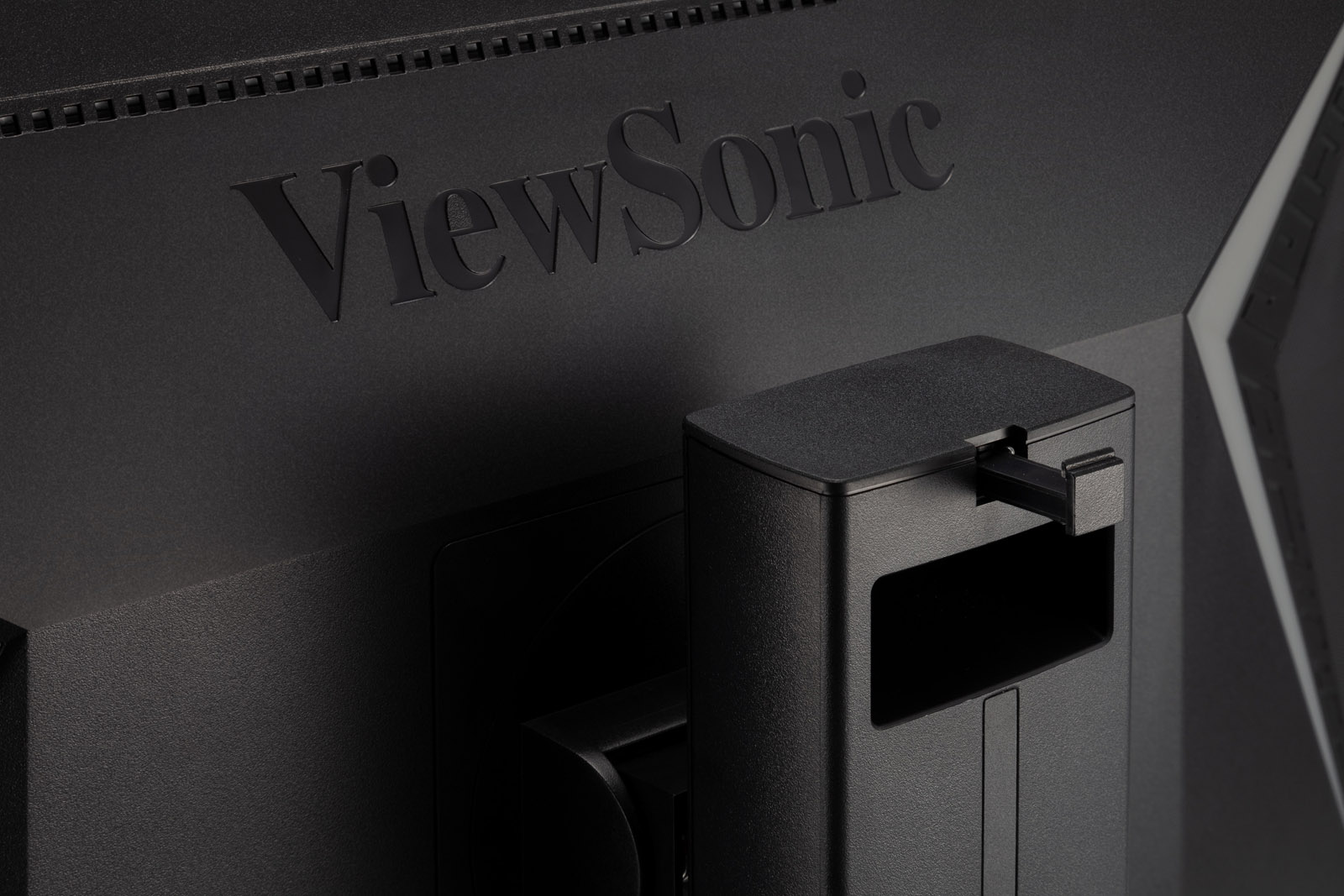
Cable Organization: Yes - ControlsPhysical Controls: Key 1 (game mode), Key 2, Key 3, Key 4, Key 5, Key 6 (power)
On Screen Display: Gaming Settings, Display, Input Selet, ViewMode, Audio Adjust, Setup Menu - Operating ConditionsTemperature: 32°F to 104°F (0°C to 40°C)
Humidity (non-condensing): 20% to 90% - Wall Mount VESA Compatible: 100 x 100 mm
- Input SignalFrequency Horizontal: HDMI (v1.4): 15 ~ 160KHz, DisplayPort (v1.2): 30 ~ 160KHz
Frequency Vertical: HDMI (v1.4): 24 ~ 144Hz, DisplayPort (v1.2): 48 ~ 146Hz - Video InputDigital Sync: TMDS - HDMI (v1.4), PCI-E - DisplayPort (v1.2)
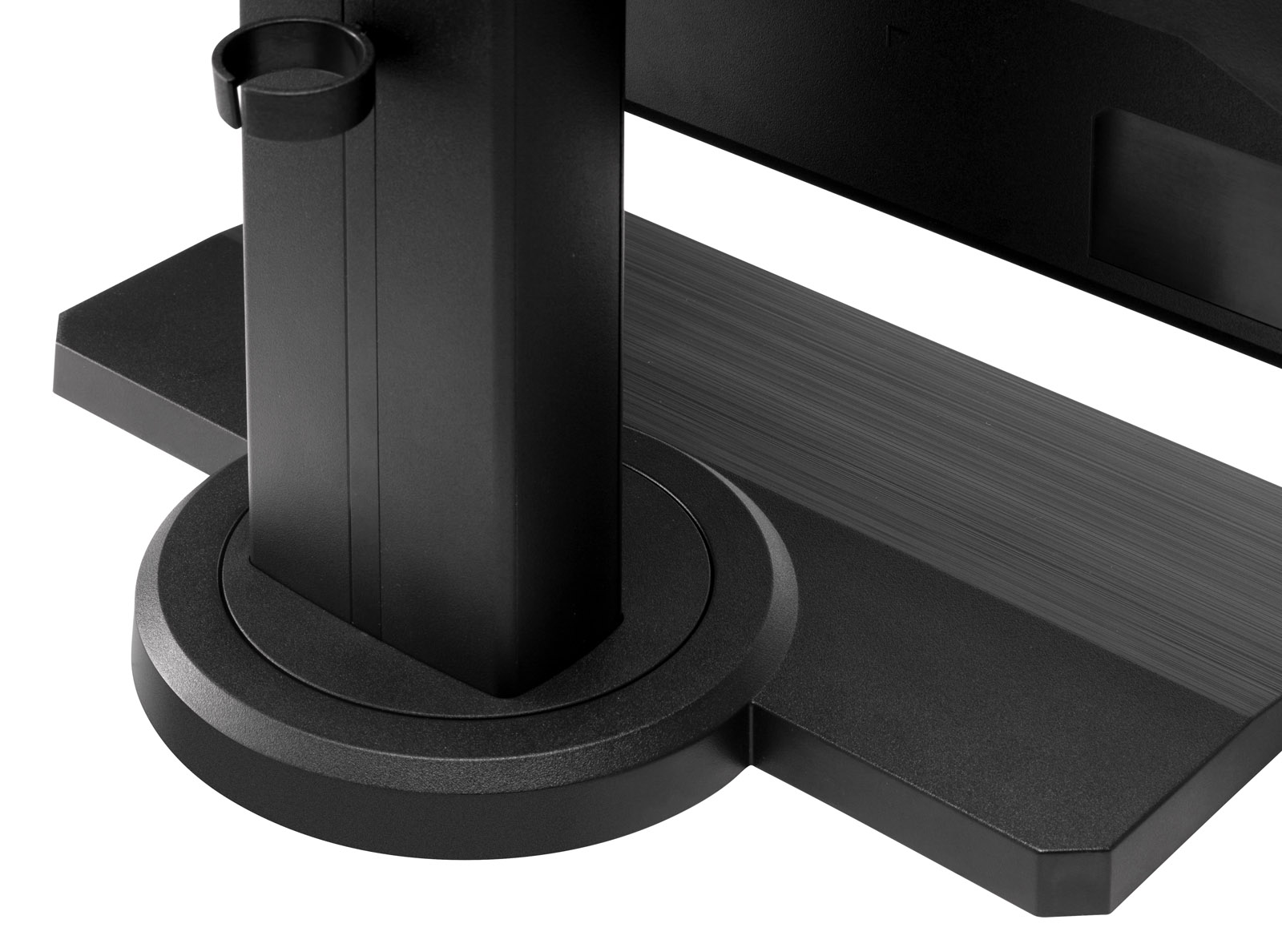
- ErgonomicsHeight Adjust (mm): 120
Swivel: 90º
Tilt (Forward/Back): -5º / 15º
Pivot (Right/Left): 90º / 0º - Weight (imperial)Net (lbs): 14.8
Net Without Stand (lbs): 7.5
Gross (lbs): 18.7 - Weight (metric) Net (kg): 6.7
Net Without Stand (kg): 3.4
Gross (kg): 8.5 - Dimensions (imperial) (wxhxd)Packaging (in.): 25.2 x 15.6 x 8.1
Physical (in.): 22.3 x 17.08~20.87 x 9.4
Physical Without Stand (in.): 22.3 x 13.4 x 2.4 - Dimensions (metric) (wxhxd)Packaging (mm): 640 x 396 x 207
Physical (mm): 566 x 433.9~530.18 x 239
Physical Without Stand (mm): 566 x 341 x 60 - GeneralPACKAGE CONTENTS: XG240R x1, 3-pin Plug (IEC C13 / CEE22) x1, DisplayPort Cable (v1.2; Male-Male) x1, USB A/B Cable (v3.2; Male-Male) x1, Quick Start Guide x1
Recycle/Disposal: Please dispose of in accordance with local, state or federal laws.
Warranty: *Warranty offered may differ from market to market