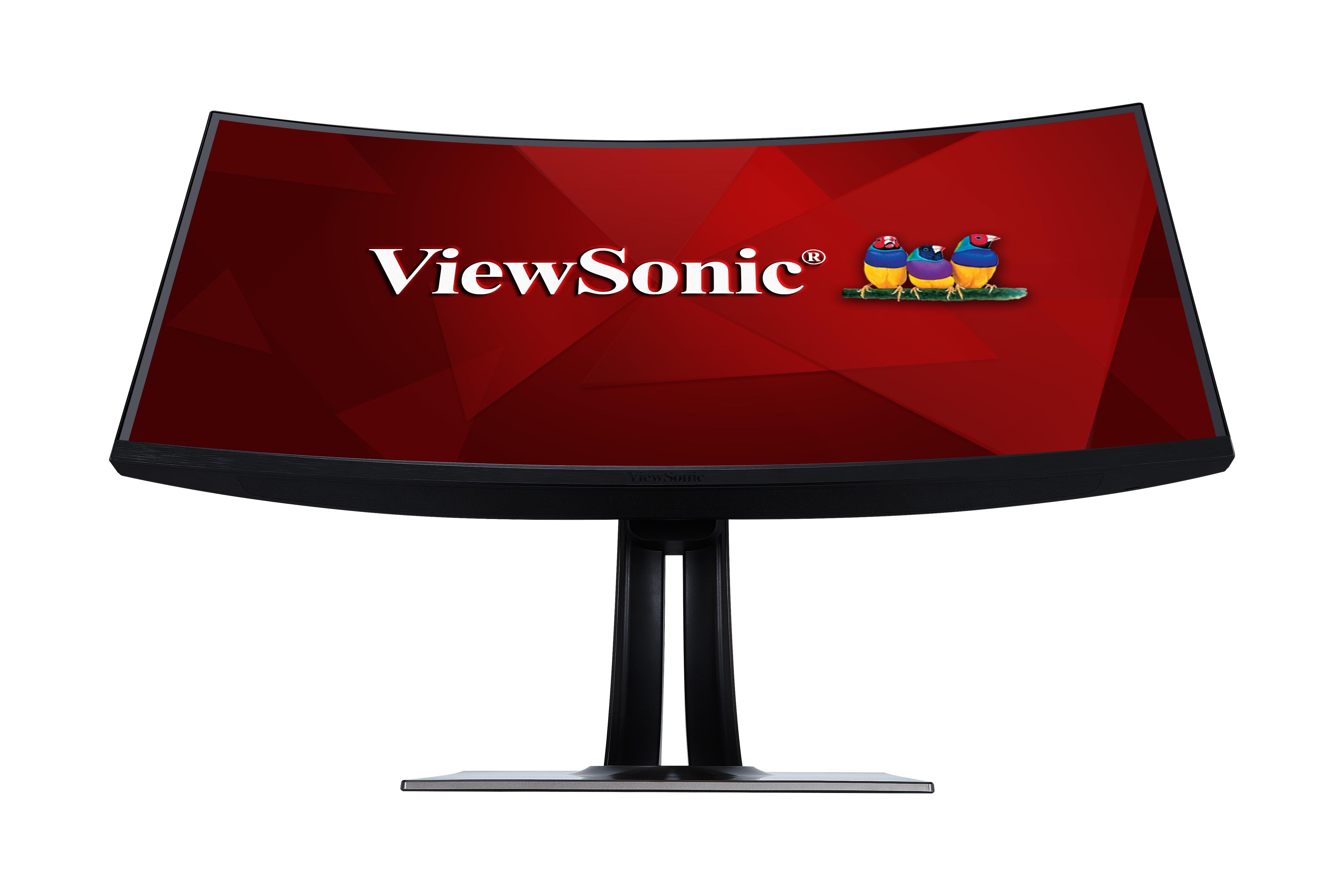
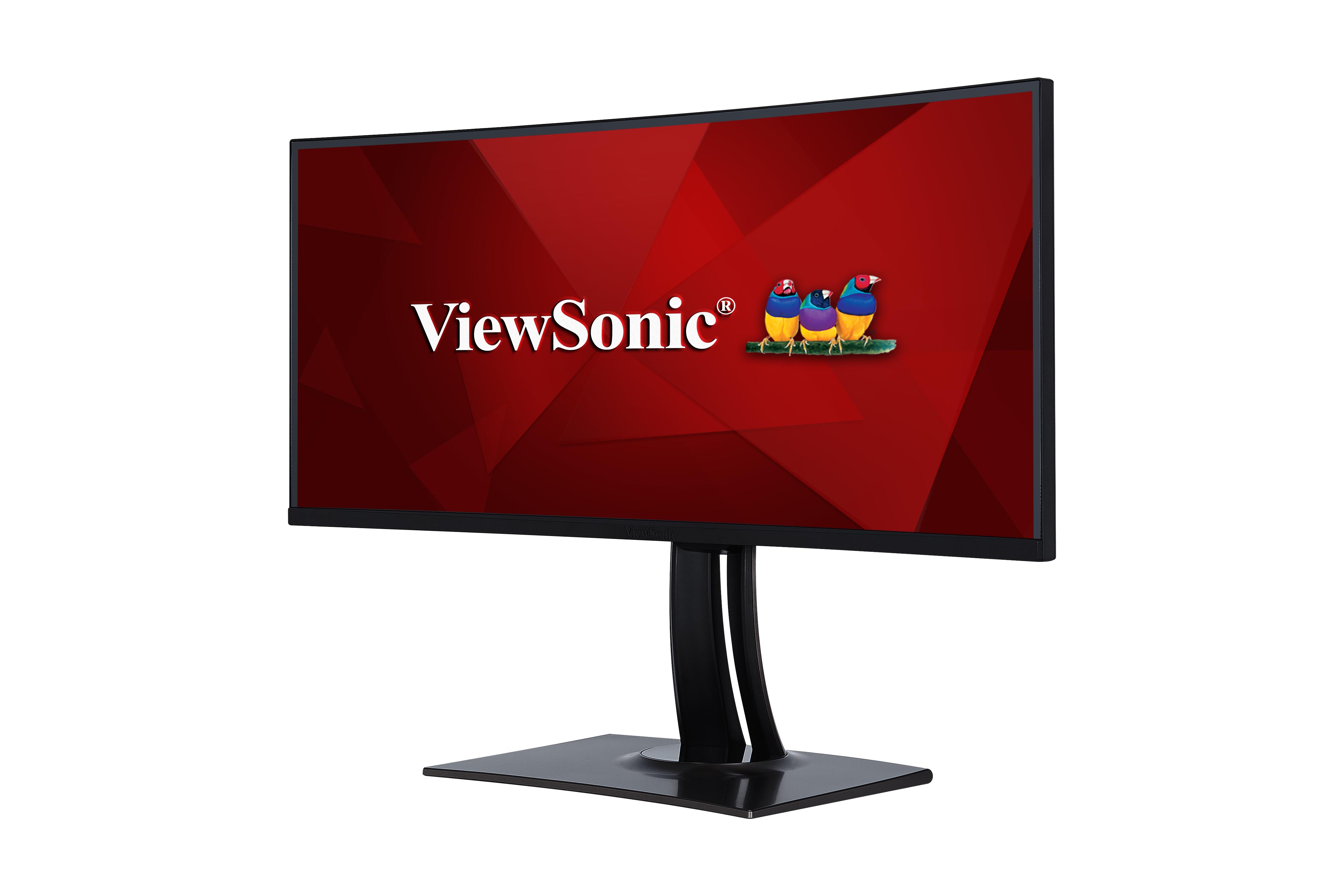
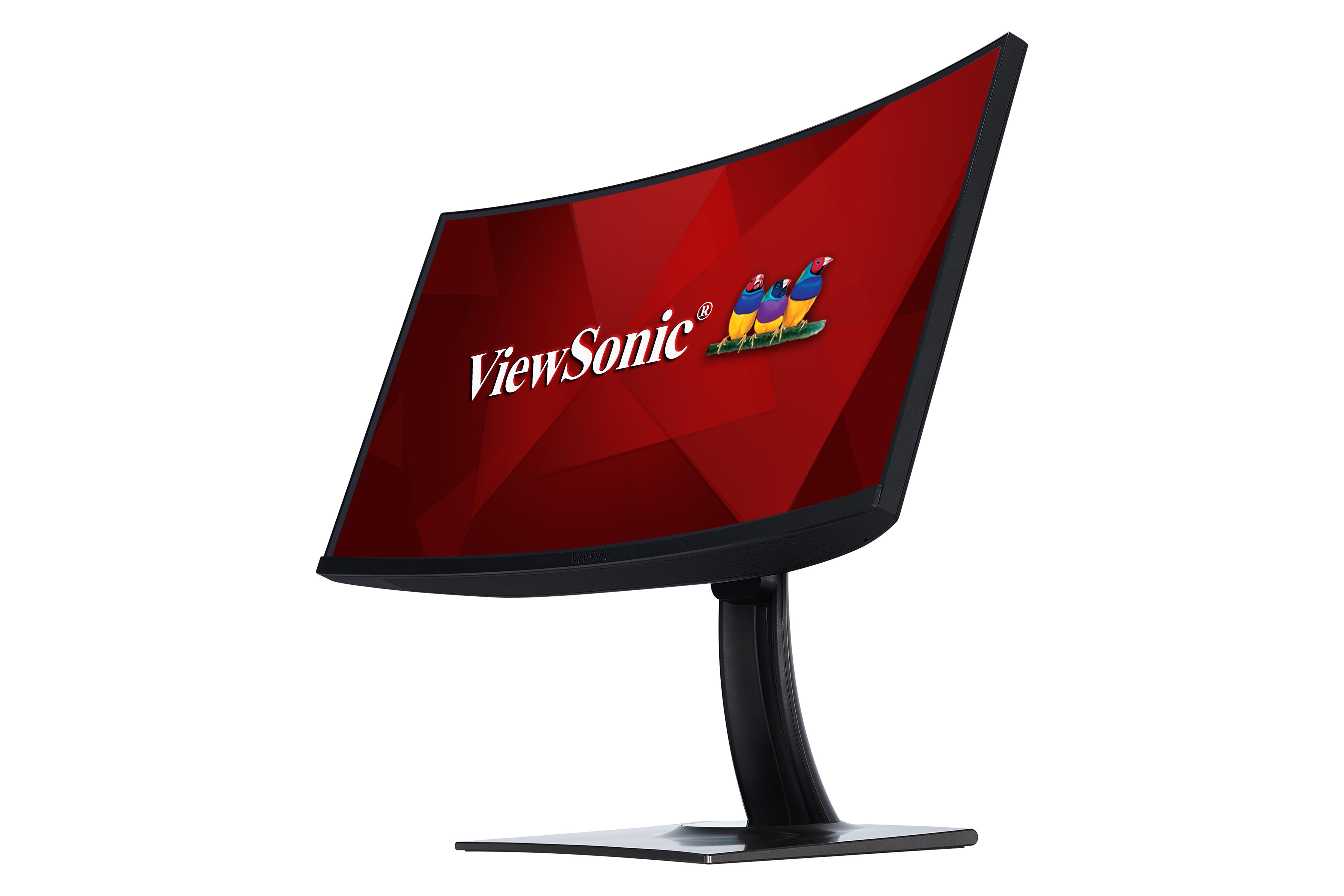
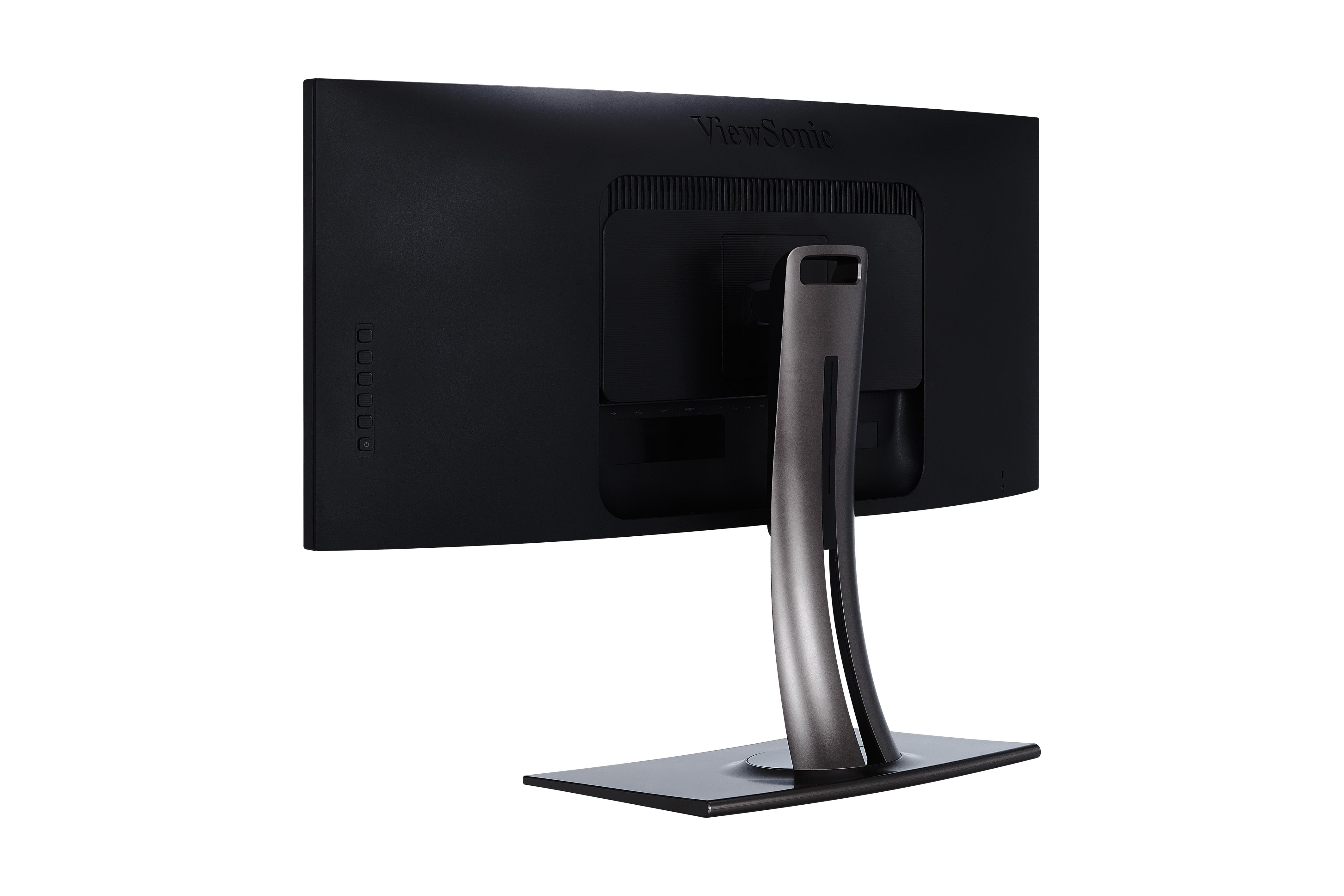
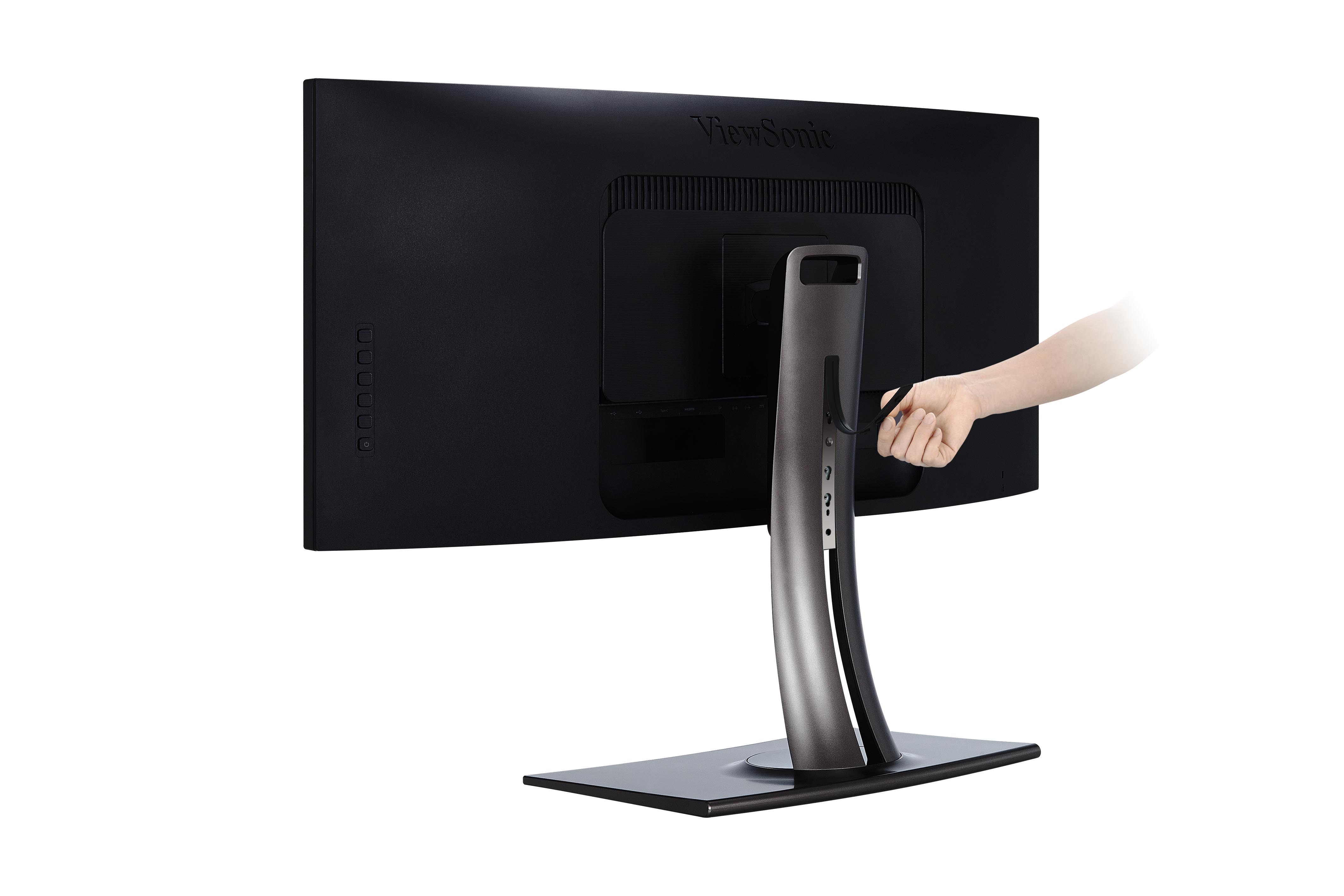
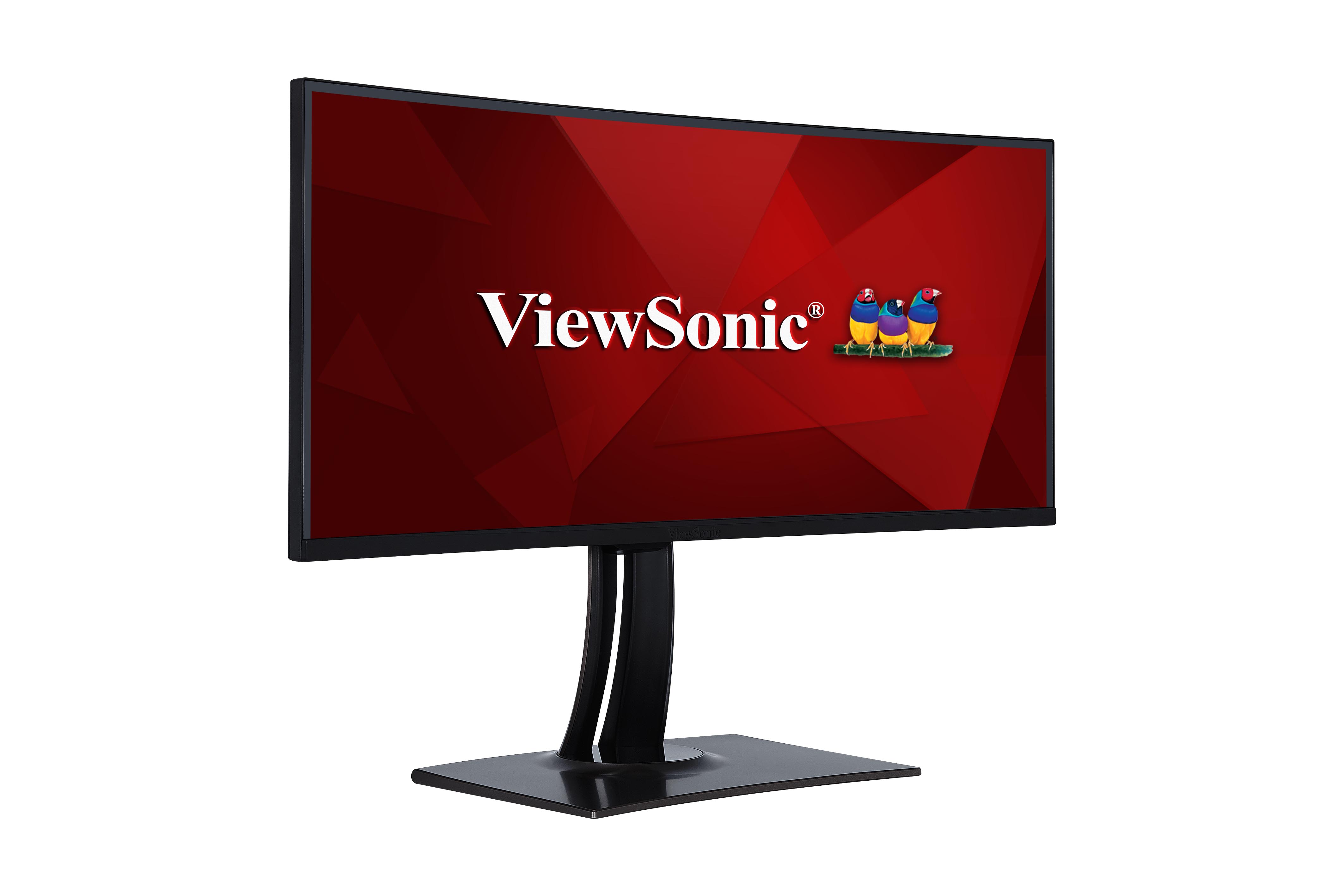
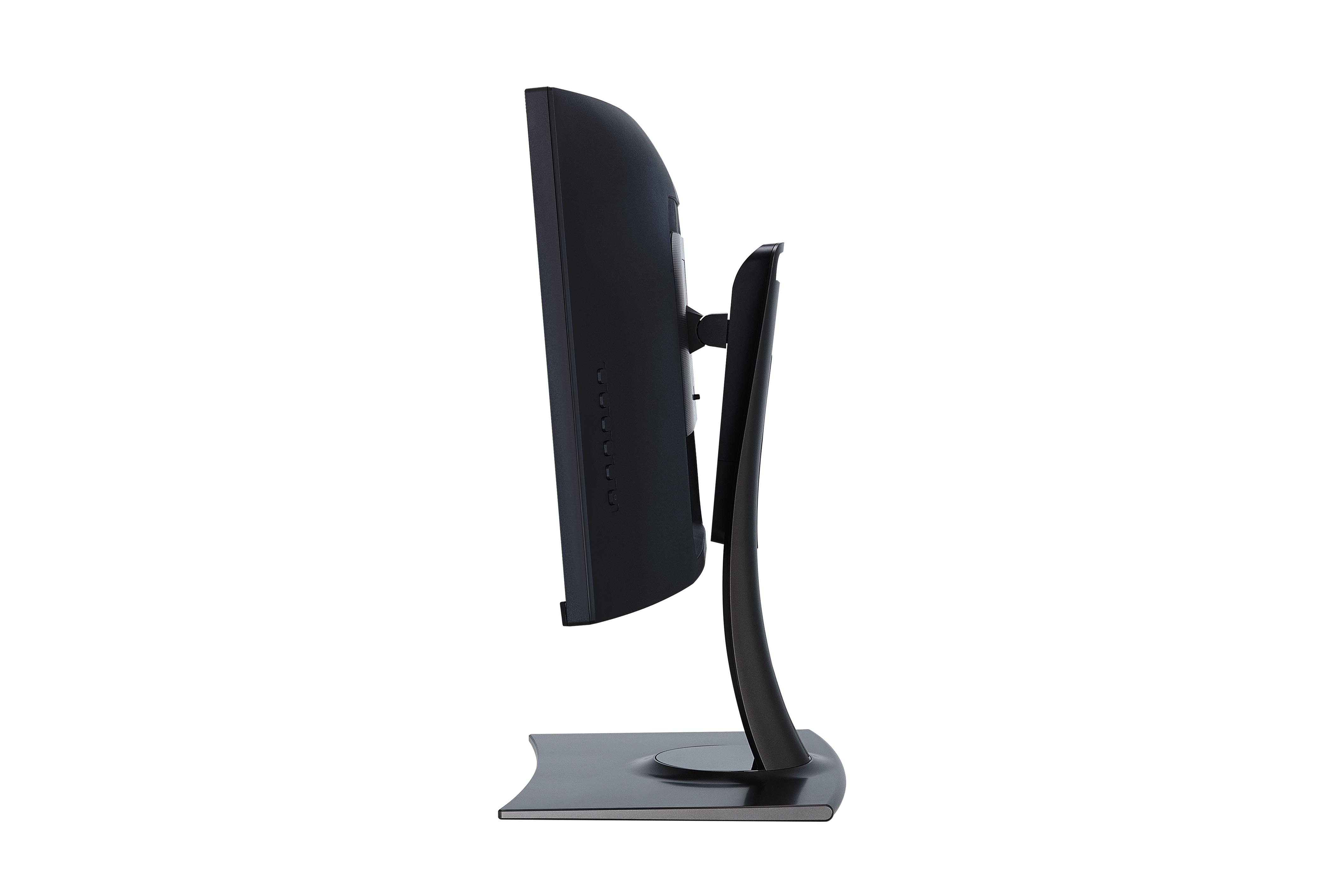
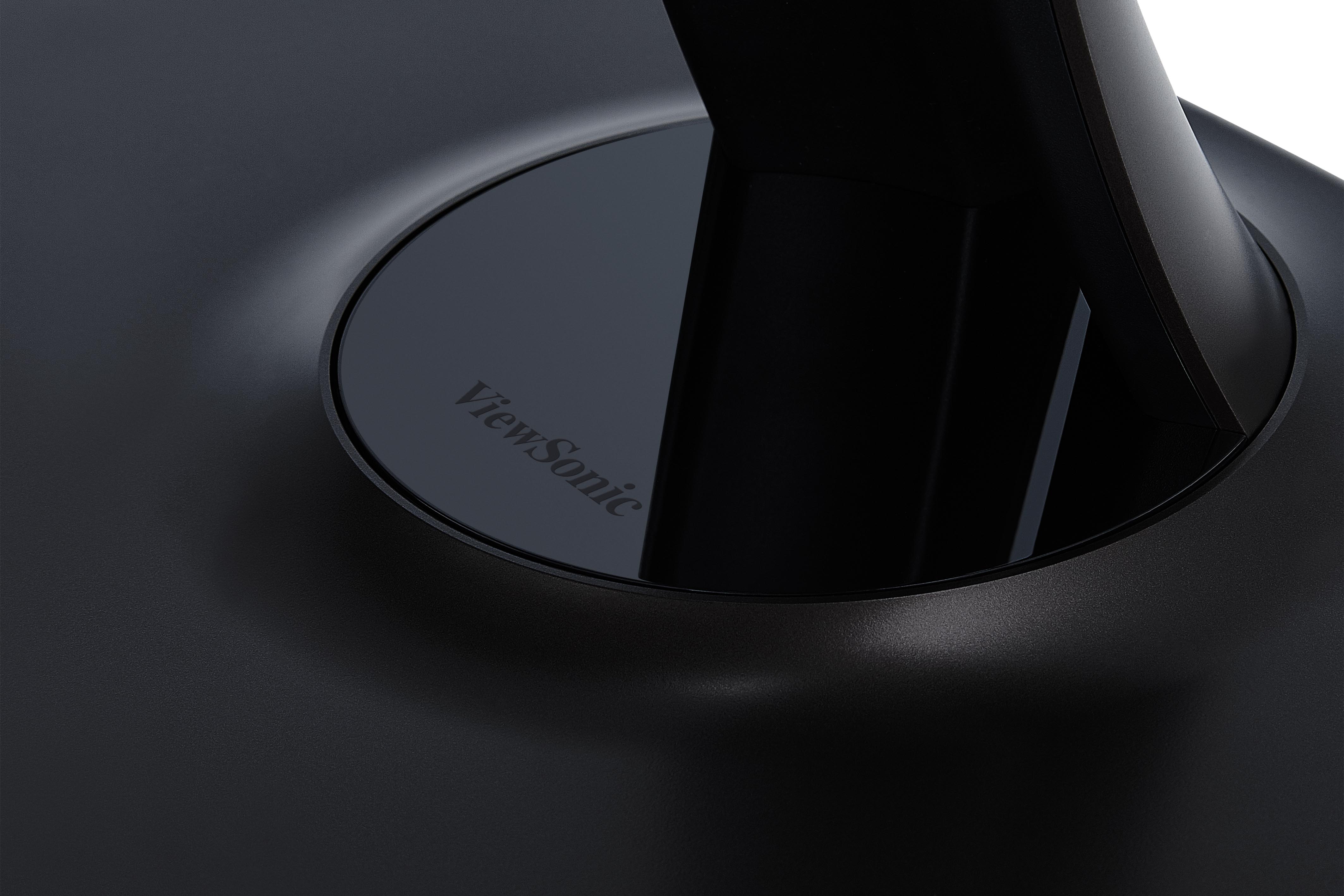
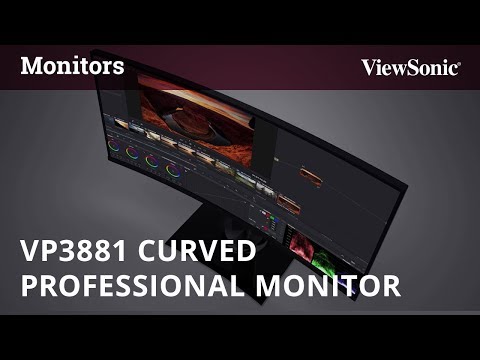
“PRODUCTIVITY EXPERTS say that the ability to see all your computer desktop windows at once saves time. In that case, bigger is clearly better, and the ViewSonic VP3881 38-inch wide, curved monitor offers you one of the biggest and brightest options on the market today. You will never look at a standard 1920x1080 monitor with anything but pity after using this eye-popping screen.”
Diarsipkan
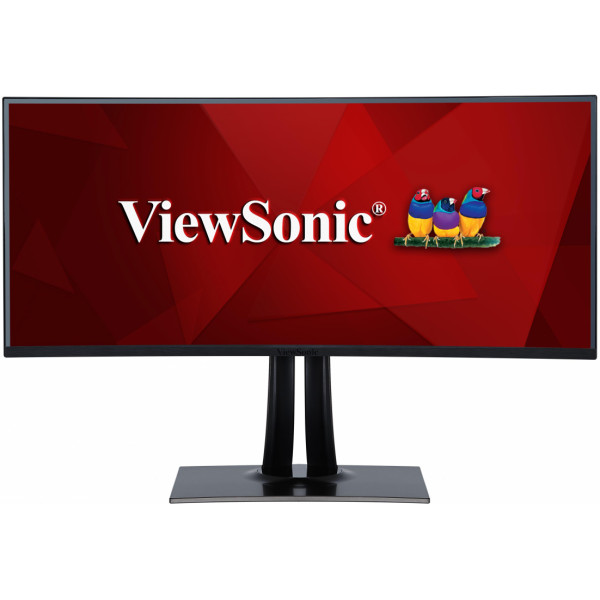
VP3881
38" Curved Professional Monitor
- 100% sRGB wide colour gamut coverage
- Hardware colour calibration
- Delta E < 2 colour accuracy
- Pre-calibrated uniformity correction
- 21:9 aspect ratio
ULASAN




“จอแต่งภาพแบบเคิร์ฟ Viewsonic VP3881จอ IPS ทรงโค้งขนาด 38 นิ้ว ระดับมืออาชีพพร้อมความแม่นยำสี sRGB 100%”
SPESIFIKASI
- TampilanDisplay Size (in.): 38
Viewable Area (in.): 37.5
Jenis Panel: IPS Technology
Resolusi: 3840 x 1600
Jenis Resolusi: WQHD+ (Wide QHD+)
Rasio Kontras Statis: 1,000:1 (typ)
Rasio Kontras Dinamis: 20M:1
High Dynamic Range: HDR10
Sumber cahaya: LED
Kecerahan: 300 cd/m² (typ)
Colors: 1.07B
Color Space Support: 10 bit (8 bit + A-FRC)
Aspect Ratio: 21:9
Response Time (Typical GTG): 5ms
Waktu Respon (GTG w / OD): 5ms
Sudut Pandang: 178º horizontal, 178º vertical
Backlight Life (Jam): 30000 Hrs (Min)
Glass Hardness: 3H
Lengkungan: 2300R
Refresh Rate (Hz): 60
Filter Cahaya Biru: Yes
Low Blue Light: Software solution
Flicker-Free: Yes
Color Gamut: Adobe RGB: 80% size / 76% coverage (Typ)
DCI-P3: 79% size / 79% coverage (Typ)
EBU: 106% size / 98% coverage (Typ)
REC709: 107% size / 100% coverage (Typ)
SMPTE-C: 116% size / 100% coverage (Typ)
NTSC: 76% size (Typ)
sRGB: 107% size / 100% coverage (Typ)
Ukuran Piksel: 0.229 mm (H) x 0.229 mm (V)
Surface Treatment: Anti-Glare, Hard Coating (3H) - KesesuaianResolusi PC (max): 3840x1600
Resolusi Mac® (maks): 3840x1600
Sistem Operasi PC: Windows 7/8/8.1/10 certified; macOS tested
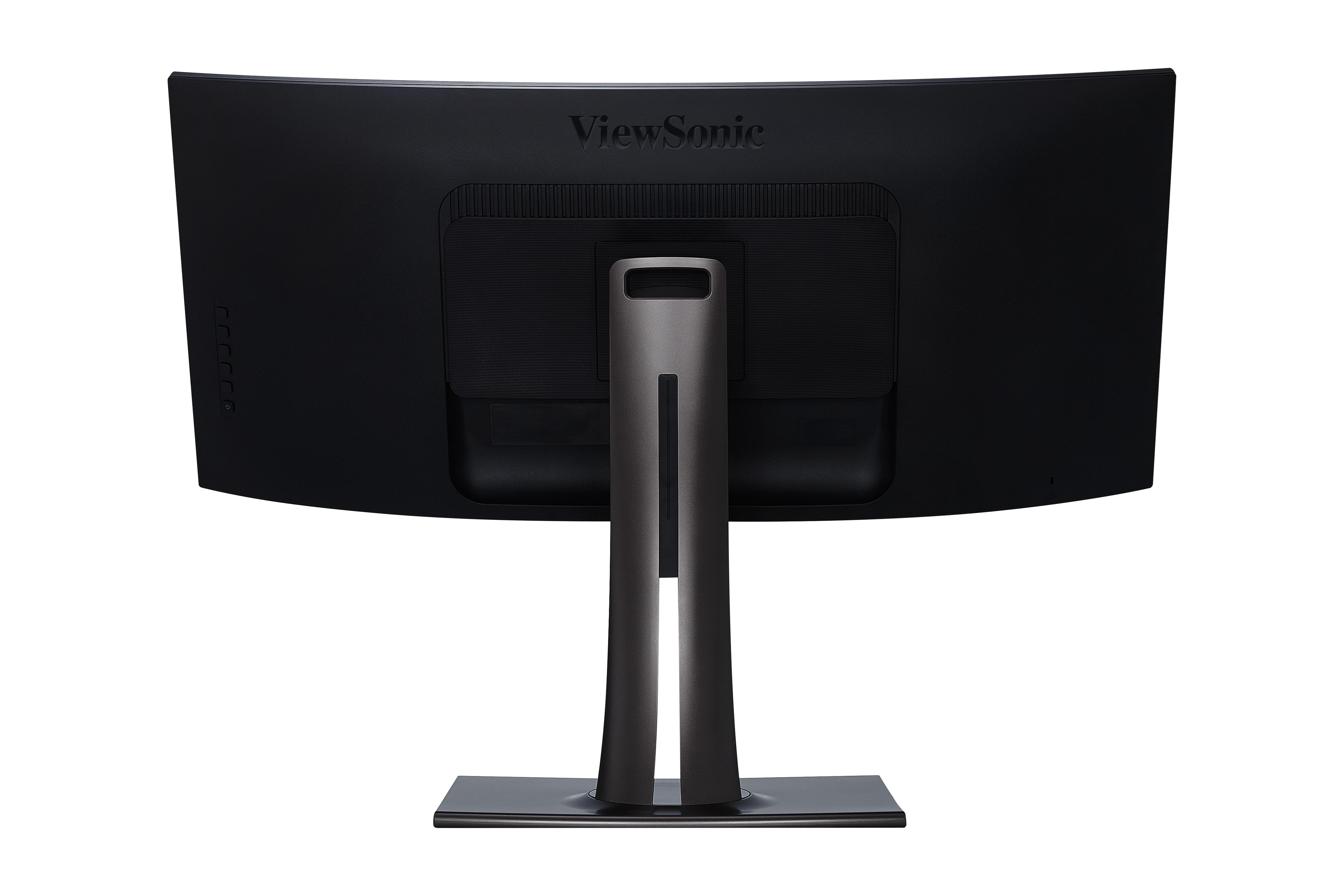
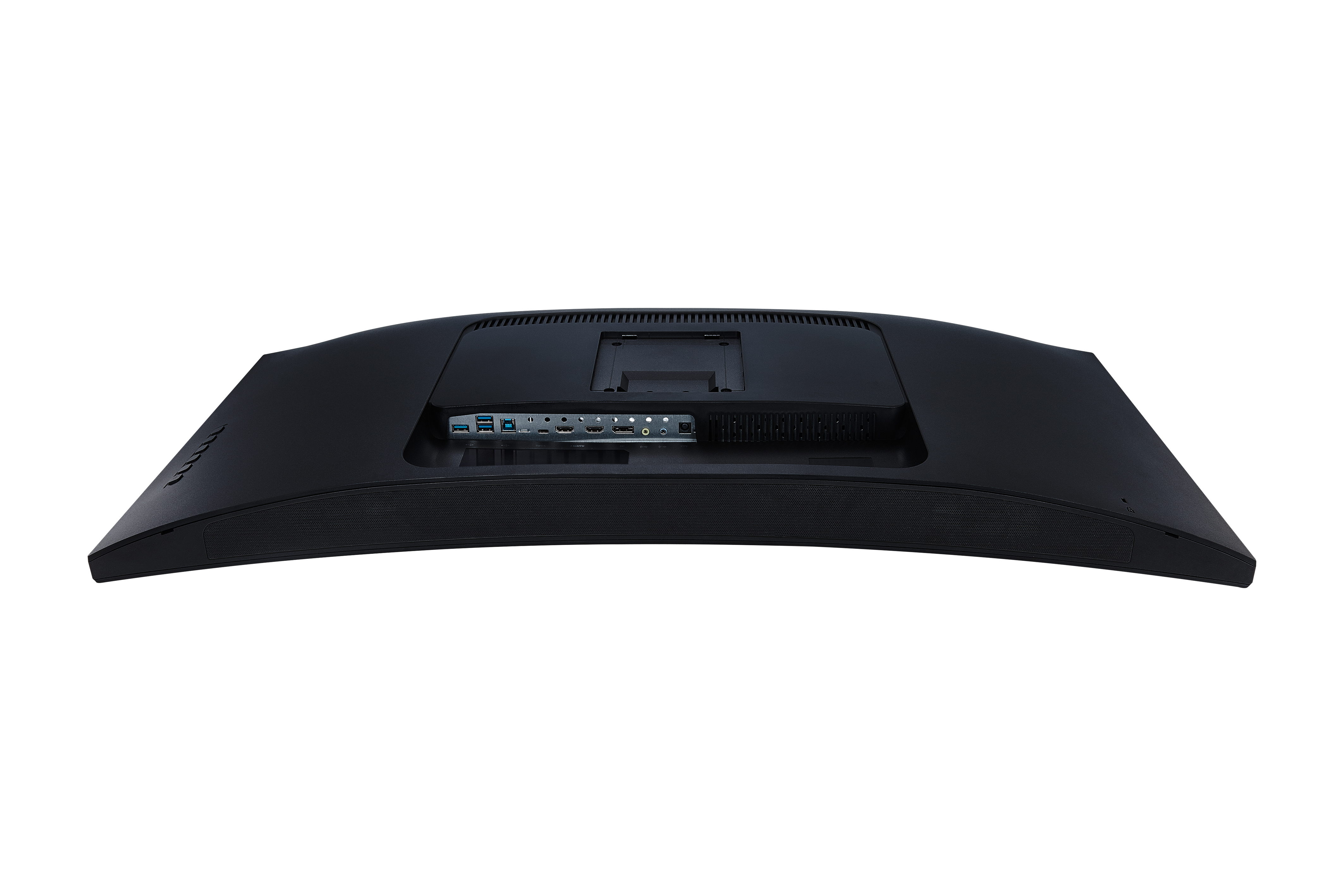
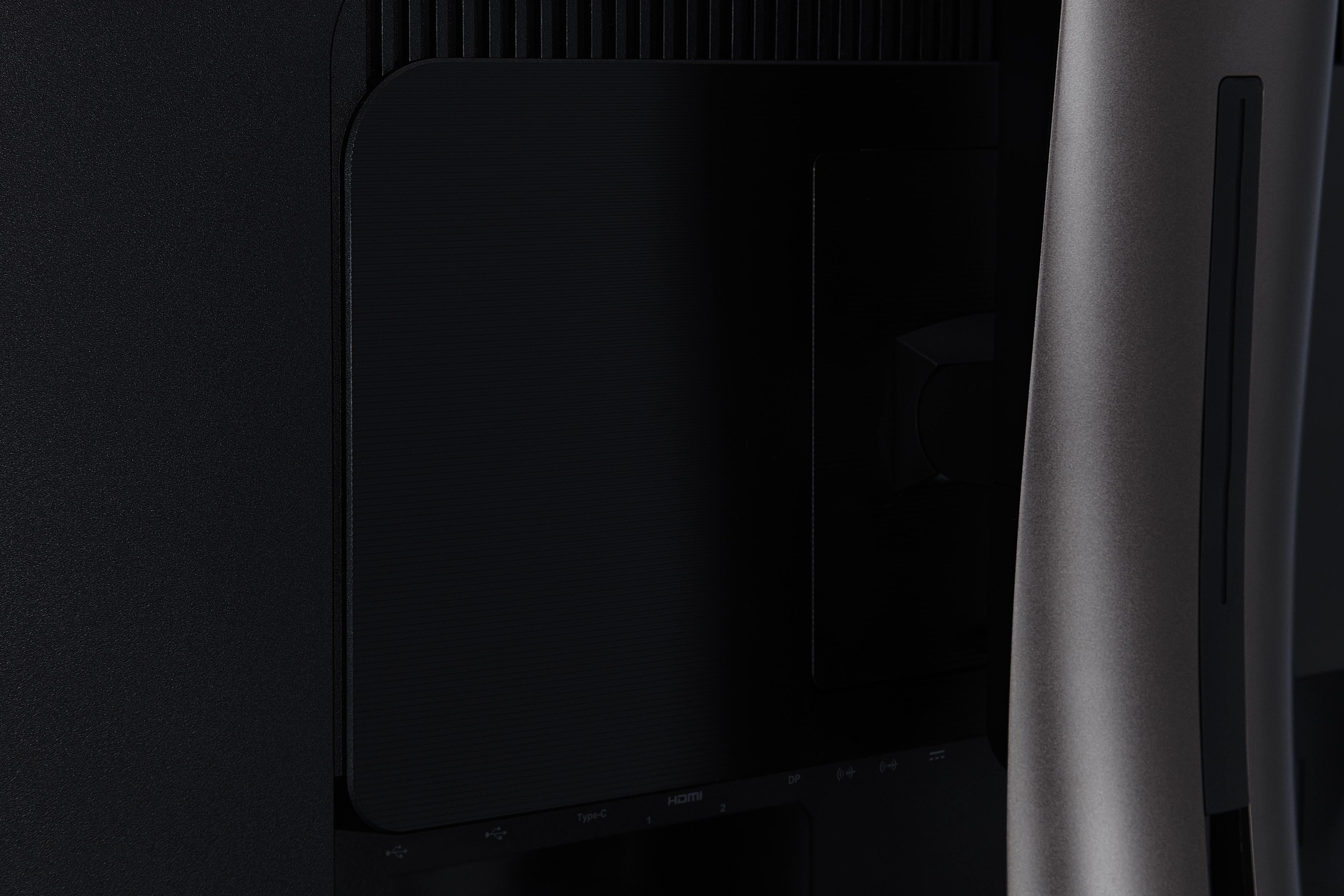
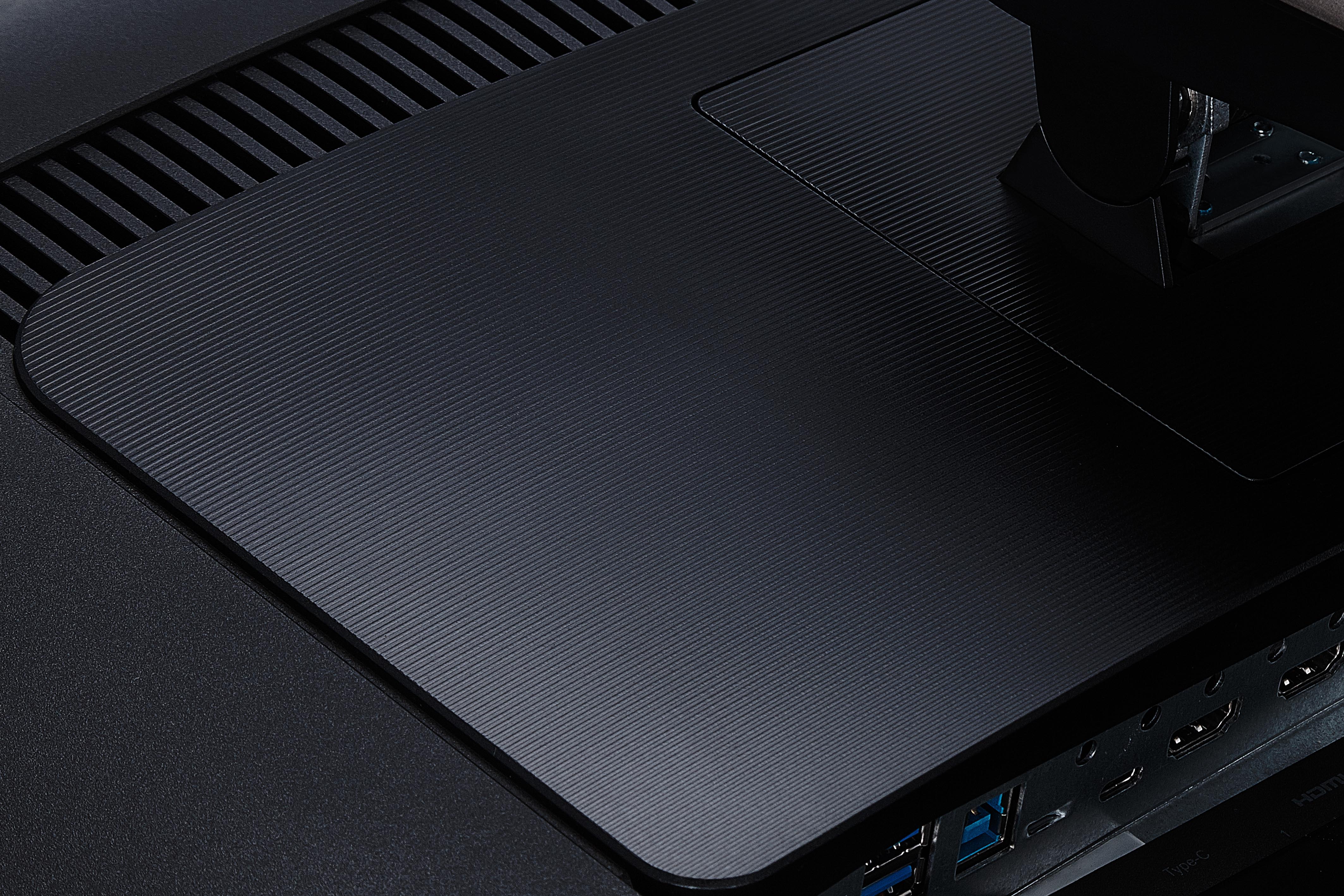
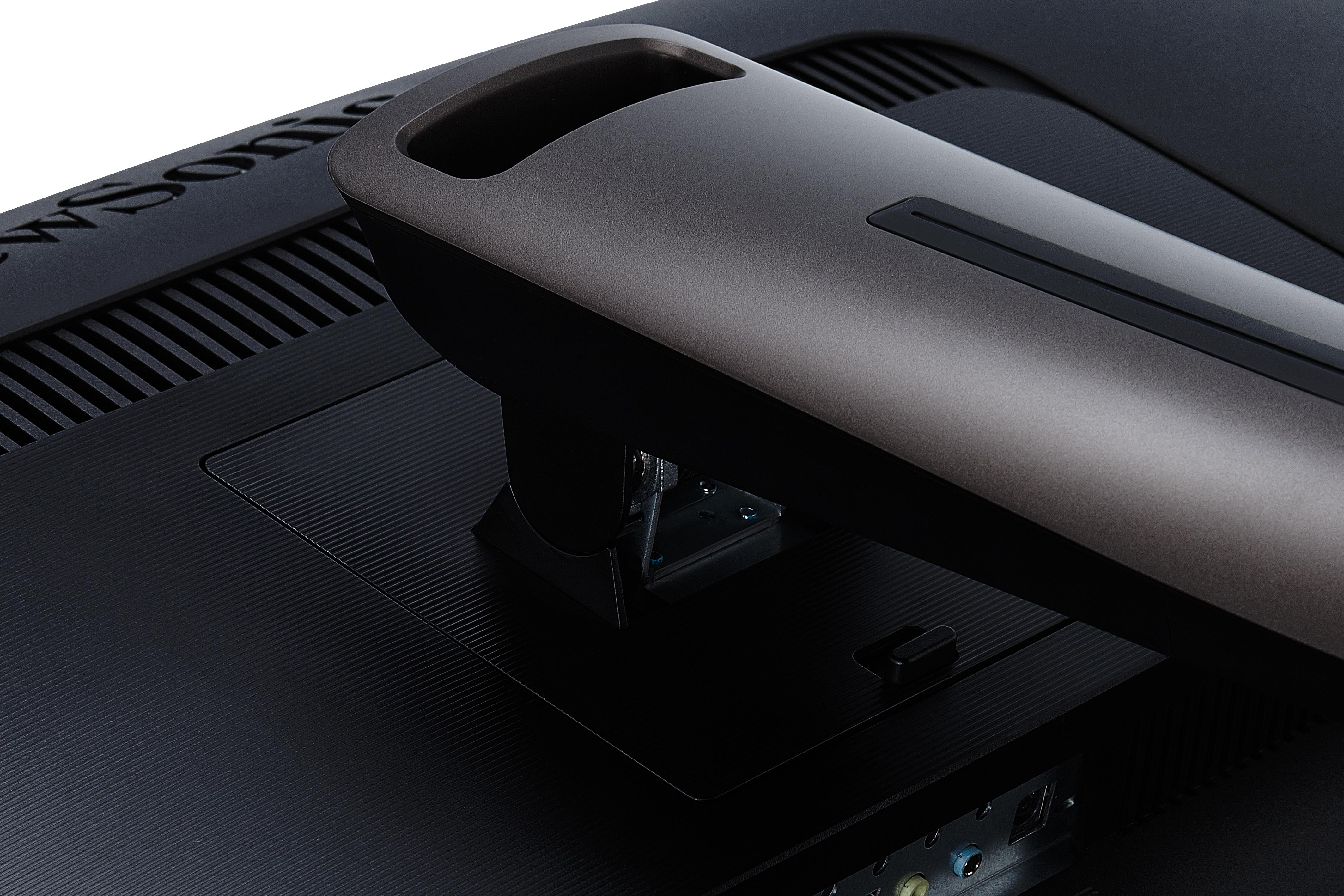
Resolusi Mac® (min): 3840x1600 - KonektorUSB 3.2 Tipe A Down Stream: 3
USB 3.2 Tipe B Up Stream: 1
USB 3.2 Tipe C Up Stream; DisplayPort Mode Alternatif: 1 (60W power charger)
3.5mm Audio In: 1
3.5mm Audio Out: 1
HDMI 2.1: 2
DisplayPort: 1
Power in: DC Socket (Center Positive)
- AudioSpeaker Internal: 5Watts x2
- PowerMode Eco (Hemat): 48W
Eco Mode (optimized): 57W
Konsumsi (khas): 66W
Konsumsi (maks): 69W
Tegangan: AC 100-240V
Stand-by: 0.5W
Sumber Daya listrik: External Power Adaptor - Perangkat Keras TambahanSlot Kunci Kensington: 1
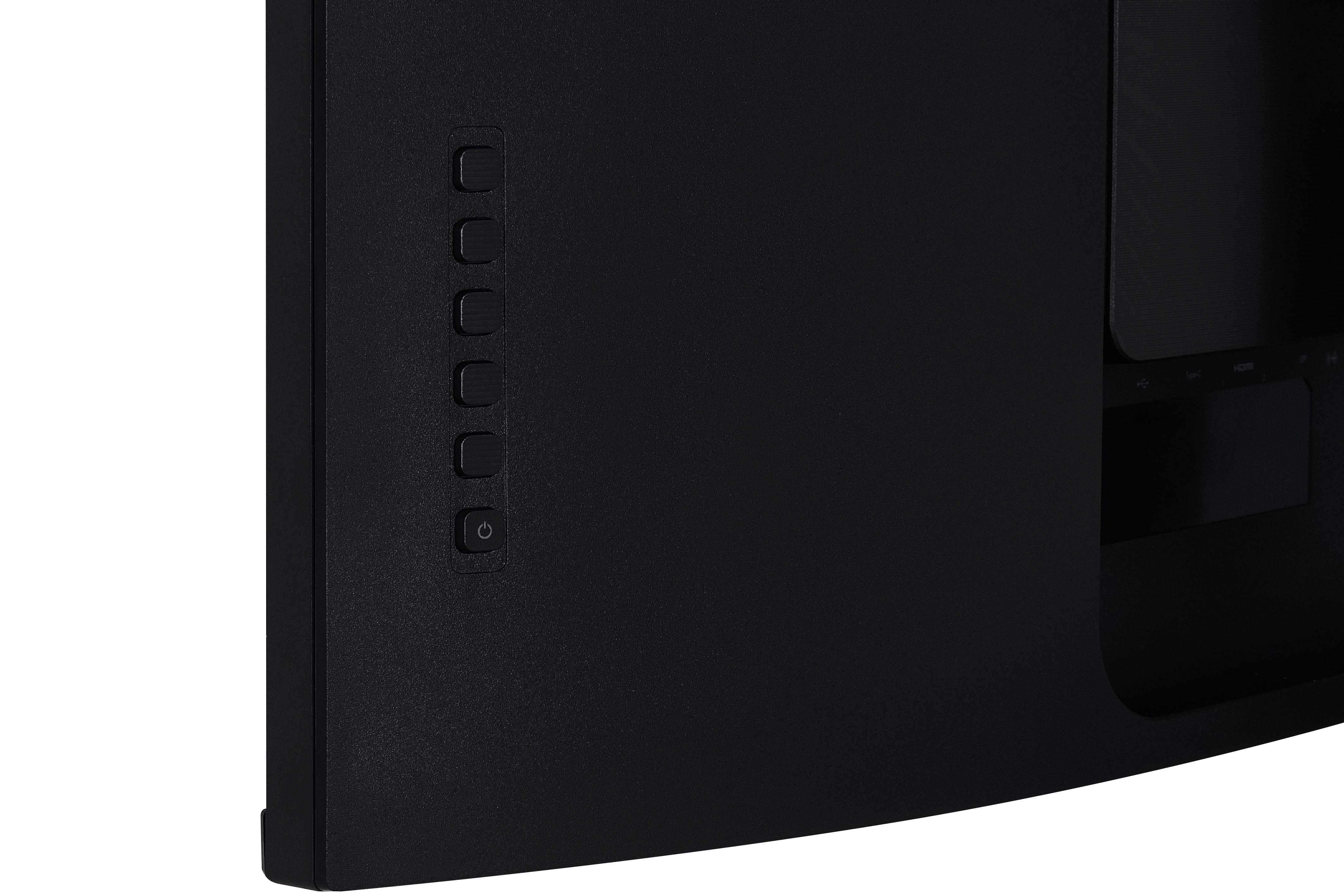
Cable Organization: Yes - KontrolKontrol Fisik: Key 1, Key 2, Key 3, Key 4, Key 5, Key 6 (power)
Pada Tampilan Layar: Input Select, Audio Adjust, ViewMode, Color Adjust, Manual Image Adjust, Setup Menu - Operating ConditionsSuhu: 32°F to 104°F (0°C to 40°C)
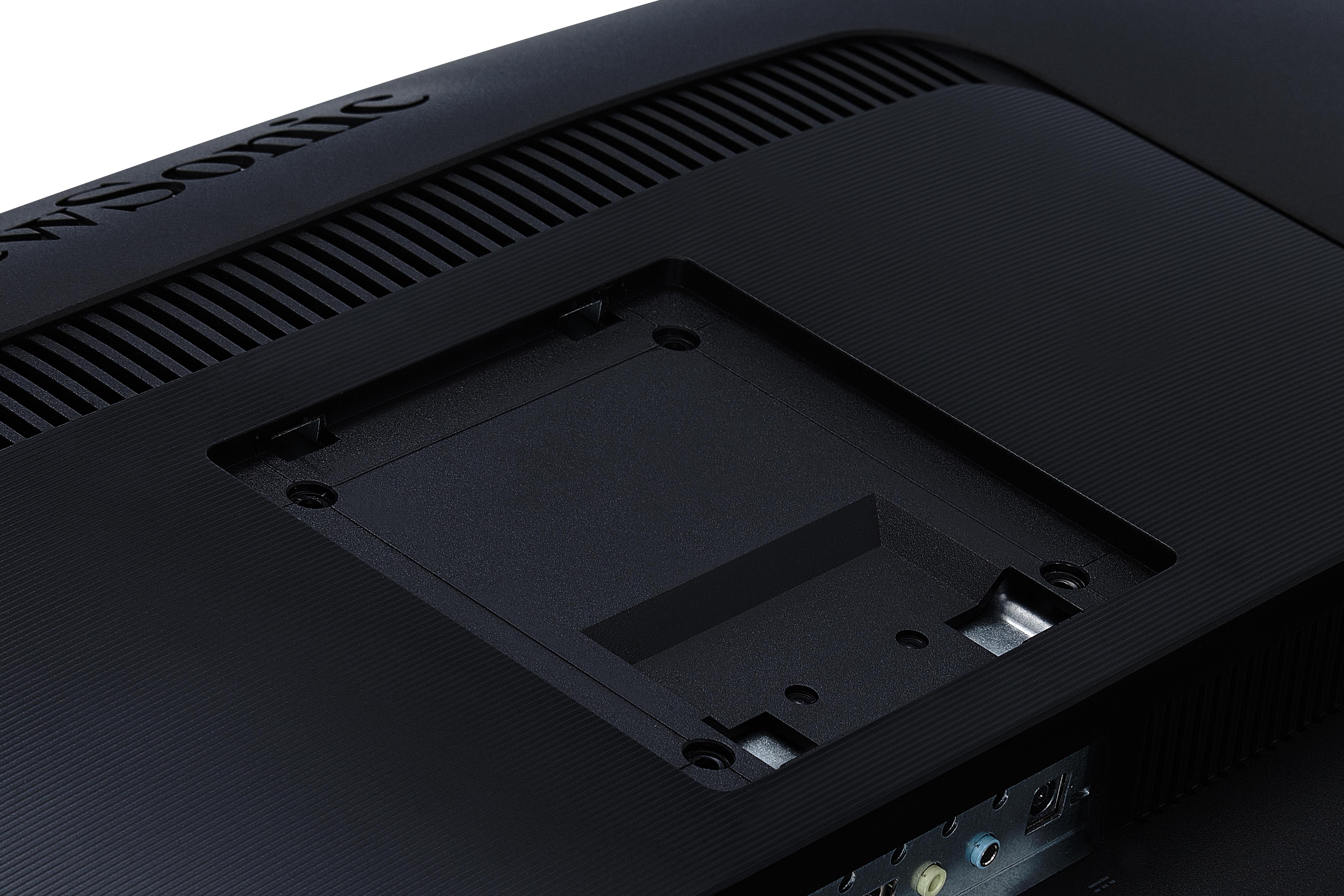
Kelembaban (tanpa kondensasi): 20% to 90% - Wall Mount VESA Compatible: 100 x 100 mm
- Sinyal InputFrekuensi Horizontal: 15 ~ 135KHz
Frekuensi Vertikal: 24 ~ 75Hz - Video InputSinkronisasi Digital: PCI-E - DisplayPort (v1.4), TMDS - HDMI (v2.1), Micro-Packet - Type C
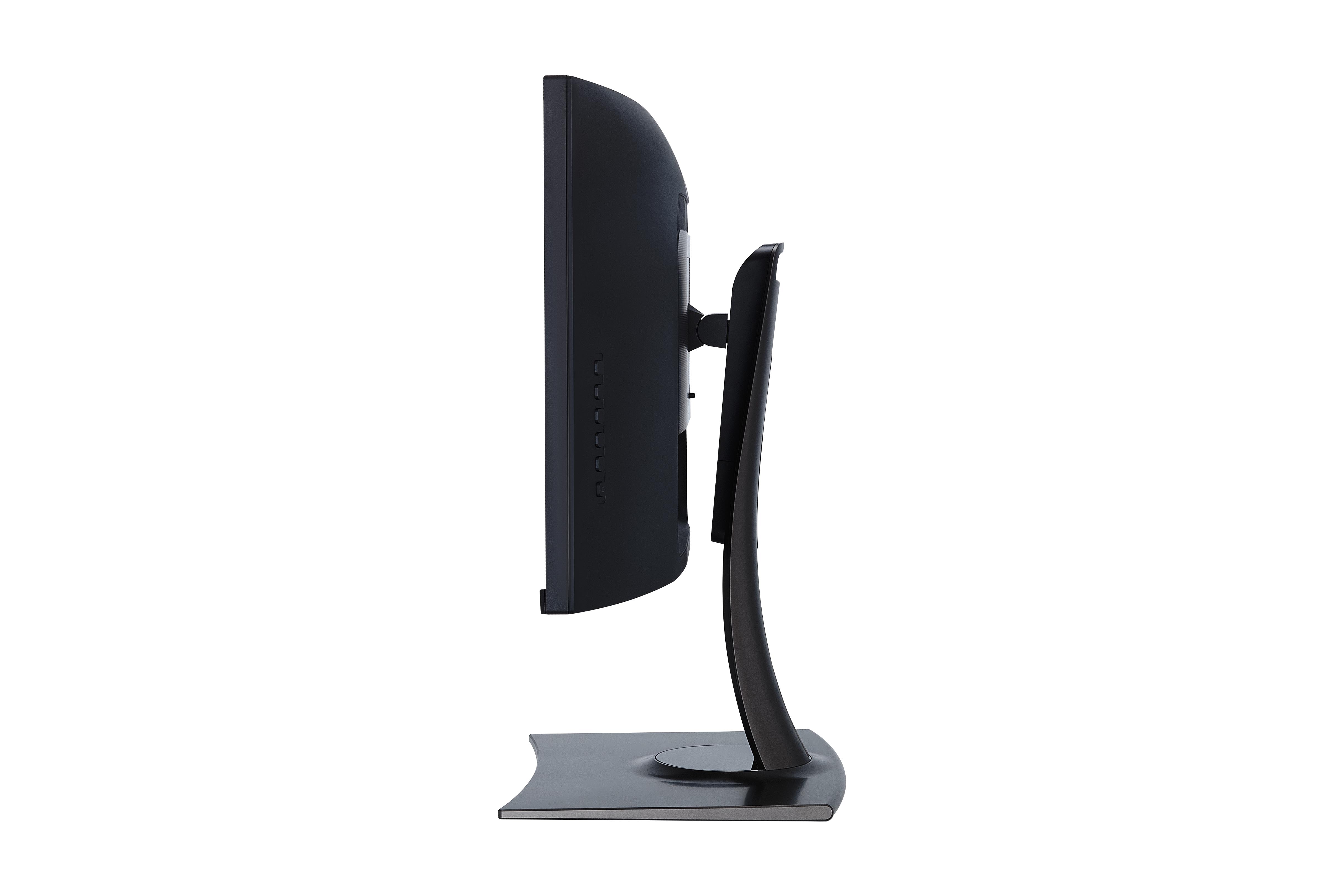
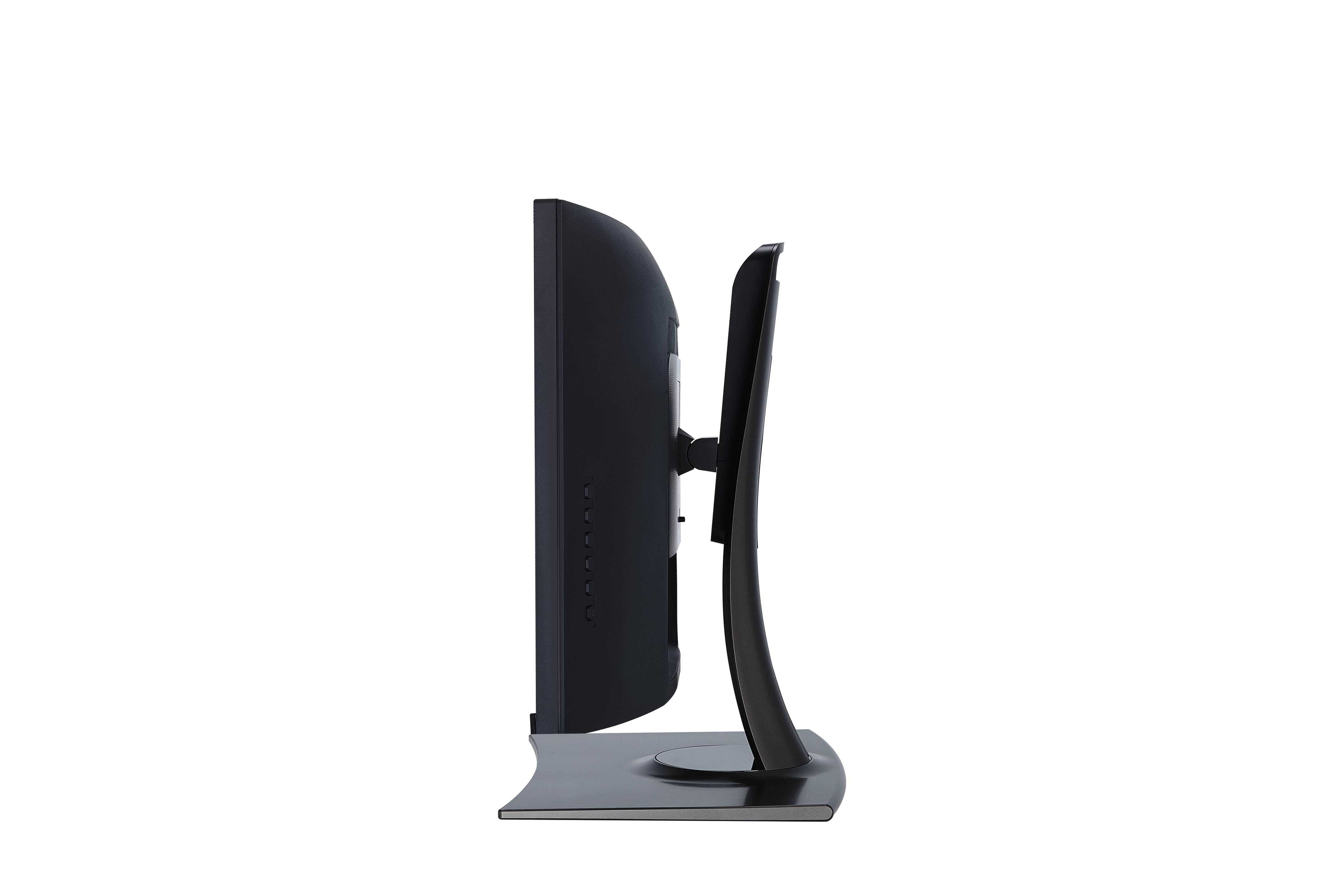
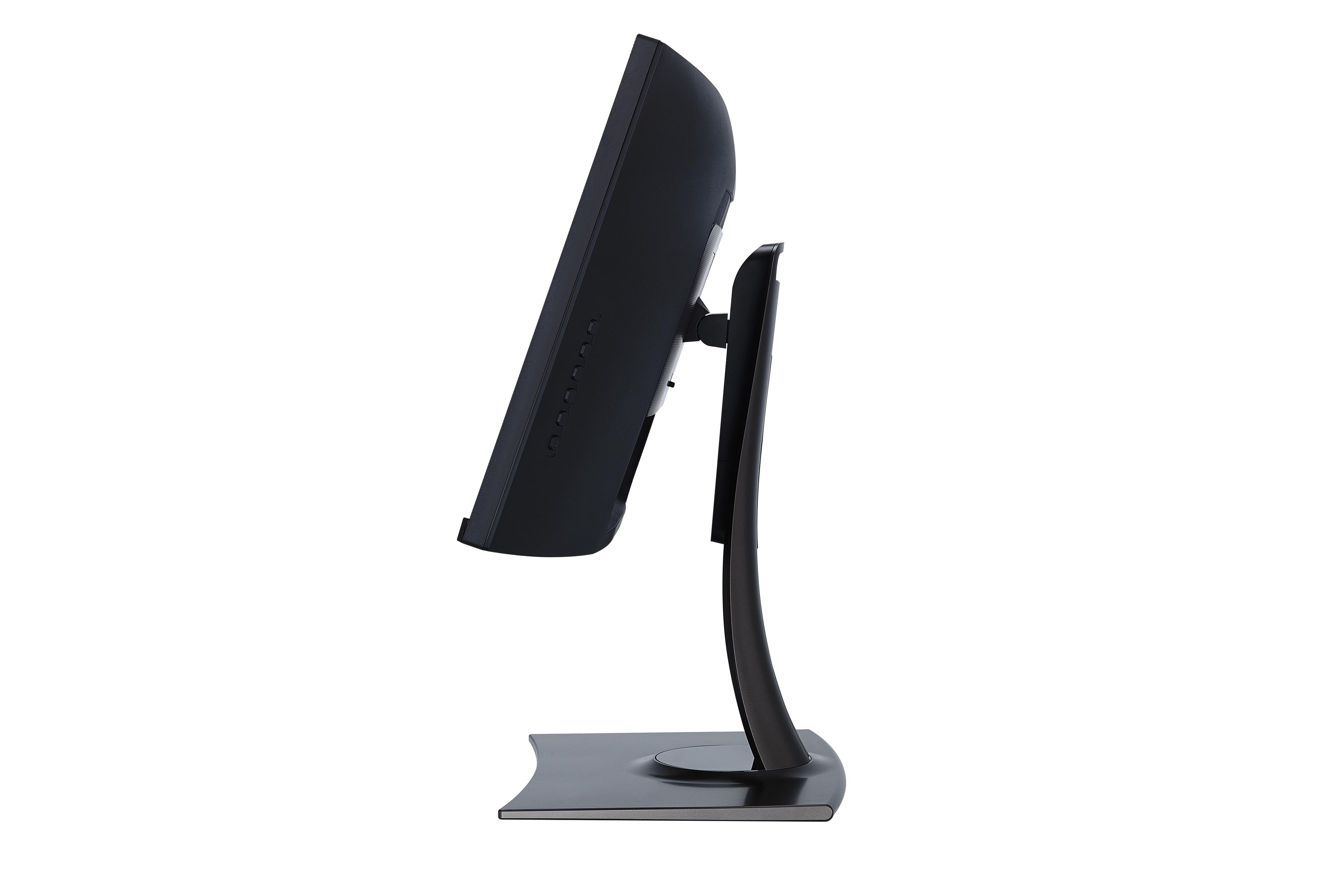
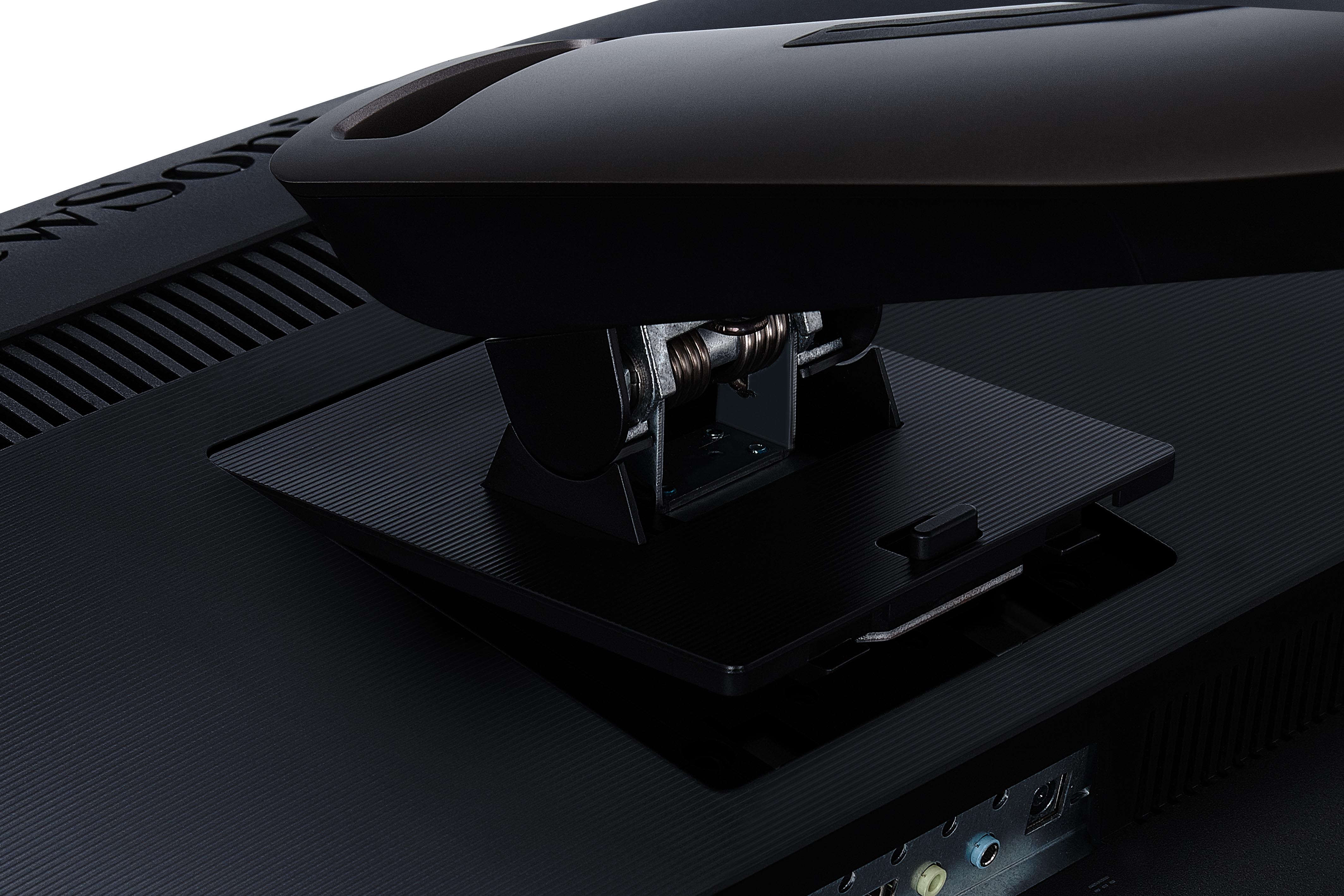
- ErgonomisPenyesuaian Tinggi (mm): 130
Memutar: 120º
Miring (Maju / Mundur): -1º / 21º - Berat (imperial)Net (lbs): 28
Bersih Tanpa Dudukan (lbs): 17.6
Gross (lbs): 43.8 - Weight (metric) Net (kg): 12.7
Jaring Tanpa Dudukan (kg): 8
Gross (kg): 19.9 - Dimensi (imperial) (wxhxd)Kemasan (in.): 41.2 x 23.2 x 14.8
Fisik (in.): 35.3 x 19.65~24.77 x 11.8
Fisik Tanpa Berdiri (masuk): 35.3 x 15.7 x 4.1 - Dimensi (metrik) (wxhxd)Kemasan (mm): 1046 x 590 x 375
Fisik (mm): 896 x 499.24~629.24 x 299
Physical Without Stand (mm): 896 x 398 x 103 - UmumISI PAKET: VP3881 x1, 3-pin Mickey Mouse Plug (IEC C5) x1, DisplayPort Cable (v1.2; Male-Male) x1, HDMI Cable (v2.0; Male-Male) x1, USB Type-C Cable (Male-Male) x1, USB A/B Cable (v3.2; Male-Male) x1, Audio Cable (Male-Male) x1, AC/DC Adapter x1, Quick Start Guide x1
Daur Ulang / Pembuangan: Please dispose of in accordance with local, state or federal laws.
Warranty: *Warranty offered may differ from market to market
Power Management: Energy Star standards, EPEAT
DUKUNGAN & UNDUHAN
Lembar data
Panduan Pengguna
VP3881 User Guide (Bahasa Indonesia)
Lihat semua bahasa
Colorbration User Guide (English)VP3881 User Guide (Deutsch)VP3881 User Guide (English)VP3881 User Guide (Español )VP3881 User Guide (Français)VP3881 User Guide (Hrvatski)VP3881 User Guide (Italiano)VP3881 User Guide (Magyar)VP3881 User Guide (Nederlands)VP3881 User Guide (Polski)VP3881 User Guide (Português)VP3881 User Guide (Romania)VP3881 User Guide (Slovenčina)VP3881 User Guide (Slovenščina)VP3881 User Guide (Srpski)VP3881 User Guide (Suomi)VP3881 User Guide (Svenska)VP3881 User Guide (Türkçe)VP3881 User Guide (Česky)VP3881 User Guide (Ελληνικά)VP3881 User Guide (Български)VP3881 User Guide (Русский)VP3881 User Guide (Українська)VP3881 User Guide (日本語)VP3881 User Guide (简体中文)VP3881 User Guide (繁體中文)VP3881 User Guide (한국어)VP3881 User Guide (ﺍﻟﻌﺭﺑﻳﺔ)
Driver & Software
Colorbration+ User Guide (English)Colorbration+(Mac) downloadColorbration+(Win) downloadStandard Monitor Driver Signed Windows 10 x64Standard Monitor Driver Signed Windows 10 x86Standard Monitor Driver Signed Windows 7Standard Monitor Driver Signed Windows 7 x64Standard Monitor Driver Signed Windows 8 x64Standard Monitor Driver Signed Windows 8 x86Standard Monitor Driver Unsigned WindowsStandard Monitor Driver Unsigned Windows x64vDisplay Manager 2.0 (Mac) DownloadvDisplay Manager User Guide (English)vDisplay Manager2.0 (Win) Download