
Acessórios
Optimize Your Setup
Saiba mais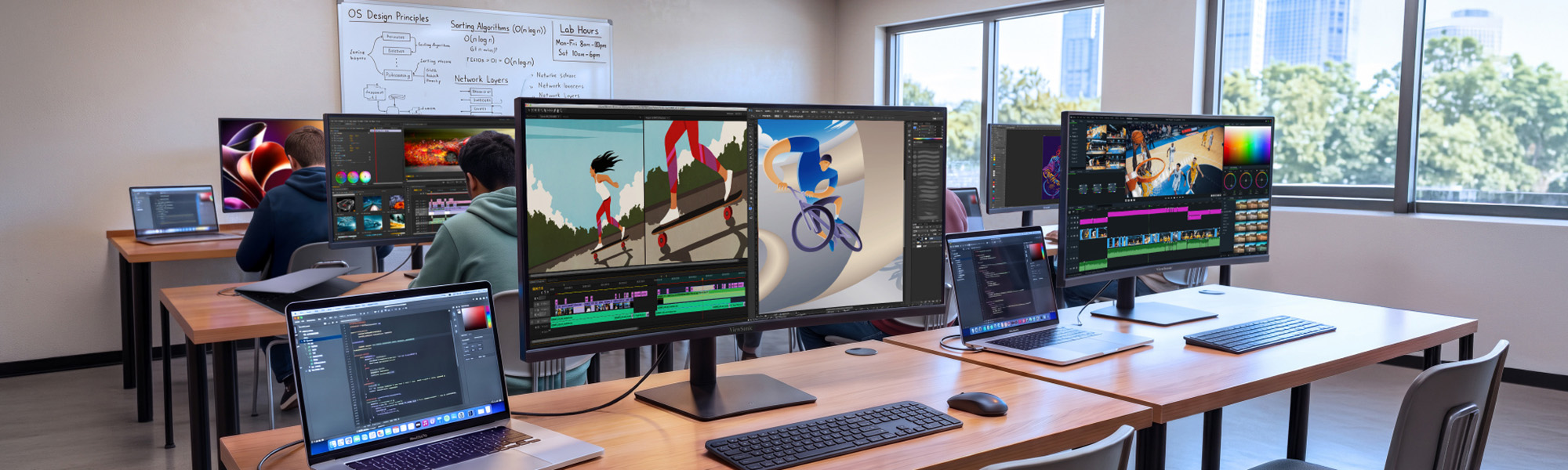

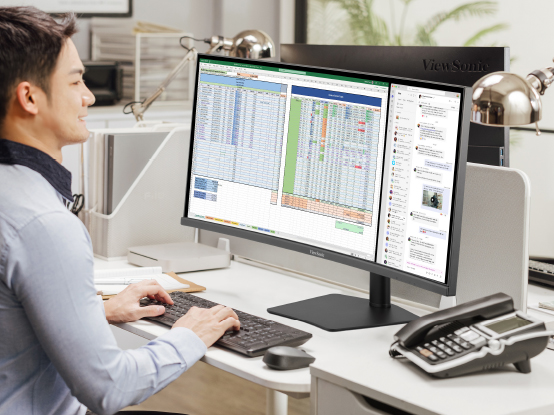
Between lecture prep, research and grading papers, faculty and staff workflows often exceed what standard monitors can adequately display. The ViewSonic® VG Series of curved ultrawide monitors gives them room for all of it on one screen, creating a seamless digital workspace where documents, dashboards and apps sit side by side.
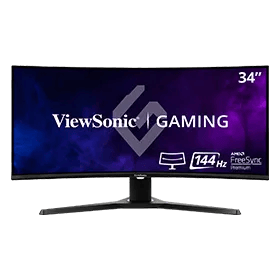
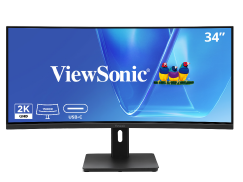
34" 21:9 Curved
180Hz Gaming Monitor
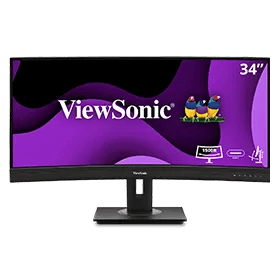
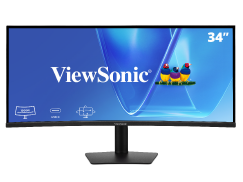
34" UWQHD 21:9
Curved Docking Monitor
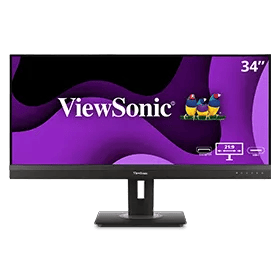
34" UWQHD 21:9
Curved Webcam Monitor
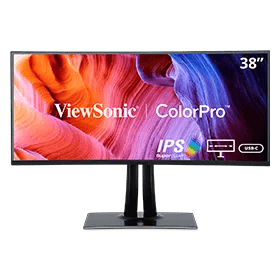
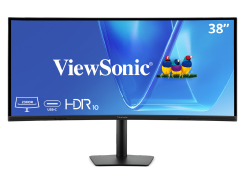
38” WQHD+ ColorPro® 21:9 Curved
Docking Monitor with 90W USB-C

34" UWQHD 21:9
Curved ColorPro Monotor
With more screen real estate, ultrawide monitors let you display more content, switch between applications more quickly, view documents side by side, and view multiple windows at once.

One seamless VG Series curved ultrawide does the work of two monitors and a docking station, so there’s nothing to mount, cable or manage twice. Faculty and staff get a continuous workspace with no bezel down the middle, while campus IT buys, deploys and tracks a single display instead of two.
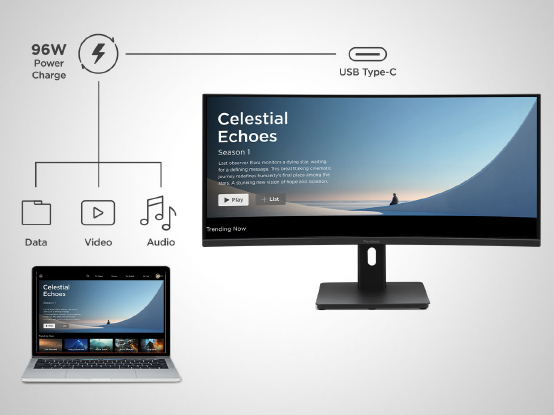
One USB-C cable carries video, data and 96W of power to a laptop, enough to fast-charge demanding modern devices without a separate dock or power brick. Desks stay clear, shared workstations stay simple, and students or staff just plug in one cable and get to work.
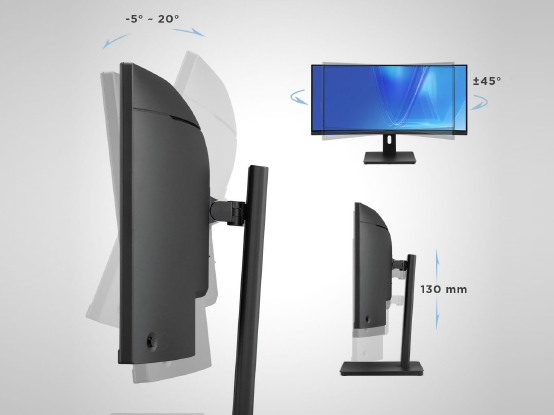
Fully adjustable stands tilt, swivel and raise to fit each person, so faculty, staff and students find a comfortable position and keep it. That means less neck strain and fatigue through long days of teaching, research, grading and creative work, plus an easy setup for shared or hot desks.
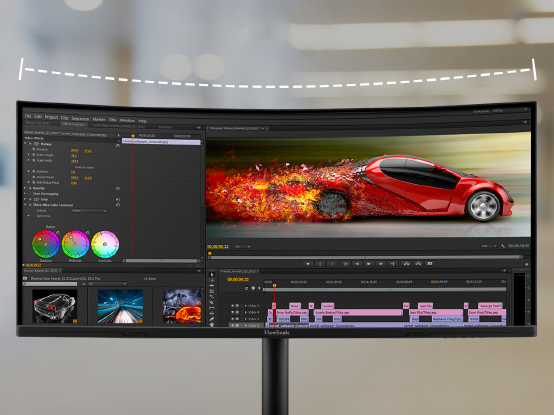
Crisp UWQHD and WQHD+ resolution keeps text sharp and easy on the eyes, while up to 120Hz on the 34” models makes multitasking feel fluid. It’s premium curved performance at a price built for campus budgets, so you can outfit more desks without stretching the year’s spend.
ViewSonic backs every VG Series ultrawide with a 3-year limited warranty and one of the industry’s best pixel performance policies, well beyond the one-year coverage on comparable competitors models. Longer support means lower lifetime cost, fewer surprises and confident multi-year planning for campus IT.
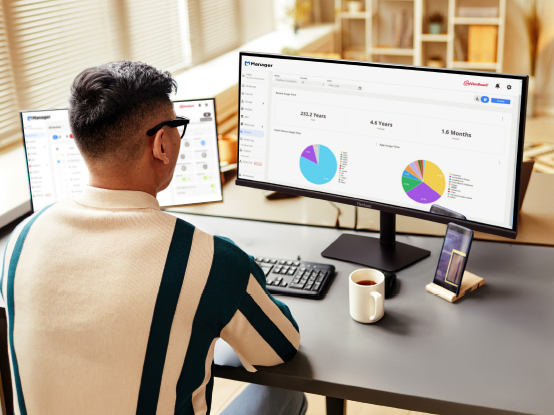
Precisa de espaço extra na tela, mas não tem certeza se deve optar por uma única tela ultralarga ou uma configuração de monitor duplo? Veja como escolher.




Desbloqueie
15% de desconto em
ao se inscrever.
Ao clicar em "CONTINUAR", você concorda em receber nossa newsletter. Você pode cancelar a assinatura a qualquer momento. O desconto aplica-se apenas a um (1) item, não ao pedido inteiro. Esta oferta não é cumulativa nem pode ser combinada com outras promoções ou códigos promocionais.
Formulário de login e registro