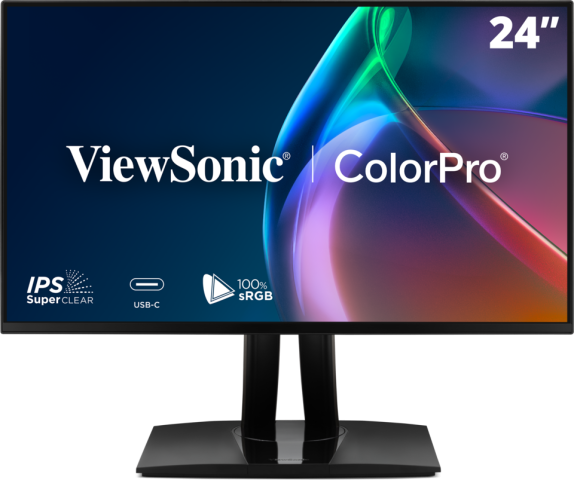
3 Tips for Buying a Video Editing Monitor
Vital features that you should consider when shopping for a video editing monitor
When one wants to get serious about video editing, investing in a quality video editing monitor is a must, on top of other services like a solid cinematic music platform to enhance your video after you have edited it into submission. But, as a video editing monitor is a very specific type of equipment, there are a few things to pay attention to, to make sure you buy the right gear for your needs. In this post, we’ll give 3 tips to guide you in your research.
Keep reading to find out more about these three tips for what to take into account when investing in a good video editing monitor, or alternatively check out ViewSonic’s ColorPro monitors for creators. If you want to find out about an incredible royalty-free music library, head over to TuneReel.
When reviewing videos, a good monitor really does a lot of heavy lifting. Working with a good video editing monitor can ensure quality color performances, offer a high refresh rate and guarantee cinematic immersion.
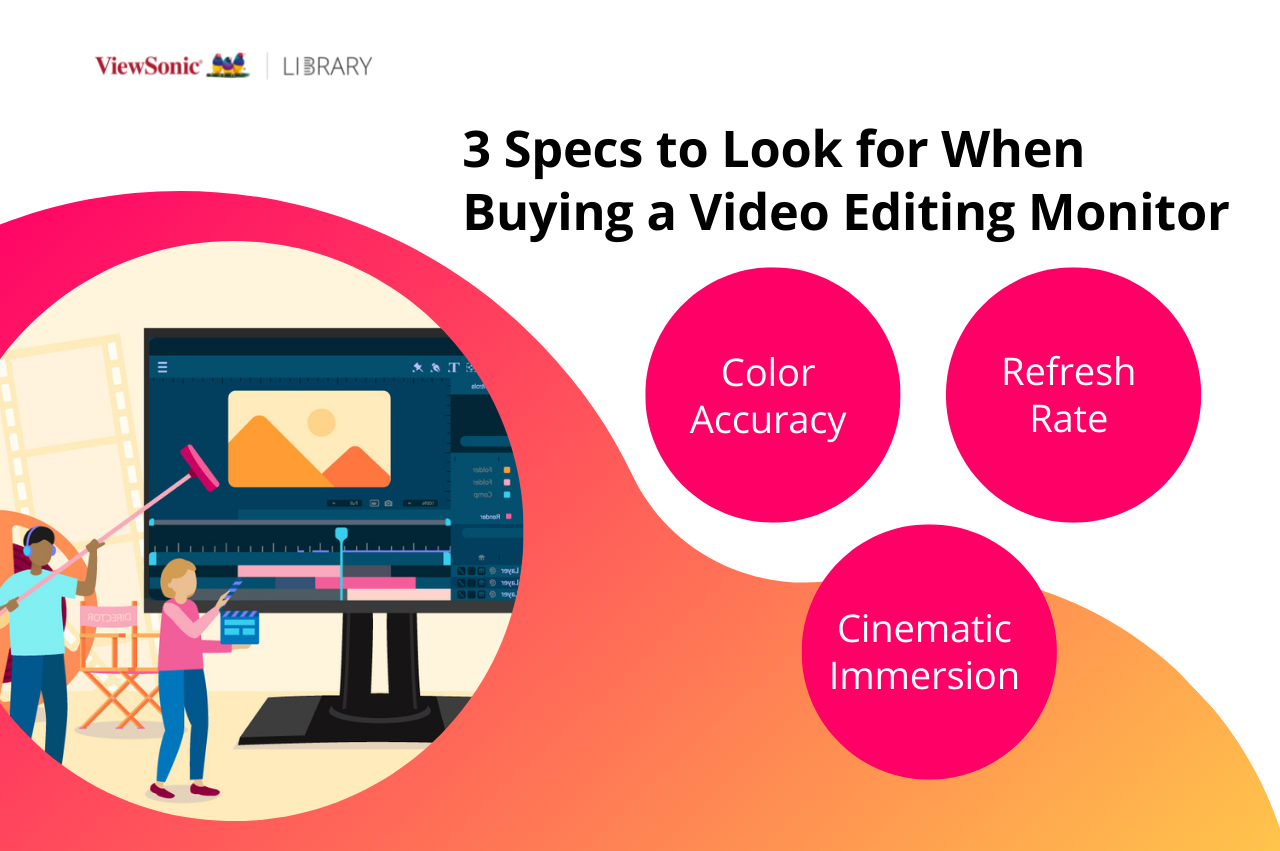
There are three vital features that you should consider when shopping for a good video editing monitor to ensure your final products are immersive and enjoyable to watch.
- Color Accuracy
Firstly, to ensure your films have video-editing-grade color fidelity, you need to assess the color accuracy of the monitor. The Delta E should ideally be <2 to ensure that the screen will display true-to-life colors. It’s also important to have a uniform screen in terms of luminance, to make sure the colors are displayed the same way across the whole screen. For professional video editing monitors, this will be reflected in the specs by a Delta Lv <5%. A wide color gamut is key to ensure consistent color reproduction. For video editing, the monitor must at least be able to cover 95% DCI-P3, 100% Rec.709 and 100% of sRGB, and these three color gamuts are most used by video editors.
Pro Tip: investing in a readily calibrated monitor is always an advantage, as they come pre-calibrated right out the box, so you save yourself lots of time. All ViewSonic’s ColorPro monitors, such as the VP2776 come pre-calibrated and ready to go.
- Refresh Rate
The second important aspect to consider is the monitor’s refresh rate. Most consumer monitors offer a 60Hz refresh rate which ensures good image fluidity. If you are looking to invest in a more advanced set up, keep in mind that high-end monitors will usually offer similar performances to gaming monitors, with refresh rates around 165Hz. But to fully benefit from the possibilities offered by these displays, it’s very important to make sure that your graphic card frame rate can follow.
- Cinematic Immersion
Finally, the last important factor to take into account when buying a video editing monitor is the immersion it’ll provide when editing. In order to achieve great end results, editors need to be fully immersed in the project they’re currently working on. And to that end, specialized monitors never come short of features. Always opt for a model that offers a broad range of ergonomic adjustment options. This is vital as you’re going to spend a long time in front of your monitor. Monitors like the VP2776 come equipped with a magnetic hood that provides instant dark room conditions, and built-in back lights that offer appropriate lighting during editing sessions. When considering the shape of the screen, curved monitors, like the VP3881a will offer more immersion, and usually more screen real estate (especially useful for multitaskers) while flat ones provide an experience similar to the one the audience will have.
Extra Tip: Don’t Neglect the Soundtrack
Even after you’ve finely tuned your cuts between scenes, graded color so it's consistent throughout, and added voice overs, credits and titles, you’re still not done. Video editing isn’t only about assembling a rich sequence of shots, it’s also about crafting a particular experience for the viewer, imbued with feeling and energy. Having a capable monitor will take you so far, but other aspects of the video, especially the soundtrack, can make your video soar. Sound can make or break a video, and when chosen correctly, can enhance the viewing experience, making your scenes immersive and experiential. Without a solid soundtrack, your video is definitely missing something vital.
Creators know all too well how important it is to have a reliable source of copyright-free music. If you haven’t heard of TuneReel before, you’re in for a treat. TuneReel is a music library for video, film, TV, radio, YouTube, podcasts, and other multimedia. They provide thousands of royalty-free tracks for youtubers, bloggers, filmmakers, podcasters and other creators to use in their creations, so once a track is licensed there's no need to worry about future payments. Their library is large and precisely categorized, so you can effortlessly search for music based on genre, mood, instruments, or keywords.
Thanks to their “Similar Track” feature, it’s easy to navigate through various genres, and their international roster of composers offers a wide variety of music and sounds, from Folk, Funk and Blues, to Electronica, Indie rock and Hollywood hits. What’s more, if your video edits are all complete and you upload it – no matter the size or scope of your project – they offer personalized track recommendations within 24 hours.
Final Thoughts
When you’re looking to buy a monitor for editing videos, the three most important features to keep in mind are color performances, refresh rate and cinematic immersion. ViewSonic's ColorPro professional monitors are calibrated to exhibit exceptional video quality and ultimate color brightness, making them perfect for seasoned and aspiring videographers and editors.
Discover how a ColorPro monitor can bring the best out of your videos or head over to TuneReel to explore their massive library of royalty-free songs.