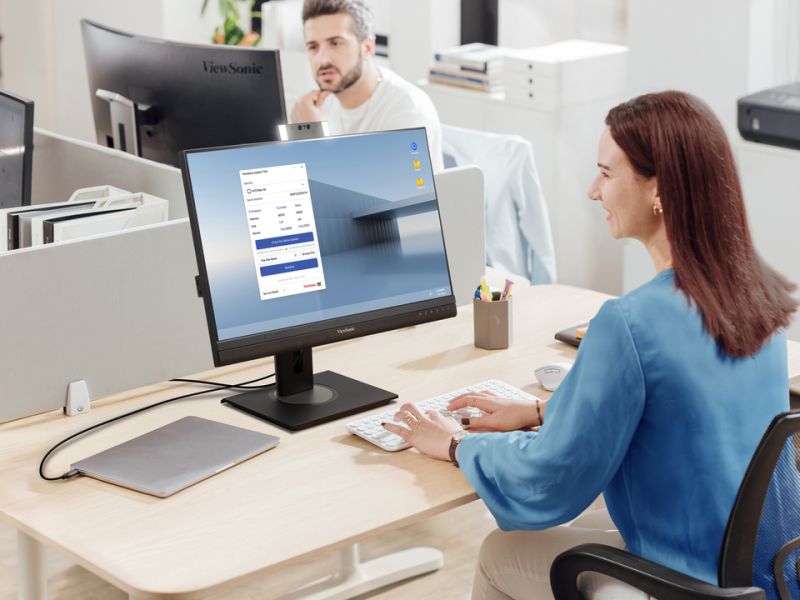
Firmware Update Tool
Firmware update software for select ViewSonic monitors
- Hassle-free firmware updates
- One-click verification for firmware checks
- Service Mode for Business Firmware Management
OVERVIEW
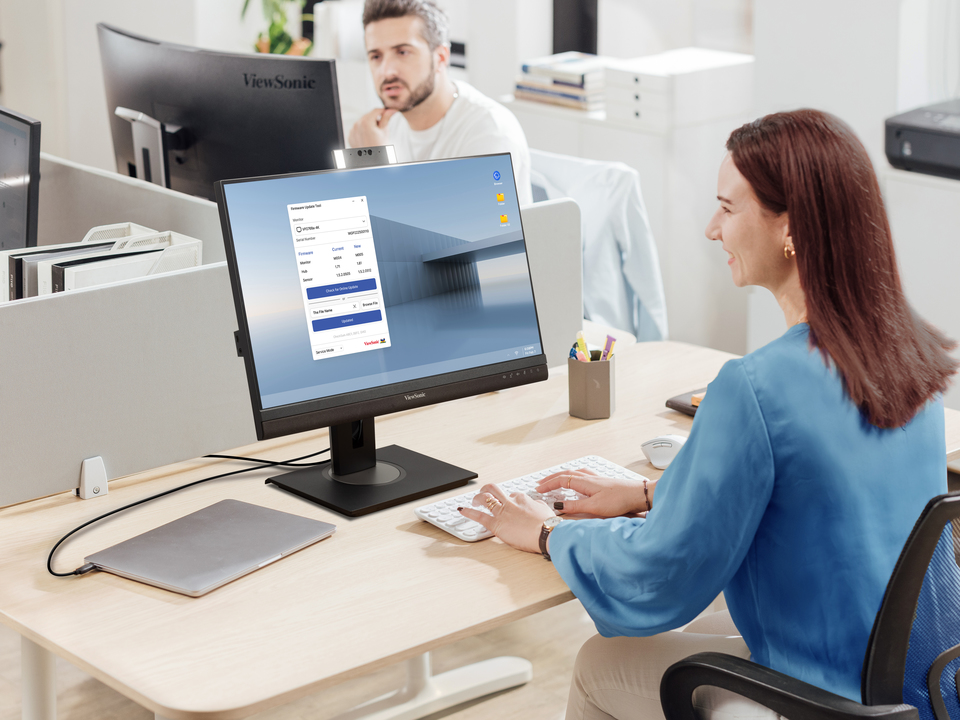
The Firmware Update Tool is a convenient firmware management software designed for select ViewSonic monitors. Compatible with both Windows and macOS, it allows users and admins to easily check, update, and manage firmware, ensuring the monitor runs the latest firmware version for enhanced features and optimal performance.One-Click Verification
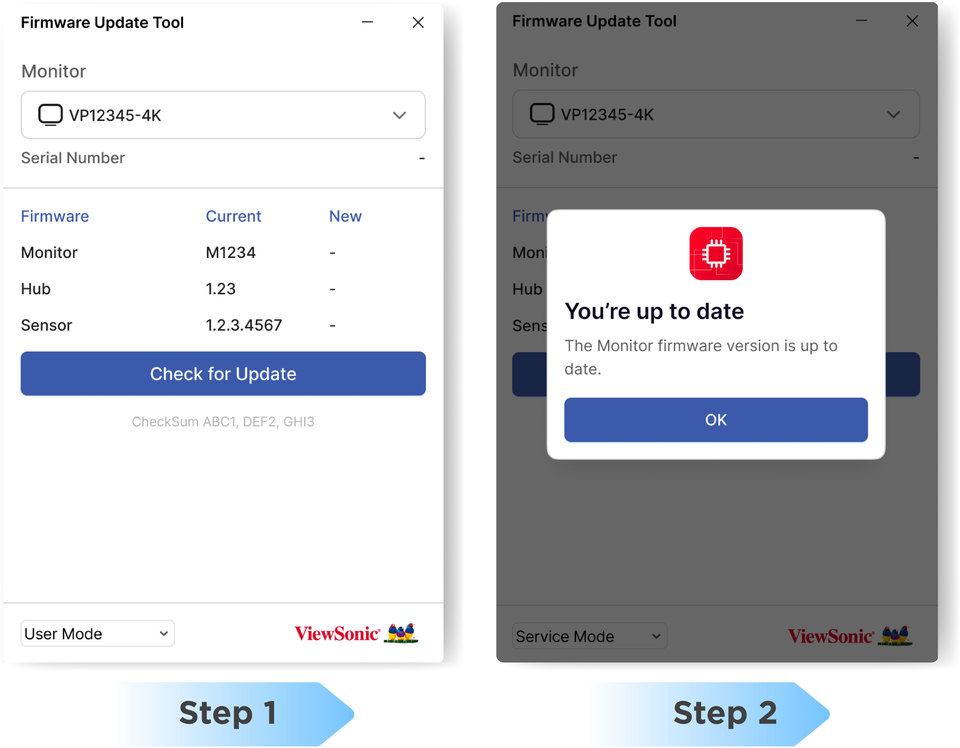
Connect your computer to the monitor with a USB cable and check for firmware updates at the push of a button.Get started:
- Install the ViewSonic Display Portal
- Download the firmware update tool
Download links:
Instant Firmware Update Check
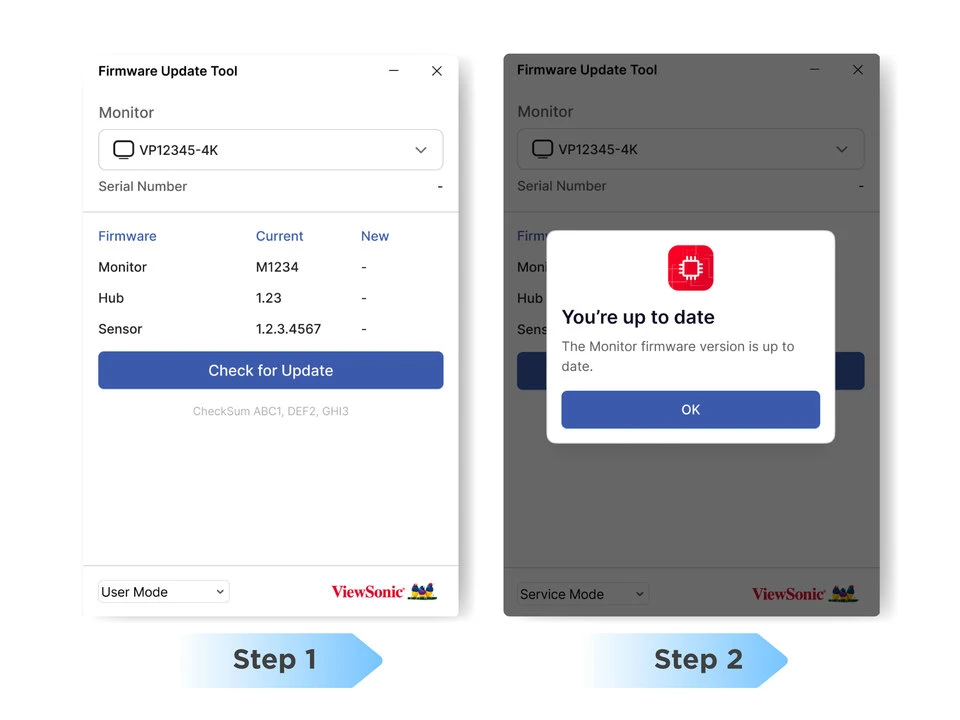
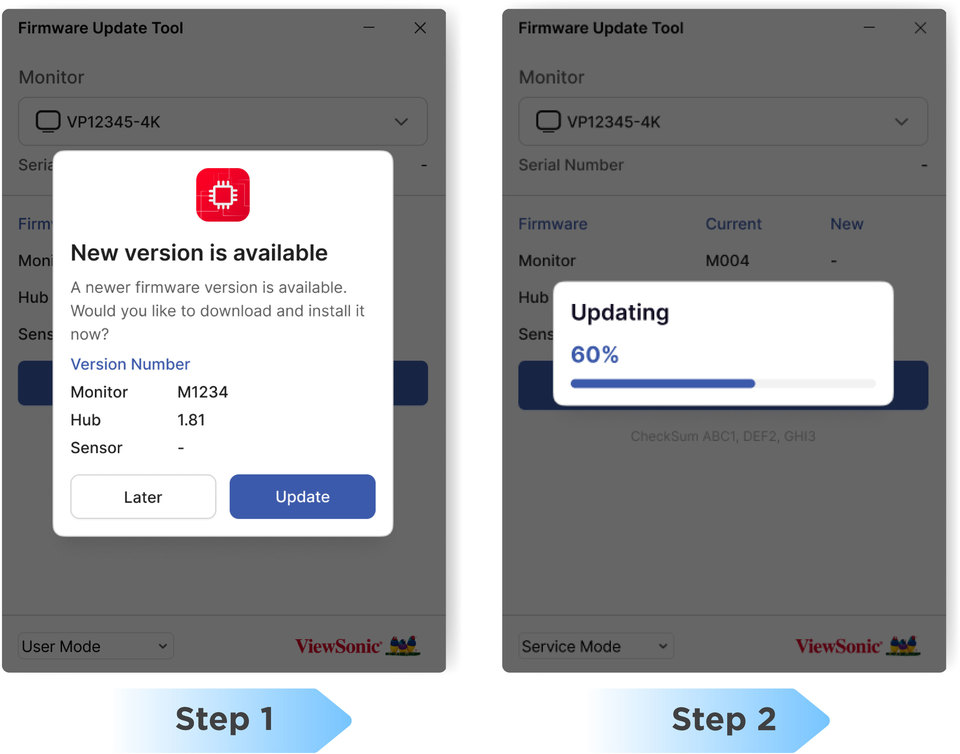
Update Firmware with Ease
If a new firmware version is available, just click “Update” to start. The tool will handle the download and installation automatically.Hassle-Free Updates

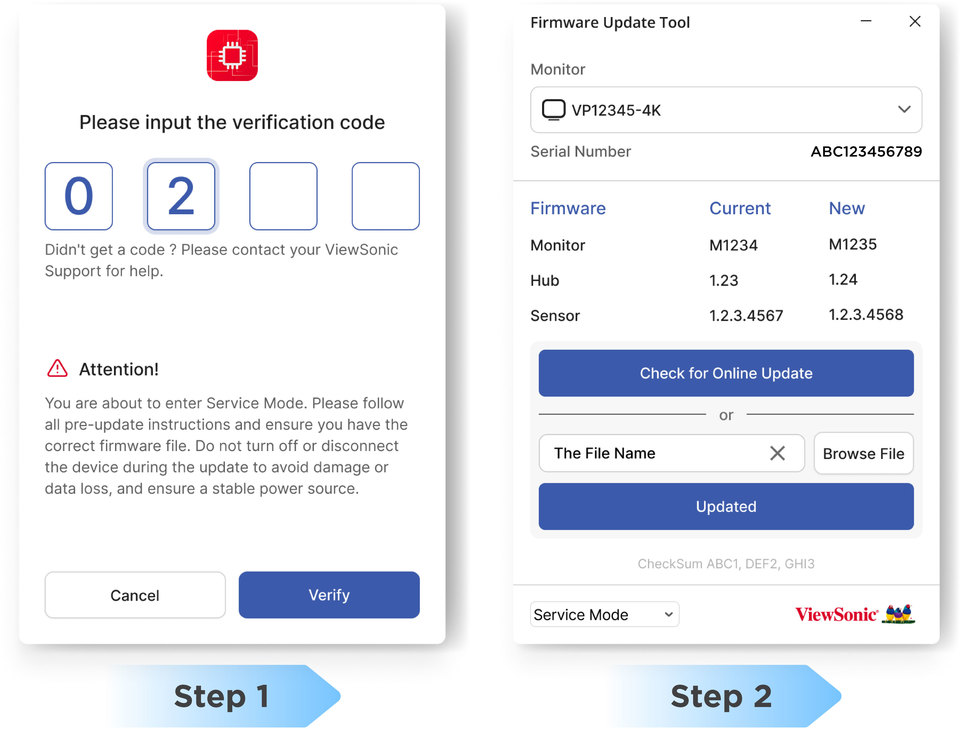
Service Mode for Advanced Firmware Management
Designed for business partners and IT admins, service mode supports firmware upgrades, downgrades, and rewrites for service purposes. For more details, please contact the ViewSonic Service team.Firmware Management for Business Needs