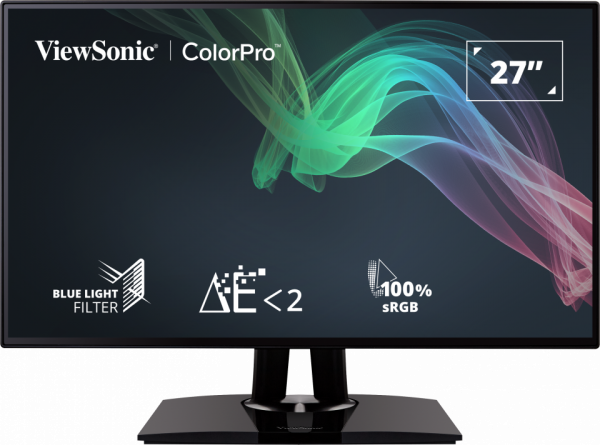
VP2768, The First Professional Monitor Won TFT Central Award in 2017
- - TFT Central
Introduction
We have with us now the latest 27" sized screen from ViewSonic in their Professional range. The VP2768 is aimed at professional applications and colour critical work, while maintaining a competitive price point. Rather than go the route of offering a wide gamut backlight, at an additional cost, ViewSonic have stuck with a standard sRGB gamut screen, but packed it with other features suitable for these uses. The VP2768 features an IPS panel for stable and reliable colour quality, factory calibration with dE <2, 14-bit 3D LUT (Look Up Table), a uniformity correction feature and even hardware calibration support. The screen also offers a 4-side borderless design, and Daisy-chaining from a single DisplayPort cable making it a suitable option for multi-screen setups. It's not been officially released yet in Europe so we have a very early look at this display to put it through its paces.
If you appreciate the review and enjoy reading and like our work, we would welcome a donation to the site to help us continue to make quality and detailed reviews for you.
Specifications and Features
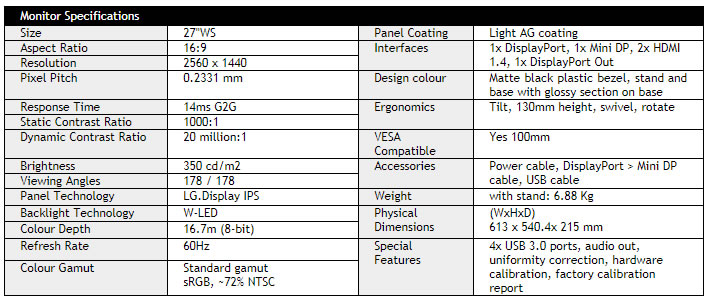
The following table gives detailed information about the specs of the screen:
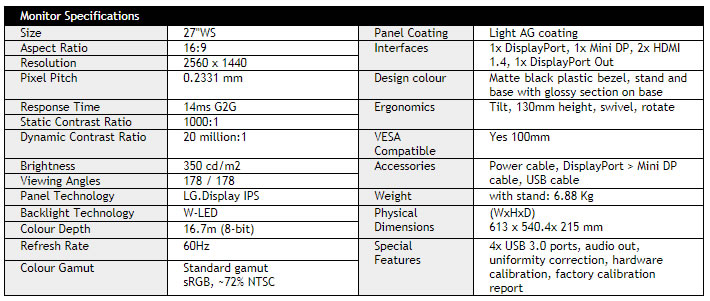
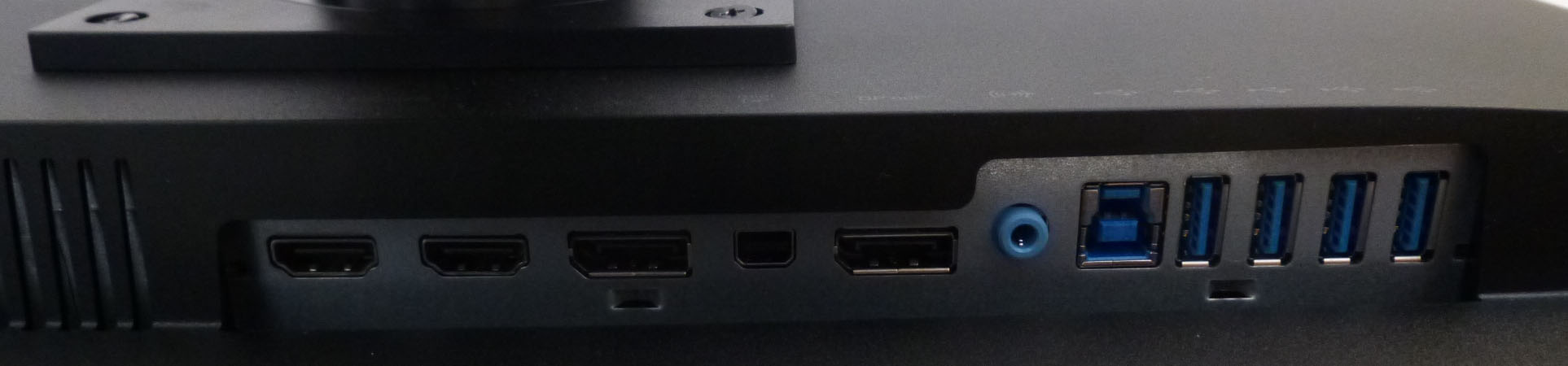
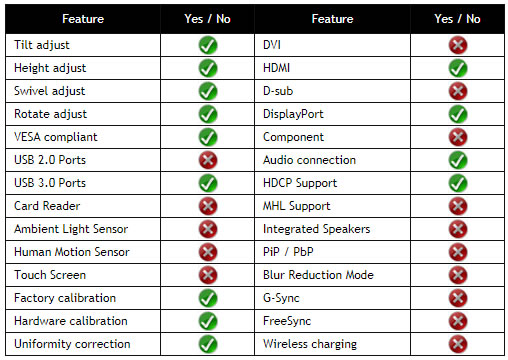
The VP2768 offers a decent range of connectivity options with 1x DisplayPort 1.2, 1x Mini DisplayPort and 2x HDMI 1.4 connections offered. There is also a DisplayPort out connection for daisy-chaining multiple displays if you need. The digital interfaces are HDCP certified for encrypted content and the video cables are provided in the box for DisplayPort to Mini DP only.
The screen has an internal power supply and comes packaged with the kettle-type power cable you need. There are also 4x USB 3.0 ports located on the back of the screen with the video connections. An audio out connection is also provided if you need it.
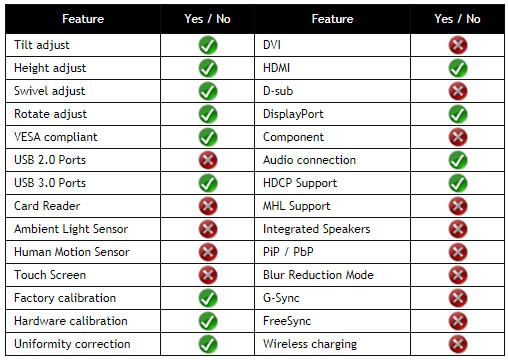
Below is a summary of the features and connections of the screen:
Design and Ergonomics
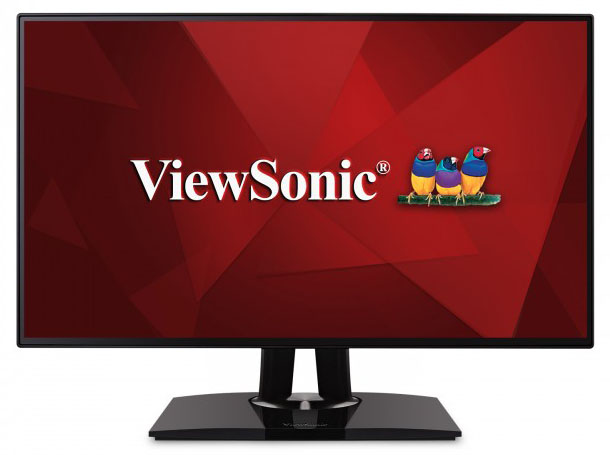
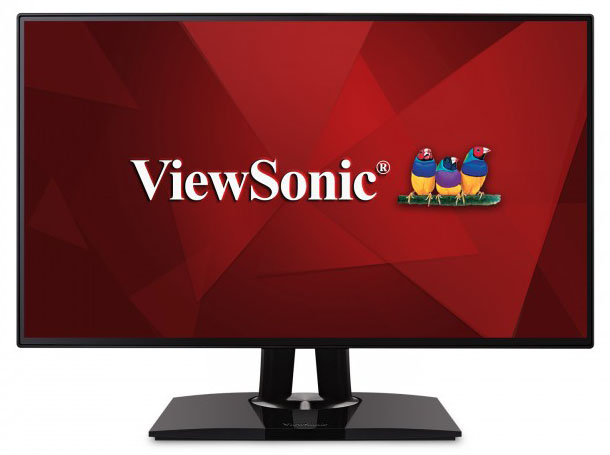
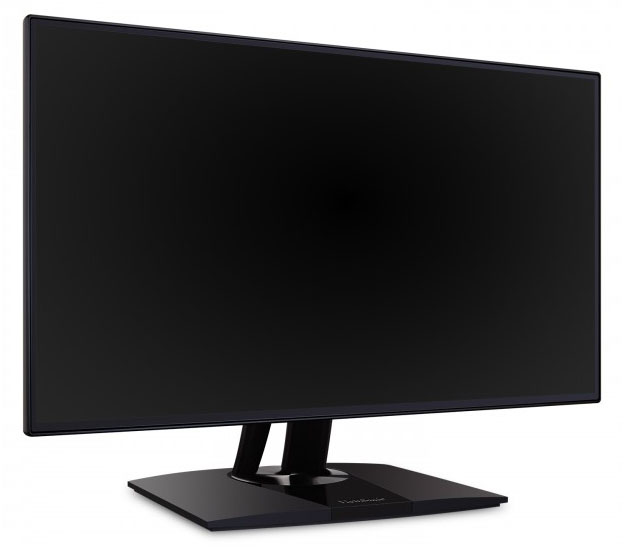
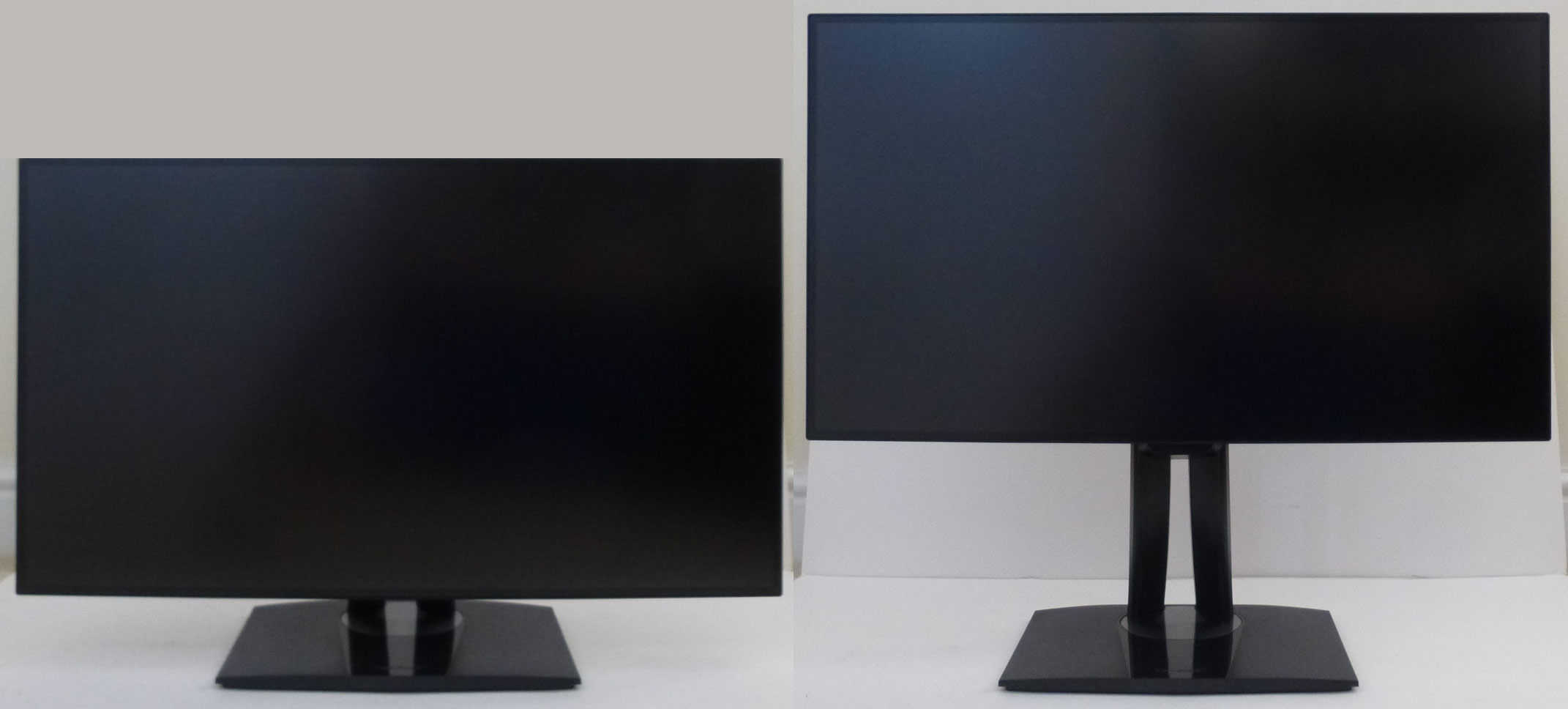
Above: front views of the screen and stand
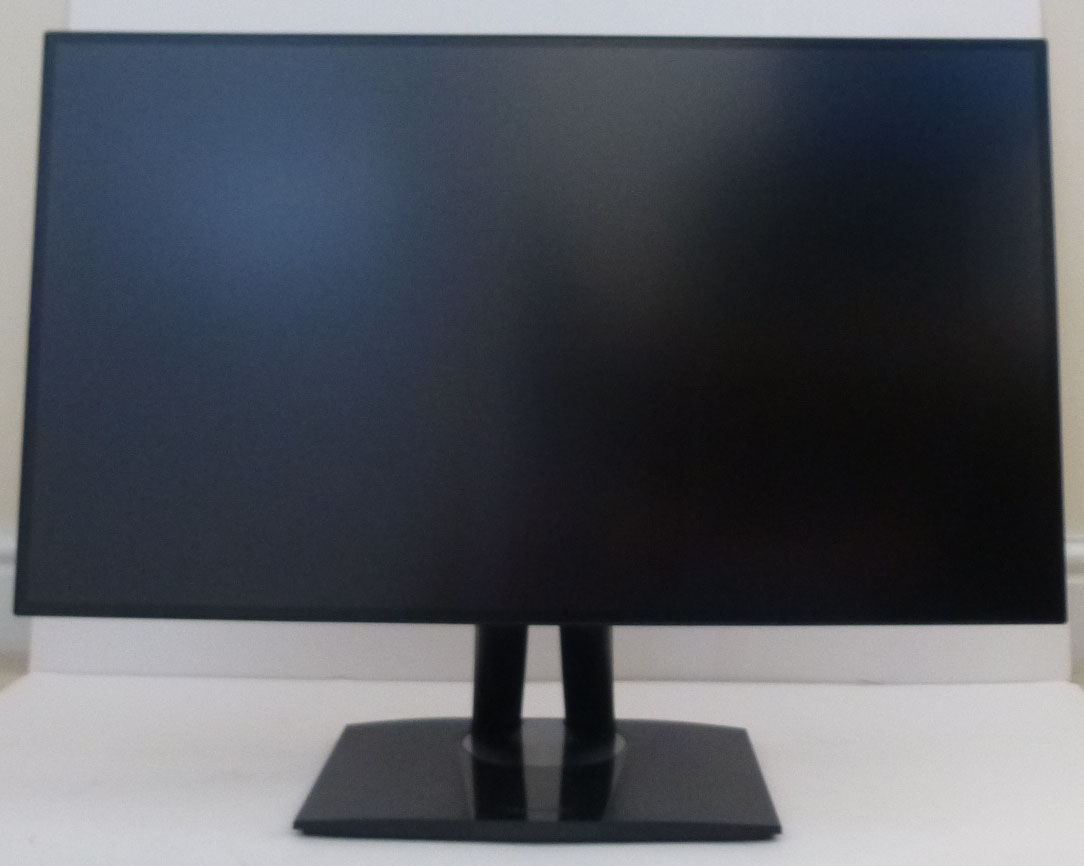
The VP2768 comes in a black design with predominantly matte plastics used. There is a 4-side zero frame design to this model, with the outer plastic bezel measuring only 2mm around all four edges. There is also a 6mm black panel border around all sides, so the actual total black edge is about 8mm. It still looks very thin and makes the screen very suitable for multi-monitor setups. ViewSonic have kept the edges nice and thin by not adding any branding logos, and by locating the OSD control buttons on the back right hand side of the screen.
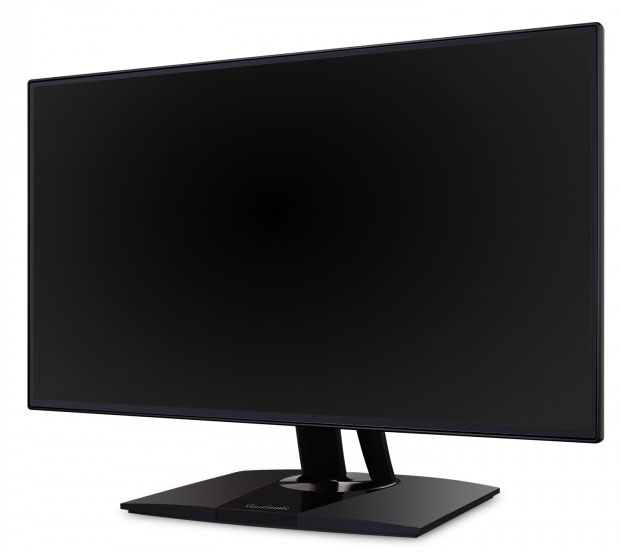
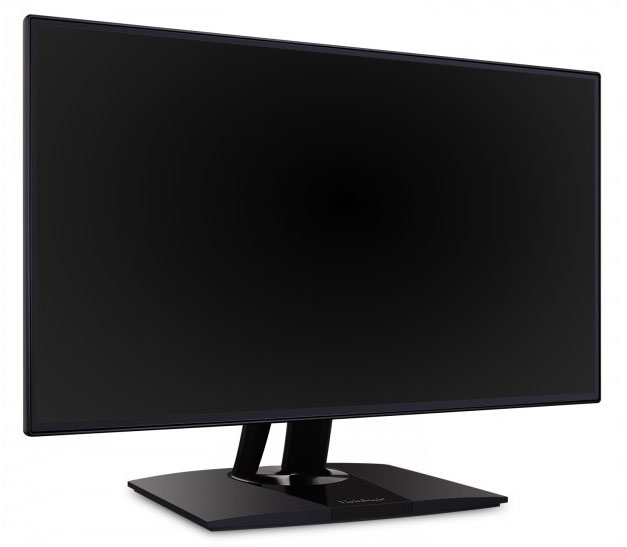
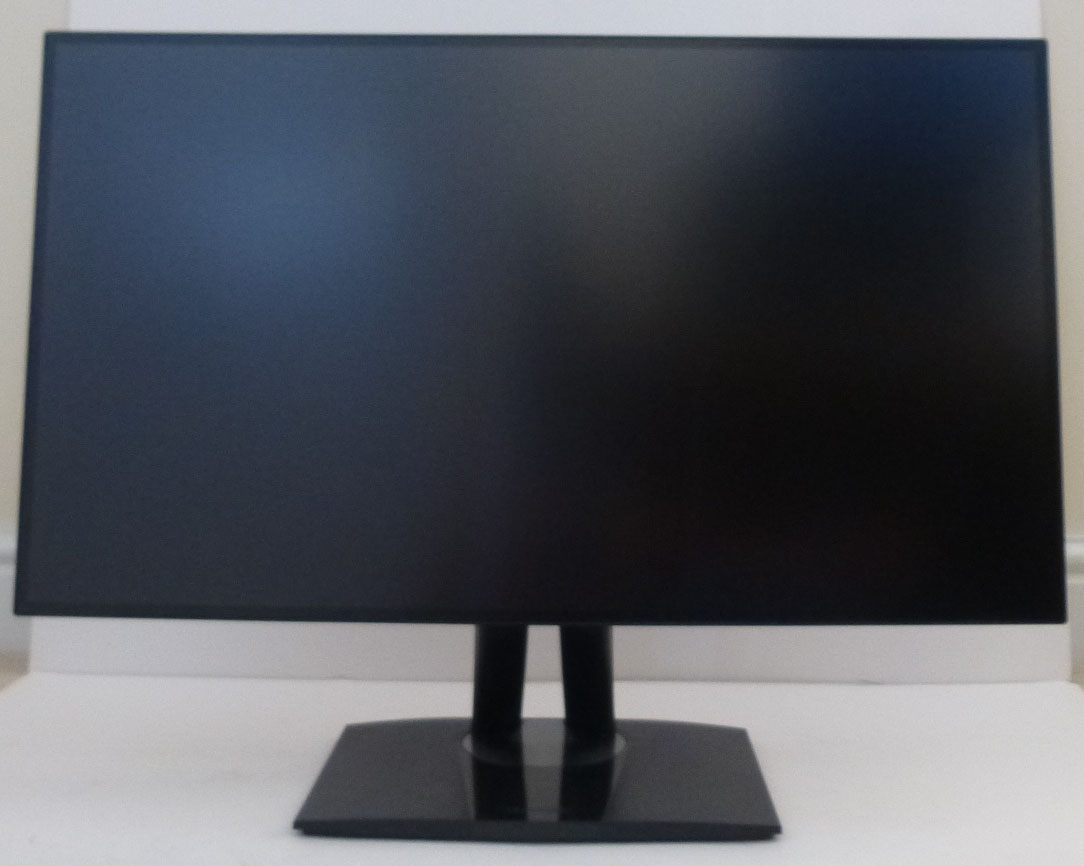
Above: front views of the screen. Click for larger versions
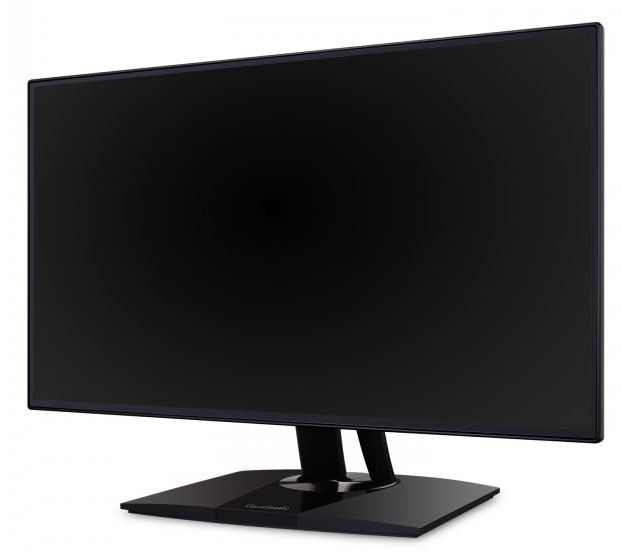
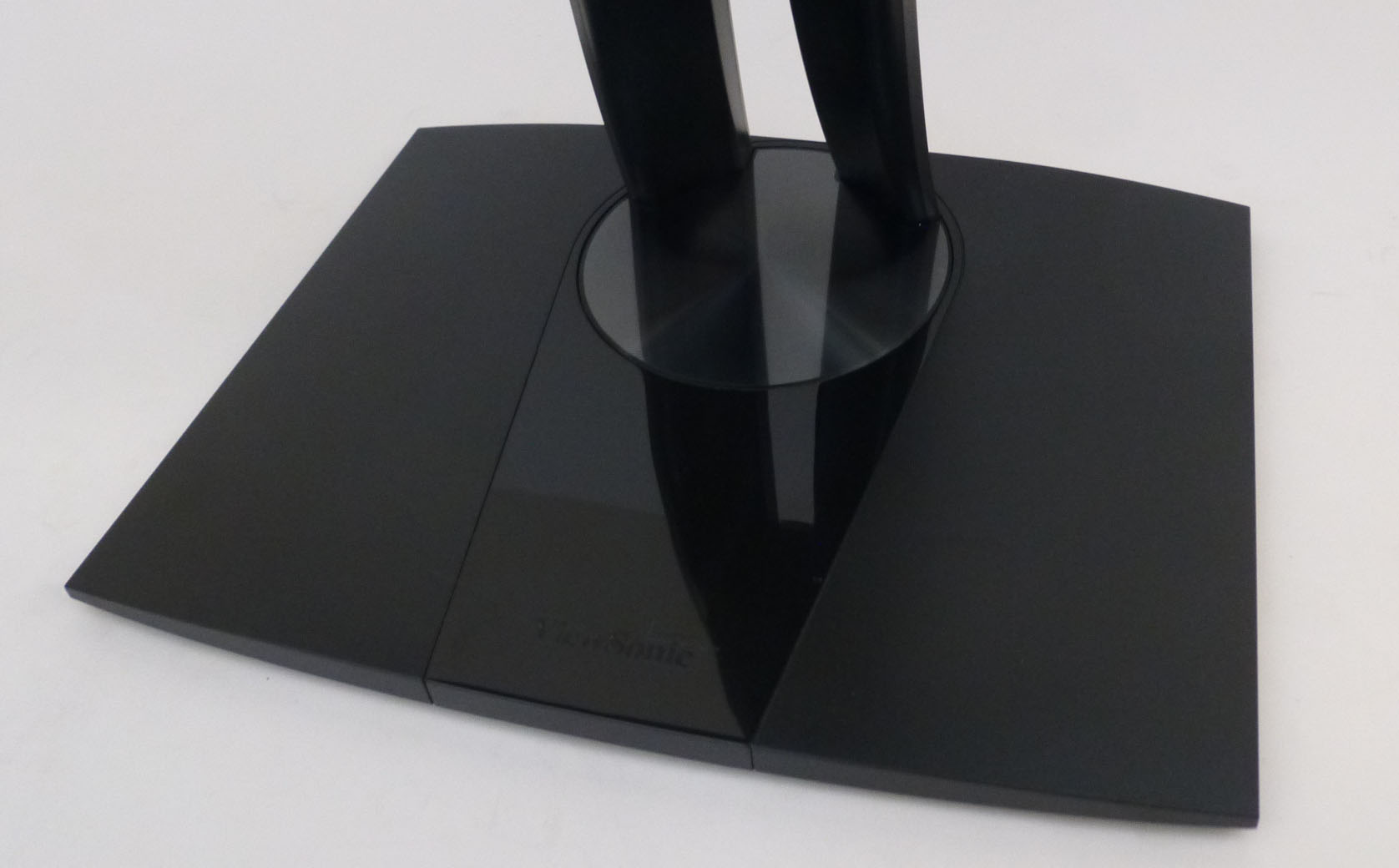
The monitor arm and base are matte black plastic also, with the exception of a triangular glossy black section in the middle as you can see from the below picture. The stand provides a decent, wide and sturdy base for the screen and seems very stable.
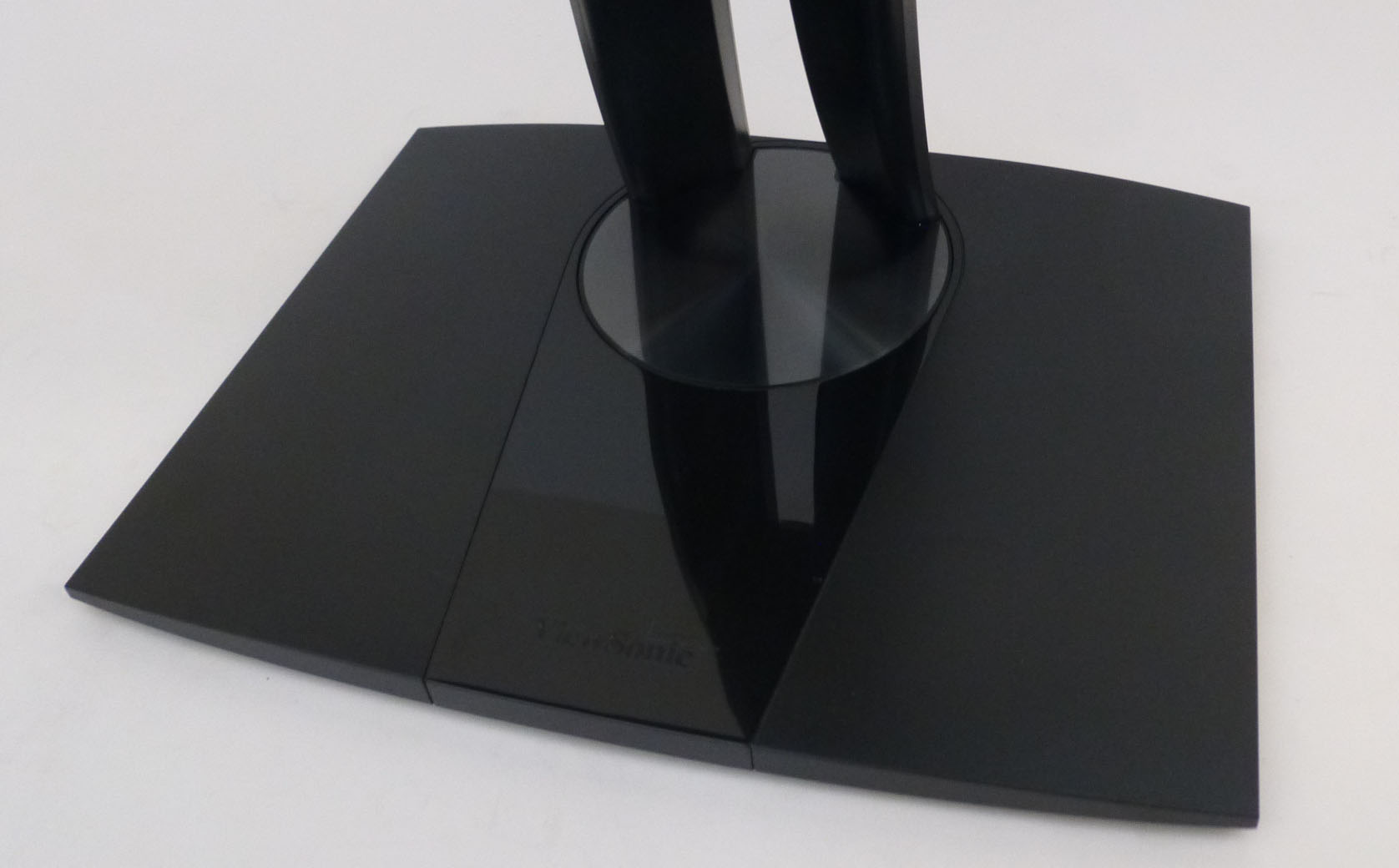
Above: view of the base of the stand. Click for larger versions
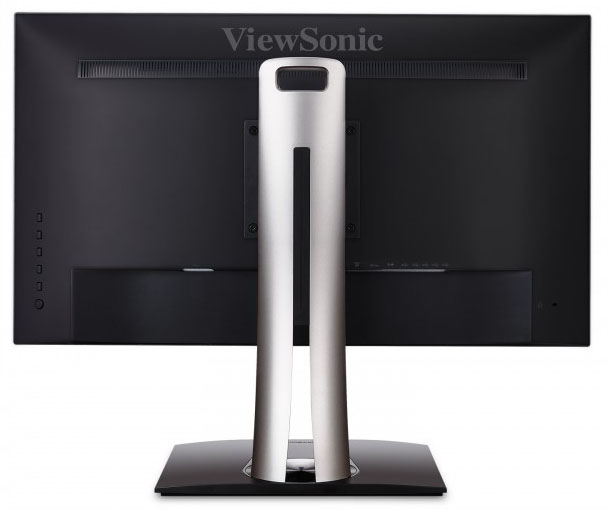
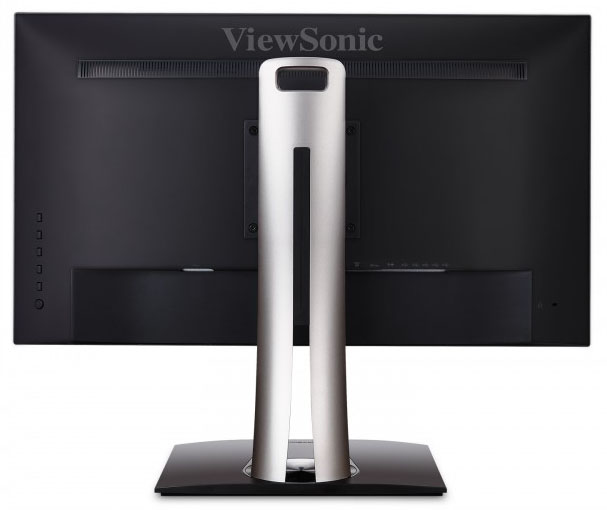
Above: rear views of the screen
The back of the screen is enclosed in a matte black plastic with a large ViewSonic logo at the top. The stand attaches in the centre and can be removed for VESA 100 compliant mounting options if you wish. You have to screw this on when you first set up the screen as it is not a quick release stand bracket. You can see the OSD control and power buttons on the left hand side of the image (when viewed from behind).
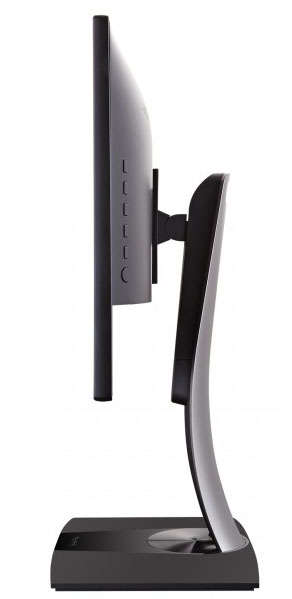
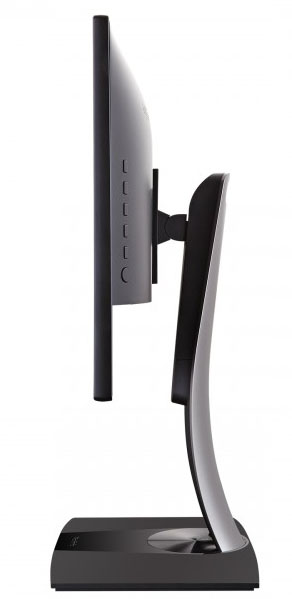
Above: side view. Click for larger version
The screen has a fairly thin profile as you can see from the above image, although overall it's a deeper footprint because of the slightly curved stand and deep base.
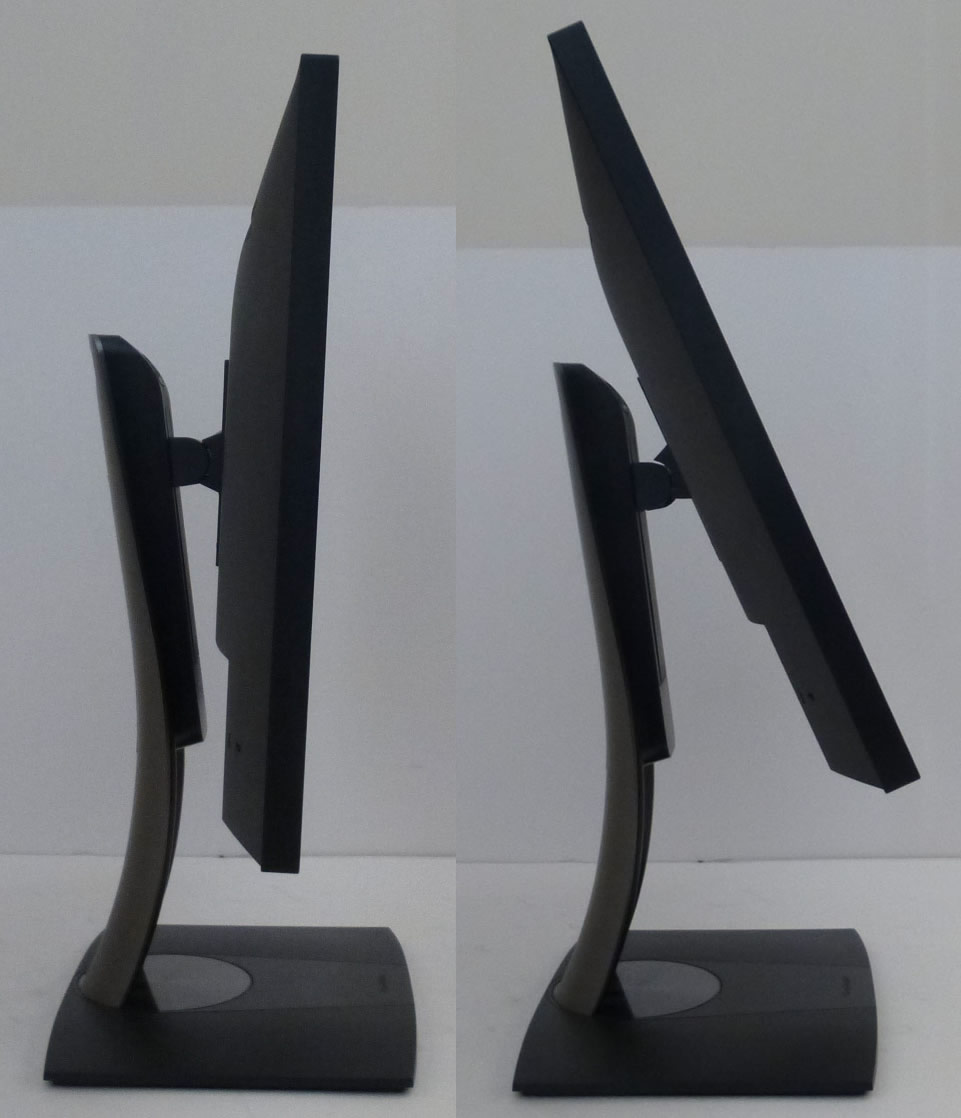
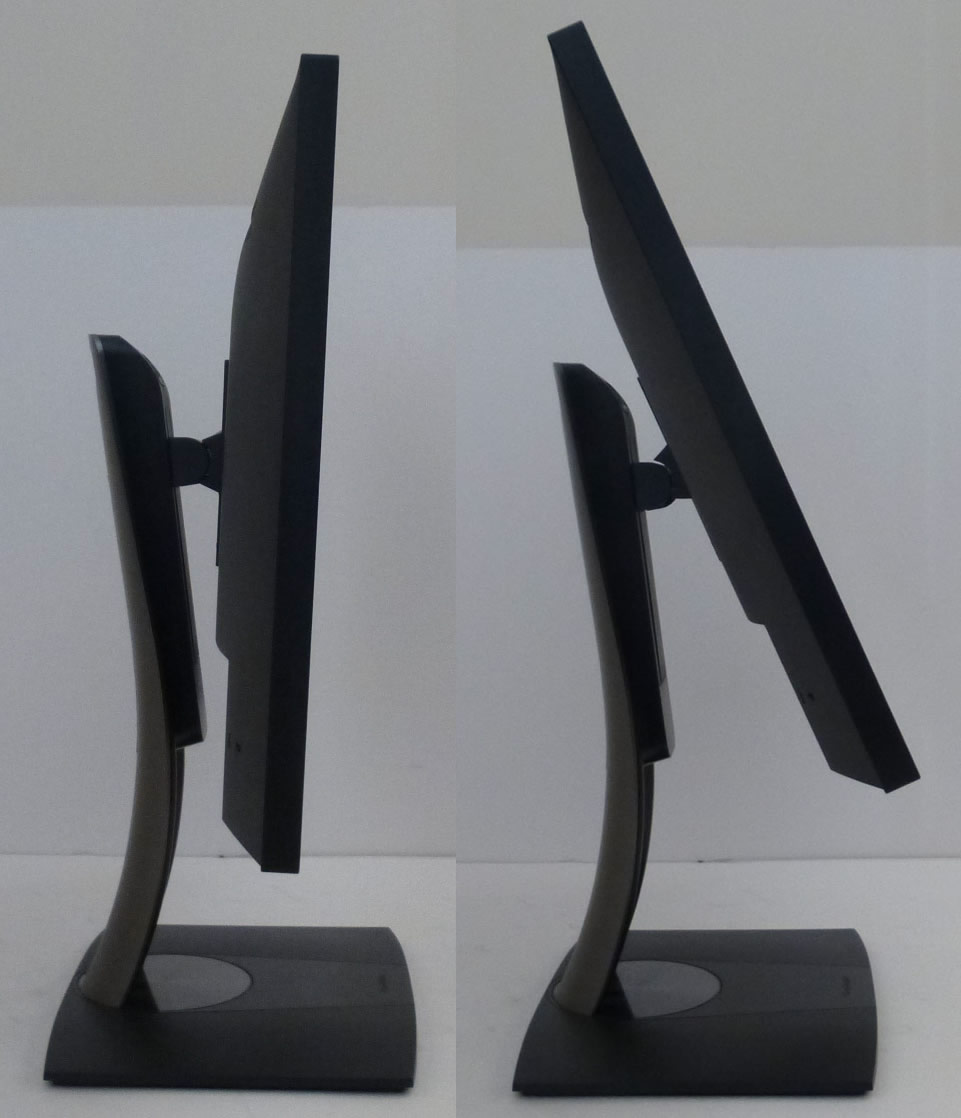
Above: full tilt range shown. Click for larger versions
There is a decent set of ergonomic adjustments offered from this screen. Tilt is smooth and easy to use and offers a reasonable range of adjustment as you can see from the above pictures.
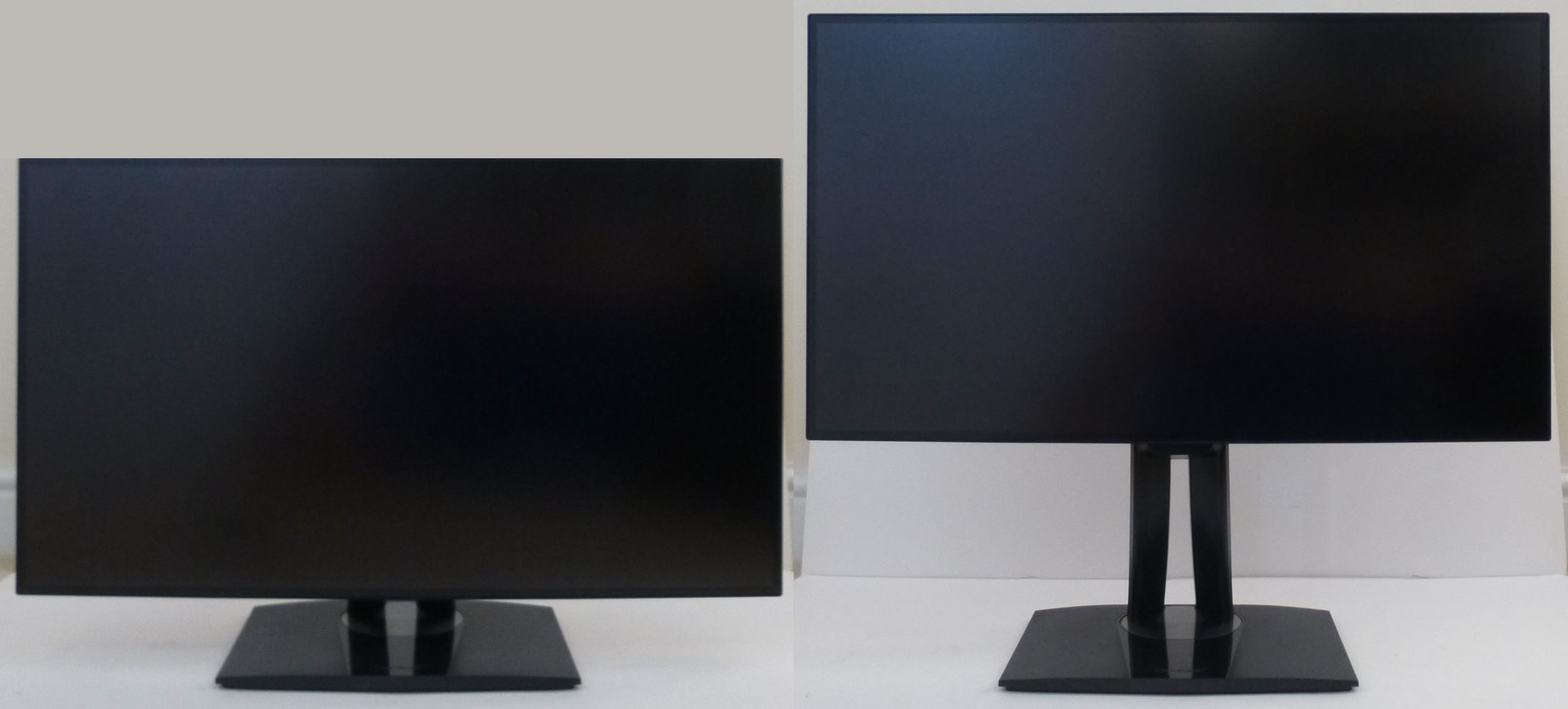
Above: full height adjustment range shown. Click for larger versions
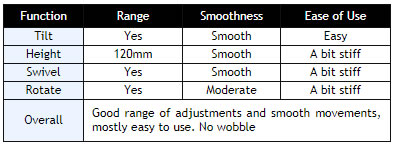
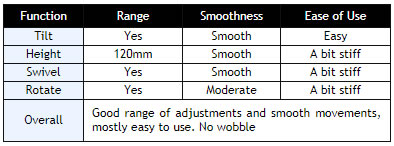
Height adjustment is a little bit stiff but offers smooth movements as well, with a total adjustment range of 130mm. At the lowest setting the bottom edge of the screen is ~60mm from the edge of the desk, and at maximum extension is is ~190mm. Side to side swivel is a little bit stiff but again offers smooth movements and a wide range. The base of the stand stays firmly positioned on the desk as you move the screen side to side. Rotation in to portrait mode is a little bumpy but easy enough to use and might be useful to some users.
A summary of the ergonomic adjustments are shown below:
The materials were of a good standard and the build quality felt very good as well. There was no audible noise from the screen, even when conducting specific tests which can often identify buzzing issues. The whole screen remained cool even during prolonged use as well which was pleasing.
The back of the screen features the connections. To the left is the power connection. You only need a normal kettle lead here as the power supply is built in to the screen. There are then 2x HDMI, DisplayPort, Mini DisplayPort, DisplayPort out (for daisy chaining), audio out, USB upstream and 4x USB 3.0 downstream connections. It would have been handy if some of the USB ports were on the side of the screen for easier access.

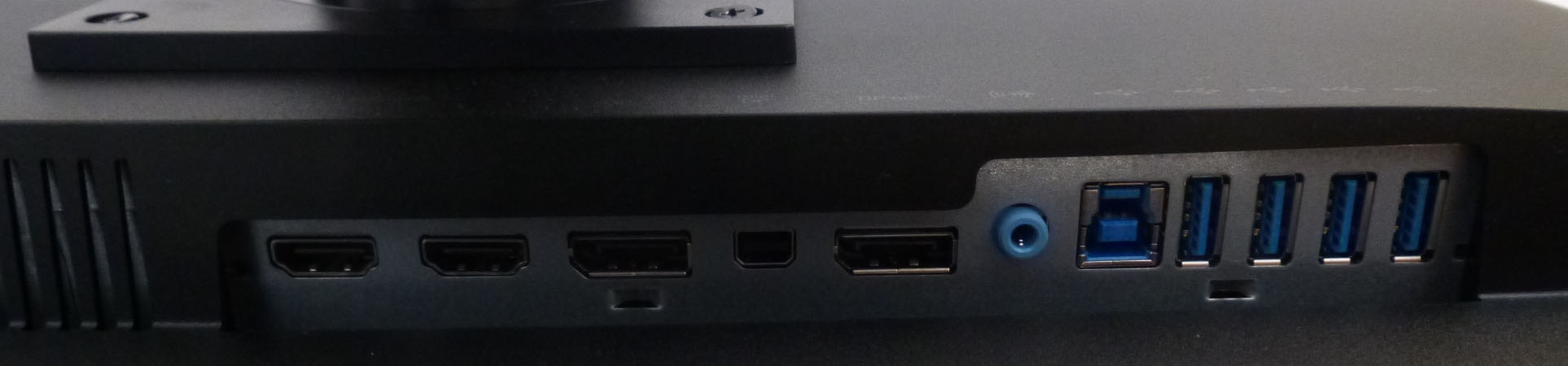
Above: connection options on the back of the screen. Click for larger version (bottom picture)