Ultrawide vs. Dual Monitors: The Best Setup for Editing
When it comes to editing photos and videos, extra horizontal real estate is always a plus. Most creators are familiar with the extra workspace you get with a dual monitor setup and many never go back to just a single screen ever again.
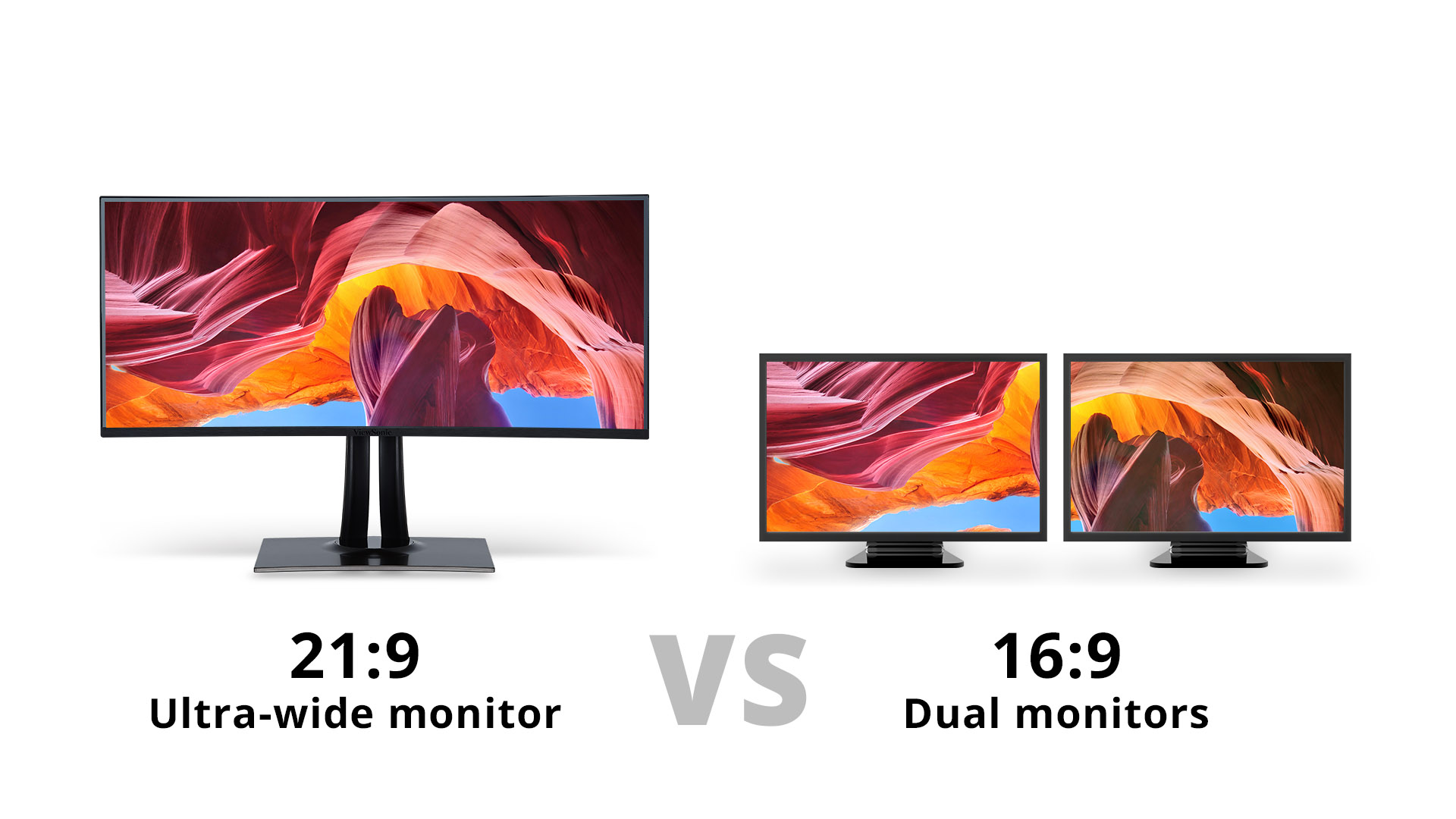
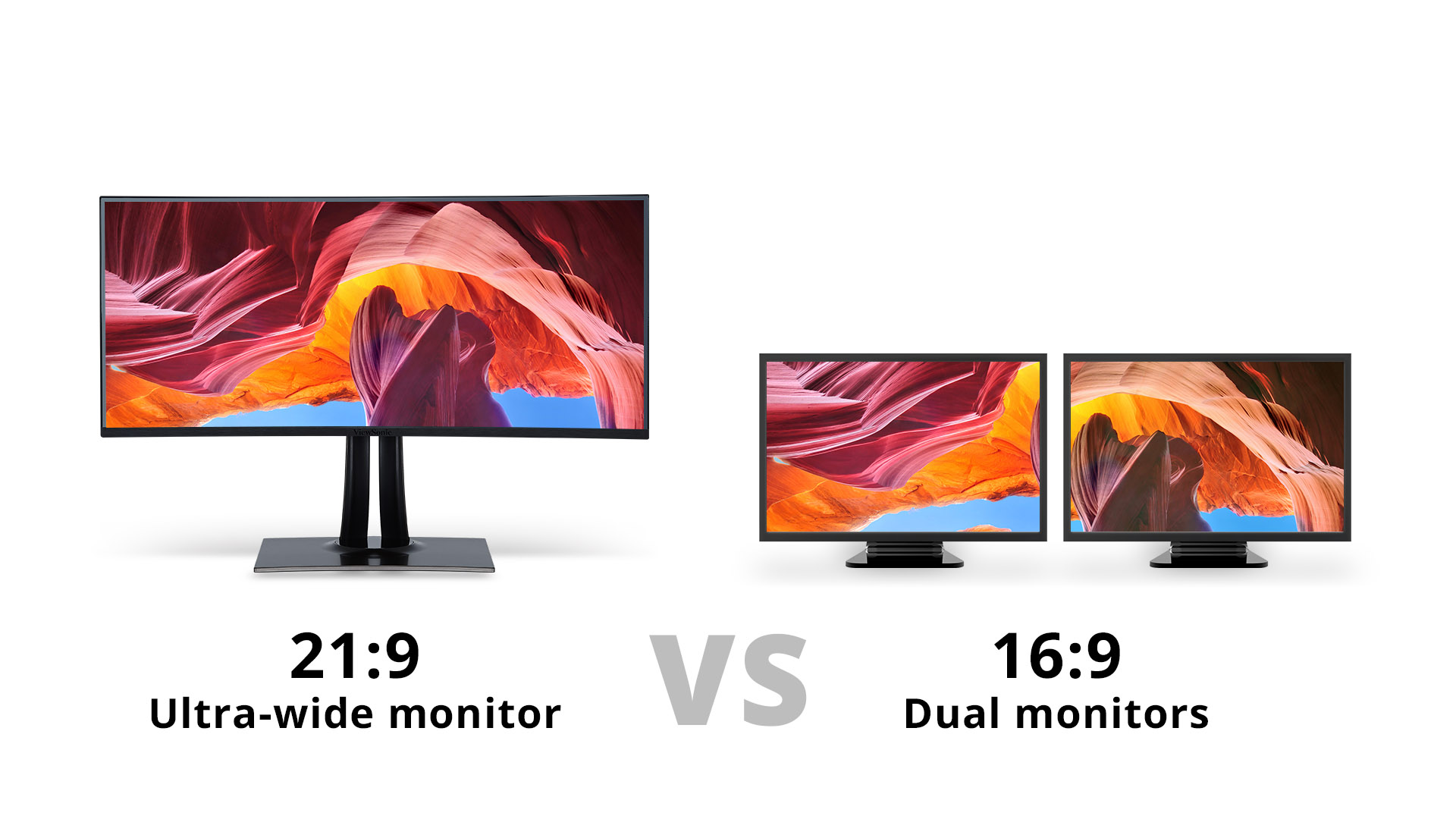
Recently however, ultrawide 21:9 monitors have emerged as an alternative to dual monitors. They provide all of the extra screen real estate of two monitors, but on one single screen. With more ultrawide monitor options on the market than ever, could ultrawide monitors be the way forward for editing productivity?
We decided to make the switch from dual monitors to a single ultrawide 21:9 monitor to find out for ourselves; ultrawide vs dual monitors, which will reign supreme as the ultimate editing setup?
What is High Dynamic Range (HDR)?
To put it simply, ultrawide monitors are monitors that utilize a 21:9 aspect ratio rather than the traditional 16:9. An aspect ratio of 21:9 is also similar to that of traditional movie theater screens. Ultrawide monitors can be easily distinguished from traditional monitors by their wide screen (as the name implies), resulting in an increase of horizontal screen space.
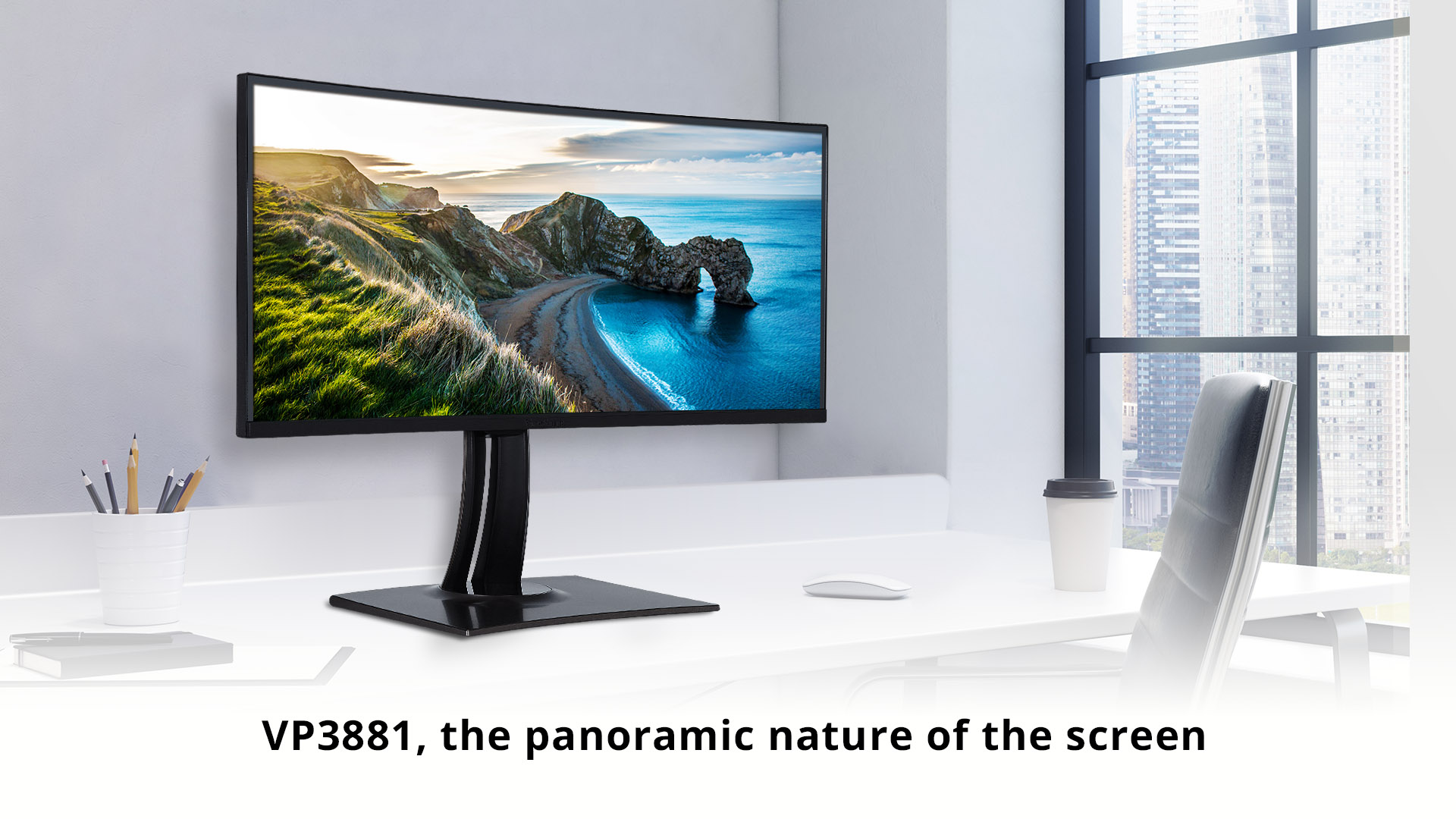
name implies), resulting in an increase of horizontal screen space. In our comparison of ultrawide vs. dual monitors for editing productivity we will be using the ViewSonic VP3881, which is a 38-inch curved ultrawide monitor. A quick look at the monitor’s specs can be found below:
- - WQHD+ resolution (3840 x 1600)
- - IPS panel
- - Frameless design
- - Delta E < 2 Color Accuracy
- - Hardware color calibration
- - HDR compatibility
- - sRGB 99%
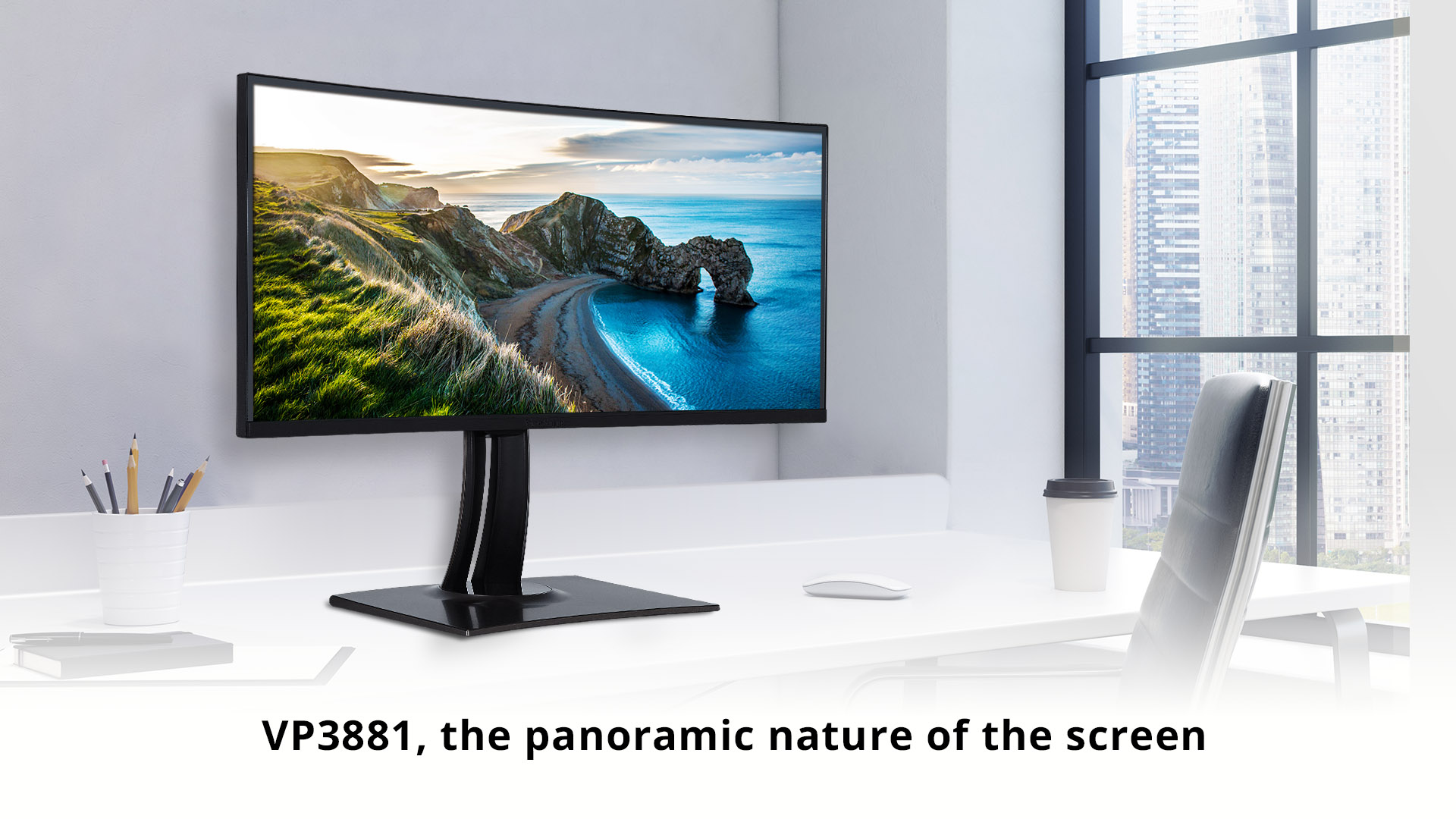
The Ultrawide Experience
Extended Screen Real Estate on One Screen
While the resolution used on ultrawide monitors can vary, the ViewSonic VP3881 used in this ultrawide vs. dual monitor comparison utilizes a high WQHD+ (3840 x 1600) resolution. This resolution boosts screen real estate in a way that pairs very nicely with an ultrawide screen and really brings out the benefits of having horizontally extended screen space.
WQHD seems to be a sweet spot for using both photo editing and video editing software by enlarging your editing workspace without making icons illegibly small. WQHD+ takes that same resolution sweet spot and extends it horizontally.
Curved Immersion
The ViewSonic VP3881 comes equipped with a 2300R curved screen, which feels noticeable more immersive than using a dual monitor setup.
The panoramic nature of the screen, paired with the monitor’s 2300R curve, keeps your peripheral vision engaged in a comfortable way that feels more natural than when looking at dual monitors.
Moreover, using a single ultrawide screen removes the omnipresent gap in the middle of your viewing space that even a dual monitor setup with the thinnest of bezels cannot eliminate.
Cinematic Aspect Ratio
In addition to more horizontal screen space, one benefit that cannot be matched by a dual monitor setup is the 21:9 aspect ratio.
Since this aspect ratio is similar to what is used for making cinematic content, movies can be played at their native ratio which eliminates letterboxing and utilizes the entirety of screen.
When watching movies on a monitor with a 16:9 aspect ratio, the only choices are to crop or stretch content to get rid of letterboxing or to accept having black bars on the top and bottom of the screen. Movie buffs will particularly enjoy this part of the ultrawide experience.
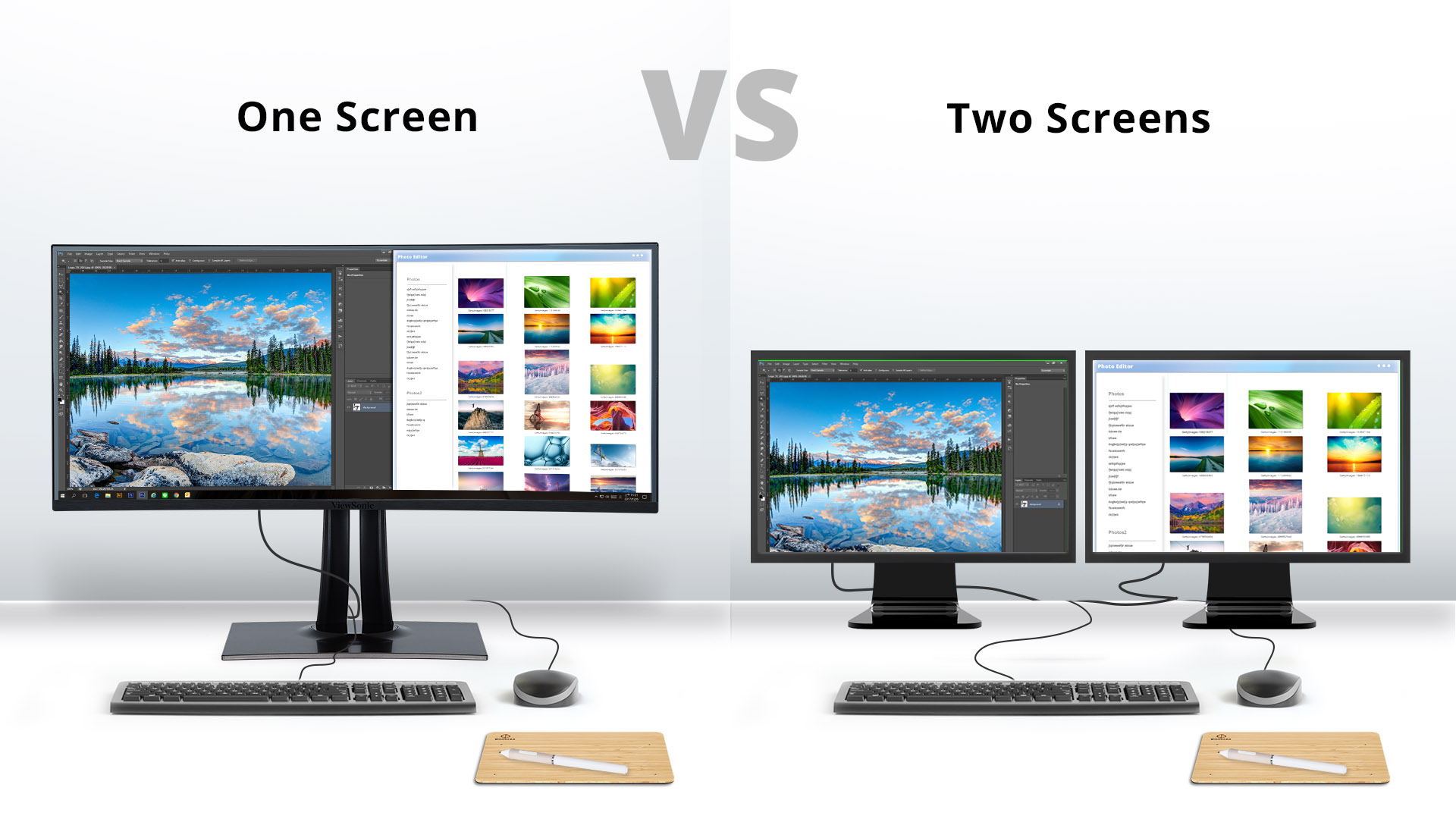
One Screen vs. Two Screens
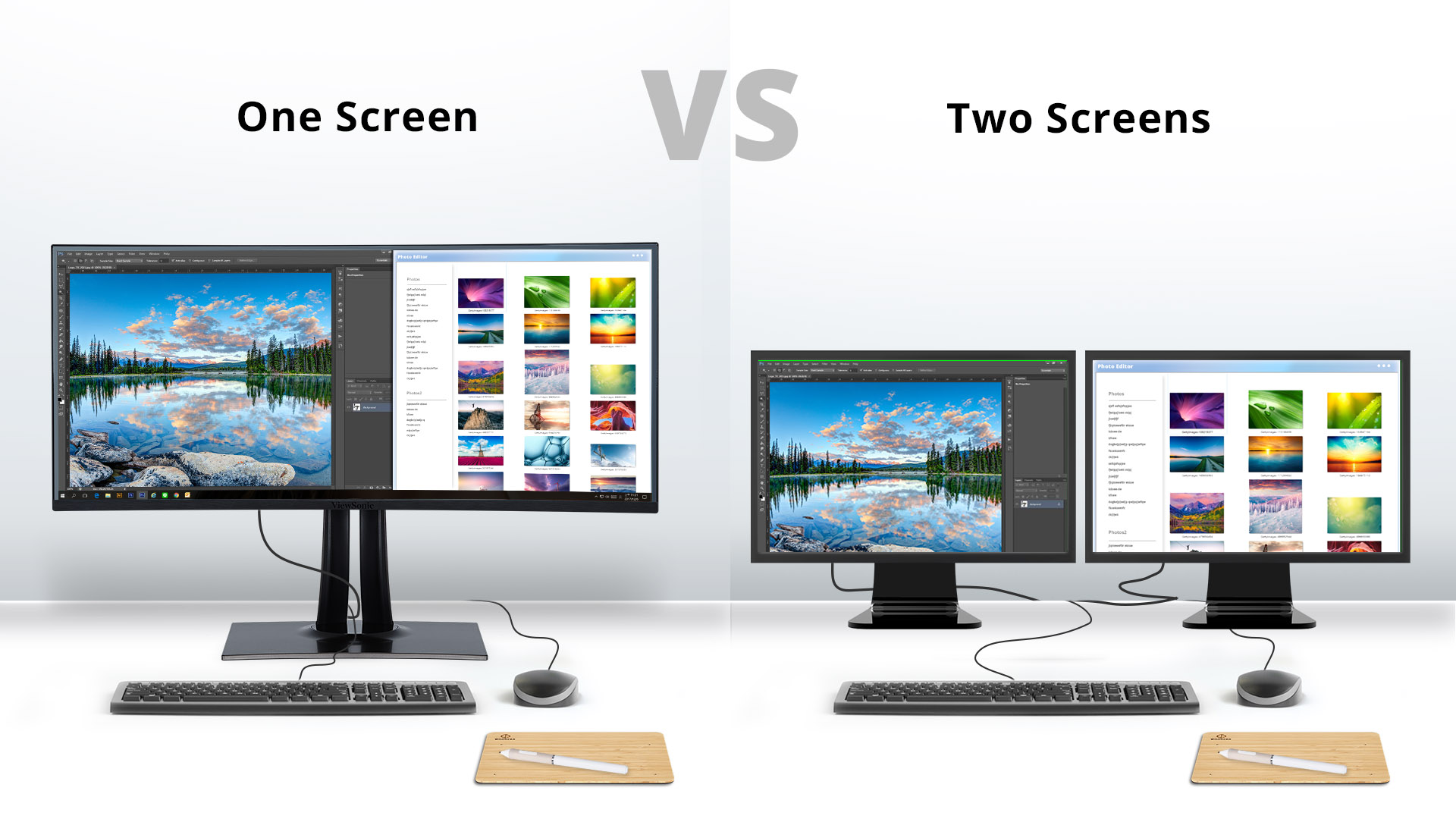
There are numerous benefits of having a single, centralized screen over two independent screens.
For starters, having one ultrawide screen eliminates fluctuations in color and uniformity that may arise when using dual monitors.
When editing photos on dual monitors, inconsistencies can appear when moving photos from one screen to another because of the fact that no two displays are created equal. Having a single ultrawide screen eliminates this issue and delivers a smoother, more seamless experience than offered by dual monitors.
As for convenience, there is no doubt that managing settings such as brightness and other display adjustments on a single monitor is simpler than doubling your work to make each adjustment twice.
Additionally, the VP3881 offers excellent color consistency out of the box as well as hardware color calibration for the long term; a must have feature for professional photo and video editors.
Productivity Software
The VP3881 comes with the free to download ViewSplit software, which is specifically designed to help manage multitasking and boost productivity.
Utilizing ViewSplit allows you to manage multiple different programs across the expansive ultrawide 21:9 screen with ease by allowing you to organize different image processing applications into easily manageable and customizable windows for quick access.
Ultrawide vs. Dual Monitors: The Verdict
While it is true that both ultrawide and dual monitor setups can be an excellent way to boost productivity during your editing workflow, there are some quality of life changes that are unmatchable when selecting a curved ultrawide over dual monitors. If you are someone who has become accustomed to using a dual monitor setup, switching to an ultrawide monitor is definitely worth some consideration.
When it comes to comparing ultrawide vs. dual monitors it is always best to try it out for yourself, but ultrawides are definitely providing an excellent alternative to the way we currently manage our editing workflows.