Outdoor Photography Canada Review: X-Rite Coloratti Photographer, Jason DiMichele’ New Gear- VP2768
The computer monitor market is very competitive. ViewSonic has been making monitors for a long time, beginning with the CRT versions; they were some of the best monitors on the market. ViewSonic has recently introduced a series of high-quality monitors to compete in the demanding professional photographic market. Let’s find out how the new monitors perform!
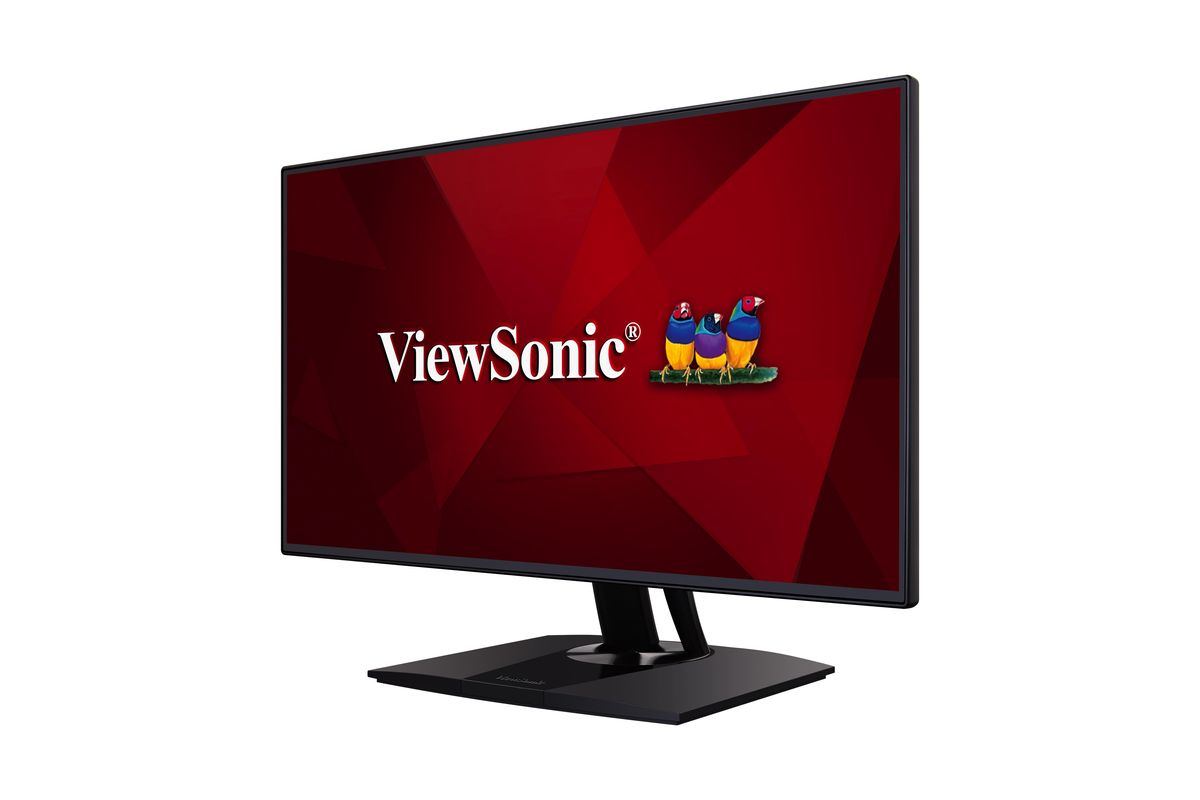
The ViewSonic VP2768 (approximately $640) is a 27” monitor with a WQHD resolution of 2560 x 1440, backlit with an LED light bar, a 16:9 aspect ratio, and utilizes a hard-coated anti-glare (3H) SuperClear IPS panel colour active matrix TFT LCD screen. The video inputs include two HDMI 1.4 and two DisplayPort 1.2a (one mini and one regular) ports. There’s also one DisplayPort output for daisy-chaining monitors. The VP2768 has an excellent viewing angle of 178 degrees both horizontally and vertically. It can display 99 percent of the sRGB colour gamut, and it uses a 14-bit/3D look-up table (LUT) for very smooth and accurate colour. For those who want to tweak colour beyond normal calibration, the VP2768 allows for independent 6-axis colour (red, green, blue, cyan, magenta, yellow) hue and saturation adjustments.
Each VP2768 contains a highly-detailed factory colour calibration and uniformity report in the box. Although you should still calibrate your monitor for your individual working environment, you can rest assured that your VP2768 is made with a tight manufacturing tolerance. To calibrate and profile the VP2768, the ideal solution is to use ViewSonic’s own Colorbration Kit CS-XRi1 (purchased separately), which is based on the X-Rite i1Profiler application with some features made specifically for ViewSonic monitors, but other solutions should also work.
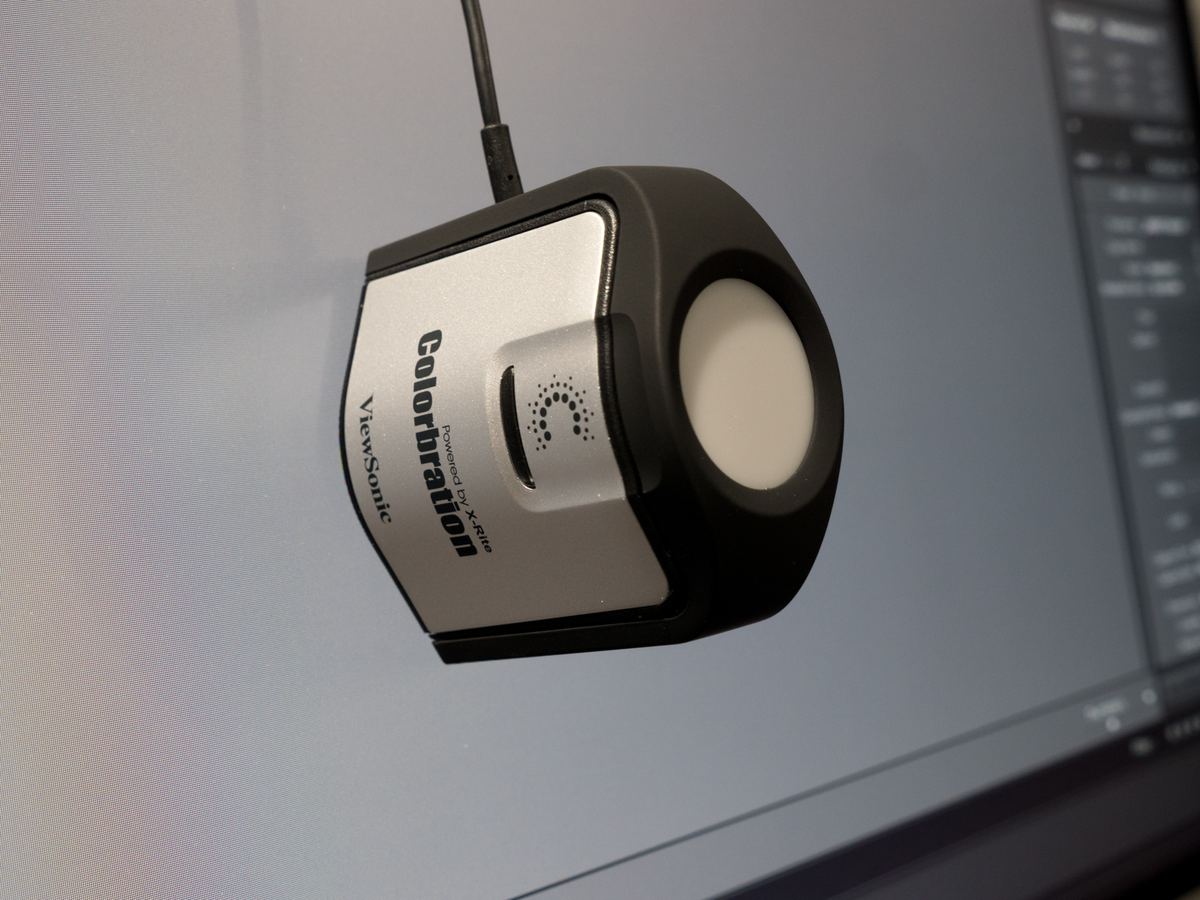
ViewSonic calibration tool
For calibrating and profiling the VP2768, I’ve been using Colorbration, which has basic and advanced modes. In the basic mode, a wizard takes you through all the required steps, easily and quickly. Advanced mode provides you with many professional options to fine-tune the process to very specific requirements. During the calibration process, there’s an option for running uniformity correction. The uniformity correction is used to ensure that all areas of the monitor have consistent and accurate brightness and colour values.
The ViewSonic frameless design bezel is extremely thin — so thin that the buttons are on the back edge of the monitor. This bezel design will allow for a wonderful multi-monitor setup, as the gap between the screens will be very small. It will take a little time to become familiar with which button controls which setting, but once you’ve got your monitor calibrated and profiled, there’s really no reason to change them.
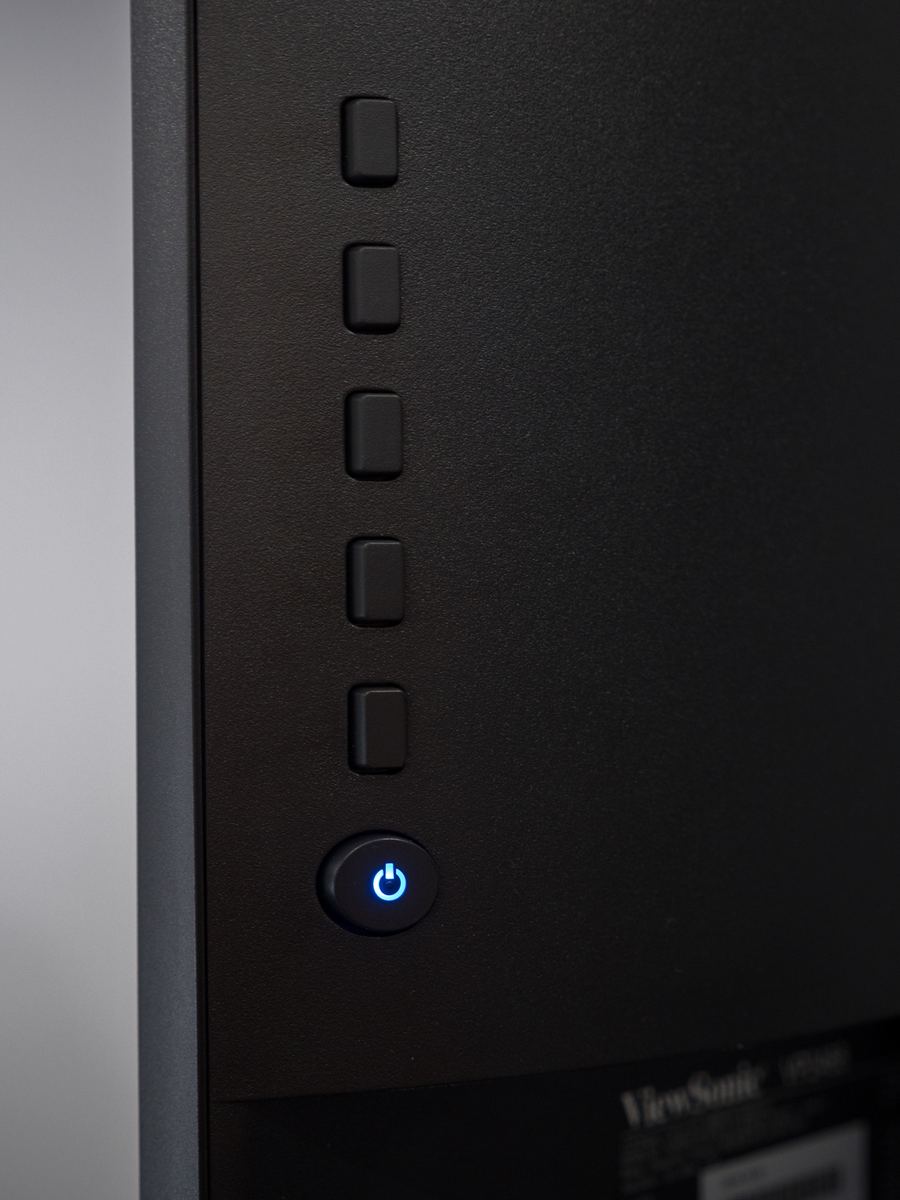
Power button on back of monitor
The VP2768 is considered an sRGB monitor, since it displays essentially the whole sRGB gamut. There are monitors that display fewer colours (typically laptops or very cheap monitors) and monitors that display more. The monitors that display more colours are called AdobeRGB monitors. For professional photo editing, you’ll want at least an sRGB monitor. AdobeRGB monitors are much more expensive, and I would consider them more important if you’re making fine art prints. I personally use both types of monitors in my workflow.
Along with excellent colour, the VP2768 has some convenient features such as a 90 degree auto-pivot (supporting both clockwise and counter-clockwise viewing), a generous amount of tilt/swivel/height adjustment, four USB 3.0 ports and an audio output for headphones. ViewSonic also sells an optional monitor hood. I highly suggest using monitor hoods, even if you end up making one yourself. Monitor hoods keep stray light from falling onto your monitor. Another critical aspect of high-quality colour management is using a monitor with an anti-glare screen, like the one on the VP2768.
It’s extremely important to choose the proper monitor for editing your photos, and I’ve been very pleased with the VP2768. The ViewSonic monitors utilize some of the best display technology, and offer very compelling features and quality for the price. If you’re in the market for a new monitor, and you don’t need AdobeRGB capability, you should consider the ViewSonic VP2768. It’s a monitor that you can rely on for highly accurate and consistent colour, taking the guesswork out of your image editing.