

Open and import lesson materials
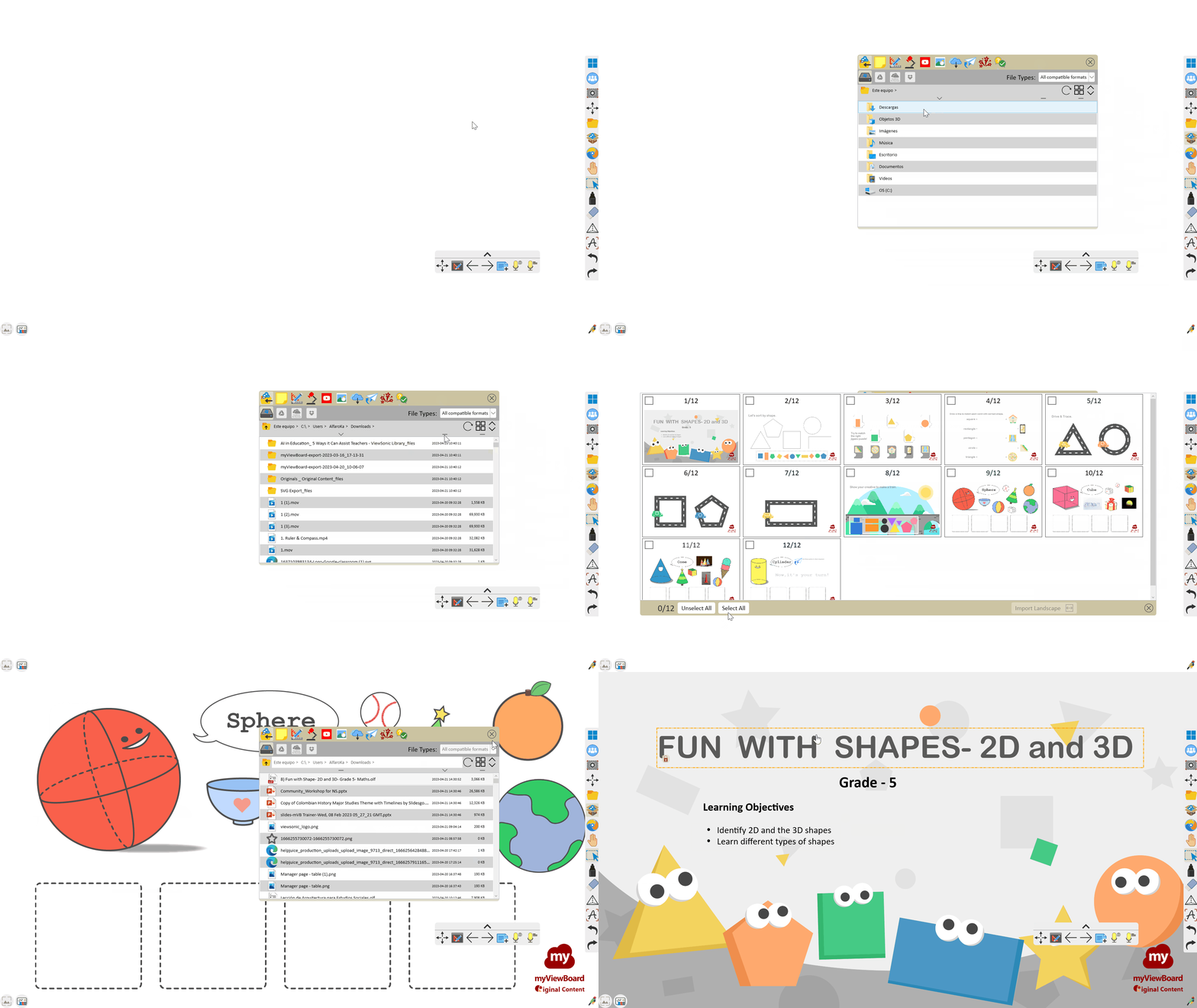
myViewBoard provides educators various ways to open or import files into their session. To open files, users can go to File Manager  > Open
 to browse files within their device's local drive.
With the Import Files  feature within Magic Box, users can browse local and cloud drives to bring existing lesson materials into a lesson currently being worked on.
To get the full breakdown on scenarios and steps for opening files, learn more in the File Manager page. To view full import file options and steps, learn more in the Import Files page.
Supported file formats when opening
Only Open Learning Format (OLF) file type is supported for opening from File Manager. myViewBoard is designed for OLF file format. We recommend primarily using this file type for the most optimized experience.
Supported file formats when importing
The following file formats are supported to import from Import Files.
Windows
| myViewBoard files | Vboard and OLF for myViewBoard, Flipchart for Promethean1, Notebook for SMART1, ENB for Evernote1, and IWB for multiple brands. |
| Documents | Google Doc, PDF, DOCX, TXT, ONE, URL |
| Presentations | Google Slides, PPTX (excluding PowerPoint mobile files) |
| Images | PNG, JPG, JPEG, BMP, GIF, ICO, TIF, TIFF, SVG |
| Audio | MP3, AAC, WMA, WAV, M4A |
| Video | WMV, MP4, MPG, XESC, 3PG, MOV, MPEG, MKV, ASF, AVI, M4V |
1 You can use myViewBoard to edit these files. However, you must save these files in the OLF format to retain your edits.
Android
| myViewBoard files | OLF for myViewBoard, Notebook for SMART, and IWB for multiple brands. |
| Documents | PDF, PPTX, TXT, URL |
| Presentations | Google Slides |
| Images | PNG, JPG, JPEG, BMP, GIF, ICO, SVG |
| Audio | MP3, AAC, WAV, M4A |
| Video | MP4, 3PG, MOV, MKV, WEBTM, TS, M4V |
iOS
| myViewBoard files | OLF for myViewBoard, Notebook for SMART, and IWB for multiple brands. |
| Documents | PDF, PPTX, TXT, URL |
| Presentations | Google Slides |
| Images | PNG, JPG, JPEG, BMP, GIF, ICO, SVG |
| Audio | MP3, AAC, WAV, M4A |
| Video | MP4, MOV, M4V |
To learn more about expected behaviors when opening different file types, learn more in the Import Files page.
Learn more
View how Magic Box allows you to import resources from your local and cloud drive into the canvas.