IFP52-2F Pre-installed apps
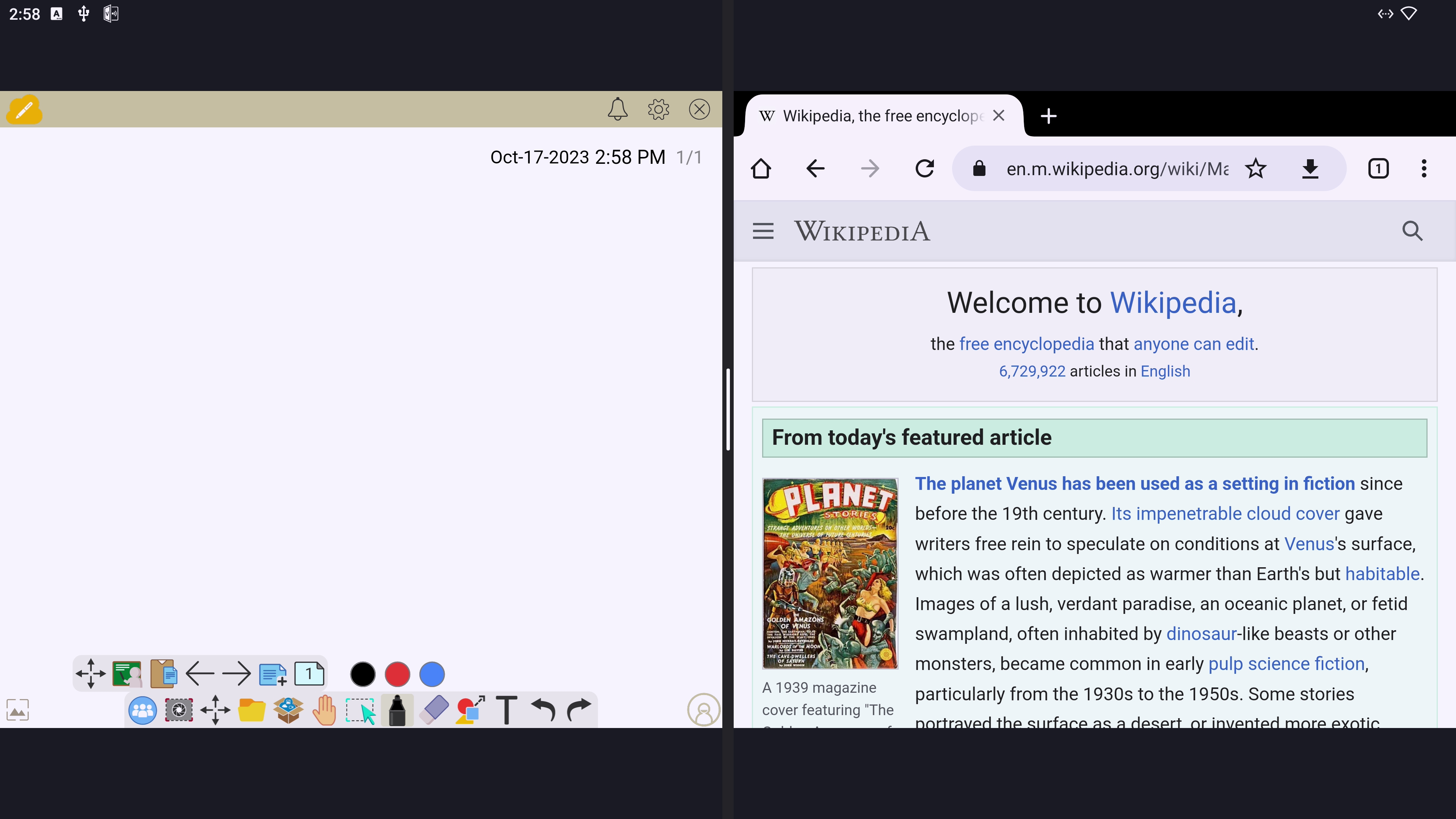
Split screen
Access the Recent apps screen from the taskbar or the side toolbar. Use the Recent apps screen to view all recently opened apps, take a screenshot of the apps, or display the apps in split screen view.
To display apps in split screen view:
- Launch the recent apps screen.
- Tap the Split option
- Select another app to open in the other view.
IFP52-2F