
Group objects
Group objects  through the Adorning Menu, allowing users to group multiples objects on the canvas so they can be resized or moved across the canvas simultaneously.
To unbundle a group of objects back to their original state, use the same icon.
Group multiple objects
- Select multiple objects after enabling the selection tool
 .
- Once the Adorning Menu appears, press
 to group the objects.
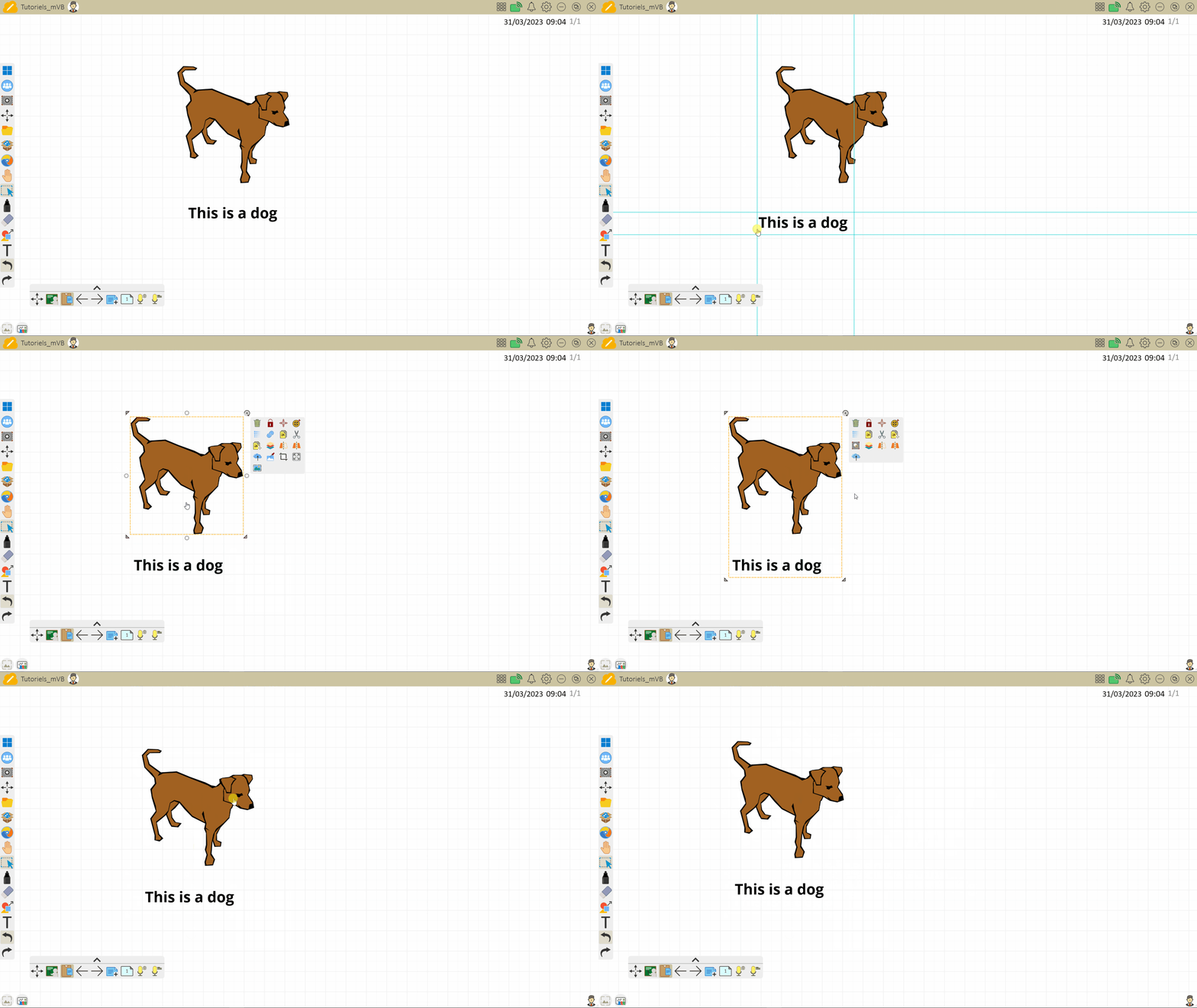 User groups an image and text.
Ungroup objects
- Select the grouped objects using the selection tool .
- Once the Adorning menu appears, press
 to ungroup the objects.
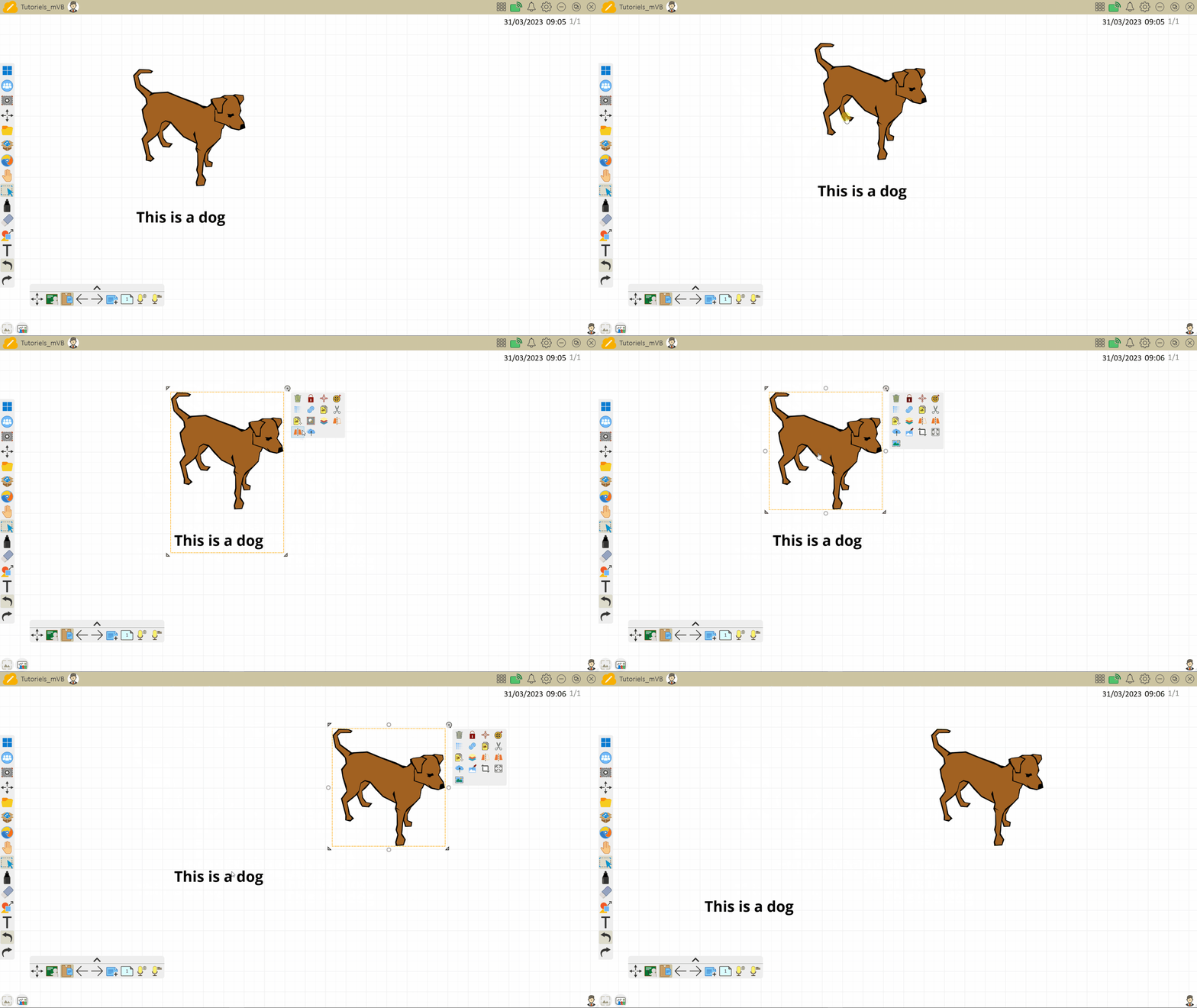 User ungroups an image and text.
Embed a link in grouped objects
When grouping multiple objects within Whiteboard, a hyperlink can be embedded in the grouped object. This allows you to easily open content related to the grouped object.
Learn more about embedding hyperlinks in objects.
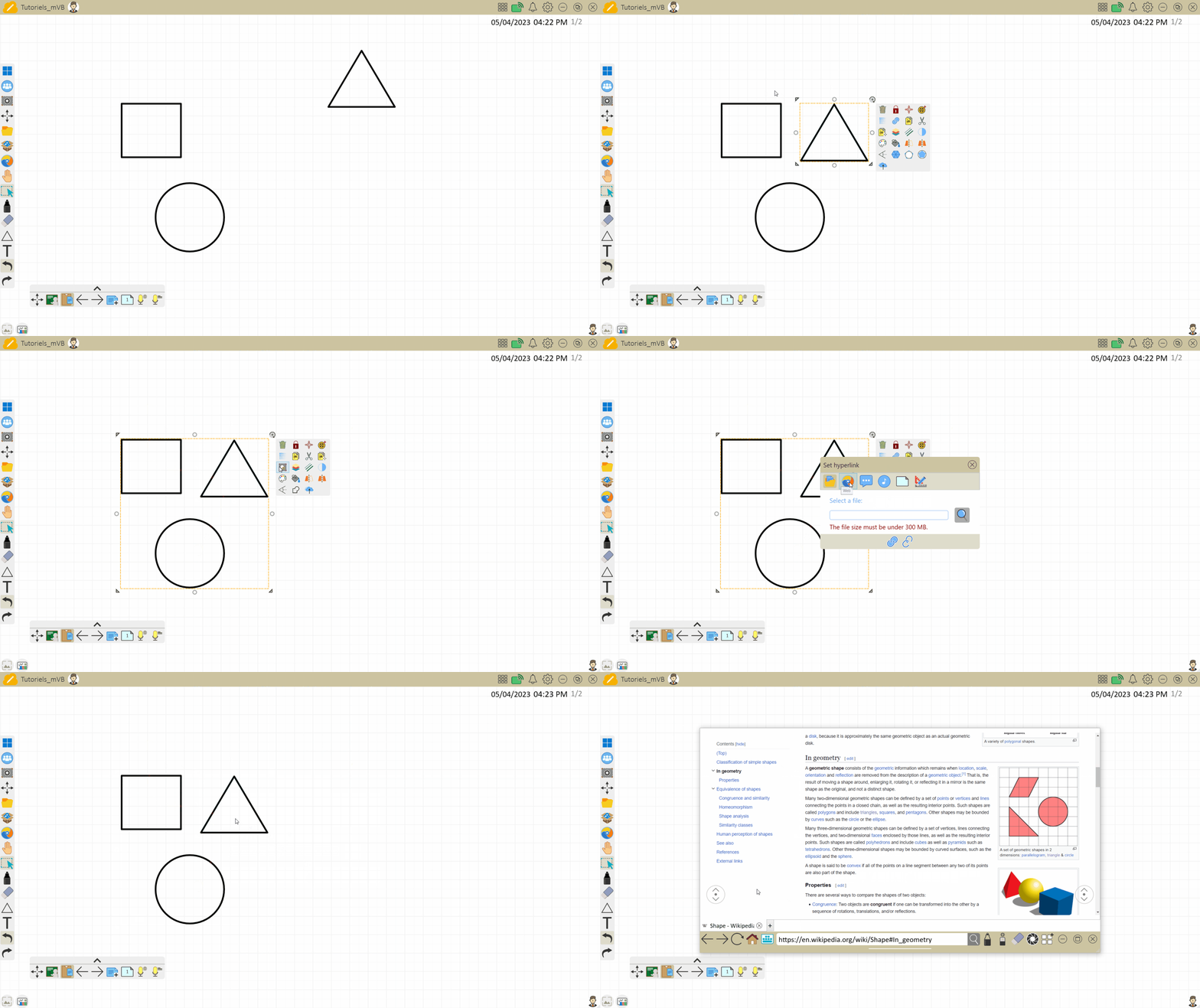 User takes a groups multiple objects and then embeds a hyperlink URL. They then press the hyperlink button to open a web page.