
Combine shapes
Combine shapes 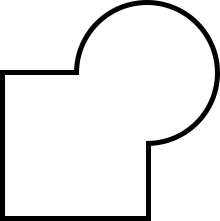 through the Adorning Menu to merge two or more selected shapes together into a single object.
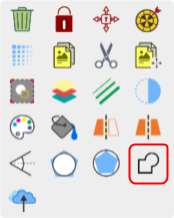 Combine shapes highlighted in Adorning Menu.
Options when combining shapes
- Create two or more 2D shapes.
- Enable the selection tool
 .
- Select two or more 2D shapes.
- Move one or multiple shapes to make them overlap another 2D shape.
- Once the Adorning menu appears, press the combine shapes tool.
- Several options will be available for combining shapes:
- Merge: Merge all selected shapes together.
- Keep overlap: Keep only the overlapped section between all selected shapes.
- Remove overlap: Remove only the overlapped parts between all selected shapes.
- Subtract: Remove all shapes above the bottommost layer, including any overlapped sections.
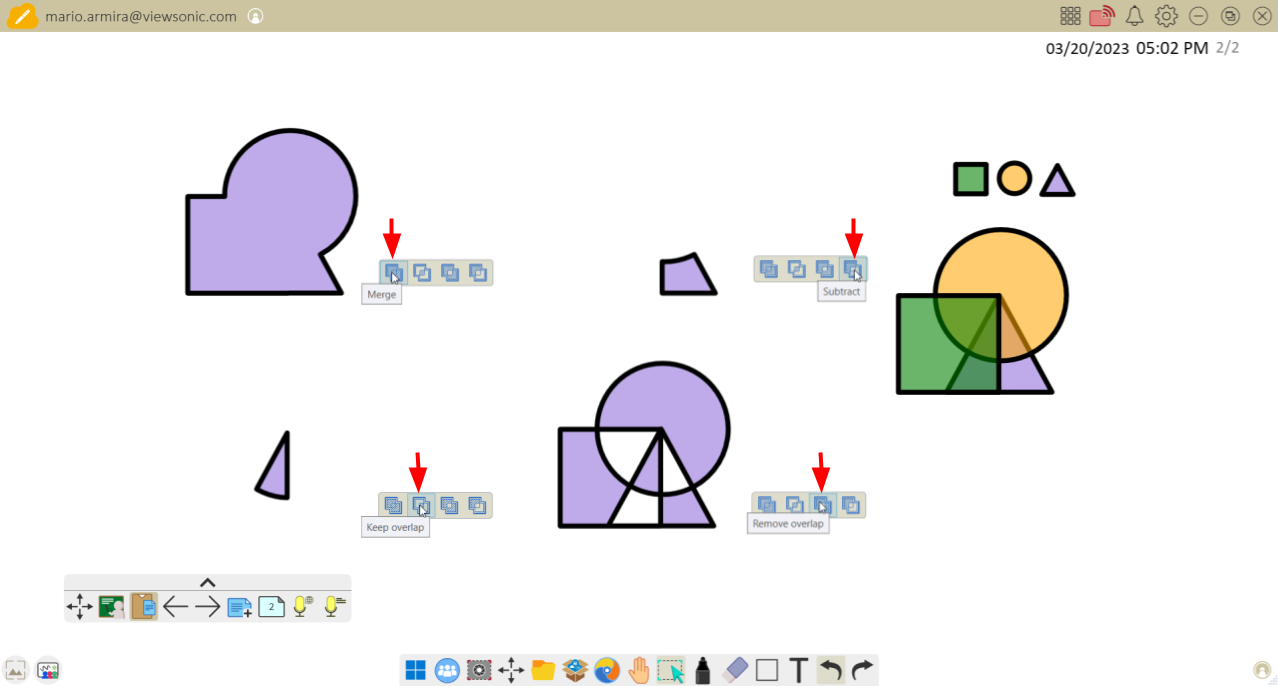 Preview of the combining shapes options (clockwise from top-left): 1) merge, 2) subtract, 3) remove overlap and 4) keep overlap.