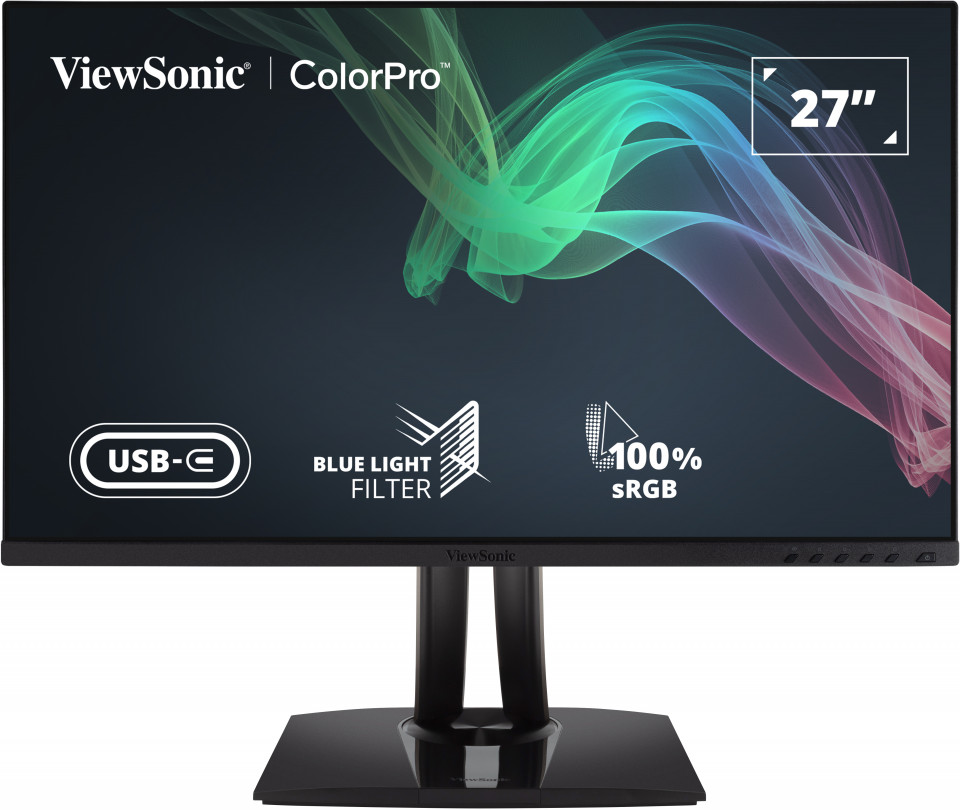
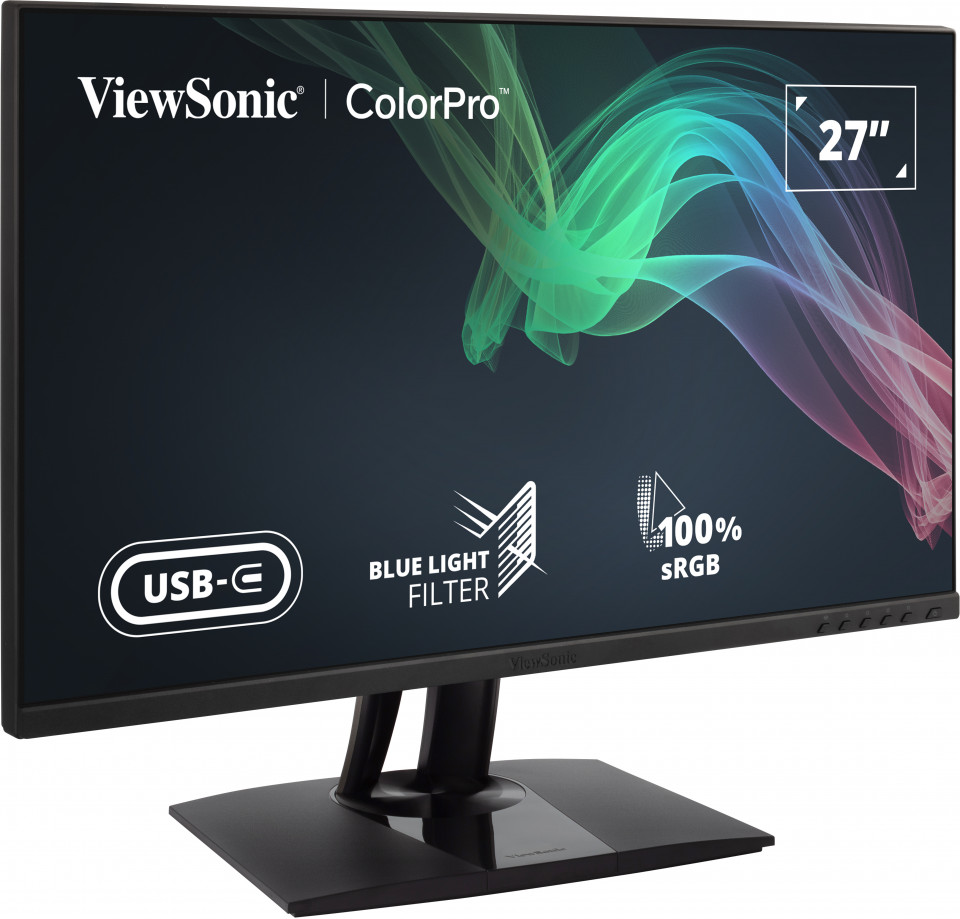
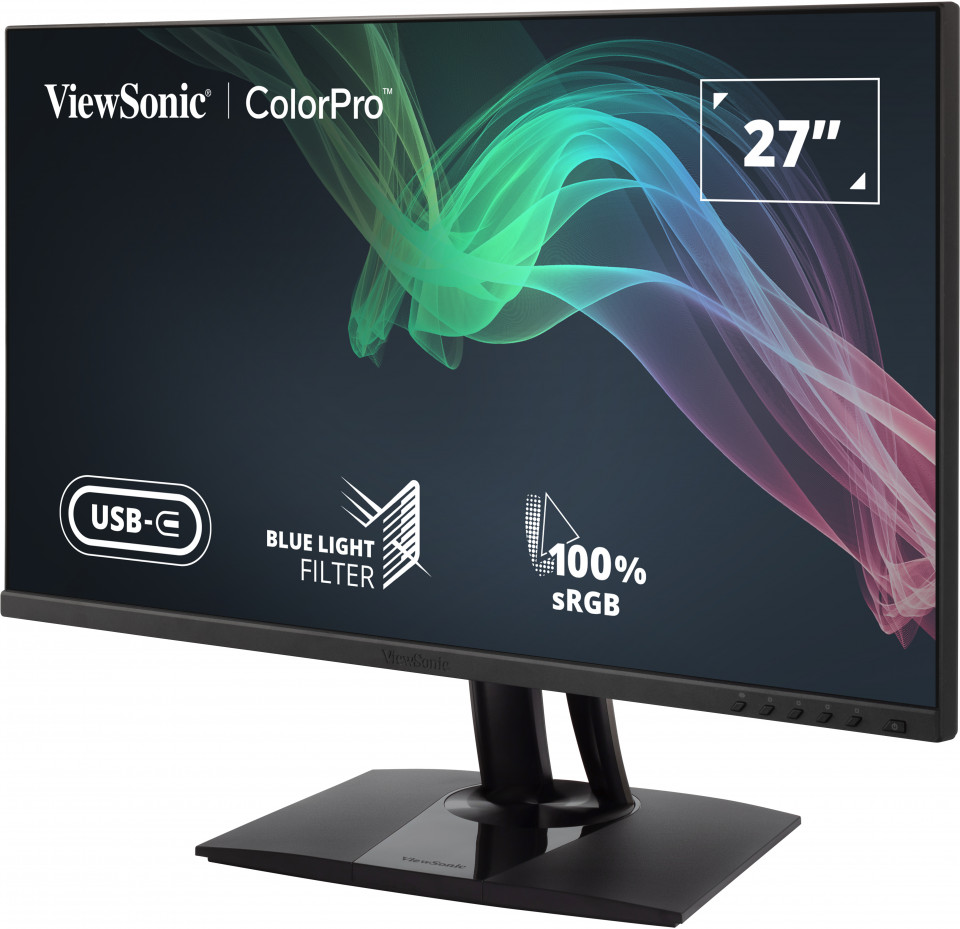
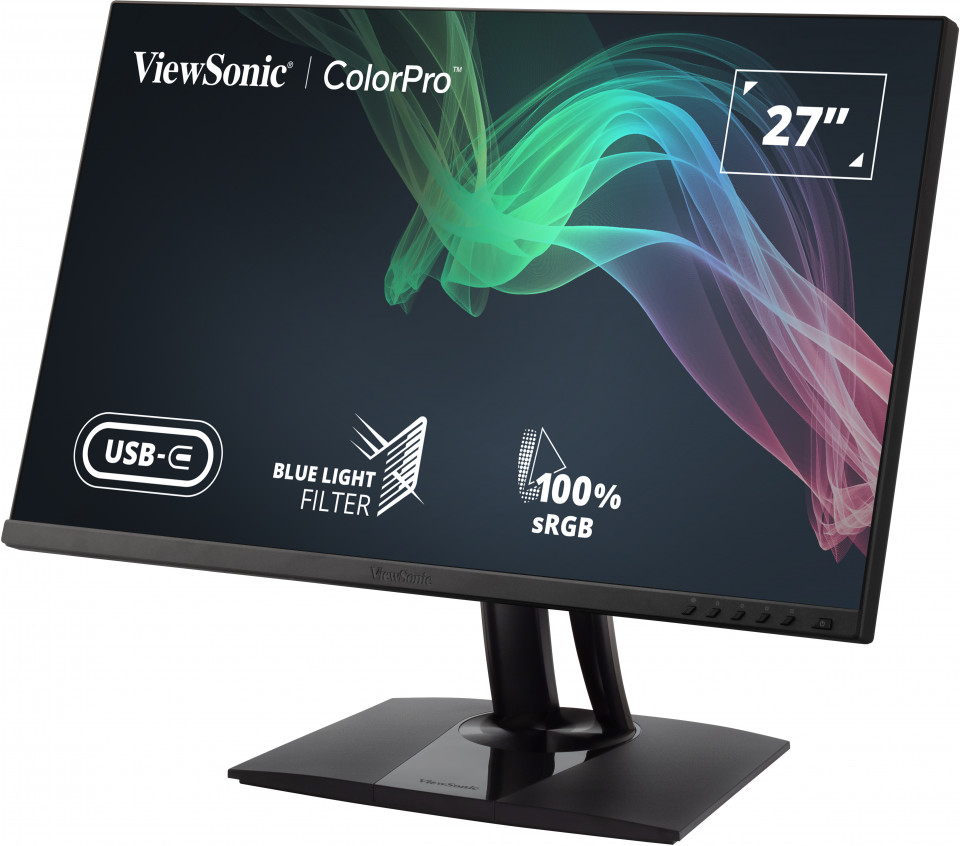
GALERIE PRODUSE
SPECIFICAȚII
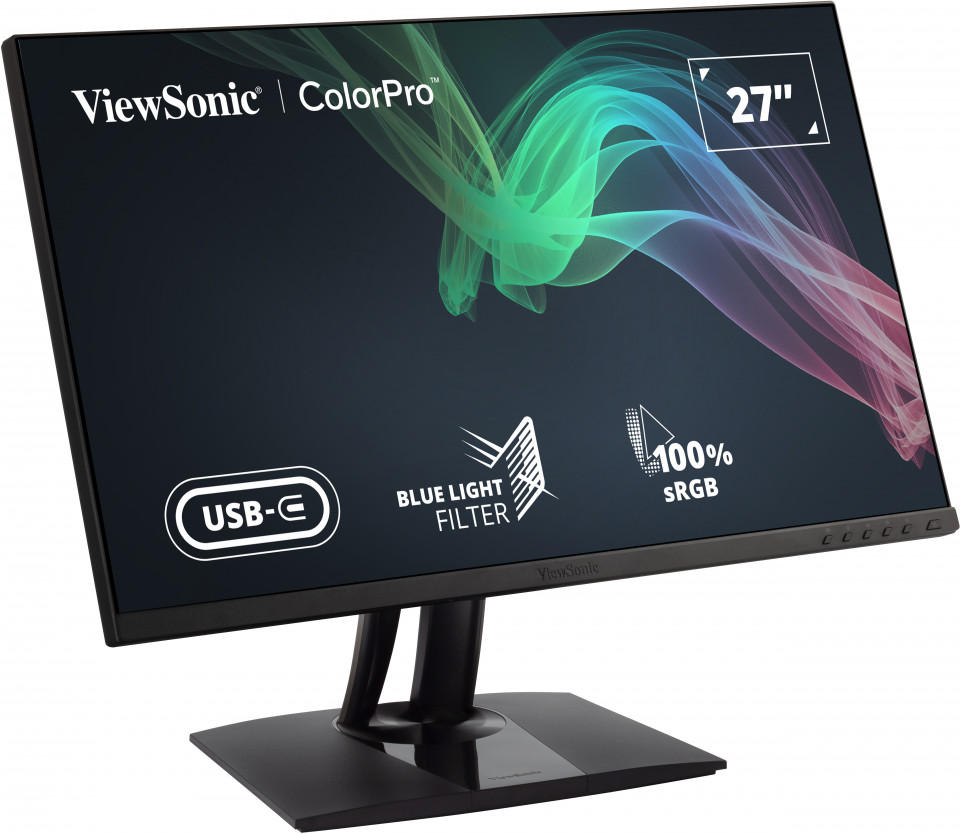
- DisplayDimensiune Display (încheiat): 27
Suprafață de vizualizare (inch): 27
Tip Panel: IPS Technology
Rezoluție: 2560 x 1440
Tip rezoluție: QHD (Quad HD)
Rata de contrast static: 1,000:1 (typ)
Rată de contrast dinamic: 20M:1
Sursă de lumină: LED
Luminozitate: 350 cd/m² (typ)
Colors: 16.7M
Color Space Support: 8 bit true
Aspect Ratio: 16:9
Timp de răspuns (GTG Tipic): 5ms
Timp de răspuns (GTG w/OD): 5ms
Unghiuri de vizualizare: 178º horizontal, 178º vertical
Durată de viață sursă iluminare fundal (ore): 30000 Hrs (Min)
Curbare: Flat
Rată de refresh (Hz): 60
Low Blue Light: Software solution
Flicker-Free: Yes
Color Gamut: Adobe RGB: 81% size / 78% coverage (Typ)
DCI-P3: 81% size / 81% coverage (Typ)
EBU: 108% size / 99% coverage (Typ)
REC709: 110% size / 100% coverage (Typ)
SMPTE-C: 118% size / 100% coverage (Typ)
NTSC: 78% size (Typ)
sRGB: 110% size / 100% (Supported) coverage (Typ)
Dimensiune Pixel: 0.233 mm (H) x 0.233 mm (V)
Tratament pentru protecția suprafeței: Anti-Glare, Hard Coating (3H) - CompatibilitateRezoluție PC (maximă): 2560x1440
Rezoluție Mac® (max): 2560x1440
Sistem de operare PC: Windows 10/11 certified; macOS tested
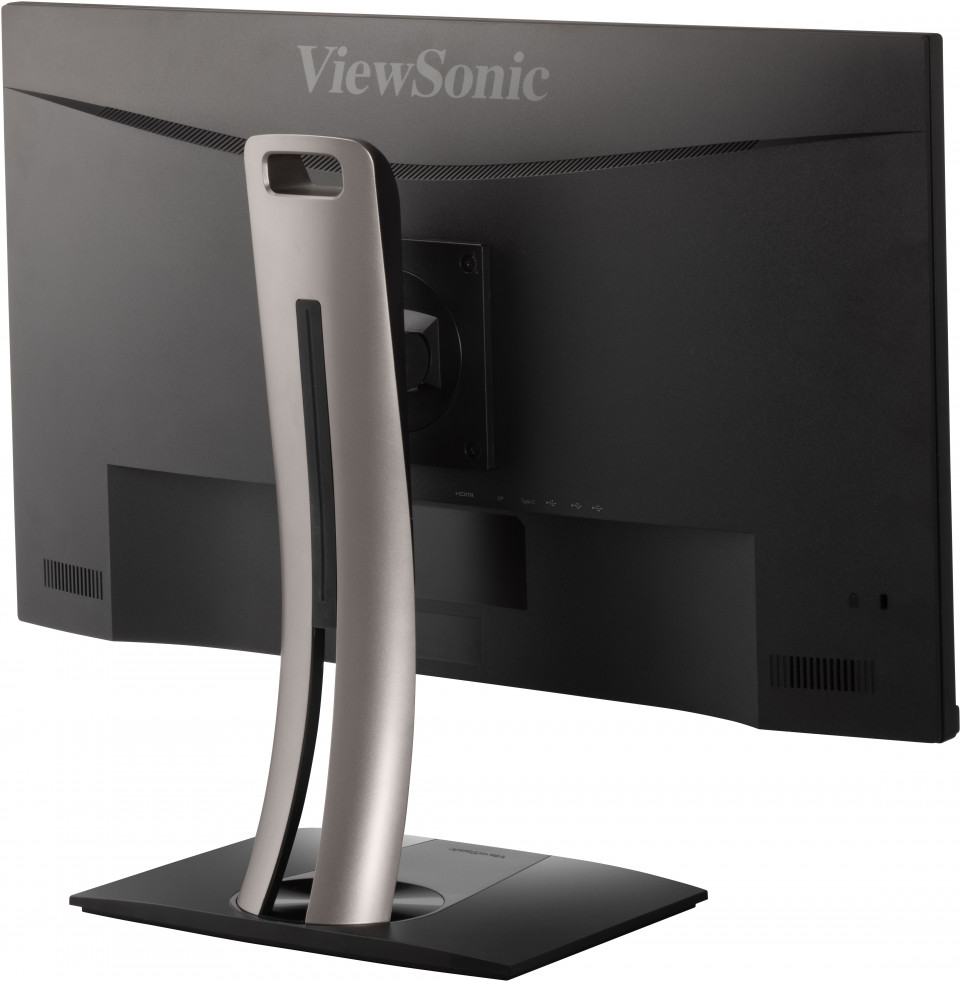
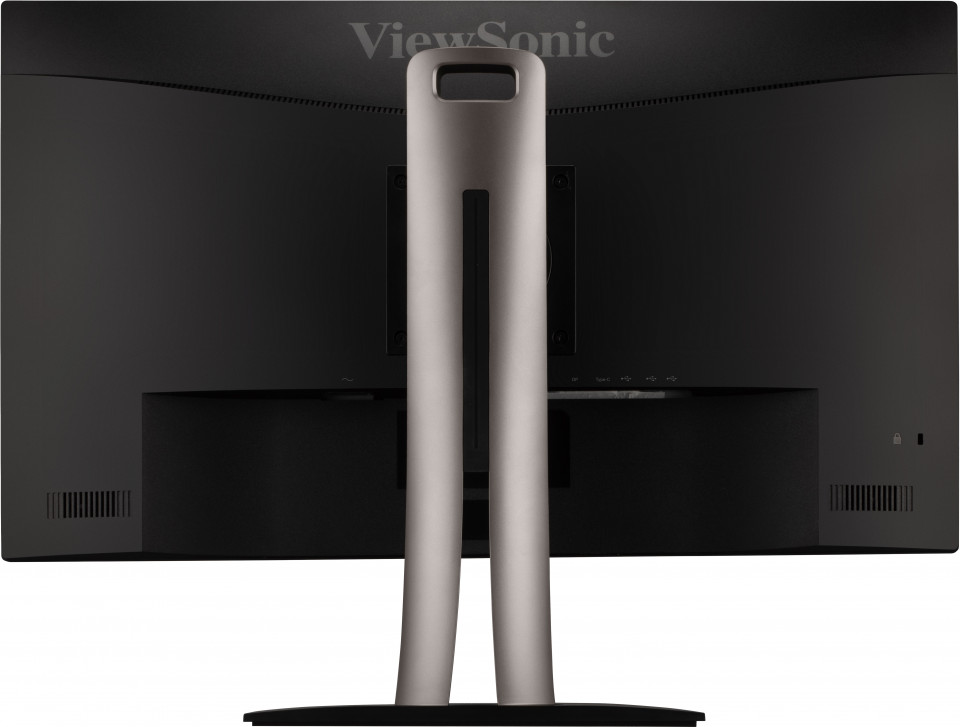
Rezoluție Mac® (min): 2560x1440 - ConectorUSB 3.2 Tip A Flux descendent: 2
USB 3.2 Tip B Flux ascendent: 1
USB 3.2 Tip C Up Stream; Mod DisplayPort Alt: 1 (60W power charger)
HDMI 1.4: 1
Display Port: 1
Putere intrare: 3-pin Socket (IEC C14 / CEE22)
- AudioDifuzoare interne: 2Watts x2
- PutereMod Eco (Menținut): 16.5W
Eco Mode (optimized): 19.3W
Consum (tipic): 22.5W
Consum (max): 34W
Voltaj: AC 100-240V
Stand-by: 0.3W
Sursă: Internal Power Supply - Hardware extraSlot blocaj Kensington: 1
Cable Organization: Yes - ControaleComenzi fizice: Key 1, Key 2, Key 3, Key 4, Key 5, Key 6 (power)
On Screen Display (OSD): Input Select, Audio Adjust, ViewMode, Color Adjust, Manual Image Adjust, Setup Menu - Condiții de funcționareTemperatură: 32°F to 104°F (0°C to 40°C)
Umiditate (lipsă condens): 20% to 90% - Adaptor de prizăCompatibil VESA: 100 x 100 mm
- Semnal intrareFrecvență orizontală: 15 ~ 130KHz
Frecvență verticală: 24 ~ 75Hz - Intrare videoDigital Sync: TMDS - HDMI (v1.4), PCI-E - DisplayPort (v1.2), Micro-Packet - Type C
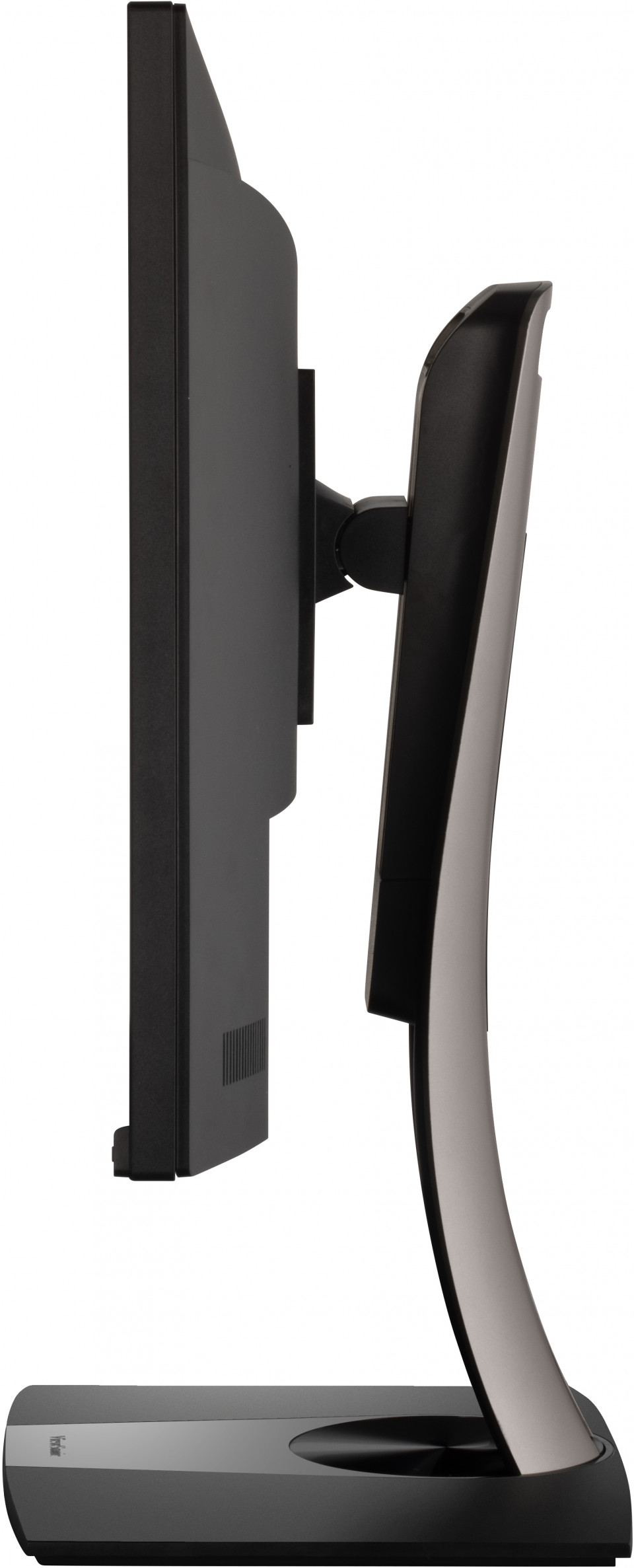
- ErgonomieAjustare înălțime (mm): 130
Pivotant: 120º
Înclinare (față/spate): -5º / 21º
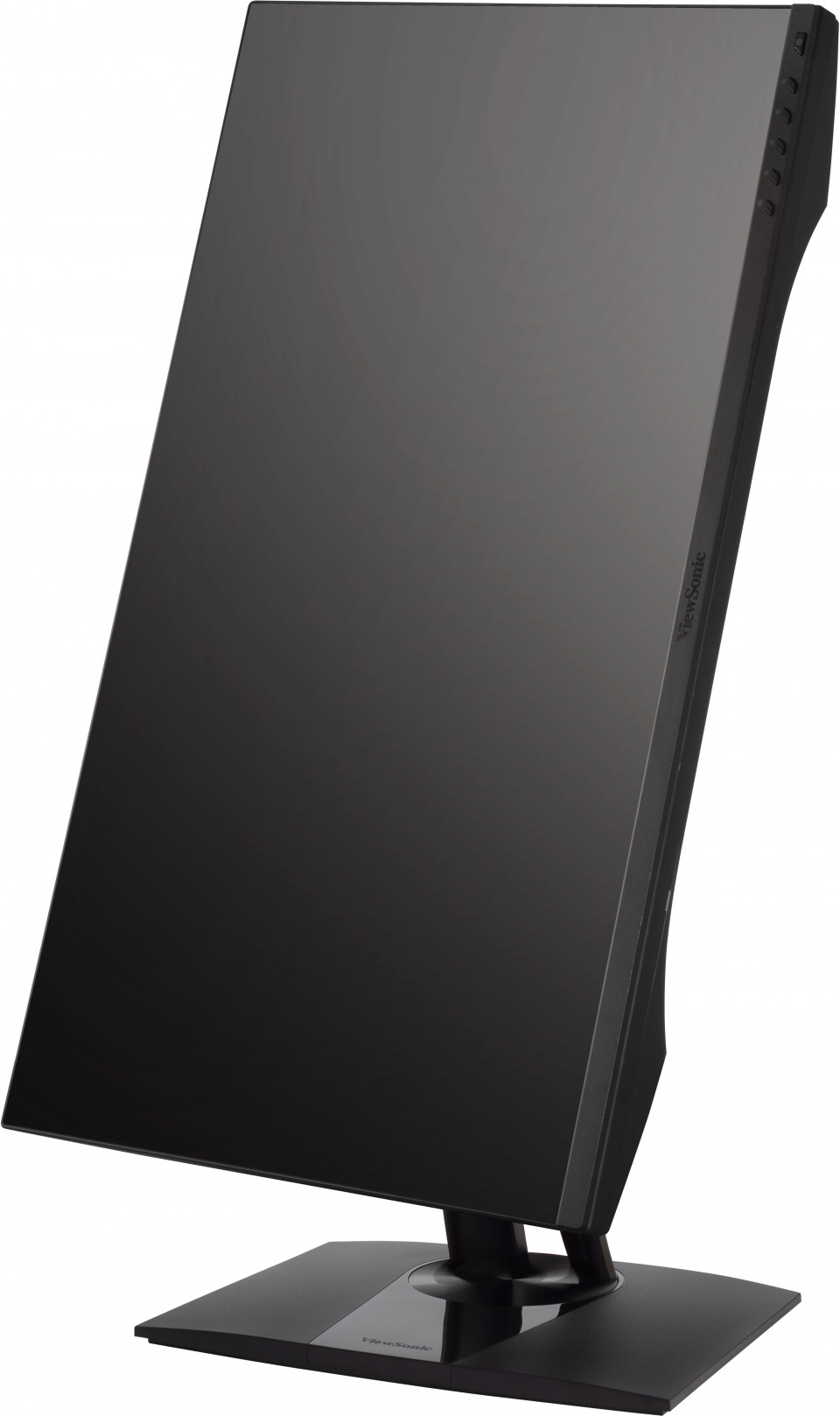
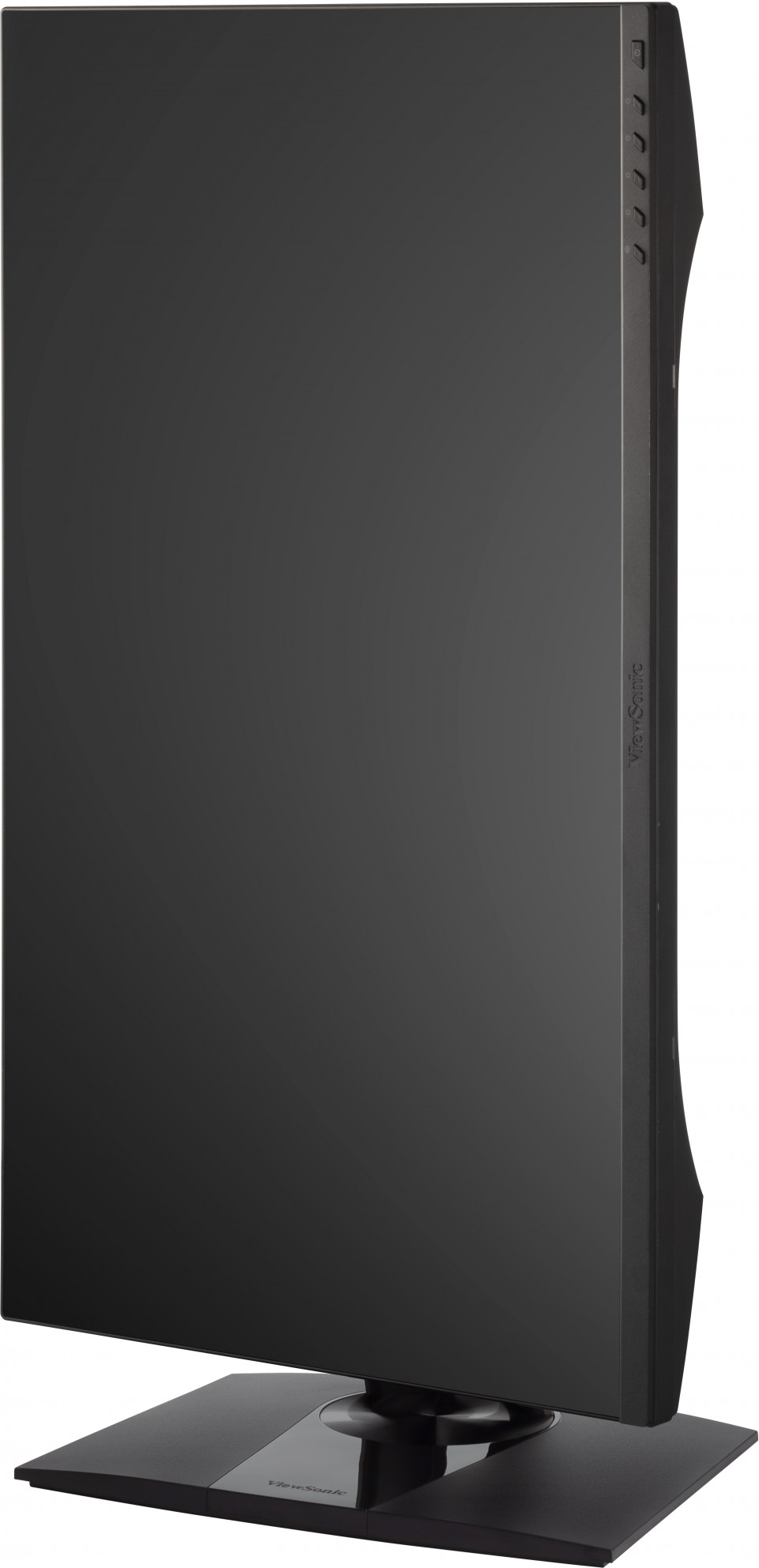
Pivot (Dreapta/ Stânga): 90º / 90º - Greutate (imperial)Masă (Ibs): 15.1
Greutate fără stand (Ibs): 9.8
Greutate (Ibs): 21 - Greutate (metric)Masă (kg): 6.9
Greutate fără stand (kg): 4.4
Greutate (kg): 9.5 - Dimensiuni (imperial) (wxhd)Ambalare (în.): 29.1 x 18.3 x 8.9
Dimensiuni (înch): 24.1 x 16.15~21.27 x 8.5
Dimensiune fără stand (inch): 24.1 x 14.3 x 2.1 - Dimensiuni (metric) (wxhd)Ambalare (mm): 740 x 465 x 225
Dimensiuni (mm): 613 x 410.31~540.31 x 215
Dimensiune fără stand (mm): 613 x 363 x 53 - GeneralReguli: cTUVus, FCC-B, ICES003, Energy Star, EPEAT, CEC, CE, CE EMC, CB, RoHS, ErP, REACH, WEEE, EAC, UkrSEPRO
CONȚINUT PACHET: VP2756-2K x1, 3-pin Plug (IEC C13 / CEE22) x1, HDMI Cable (v1.4; Male-Male) x1, USB Type-C Cable (Male-Male) x1, USB A/B Cable (v3.2; Male-Male) x1, Quick Start Guide x1
Coș de gunoi: Please dispose of in accordance with local, state or federal laws.
Garanție: *Warranty offered may differ from market to market
Power Management: Energy Star standards, EPEAT
SUPORT & DESCĂRCĂRI
Datasheets
Ghiduri de utilizare
VP2756-2K User Guide (Română)
VP2756-2K User Guide (Online View)
Vezi toate limbile
VP2756-2K User Guide (Bahasa Indonesia)VP2756-2K User Guide (Dansk)VP2756-2K User Guide (Deutsch)VP2756-2K User Guide (English)VP2756-2K User Guide (Español )VP2756-2K User Guide (Français)VP2756-2K User Guide (Hrvatski)VP2756-2K User Guide (Italiano)VP2756-2K User Guide (Magyar)VP2756-2K User Guide (Nederlands)VP2756-2K User Guide (Norsk)VP2756-2K User Guide (Polski)VP2756-2K User Guide (Português)VP2756-2K User Guide (Srpski)VP2756-2K User Guide (Suomi)VP2756-2K User Guide (Svenska)VP2756-2K User Guide (Türkçe)VP2756-2K User Guide (Česky)VP2756-2K User Guide (Ελληνικά)VP2756-2K User Guide (Български)VP2756-2K User Guide (Русский)VP2756-2K User Guide (Українська)VP2756-2K User Guide (日本語)VP2756-2K User Guide (简体中文)VP2756-2K User Guide (繁體中文)VP2756-2K User Guide (한국어)VP2756-2K User Guide (ﺍﻟﻌﺭﺑﻳﺔ)
Ghid de inițiere rapidă
Driver și software
Colorbration+(Mac) downloadColorbration+(Win) downloadColorbration+_v1.1.0.5(Mac, English) downloadColorbration+_v1.1.0.5(Win, English) downloadStandard Monitor Driver Signed Windows 10 x64Standard Monitor Driver Signed Windows 10 x86Standard Monitor Driver Signed Windows 11 x64Standard Monitor Driver Signed Windows 7Standard Monitor Driver Signed Windows 7 x64Standard Monitor Driver Signed Windows 8 x64Standard Monitor Driver Signed Windows 8 x86Standard Monitor Driver Unsigned WindowsStandard Monitor Driver Unsigned Windows x64vDisplay Manager 2.0 (Mac) DownloadvDisplay Manager User Guide (English)vDisplay Manager2.0 (Win) Download