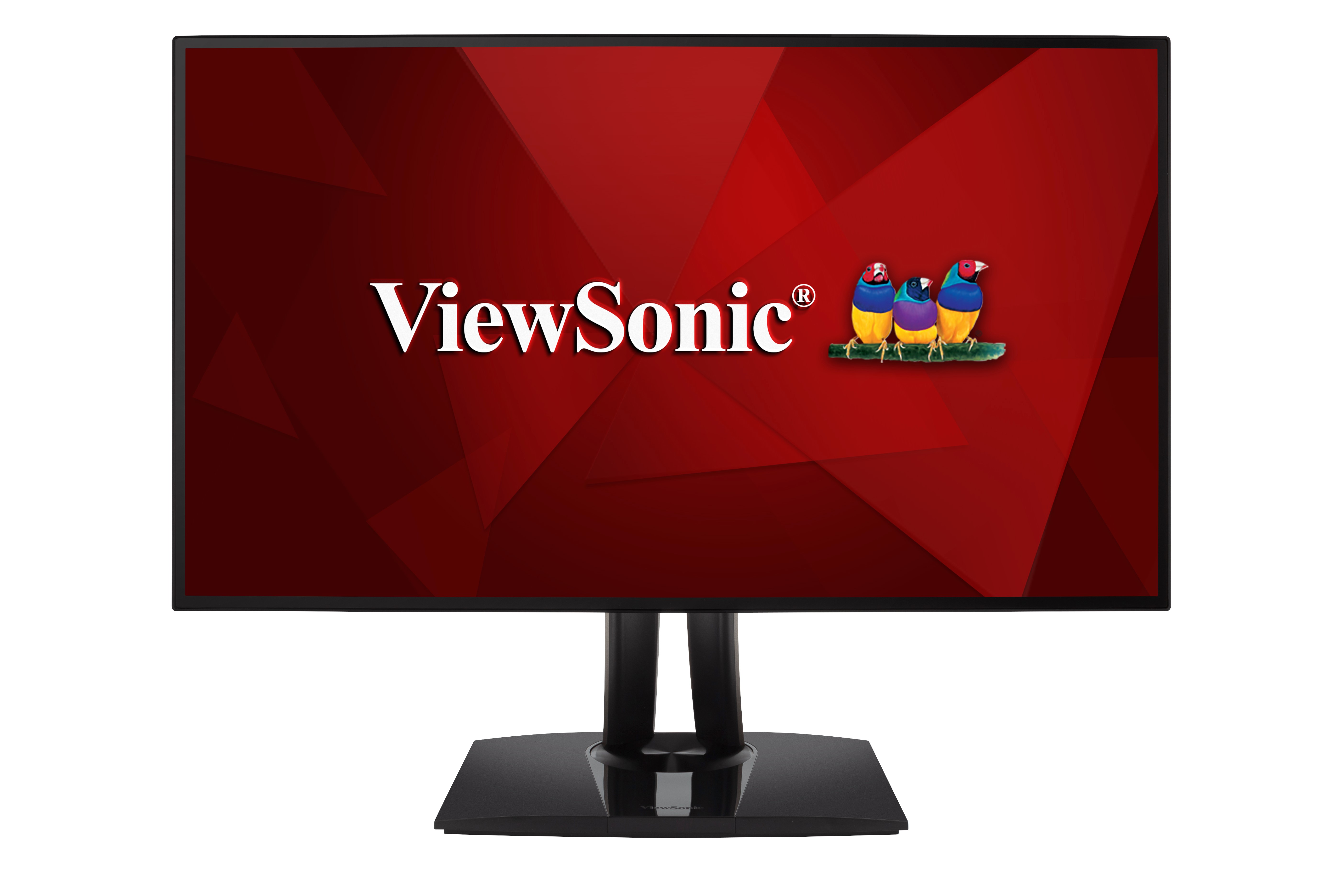
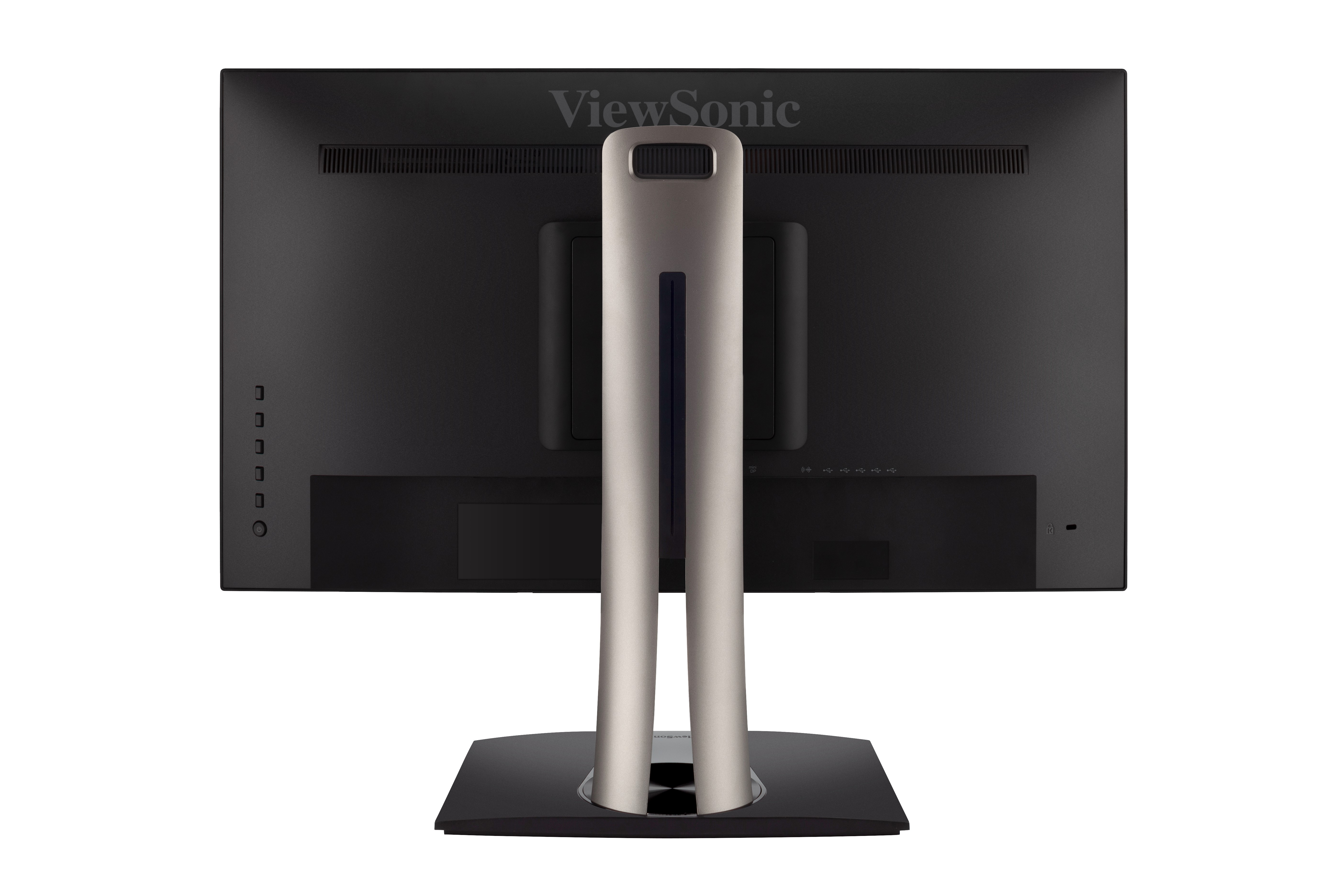
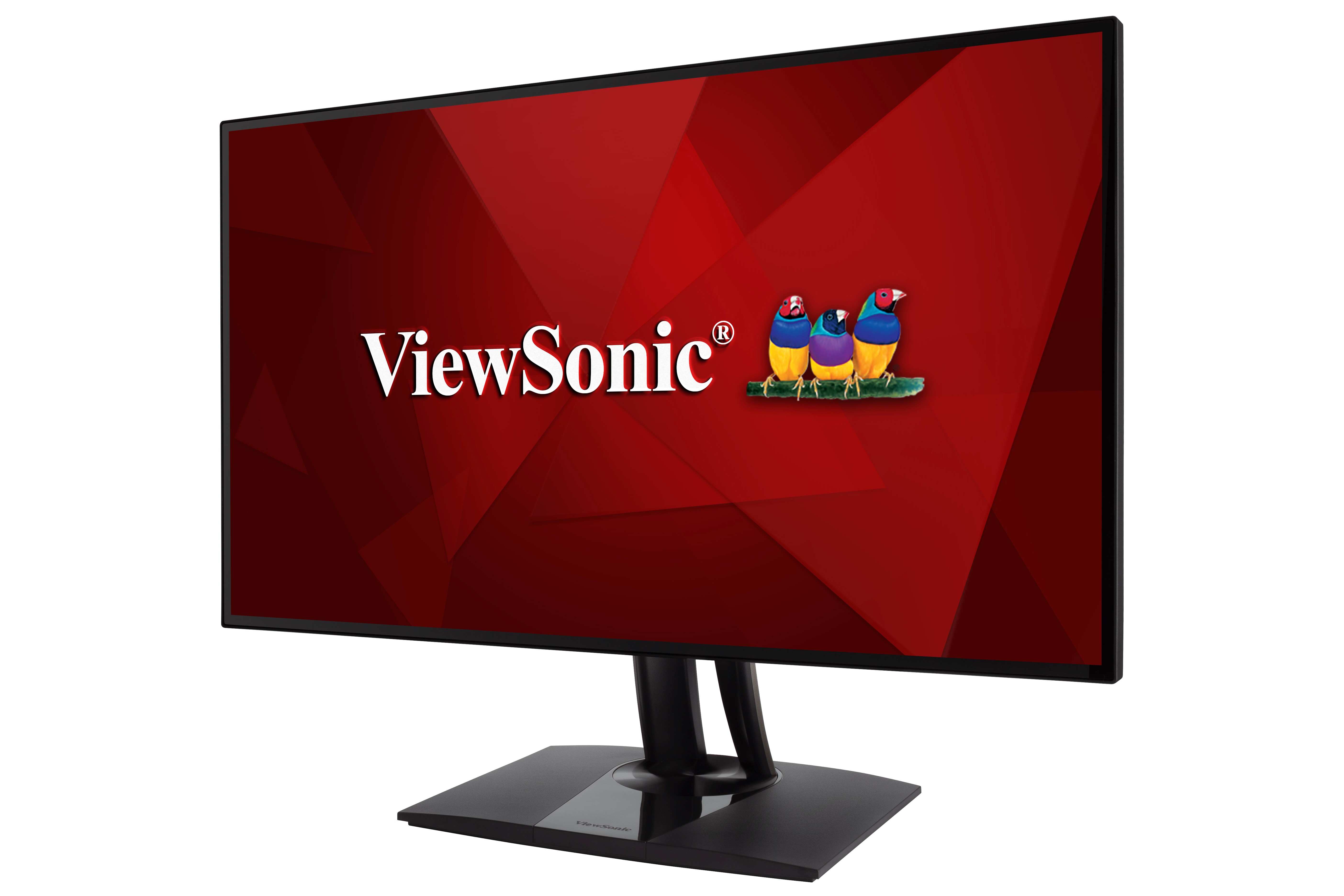
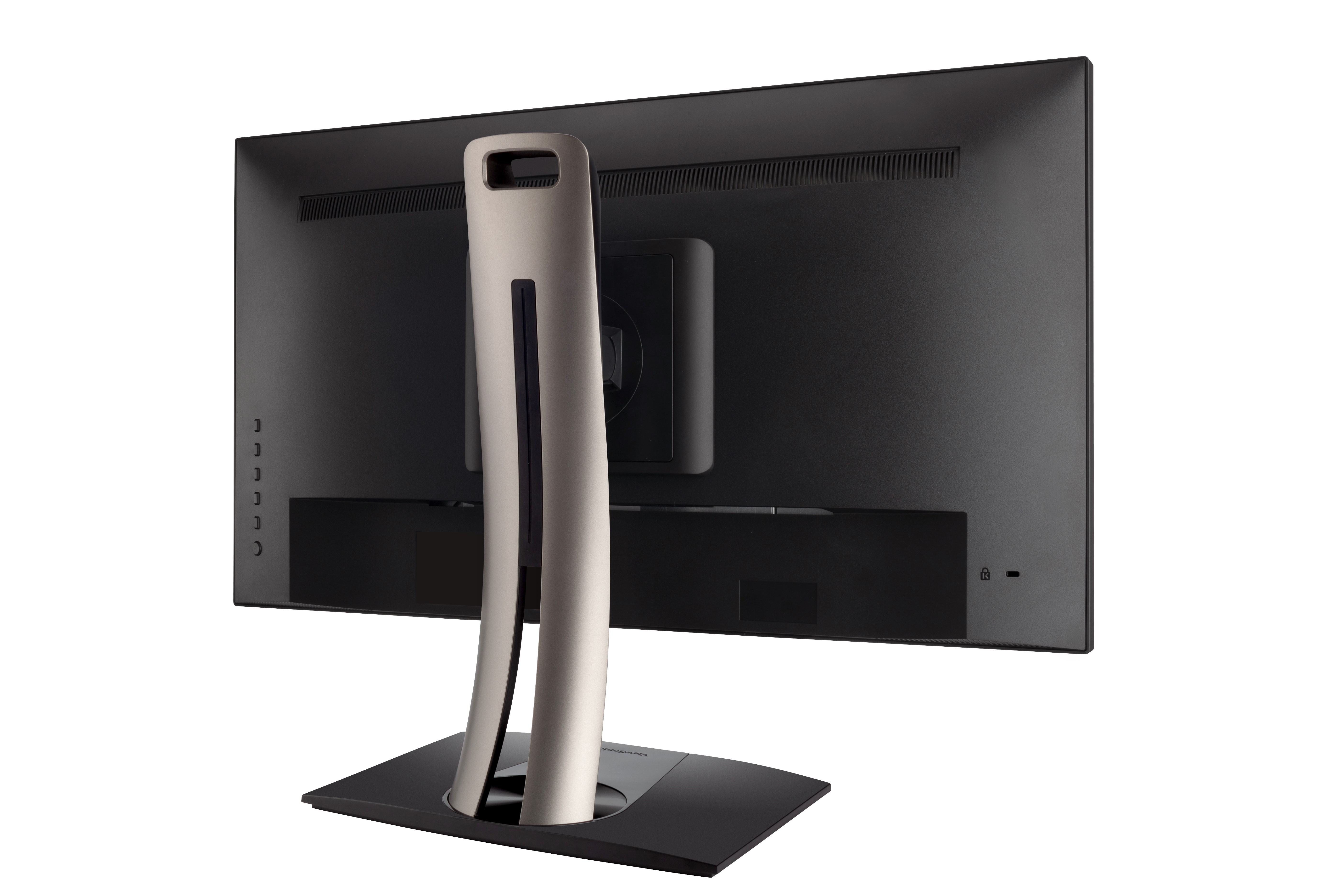
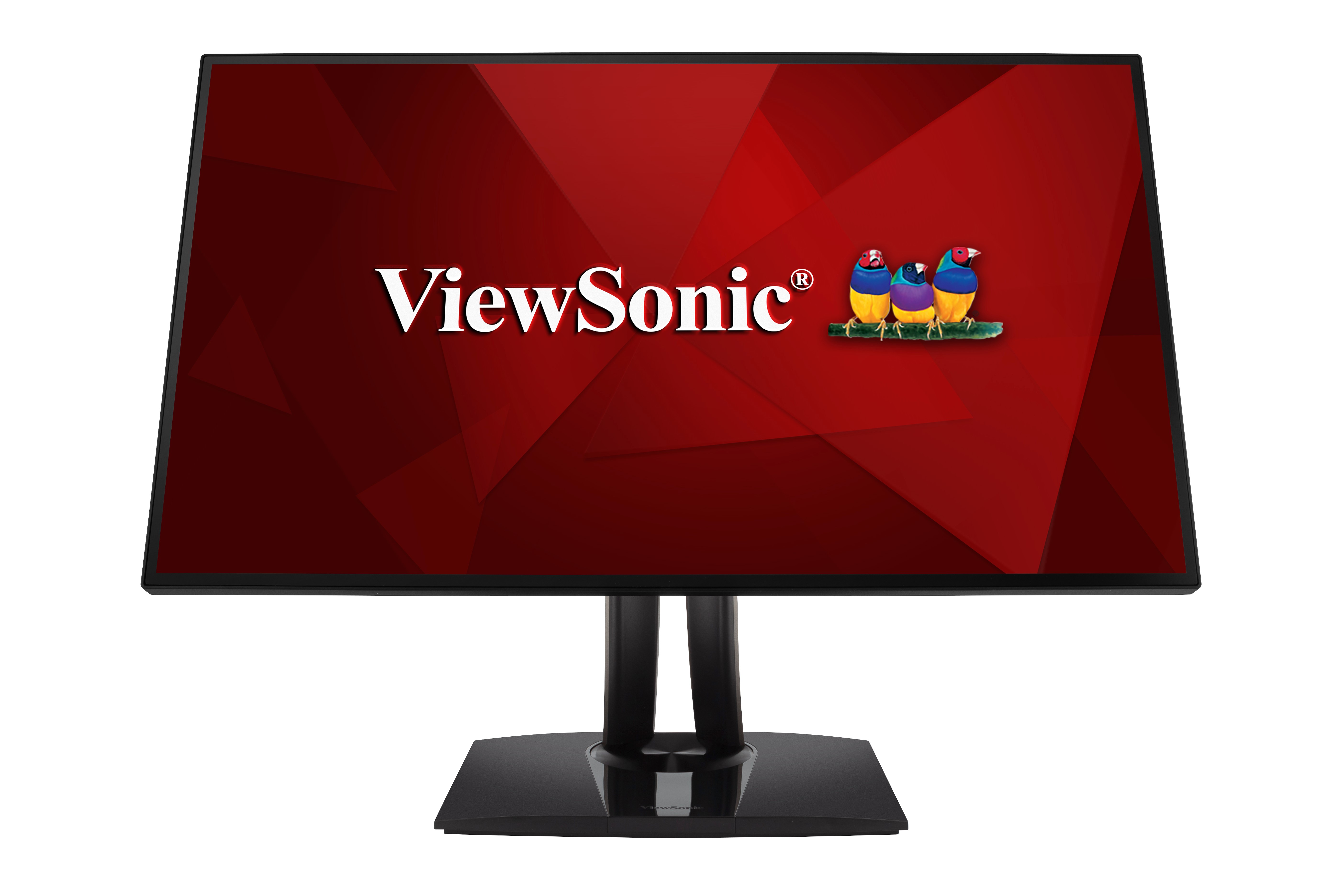
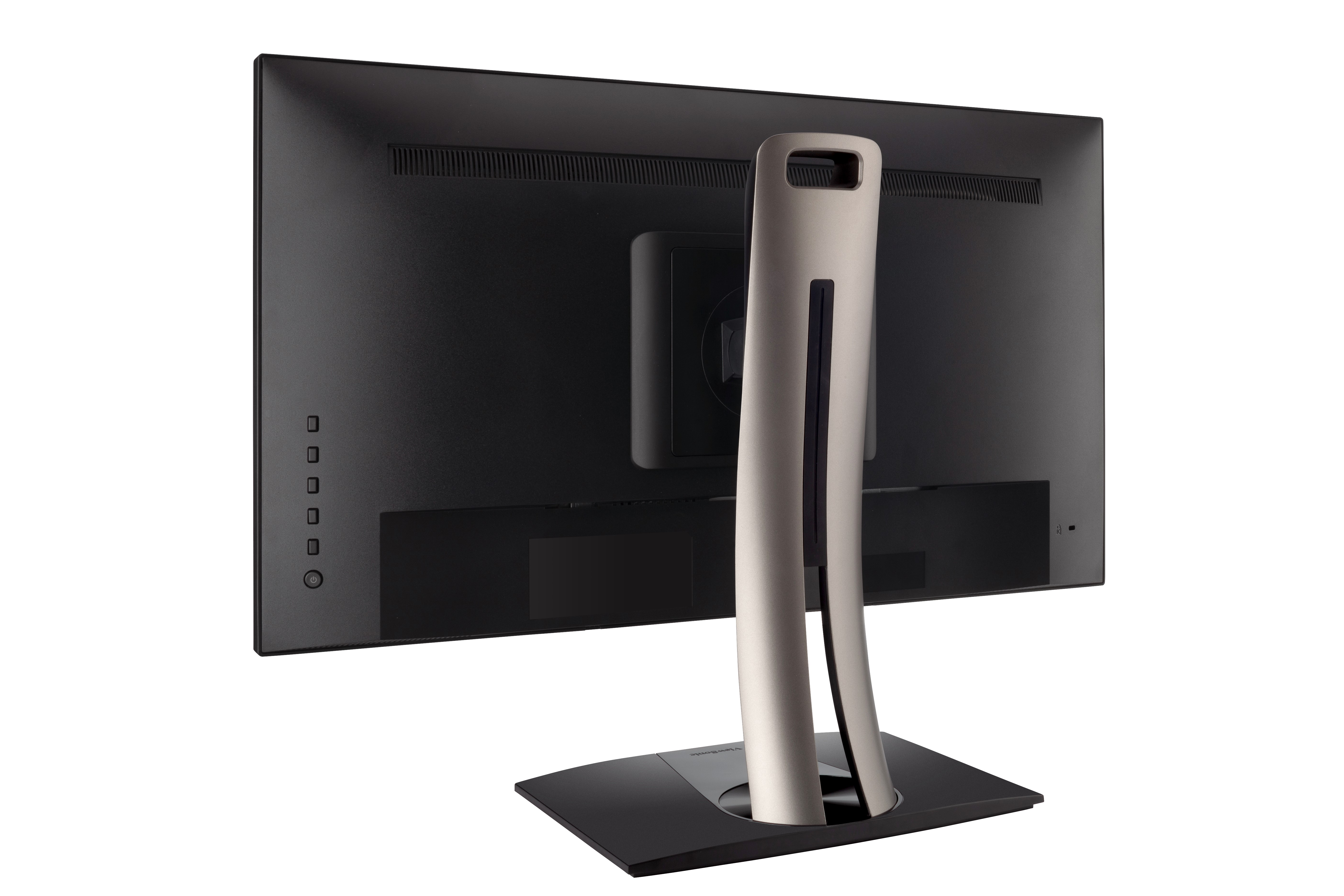
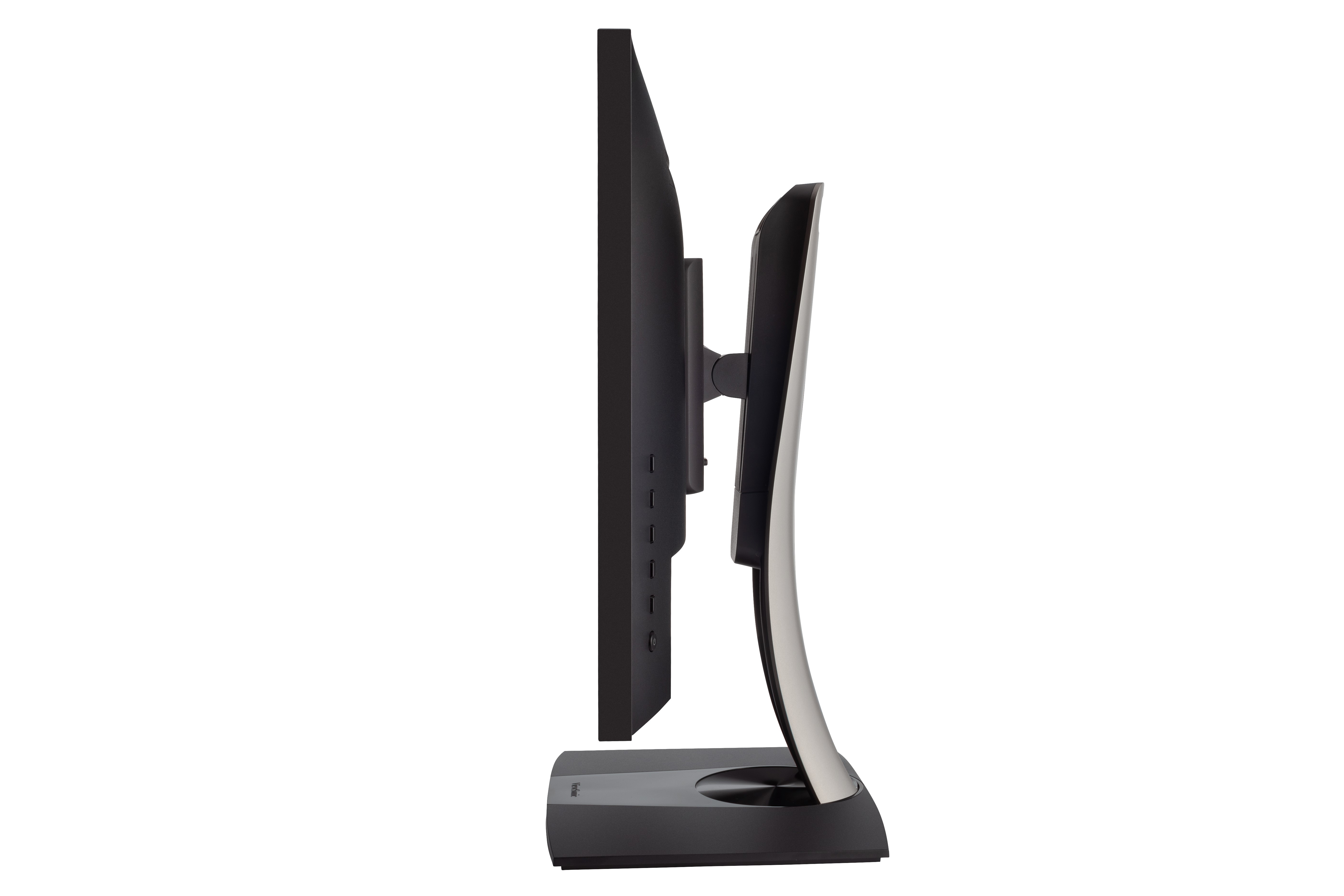
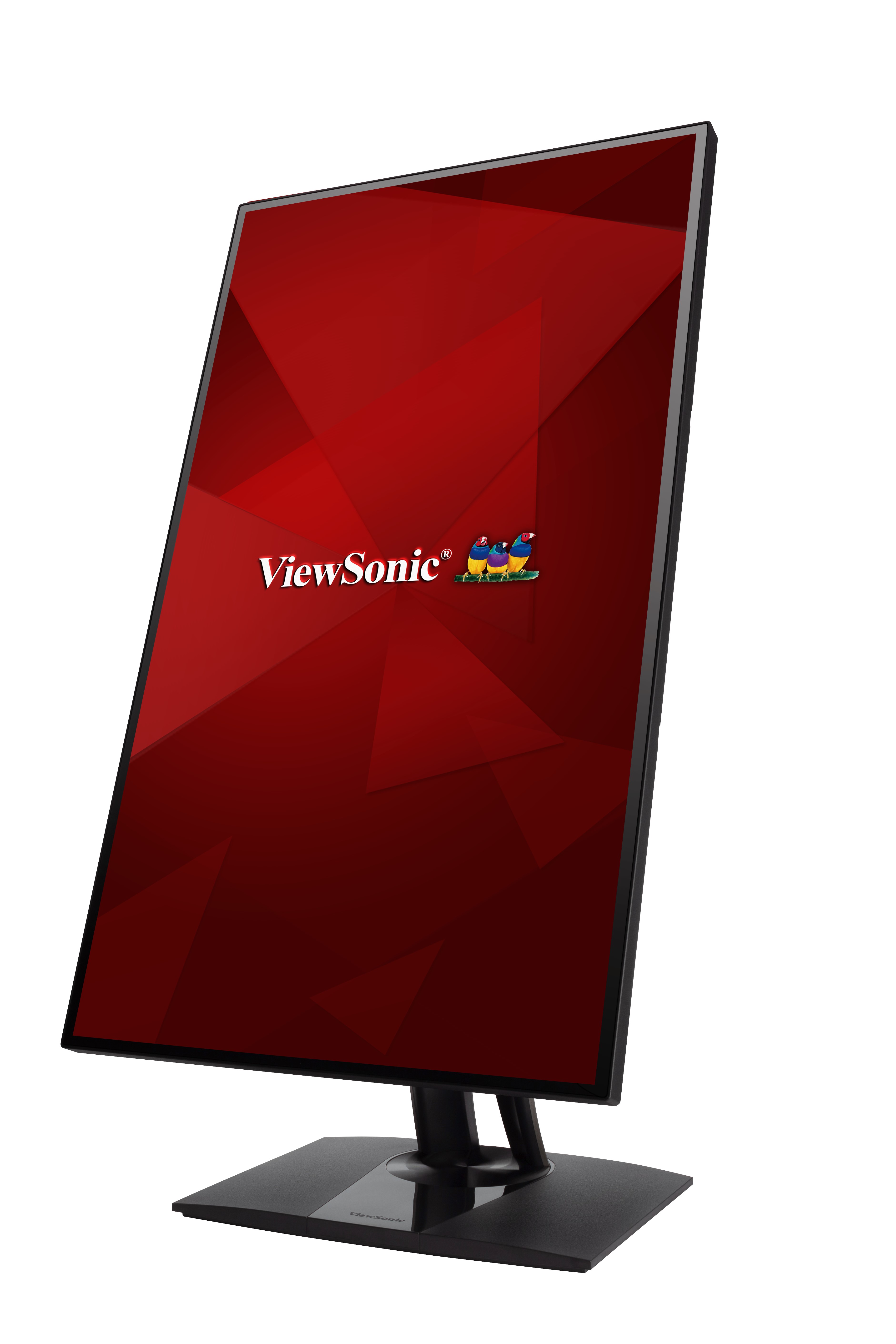
“According to ViewSonic, the VP2768-4K professional color critical 4K monitor should have no problem meeting the needs of colorists and post production specialists — and based on what we’ve seen, we’d agree. That’s why it’s taking home our Best Monitor of CES 2018 award.” - VideoMaker “This 27-inch display features a 4K UHD resolution of 3840 x 2160 and offers Thunderbolt 3 connectivity, promising a fast and versatile connection with speeds up to 40 gigabits per second and a refresh rate of 60Hz.” - VideoMaker”
TERMÉKGALÉRIA
SPECIFIKÁCIÓK
- MegjelenítésKijelző mérete (in.): 27
Látható terület (in.): 27
Panel típus: IPS Technology
Felbontás: 3840 x 2160
Felbontás típusa: UHD (Ultra HD)
Statikus kontrasztarány: 1,300:1 (typ)
Dinamikus kontrasztarány: 20M:1
Fényforrás: LED
Fényerő: 350 cd/m² (typ)
Colors: 1.07B
Color Space Support: 10 bit (8 bit + A-FRC)
Képarány: 16:9
Válaszidő (tipikus GTG): 5ms
Válaszidő (GTG w/OD): 5ms
Betekintési szögek: 178º horizontal, 178º vertical
Háttérvilágítás élettartama (óra): 30000 Hrs (Min)
Görbület: Flat
Frissítési sebesség (Hz): 60
Kék fény szűrő: Yes
Villódzásmentes: Yes
Color Gamut: DCI-P3: 81% coverage (Typ)
EBU: 108% size / 99% coverage (Typ)
REC709: 109% size / 100% coverage (Typ)
SMPTE-C: 118% size / 100% coverage (Typ)
NTSC: 78% size (Typ)
sRGB: 109% size / 100% coverage (Typ)
Pixel méret: 0.155 mm (H) x 0.155 mm (V)
Felületkezelés: Anti-Glare, Hard Coating (3H) - KompatibilitásPC felbontás (max): 3840x2160
Mac® felbontás (max): 3840x2160
PC operációs rendszer: Windows 7/8/8.1/10 certified; macOS tested
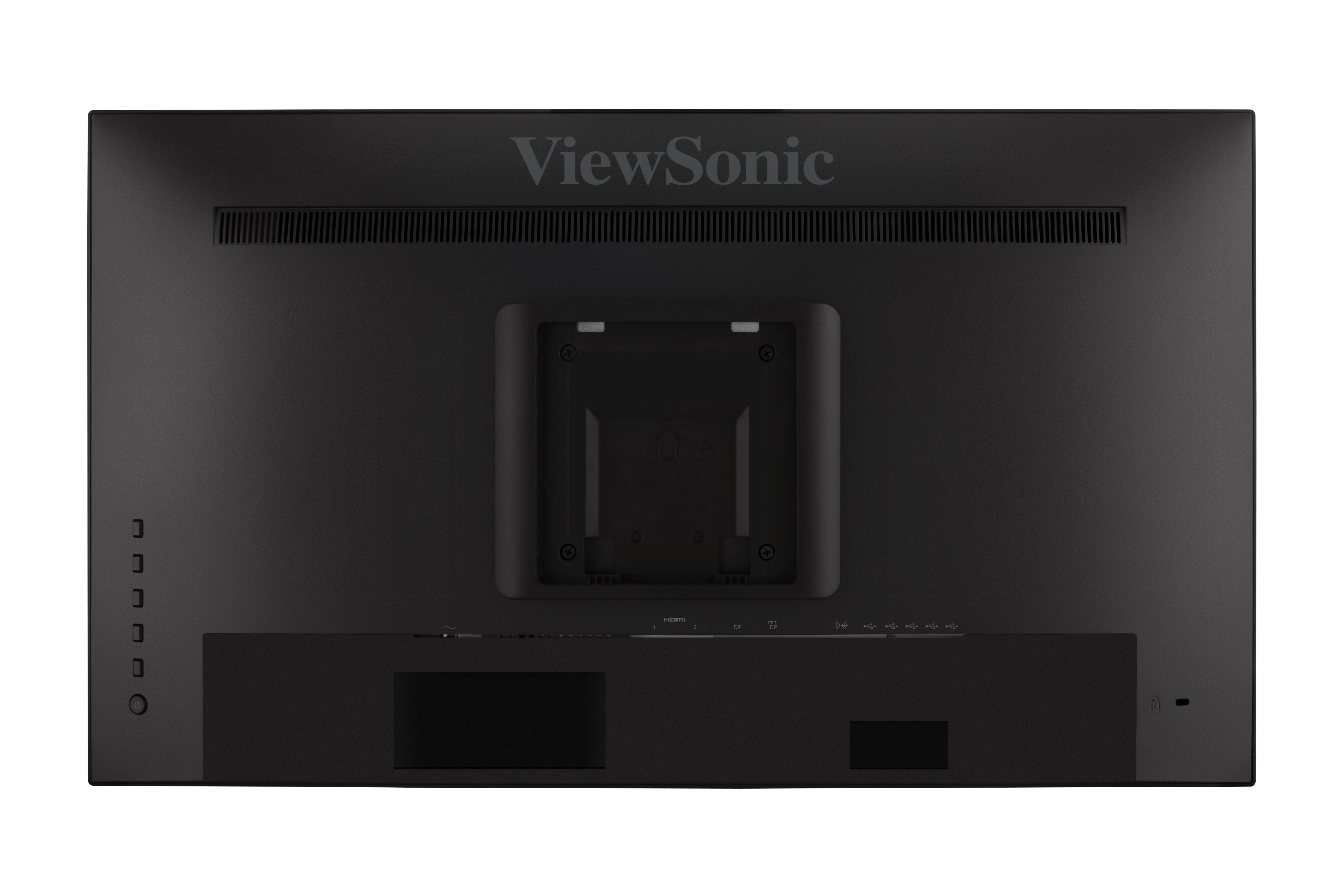
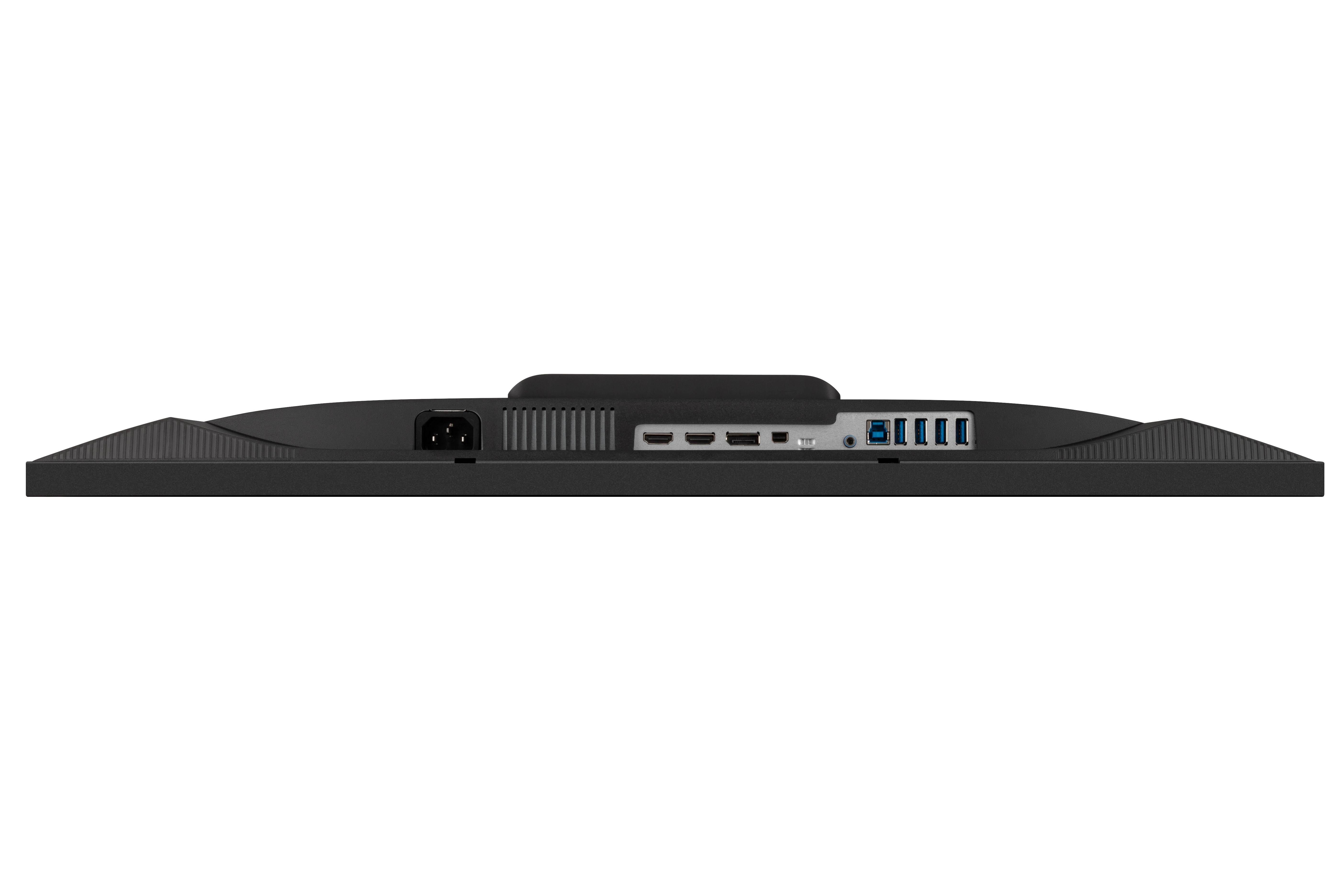
Mac® felbontás (min): 3840x2160 - CsatlakozóUSB 3.2 Type A Down Stream: 4
USB 3.2 Type B Up Stream: 1
3,5 mm-es audio kimenet: 1
HDMI 2.0 (with HDCP 2.2): 2
DisplayPort: 1
Mini DisplayPort: 1
Bemeneti áram: 3-pin Socket (IEC C14 / CEE22)
- TeljesítményEco mód (takarékos üzemmód): 29W
Eco Mode (optimized): 38.5W
Fogyasztás (tipikus): 46W
Fogyasztás (maximum): 48W
Feszültség: AC 100-240V
készenlét: 0.3W
Tápegység: Internal Power Supply - Kiegészítő hardverKensington lakat csatlakozó: 1
Cable Organization: Yes - VezérlőkFizikai kapcsolók: Key 1, Key 2, Key 3, Key 4, Key 5, Key 6 (power)
Képernyőn megjelenő kijelző: Input Select, Audio Adjust, ViewMode, Color Adjust, Manual Image Adjust, Setup Menu - Működési környezetHőmérséklet: 32°F to 104°F (0°C to 40°C)
Páratartalom (nem kondenzáló): 20% to 90% - Wall Mount VESA-kompatibilis: 100 x 100 mm
- Bemeneti jelVízszintes frekvencia: 15 ~ 136KHz
Függőleges frekvencia: 24 ~ 75Hz - Videó bemenetDigitális szinkronizálás: TMDS - HDMI (v2.0), PCI-E - DisplayPort (v1.2), PCI-E - mini DisplayPort (v1.2)
- ErgonómiaMagasság állítása (mm): 130
Forgatható: 120º
Dőlés (előre/hátra): -5º / 21º
Pivot (jobbra/balra): 90º / 90º - Tömeg (angolszász)Nettó (font): 15.2
Nettó állvány nélkül (font): 9.3
Bruttó (font): 22.3 - Weight (metric) Nettó (kg): 6.9
Nettó állvány nélkül (kg): 4.2
Bruttó (kg): 10.1 - Méretek (angolszász) (szxhxm)Csomagolás (in.): 28.3 x 18.1 x 10.6
Fizikai (in.): 24.1 x 16.16~21.28 x 8.5
Méretek állvány nélkül (in.): 24.1 x 13.9 x 2 - Méretek (metrikus) (szxhxm)Csomagolás (mm): 720 x 460 x 268
Fizikai (mm): 613 x 410.56~540.56 x 215
Méretek állvány nélkül (mm): 613 x 353 x 50 - ÁltalánosCSOMAG TARTALMA: VP2768-4K x1, 3-pin Plug (IEC C13 / CEE22) x1, mini DisplayPort to DisplayPort Cable (v1.2; Male-Male) x1, USB A/B Cable (v3.2; Male-Male) x1, Quick Start Guide x1
Újrahasznosítás/ártalmatlanítás: Please dispose of in accordance with local, state or federal laws.
Garancia: *Warranty offered may differ from market to market
Energiagazdálkodás: Energy Star standards, EPEAT