Ahead of The Curve
Superior Color Precision
High-Grade Color Accuracy and Monitor Calibratio
Industry Standard Color
Color accuracy means everything, whether you're a designer, video editor, or just doing business. With a color gamut 26% greater than 100% sRGB and Rec.709. Users are guaranteed consistent color reproduction for any demand. See the realist, most vivid, and accurate color results possible.
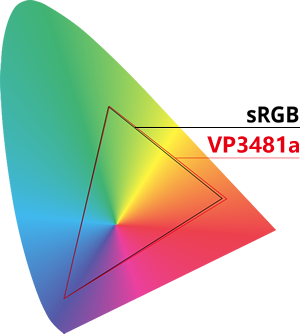
*Percentages have been rounded to the nearest integer and calculated using specifications as provided by the panel makers.
Colorbration+ Long-term Color Consistency
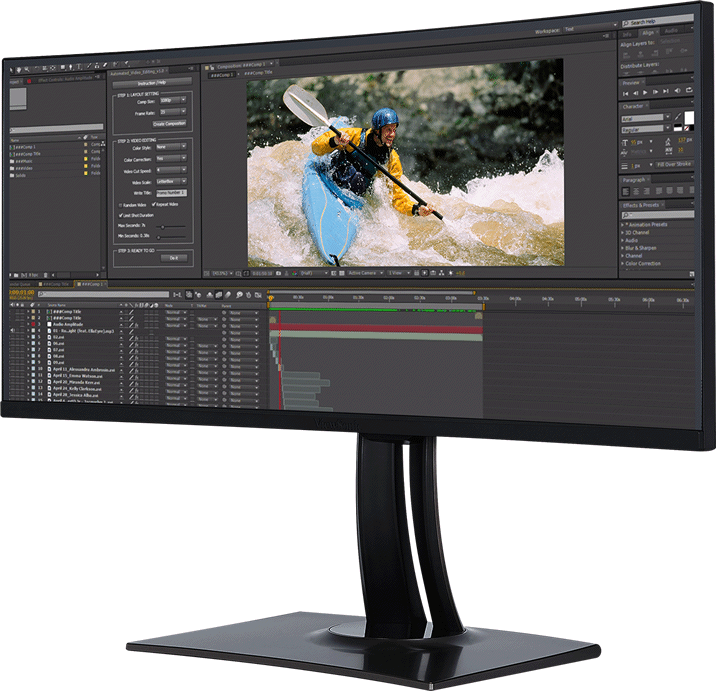
ViewSonic’s Colorbration+ offers hardware calibration that aligns communication between the graphics card and the monitor to ensure long-term consistency and accurate colors on ViewSonic ColorPro monitors.
*Supported calibrators:- ccDISPLAY PRO/ X-Rite i1 Display Pro
- X-Rite i1 Pro 2
- ccSTUDIO/ i1 Studio/ X-Rite i1 Studio
- Datacolor Spyder X Series
- ccSTUDIO/ i1 Studio/ X-Rite ColorMunki Photo
- ccSTUDIO/ i1 Studio/ X-Rite ColorMunki Design
Please install the Colorbration+ software before activating the calibration function.

Flawless Color Reproduction
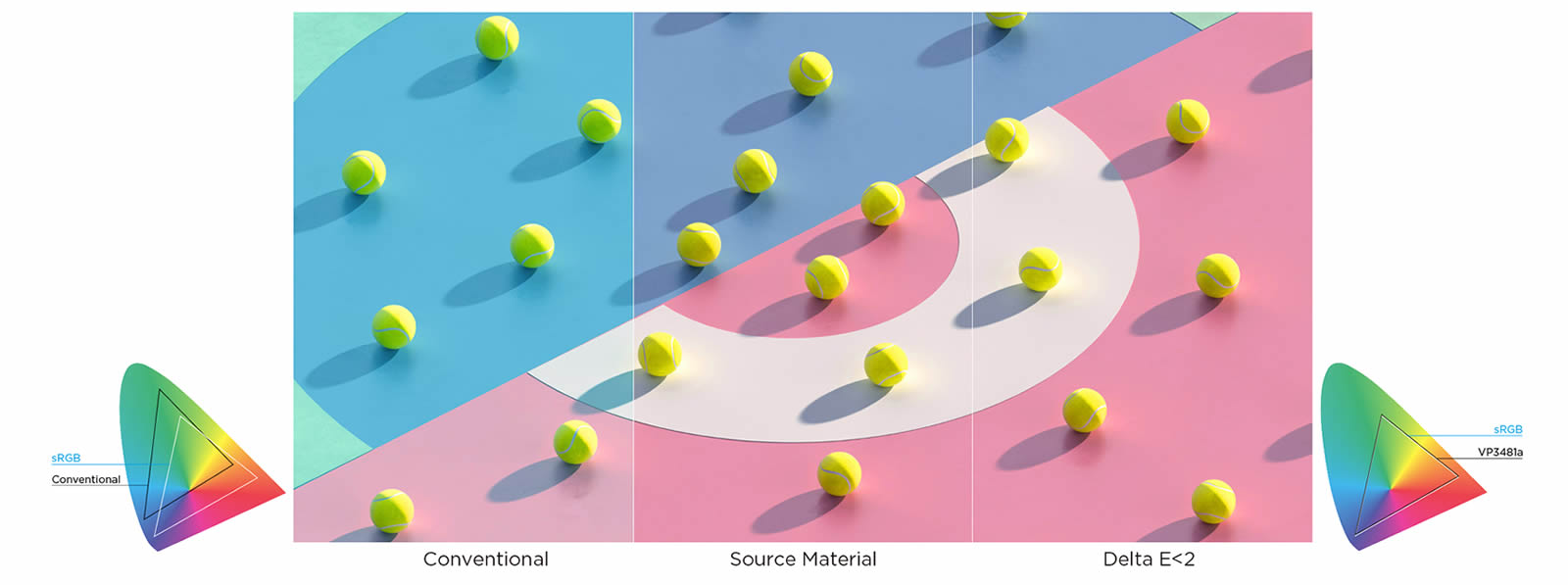
With Delta E<2 color accuracy, the VP3481a delivers stunning color reproduction that ensures colors in your videos and photos are true-to-life and nearly indistinguishable from the color seen by the naked eye.
Pantone® Validated
VP3481a is Pantone Validated evaluated by Pantone, the leading global color authority. This means the ViewSonic VP3481a delivers high display color fidelity in simulating the full range of real-world Pantone Matching SystemTM colors.
 PANTONE® Colors generated may not match PANTONE-identified standards.
Consult current PANTONE Publications for accurate color.
PANTONE® and other Pantone trademarks are the property of Pantone LLC.
©Pantone LLC, 2020.
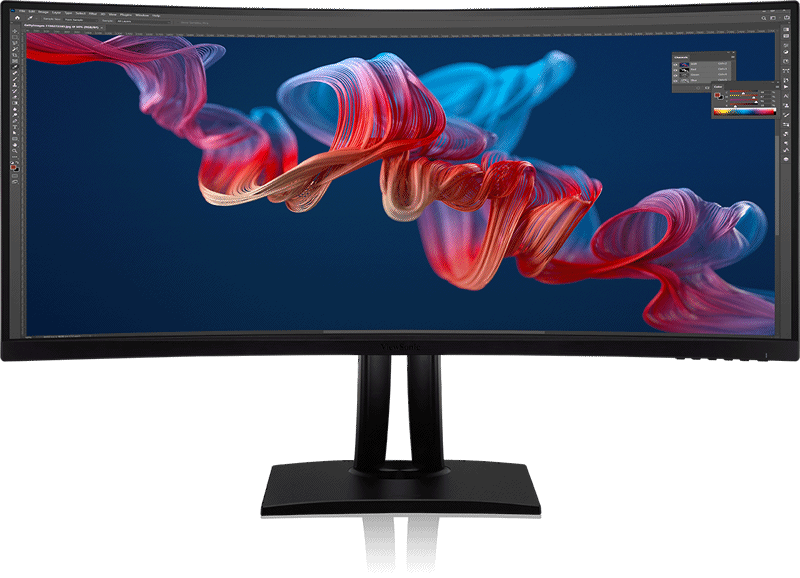
Balanced Uniformity
ViewSonic’s uniformity correction balances luminance performance on the VP3481a with calculated Delta Lv <5% precision, improving delta luminance variance to <5% for more consistent brightness from edge to edge.


Imagery has been simulated for demonstration purposes
Uniformity function only works while in sRGB, EBU, SMPTE-C and REC709 color modes
Total Immersion
Expanded Viewing Horizons for Maximum Focus
All-encompassing Curve
The extra screen real estate provided by the VP3481a’s ultra-wide panel is ideal for video editing and viewing while an 1800R curve provides peripheral immersion.
Sweeping Visuals
With a 34” UWQHD 3440 x 1440 resolution panel, the VP3481a takes stunning detail and extends it horizontally. 21:9 is the standard aspect ratio for cinematic video, meaning that videos can be played UWQHD 21:9 in full screen, free from letterboxing.
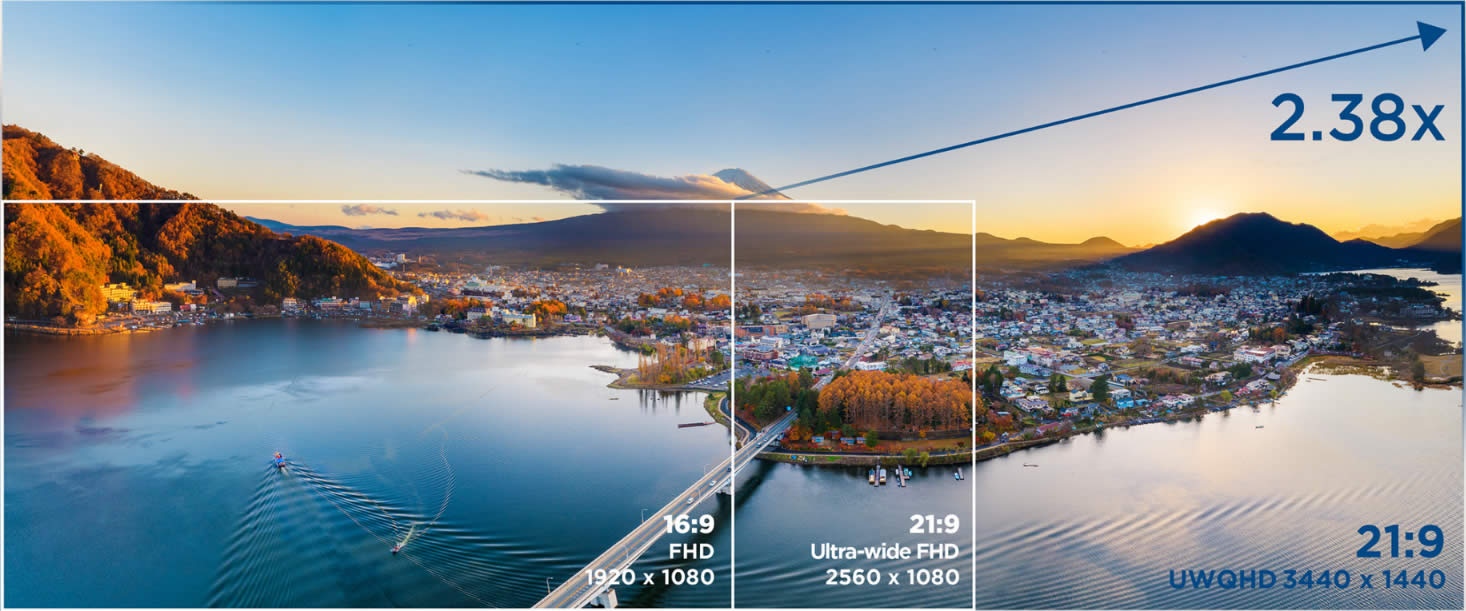
Vivid Video Detail
HDR10 High Dynamic Range content brings out the maximum possible detail in both the brighter and darker parts of the image for enhanced color and contrast ratios and a better overall viewing experience.


Imagery has been simulated for demonstration purposes
Smooth Gameplay
Enjoy tear-free images and smooth gaming with built-in FreeSync technology (refresh rate up to 100Hz). Extremely fast response times and fluid visuals eliminate stuttering and ghosting.
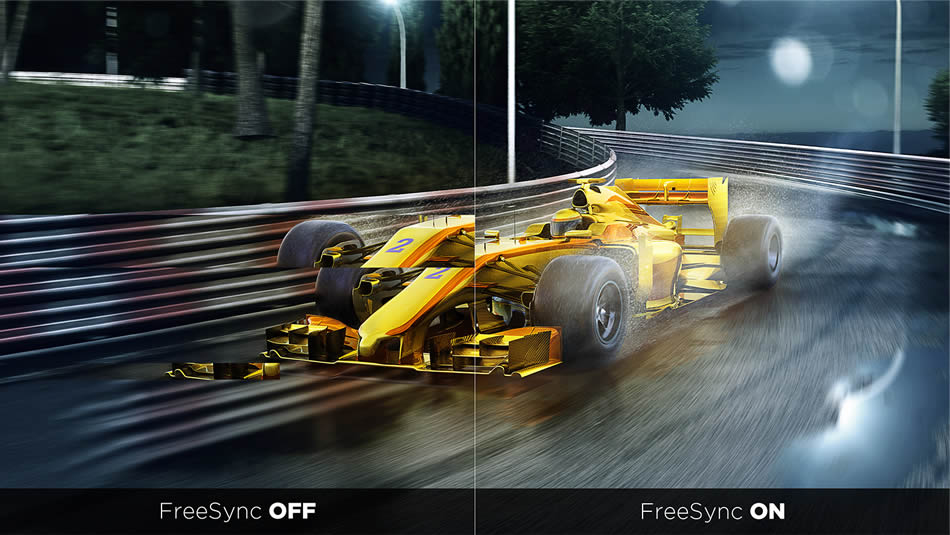
Imagery has been simulated for demonstration purposes
User Friendly Usage
Simplified Project Management and Comfortable Viewing
Seamless Workflow Solution
Industry-leading Keyboard, Video, Mouse (KVM) Switch technology with USB-C allows users to control peripherals used alongside VP3481a from a single keyboard and mouse. In addition, with advanced connectivity options including RJ45 and USB-C, this all-in-one display expands your laptop functionality and plugs all your devices directly into your docking monitor – VP3481a. Get a charge (that transmits 90W of power), and transfer data, video, and audio with a single cable connected to the USB-C port. The built-in Ethernet port provides an extra fast and stable network option.
Note: The USB-C port supports video, data transfer, and up to 90W power delivery; actual functionality depends on your device’s USB-C specifications. For proper operation, please ensure your device supports DisplayPort Alt Mode and USB Power Delivery (PD), and avoid using USB-C charging and DC power on the laptop at the same time.
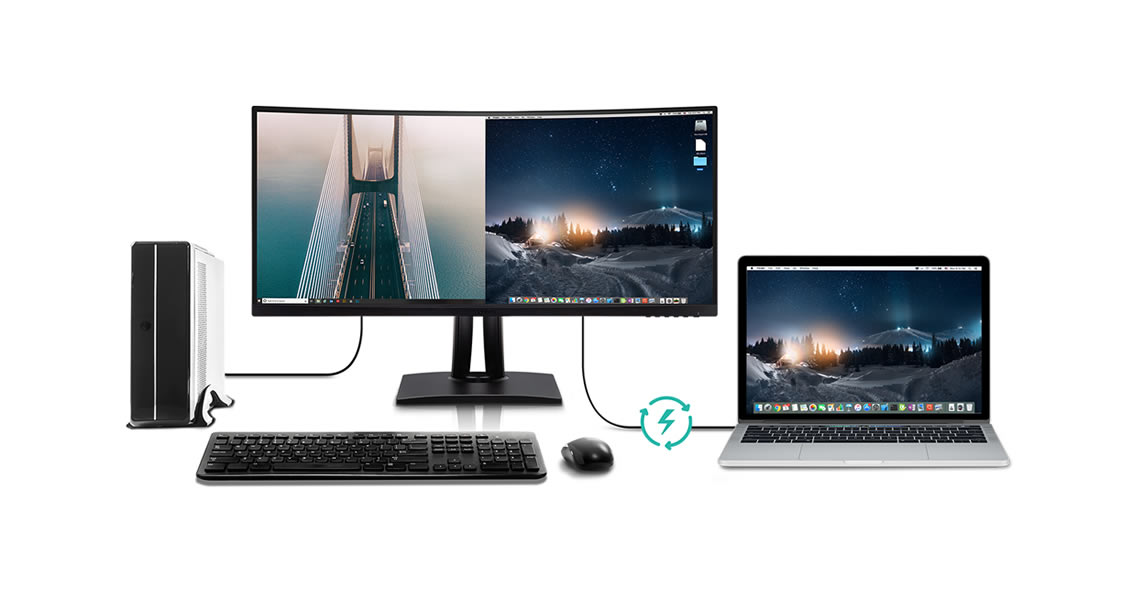
Speed Up Your Workflow
Multitasking has never been easier. Run multiple windows side-by-side and switch between layouts to suit the task at hand. Split Screen helps you clean up your desktop and speed up your workflow.
*Split Screen is the feature of vDisplay Manager and the software is free to download HERE.
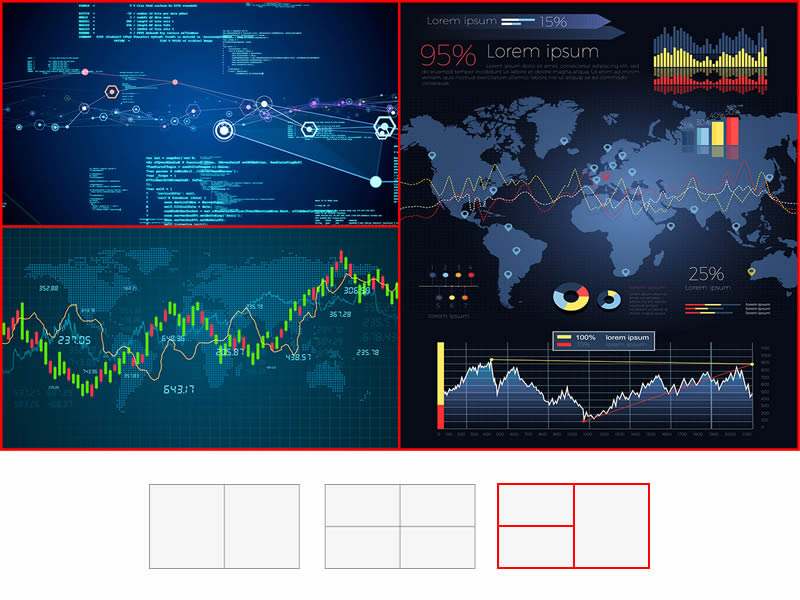
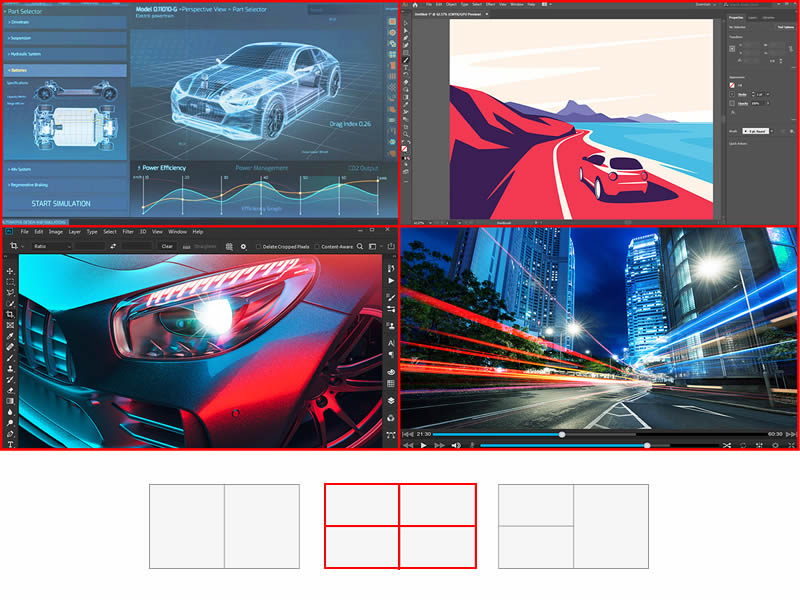
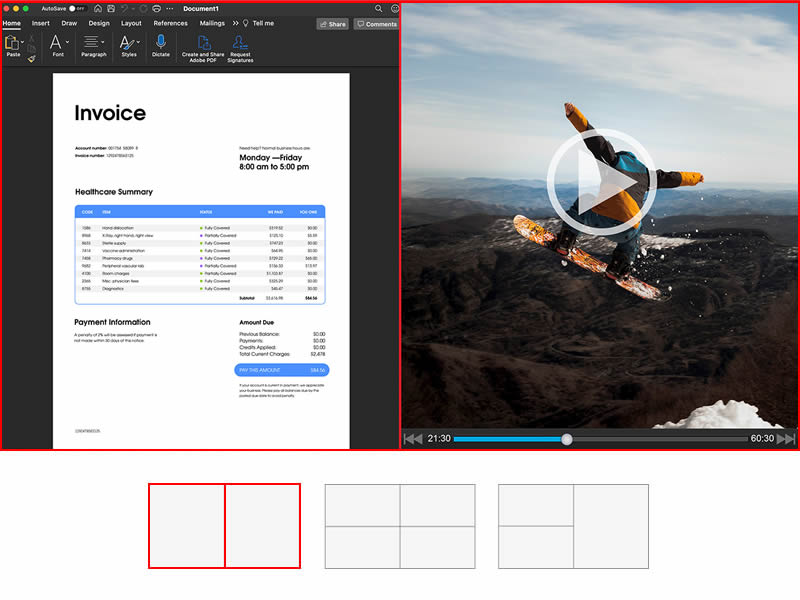
Flexible Positioning
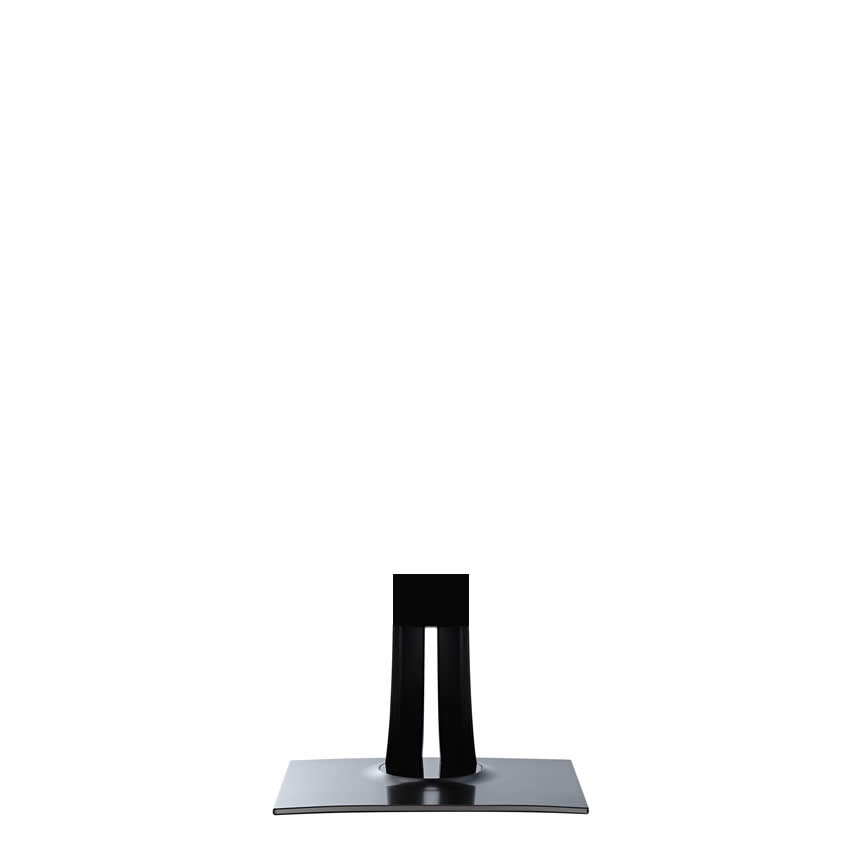
The VP3481a provides a full range of swivel, tilt, and height adjustments that allow you to find the most comfortable monitor positioning for you.
/VP81a/VP3881.gif)
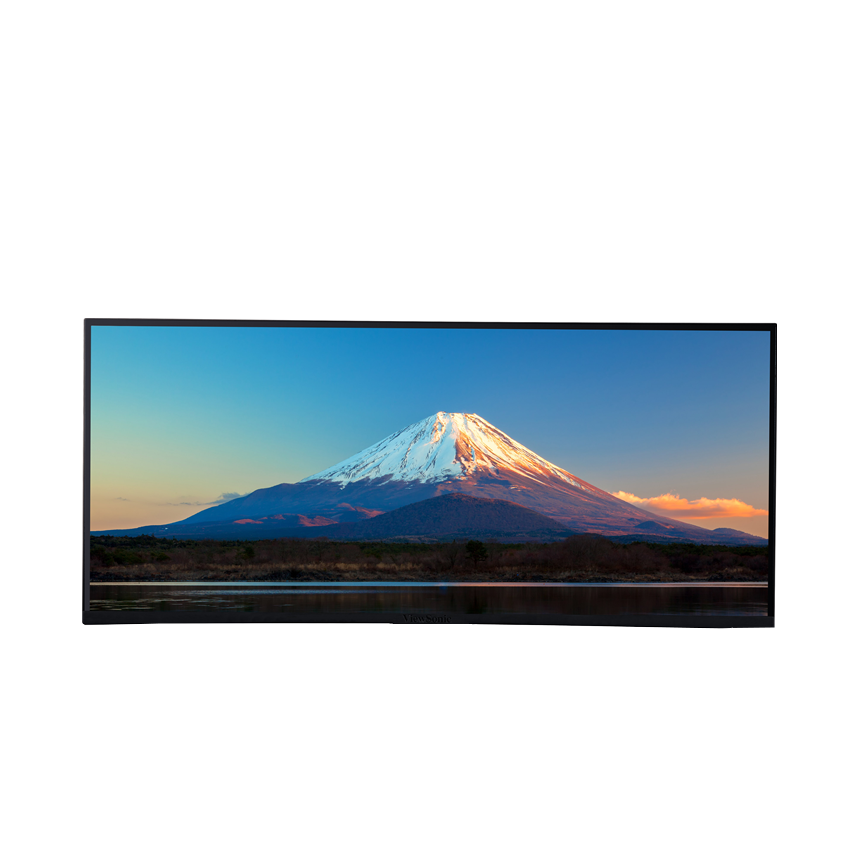
Imagery has been simulated for demonstration purposes
Fine-Tuned Audio
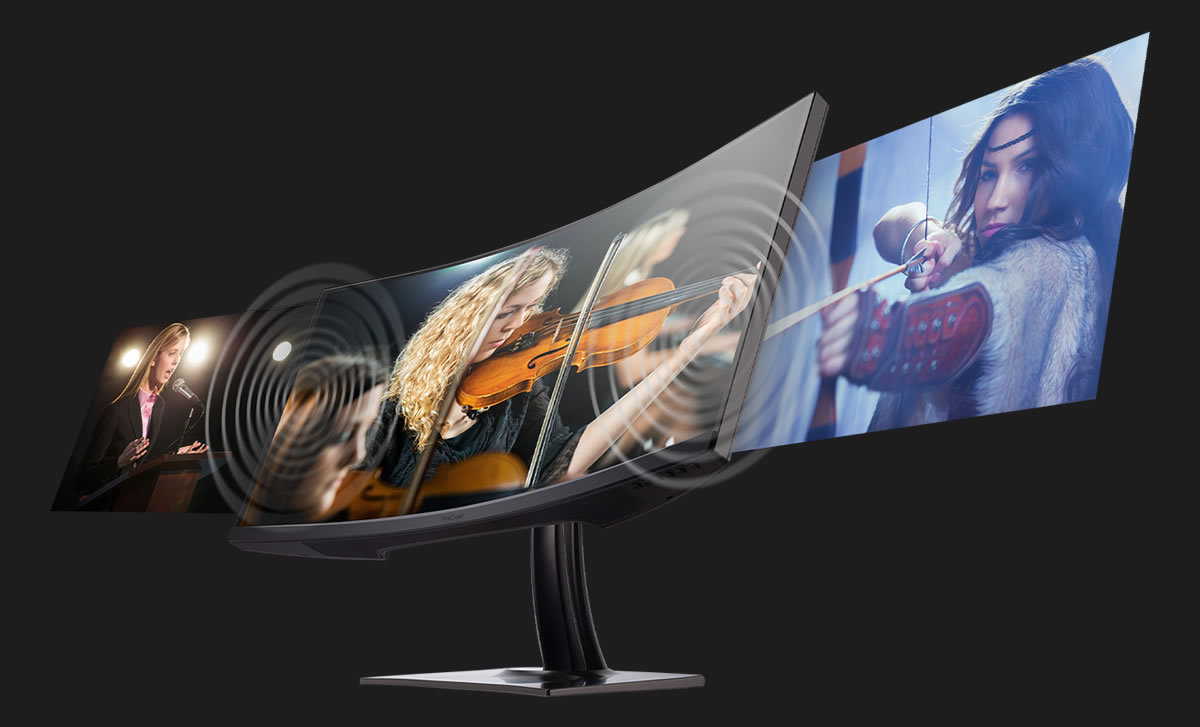
The VP3481a comes equipped with Sonic Mode to offer three levels of specialized audio enjoyment, including Standard, Music, and Theater, allowing you to select the perfect sound to fit your need.
Future-Proof Connectivity
Versatile and Secure Connectivity with a Wide Range of Devices
Eye Comfort
Flicker-Free and Blue Light Filtration technologies help to combat eye fatigue over extended viewing periods. Users stay protected from flickering and the harmful blue light responsible for headaches and sleeping disorders for a more comfortable experience.

Imagery has been simulated for demonstration purposes
Versatile Connectivity
HDMI, DP in, and USB-C inputs offer more flexibility for connecting the VP3481a with your other devices.

Quality Control
Tried and Tested Panel Performance
Flawless Color Out of the Box
Every unit is pre-calibrated at the factory and comes with its own color calibration report. Each report gives you a reading of your panel’s sRGB, EBU, SMPTE-C, REC709, and uniformity, giving you more additional item readings than a typical color report. In addition, time spent fine-tuning VP series monitors before they are ready to be used is four times more than competing brands, bringing our users the highest quality color calibration possible.
Please download your customized report HERE
PRODUCT GALLERY
SPECIFICATIONS
- DisplayDisplay Size (in.): 34
Viewable Area (in.): 34
Panel Type: VA Technology
Resolution: 3440 x 1440
Resolution Type: UWQHD (UltraWide QHD)
Static Contrast Ratio: 3,000:1 (typ)
Dynamic Contrast Ratio: 20M:1
High Dynamic Range: HDR10
Light Source: LED
Brightness: 400 cd/m² (typ)
Colors: 16.7M
Color Space Support: 8 bit true
Aspect Ratio: 21:9
Response Time (Typical GTG): 5ms
Response Time (GTG w/OD): 5ms
Viewing Angles: 178º horizontal, 178º vertical
Backlight Life (Hours): 30000 Hrs (Min)
Curvature: 1800R
Refresh Rate (Hz): 100
Variable Refresh Rate Technology: FreeSync
Low Blue Light: Software solution
Flicker-Free: Yes
Color Gamut: Adobe RGB: 89% size / 83% coverage (Typ)
DCI-P3: 88% size / 88% coverage (Typ)
EBU: 119% size / 100% coverage (Typ)
REC709: 120% size / 100% coverage (Typ)
SMPTE-C: 130% size / 100% coverage (Typ)
NTSC: 85% size (Typ)
sRGB: 120% size / 100% coverage (Typ)
Pixel Size: 0.232 mm (H) x 0.232 mm (V)
Surface Treatment: Anti-Glare, Hard Coating (3H) - CompatibilityPC Resolution (max): 3440x1440
Mac® Resolution (max): 3440x1440
PC Operating System: Windows 11 certified; macOS tested
Mac® Resolution (min): 3440x1440 - Connector
- AudioInternal Speakers: 5Watts x2
- PowerEco Mode (Conserve): 24.8W
Eco Mode (optimized): 28.7W
Consumption (typical): 33.6W
Consumption (max): 38.6W
Voltage: AC 100-240V
Stand-by: 0.5W
Power Supply: Internal Power Supply - Additional HardwareKensington Lock Slot: 1
Cable Organization: Yes - ControlsPhysical Controls: Key 1, Key 2, Key 3, Key 4, Key 5, Key 6 (power)
On Screen Display: Input Select, Audio Adjust, ViewMode, Color Adjust, Manual Image Adjust, Setup Menu - Operating ConditionsTemperature: 32°F to 104°F (0°C to 40°C)
Humidity (non-condensing): 20% to 90% - Wall Mount VESA Compatible: 100 x 100 mm
- Input SignalFrequency Horizontal: 15 ~ 135KHz
Frequency Vertical: 24 ~ 100Hz - Video InputDigital Sync: PCI-E - DisplayPort (v1.4), TMDS - HDMI (v2.1), Micro-Packet - Type C
- ErgonomicsHeight Adjust (mm): 130
Swivel: 120º
Tilt (Forward/Back): -6º / 21º - Weight (imperial)Net (lbs): 24.6
Net Without Stand (lbs): 16.1
Gross (lbs): 37.9 - Weight (metric) Net (kg): 11.2
Net Without Stand (kg): 7.3
Gross (kg): 17.2 - Dimensions (imperial) (wxhxd)Packaging (in.): 38 x 20.7 x 14.6
Physical (in.): 31.9 x 18.91~21.23 x 9.6
Physical Without Stand (in.): 31.9 x 14.4 x 4.1 - Dimensions (metric) (wxhxd)Packaging (mm): 965 x 525 x 370
Physical (mm): 809 x 480.46~539.23 x 243
Physical Without Stand (mm): 809 x 366 x 105 - GeneralRegulations: cTUVus, FCC-B, ICES003, CEC, MX-CoC, Mexico Energy, CE, CE EMC, CB, RoHS, ErP, REACH, WEEE, EAC, UkrSEPRO, RCM
PACKAGE CONTENTS: VP3481A x1, 3-pin Plug (IEC C13 / CEE22) x1, DisplayPort Cable (v1.2; Male-Male) x1, HDMI Cable (v2.0; Male-Male) x1, USB Type-C Cable (Male-Male) x1, USB A/B Cable (v3.2; Male-Male) x1, Quick Start Guide x1
Recycle/Disposal: Please dispose of in accordance with local, state or federal laws.
Warranty: *Warranty offered may differ from market to market


